
Disclosure: Datamagnet publishes this article. Product capabilities described below are based on public documentation, retrieved 2026-08-06.
How to Reduce Time-to-First-Touch in High-Volume Recruiting
Half of all candidate replies to recruiter outreach arrive within 4 hours (Pin, Recruiting Outreach Benchmarks 2026, 2026). If your team doesn't respond in that window, you're not just slow - you're invisible to a candidate who's already fielding three other offers.
High-volume recruiting makes this worse. The average recruiter now juggles 14 open requisitions, up 56% from just 9 in 2021, while handling over 2,500 applications each - a 2.7x jump in three years (Gem, 2025 Recruiting Benchmarks Report, 2025). This guide walks through six concrete steps to shrink time-to-first-touch, even when your team is stretched thin.
Key Takeaways
- Half of candidate replies arrive within 4 hours, and 74.8% within 24 hours (Pin, 2026) - miss that window and response rates drop fast.
- Recruiter workload has ballooned: 14 open reqs (up from 9) and 2,500+ applications per recruiter, with 23% smaller teams (Gem, 2025).
- 60% of candidates abandon applications that feel too slow or complex, and only 17% ever reach the interview stage (The Josh Bersin Company via Radancy, 2025).
- Real-time candidate and company data - not more headcount - is what closes the gap between application and first outreach.
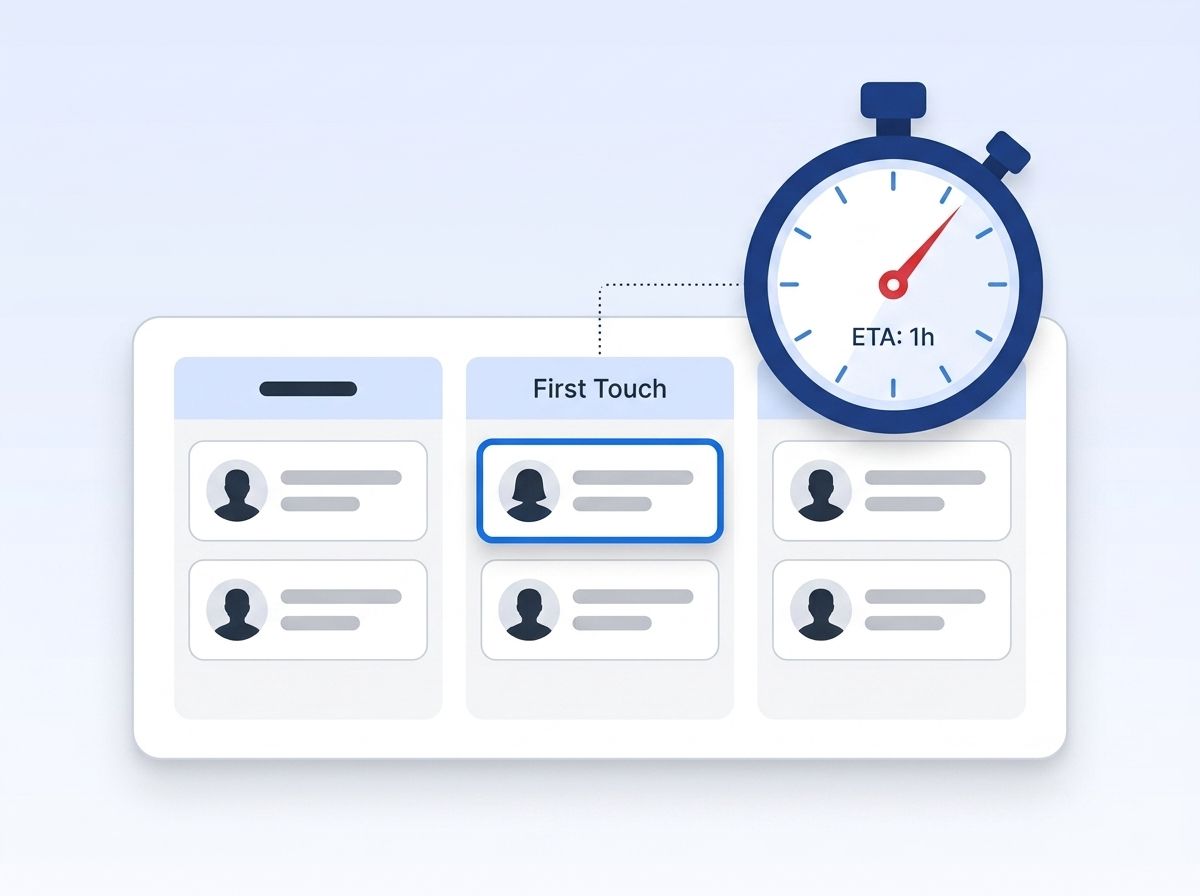
Most high-volume recruiting teams still measure time-to-hire as their north star metric. That's the wrong lever. Time-to-hire is the sum of a dozen stages you can't fully control - hiring manager availability, panel scheduling, offer approvals. Time-to-first-touch is the one stage that's almost entirely within the recruiting team's control, and it's the stage most correlated with whether a candidate stays engaged at all.
What Counts as Prerequisites Before You Start?
Before you touch your outreach process, you need visibility into where time is actually leaking. Most teams assume the bottleneck is recruiter bandwidth, but it's usually a data problem - recruiters waiting on stale contact info, manually checking LinkedIn, or working from an ATS field that hasn't synced in days.
What you'll need:
- An ATS or CRM with a timestamp field for "application received" and "first recruiter contact"
- A way to segment high-priority candidates from a general applicant pool
- Access to current contact and employment data, not a database snapshot
- Time to implement: 2-4 weeks for the full workflow below
- Difficulty: Intermediate
If you're not sure your current candidate data is trustworthy enough to build this on, start with how real-time B2B people enrichment keeps profile data current at the source.
Step 1: How Do You Measure Your Current Time-to-First-Touch Baseline?
By the end of this step, you'll know exactly how many hours pass between an application landing and a recruiter actually reaching out - not your assumed number, your real one. Most recruiting teams have never measured this precisely. They track time-to-fill and time-to-hire, but the gap between "candidate applies" and "candidate hears from a human" often goes unmeasured entirely, even though it's the single biggest predictor of whether that candidate stays in your pipeline.
- Pull the timestamp for application submission and first outbound contact (call, email, or message) from your ATS for the last 90 days
- Calculate the median and the 90th-percentile gap, not just the average - outliers hide where your process actually breaks
- Segment the results by req type, source channel, and recruiter to spot where delays cluster
Verification: You should end up with a single baseline number (in hours) and a breakdown showing your slowest 10% of candidates by wait time.
That number matters because the response window is narrow - half of all candidate replies happen within 4 hours of outreach, and 74.8% within 24 (Pin, 2026). A baseline slower than that tells you exactly how much ground you're losing before a candidate even opens your message.
This baseline only matters if the underlying CRM data feeding it is accurate - see how programmatic CRM enrichment keeps those timestamp and contact fields current in the first place.
Step 2: How Do You Segment High-Volume Reqs by Urgency and Candidate Scarcity?
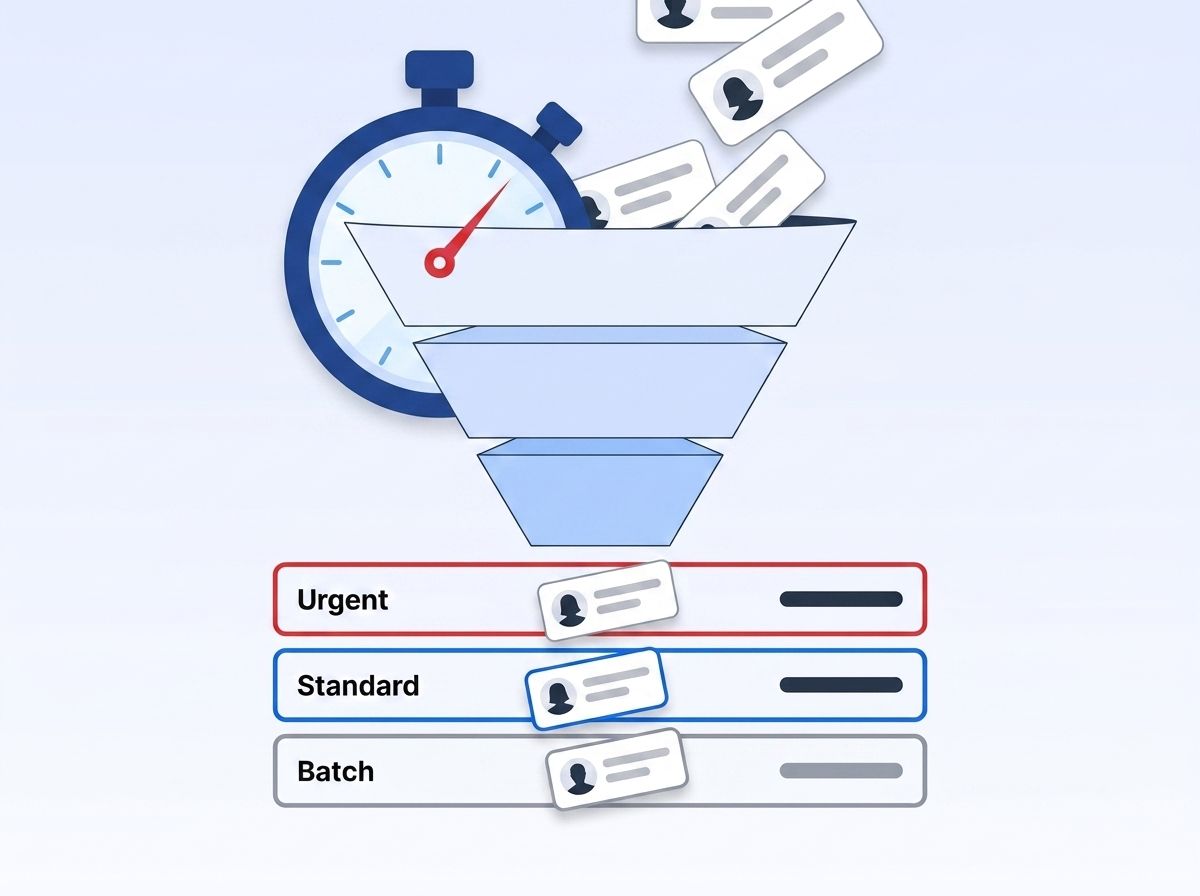
By the end of this step, you'll have a triage system that routes your fastest response capacity to the candidates most likely to disappear if you're slow. Not every requisition needs a 4-hour response. A niche technical role with three qualified candidates in the market needs speed far more than a high-volume retail req with 200 applicants. Treating every application identically wastes your fastest response capacity on candidates who aren't going anywhere.
- Tag reqs by talent scarcity - roles where candidates typically field multiple competing offers
- Set a tiered SLA: sub-4-hour response for scarce-talent reqs, same-business-day for standard high-volume reqs
- Build the tiering logic into your ATS routing rules so it's automatic, not a judgment call per application
Verification: Every open req should carry a visible response-time SLA that your team can see at a glance.
Step 3: How Do You Automate the First-Contact Trigger, Not Just the Reminder?
By the end of this step, first-contact outreach fires automatically the moment a qualifying application lands, instead of sitting in a recruiter's queue until they get to it. A calendar reminder to "follow up on new applicants" isn't automation - it's a to-do list item competing with 2,500 other applications. Recruiters carrying that volume (Gem, 2025, 2025) will always triage by what's loudest, not what's time-sensitive.
- Configure your ATS or sequencing tool to fire an automated first-touch message (SMS, email, or both) within minutes of application submission
- Personalize the trigger with live role and location data instead of a generic template
- Route a task to a human recruiter for same-day follow-up on any candidate who replies
Verification: Test with a dummy application and confirm the automated message sends in under 15 minutes.
<!-- [INFO-GAIN: original observation] -->Teams that automate the first touch but skip the human follow-up trigger often see worse outcomes than teams with no automation at all - candidates get an instant reply, then silence for days, which reads as worse than a slower but consistent response. Automation has to hand off to a person, not replace them.
Step 4: How Do You Verify Contact Data Before You Send, Not After a Bounce?
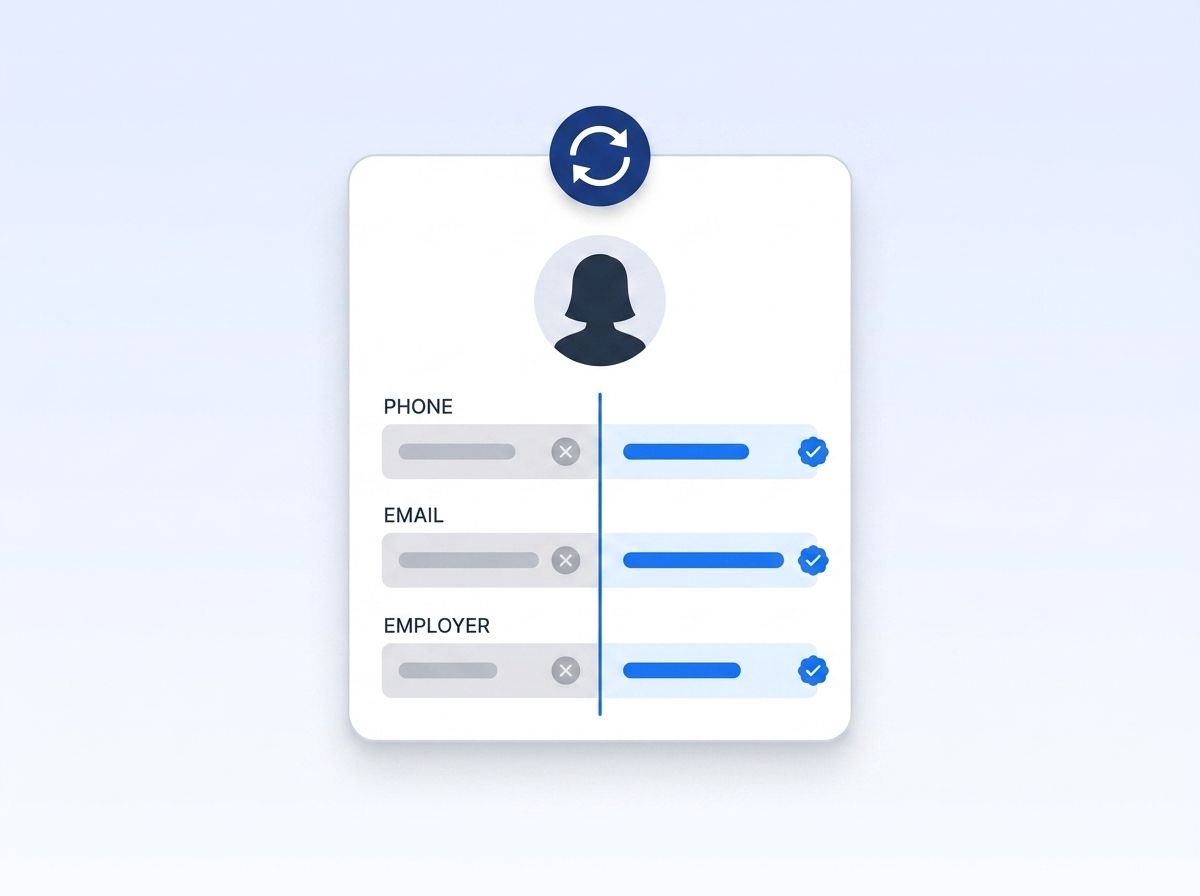
By the end of this step, your outreach sends against live, current contact and employment data instead of whatever was captured when the candidate first applied weeks or months ago. A candidate's phone number, email, or current employer can go stale between application and outreach, especially for passive candidates sourced from a database rather than an inbound applicant. A bounced first message doesn't just fail - it resets your time-to-first-touch clock while the candidate never even knows you tried.
- Cross-check candidate contact and current-employer data against a live source before your first outreach attempt
- Datamagnet's People Profile endpoint fetches a candidate's current role, headline, and company live from their LinkedIn profile, so outreach reflects where they actually work today
- Flag and re-verify any record older than 30 days before it enters an active outreach sequence
Verification: Your bounce and undeliverable rate on first-touch messages should drop measurably within one sourcing cycle.
Step 5: Prioritize Sourced Candidates Using Recent Signal Data
By the end of this step, you'll reach out to sourced candidates while a relevant signal is still fresh - a promotion, a new post, a job change - instead of cold-messaging based on a static profile. Cold outreach to a passive candidate competes with every other recruiter message in their inbox. A message that references something timely - a recent job change or a relevant post - gets read differently than a generic template, and it only works if the signal is still current.
- Set up a job-change signal on target-company employee lists so you're notified the moment someone in a role you hire for changes jobs
- Use ICP People Search to filter candidate pools by title, seniority, and location before your recruiters spend time manually screening
- Deliver signal alerts through a webhook directly into your sourcing sequence tool so outreach fires the same day the signal triggers
Verification: Check that time between "signal detected" and "outreach sent" is measured in hours, not days.
The payoff shows up in sourcing speed directly - AI-enabled talent acquisition workflows deliver up to a 50% improvement in sourcing speed (The Josh Bersin Company via Radancy, 2025), largely because recruiters stop manually re-checking profiles that automated signals already flagged.
This is the same live-signal principle covered in how real-time intent signal APIs track job changes for sales teams - recruiting teams can run the identical playbook against their own candidate pools.
Step 6: How Do You Build a Feedback Loop That Catches Drift Before It Costs You Candidates?
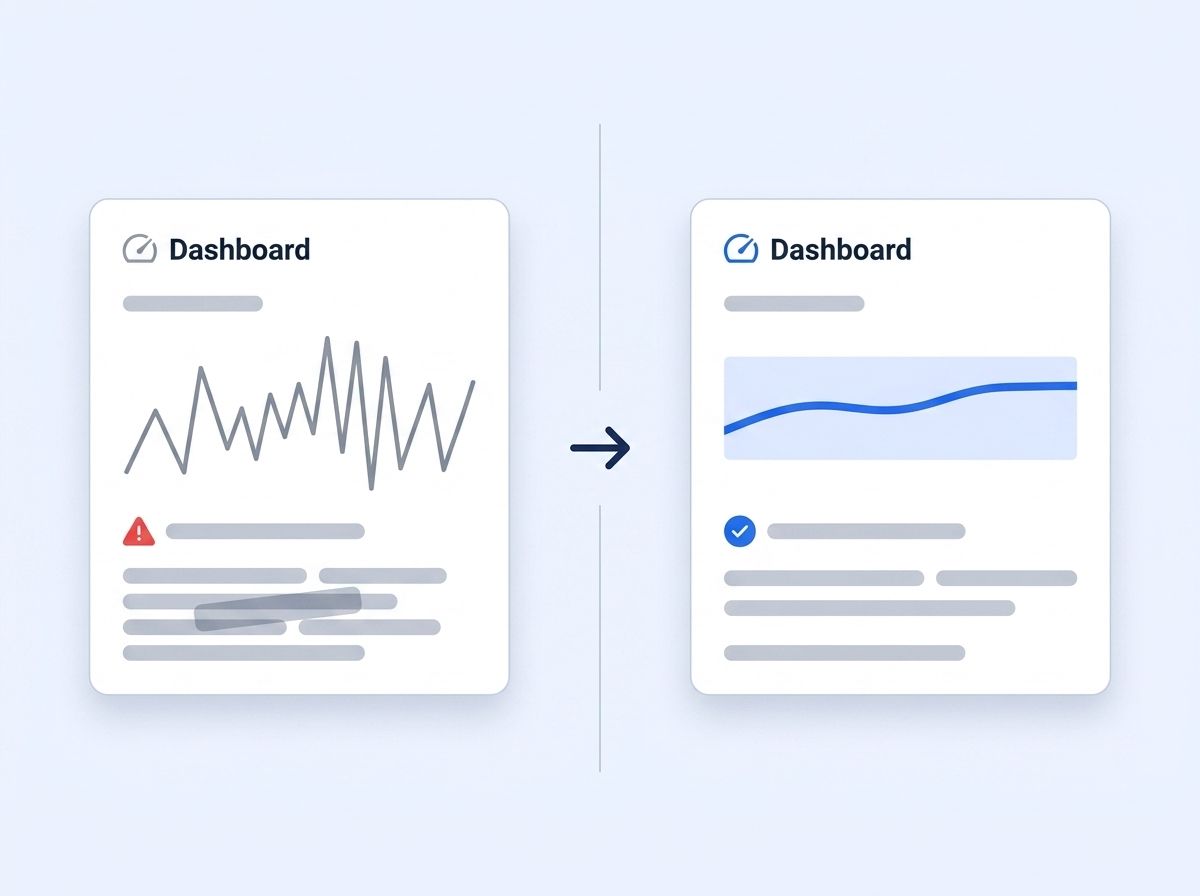
By the end of this step, you'll have a recurring check that flags when time-to-first-touch creeps back up, instead of discovering it three months later in a quarterly report. Response times drift. A process that hits a 4-hour SLA in week one slips to 12 hours by week six as recruiters get busier, unless something forces visibility. Isn't it strange that teams will obsess over time-to-fill dashboards but rarely put time-to-first-touch on the same screen?
- Add time-to-first-touch as a tracked metric on your weekly recruiting ops dashboard, alongside time-to-fill
- Set an automated alert when the rolling 7-day median exceeds your SLA threshold
- Review the slowest 10% of candidates monthly to find whether delays cluster by recruiter, req type, or data quality
Verification: Your dashboard should show a trend line, not just a single current-period number, so drift is visible before it becomes a pattern.
What Mistakes Slow Down First Touch?
The single most common mistake is treating time-to-first-touch as a recruiter discipline problem instead of a data and workflow problem. Recruiters aren't slow because they don't care - they're slow because they're managing 2,500+ applications with contact data that's often already out of date (Gem, 2025, 2025).
1. Treating every applicant identically Teams route all applications through the same first-touch sequence regardless of role scarcity or candidate quality. Recruiters end up spending equal time on candidates who are easy to replace and candidates who'll be gone by tomorrow. Fix: tier your SLAs by scarcity, as covered in Step 2.
2. Automating the message but not the handoff A chatbot or auto-reply sends instantly, but no human follows up for days. Candidates read the silence after the bot as worse than a slower, human-only process. Fix: always pair automation with a same-day human task, as in Step 3.
3. Sourcing against a stale database Recruiters pull candidate lists from a CRM that hasn't been checked against a live source in months, so first-touch messages reference outdated titles or companies. Fix: verify against a live data source before sending, as in Step 4.
<!-- [PERSONAL EXPERIENCE] -->Watching a high-volume team roll out an automated SMS trigger without fixing their underlying contact data is a common pattern - message volume goes up, reply rates barely move, and the team concludes "candidates just don't respond anymore." The real issue was usually that a third of the numbers being messaged were already wrong.
4. No visibility into drift Teams measure time-to-first-touch once, during a process rollout, and never again. Six months later it's crept back to where it started. Fix: build the recurring dashboard check from Step 6.
These four mistakes compound - 60% of candidates abandon applications that feel too slow or overly complex (The Josh Bersin Company via Radancy, 2025), and each mistake above adds friction that pushes a candidate closer to walking away.
What Does Success Look Like After Implementing This Playbook?
If everything's working correctly, your rolling median time-to-first-touch should sit inside your tiered SLA - sub-4-hours for scarce-talent reqs, same-day for standard high-volume reqs - and stay there without manual monitoring. You'll see it first in response rates: faster outreach consistently lands inside the four-hour window where half of all candidate replies happen (Pin, 2026), bounce rates on first-contact messages drop, and fewer candidates vanish before their first interview.
Key indicators of success:
- First-touch response rate improves, since faster outreach lands inside the window where half of all candidate replies happen (Pin, 2026)
- Bounce and undeliverable rates on first-contact messages drop
- Fewer candidates disappear between application and first interview - a gap where roughly 6 in 10 abandon slow processes (Josh Bersin Company via Radancy, 2025)
Stretch goal: Once first-touch is consistently fast, apply the same signal-and-webhook approach from Step 5 to re-engage silver-medalist candidates from past reqs the moment a new opening matches their profile.
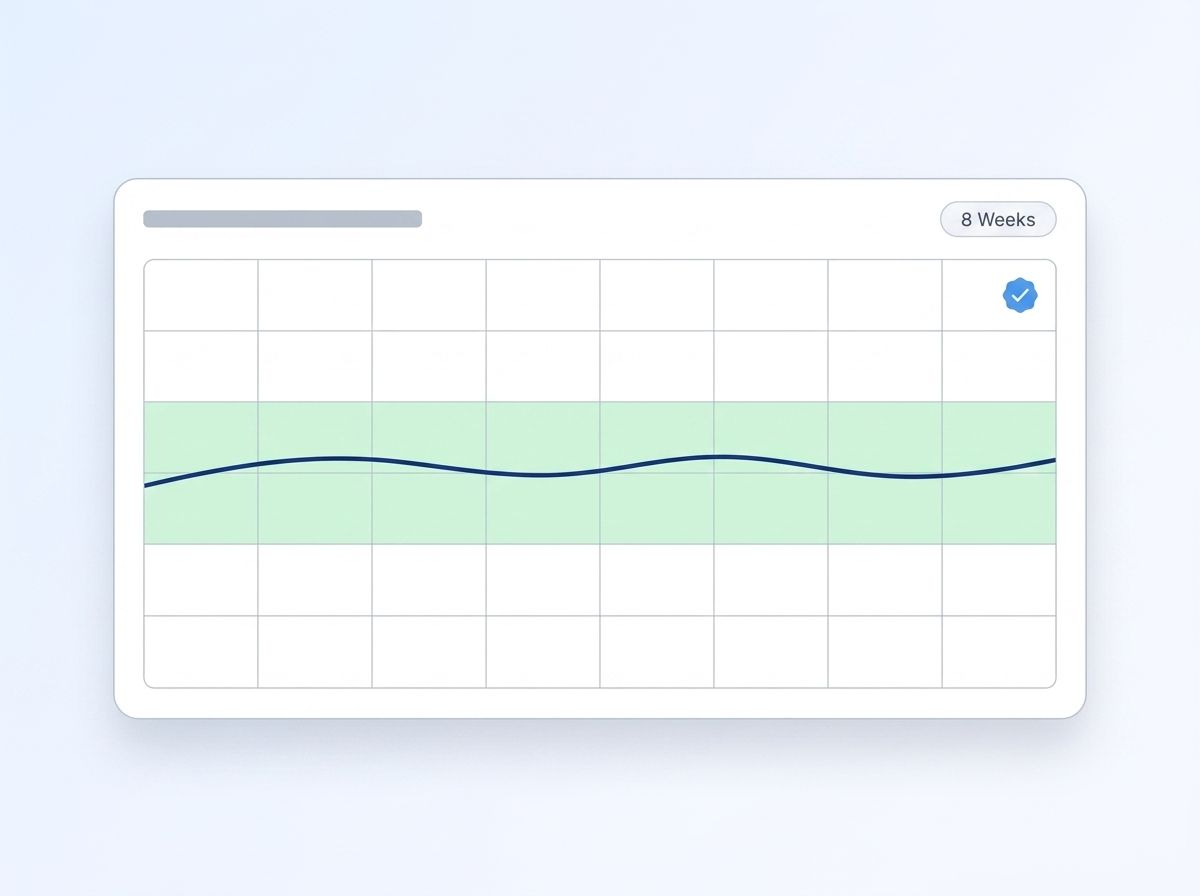
Once first-touch is fast and consistent, extend the same approach to sourcing itself - Datamagnet's People Search Database lets you pull fresh candidate lists instantly instead of working from an aging export.
Why Are Ghosting and Time-to-First-Touch the Same Problem?
Slow first touch and candidate ghosting aren't separate problems - they're the same failure showing up on opposite sides of the conversation. Candidate hiring-process abandonment rose from 37% in 2019 to 62% in 2024 (The Interview Guys, 2025 Ghosting Index, 2025), and 75% of job applications get zero employer response at all.
Citation capsule: When 75% of applications never get an employer response, candidates start applying under the assumption they'll be ignored - so when a recruiter does reach out slowly, the candidate has often already mentally checked out. Fast first touch isn't just courteous; it's the difference between a candidate who's still paying attention and one who's moved on.
Ghosting compounds by pipeline stage, too - 24% of candidates who go silent do so right after the initial recruiter call, more than any later stage (Pin, Employer Ghosting Index 2026, 2026). That's the exact stage this guide is built to protect.
Frequently Asked Questions
What is time-to-first-touch in recruiting?
Time-to-first-touch is the elapsed time between a candidate applying or being sourced and receiving their first direct contact from a recruiter. It's distinct from time-to-hire, which measures the entire pipeline. Half of candidate replies happen within 4 hours of outreach (Pin, 2026), making the first-touch window the highest-leverage stage to optimize.
What's a good time-to-first-touch benchmark for high-volume recruiting?
Aim for sub-4-hours on scarce-talent roles and same-business-day for standard high-volume reqs. These targets align with when most candidate replies actually happen - 74.8% arrive within 24 hours (Pin, 2026), so anything slower than a day already misses most of the response window.
Can I automate time-to-first-touch entirely?
The initial trigger can be automated, but a human handoff still matters. Automated messages that never get a human follow-up often perform worse than no automation, since candidates read the silence after a bot reply as a red flag. Pair automation with same-day recruiter follow-up, as covered in Step 3.
How does slow first-touch relate to candidate ghosting?
They're connected failure points in the same process. Candidate application abandonment climbed from 37% to 62% between 2019 and 2024 (The Interview Guys, 2025), and 24% of candidates who eventually go silent do so right after their first recruiter call - the exact stage slow first-touch damages most.
Does fixing time-to-first-touch require more recruiters?
No - it requires better data and workflow design, not more headcount. Recruiter teams shrank 23% while application volume rose 2.7x (Gem, 2025), so adding headcount isn't realistic for most teams. Automating triage, verifying contact data before sending, and prioritizing by live signals get more done with the same team size.
Start Closing Your First-Touch Gap This Week
Time-to-first-touch isn't a nice-to-have metric - it's the stage where most high-volume recruiting pipelines quietly lose candidates before anyone notices. Measure your baseline, tier your SLAs by scarcity, automate the trigger with a human handoff, and verify contact data before every send. Review security and data practices before connecting any automated workflow to live candidate data, since compliance requirements vary by jurisdiction. See how real-time people data keeps recruiter outreach current - check your own time-to-first-touch baseline this week.
Sources
- Pin, Recruiting Outreach Benchmarks 2026, retrieved 2026-08-06, https://www.pin.com/blog/recruiting-outreach-benchmark-report/
- Pin, Employer Ghosting Index 2026, retrieved 2026-08-06, https://www.pin.com/blog/employer-ghosting-index/
- Gem, 10 Takeaways from the 2025 Recruiting Benchmarks Report, retrieved 2026-08-06, https://www.gem.com/blog/10-takeaways-from-the-2025-recruiting-benchmarks-report
- SHRM, 2025 Recruiting Benchmarking Report, retrieved 2026-08-06, https://www.shrm.org/about/press-room/shrm-releases-2025-benchmarking-reports--how-does-your-organizat
- The Josh Bersin Company via Radancy, The Talent Acquisition Revolution, retrieved 2026-08-06, https://blog.radancy.com/2025/10/21/the-josh-bersin-company-report-recap-the-talent-acquisition-revolution/
- The Interview Guys, The 2025 Ghosting Index, retrieved 2026-08-06, https://blog.theinterviewguys.com/the-2025-ghosting-index/
- Datamagnet, People Profile endpoint, retrieved 2026-08-06, https://docs.datamagnet.co/api-reference/endpoints/people
- Datamagnet, ICP People Search endpoint, retrieved 2026-08-06, https://docs.datamagnet.co/api-reference/endpoints/icp-people-search
- Datamagnet, Create Signal endpoint, retrieved 2026-08-06, https://docs.datamagnet.co/api-reference/endpoints/signal-create
- Datamagnet, Webhooks, retrieved 2026-08-06, https://docs.datamagnet.co/api-reference/webhooks
