
Disclosure: This article is published by Datamagnet. Vendor claims are self-reported unless otherwise noted.
How to Prevent Data Quality Regression After a CRM Migration
In 2025, Validity surveyed 602 CRM users and found that 37% had lost revenue directly tied to poor data quality, with 1 in 4 companies taking a 20%-plus hit to annual revenue (Validity, The State of CRM Data Management in 2025, 2025). A CRM migration is often the exact moment that damage gets locked in - field mappings break, dedup rules reset, and validation logic that took years to tune doesn't survive the move to a new platform.
If you just migrated CRMs, or you're mid-project right now, the real risk isn't cutover weekend. It's the slow bleed afterward, when nobody's watching the data as closely as they were during testing. This guide walks through a 7-step framework for catching that regression before it costs you a quarter's worth of pipeline.
Key Takeaways
- 37% of organizations report losing revenue directly from poor CRM data quality, and 1 in 4 see a revenue drop of 20% or more (Validity, 2025).
- 76% of CRM users say less than half their organization's data is accurate and complete - a migration rarely fixes that number on its own (Validity, 2025).
- Only 71% of organizations have a formal data governance program, meaning roughly 3 in 10 have no structured way to catch regression after go-live (Precisely with Drexel University, 2025).
- Email data alone decays by at least 23% a year (ZeroBounce, 2026) - a rate that compounds fast during the unmonitored weeks right after a migration.
- Baseline your quality metrics before cutover, freeze non-essential CRM changes during the move, and run automated field-level checks for the first 90 days after go-live.
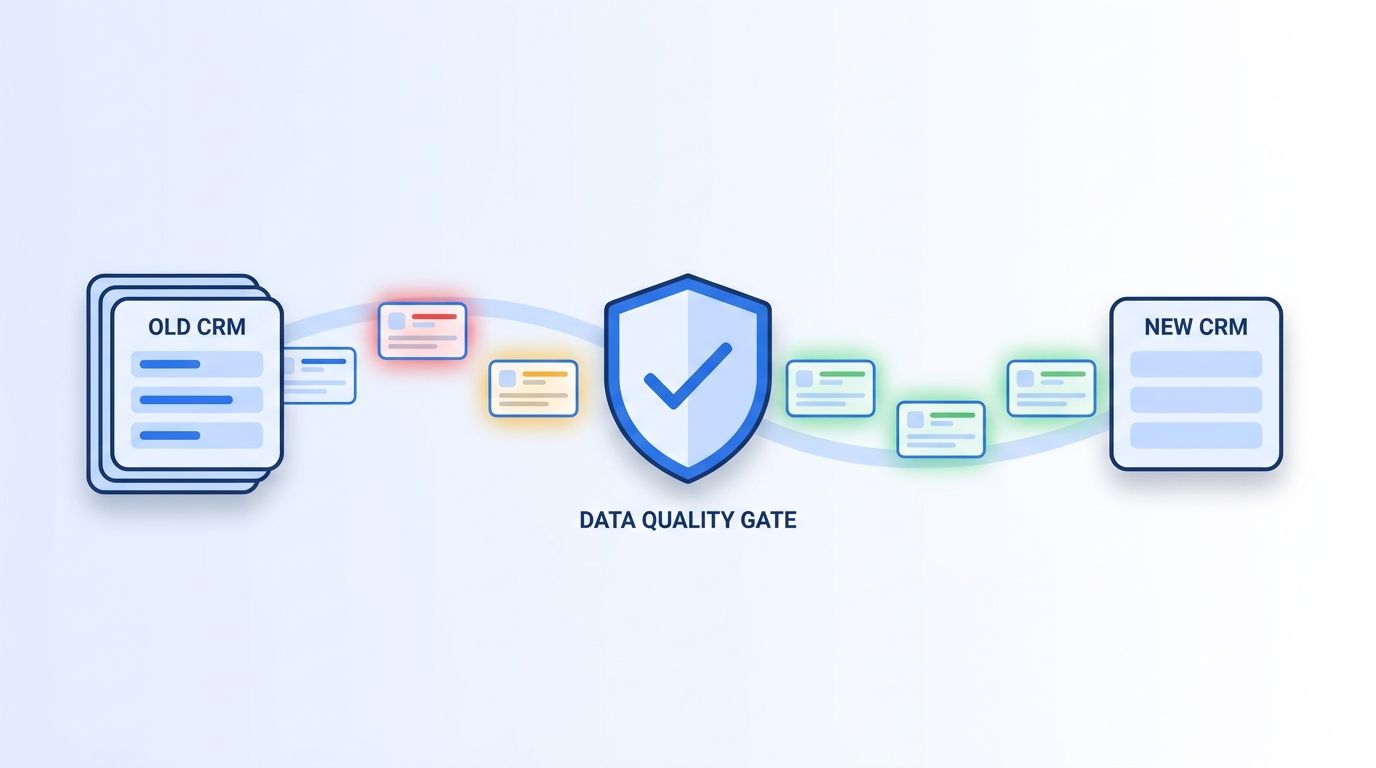
What Do You Need Before You Start?
Before you touch a single validation rule, gather three things: a data quality baseline from your old CRM (accuracy, duplicate rate, and fill rate on your 10 most-used fields), documented access to both the old and new systems during the transition window, and a list of every downstream tool that reads from your CRM - marketing automation, outbound sequencing, BI dashboards. You'll also want buy-in from whoever owns the migration timeline, because catching regression early sometimes means slowing down cutover.
Time needed: About 3-4 hours to set up monitoring, plus ongoing checks for 90 days. Difficulty: Intermediate - no engineering background required, but you'll want admin access to both CRMs.
If your migration includes enrichment as a step, Datamagnet's programmatic CRM enrichment covers how automated field population changes the data quality math before you even start.
Step 1: How Do You Baseline Your Data Quality Metrics Before You Migrate?
By the end of this step, you'll have a written snapshot of exactly how accurate your CRM data was on the day before migration - the number every future comparison gets measured against. Skip this and you'll have no way to prove whether the migration improved things or made them worse.
Pull a sample of at least 500 records and score them on four dimensions: field completeness, format validity, duplicate rate, and freshness (when was each record last verified against a live source). Isn't it a little alarming how many teams migrate without ever running this check? In 2025, Validity found that 76% of CRM users believe less than half of their organization's data is accurate and complete (Validity, The State of CRM Data Management in 2025, 2025). If that's roughly where you're starting, write it down. It's your baseline, not your excuse.
Citation capsule: A pre-migration baseline is the only way to prove regression happened at all. Without one, a team that inherits a messy CRM after migration has no way to tell whether the mess is new or whether it was always there - and Validity's 2025 survey found 76% of CRM users already believe less than half their data is accurate before anyone touches a migration project.
Step 2: Freeze Non-Essential Changes During the Migration Window
By the end of this step, you'll have locked down every source that writes to your CRM except the migration tool itself - the single most common gap that lets duplicate and conflicting records slip in during the move. A migration in progress is not the time for a marketing automation platform to keep syncing new leads on its normal schedule.
Turn off or pause every non-essential integration that writes to your CRM: marketing automation syncs, form-fill enrichment tools, manual bulk imports, and any Zapier or n8n workflow touching contact records. Leave only the migration pipeline itself writing data. Document the exact freeze window (start and end timestamp) so you can later audit anything that slipped through.
<!-- [PERSONAL EXPERIENCE] -->We've watched a marketing automation sync stay active through an entire weekend cutover once, quietly re-creating 400 "new" leads that were actually existing records mid-transfer. Nobody caught it until reps started double-dialing people who'd already been contacted. A freeze window costs you a day of inconvenience. Skipping it costs you weeks of cleanup.
Step 3: How Do You Validate Field Mappings Before You Trust a Single Record?
By the end of this step, you'll know for certain that every critical field mapped correctly between systems, not just that the migration tool reported "success." A green checkmark from a migration tool tells you the transfer completed - it says nothing about whether "Job Title" landed in the right column.
Pull 25-50 records at random and manually compare them field-by-field between the old and new CRM. Pay special attention to picklist and dropdown fields, where value mismatches (old system says "VP Sales," new system expects "Vice President, Sales") silently drop data into an "Other" bucket or blank field. Check custom fields last - they're the ones migration vendors are least likely to have tested against your specific schema.
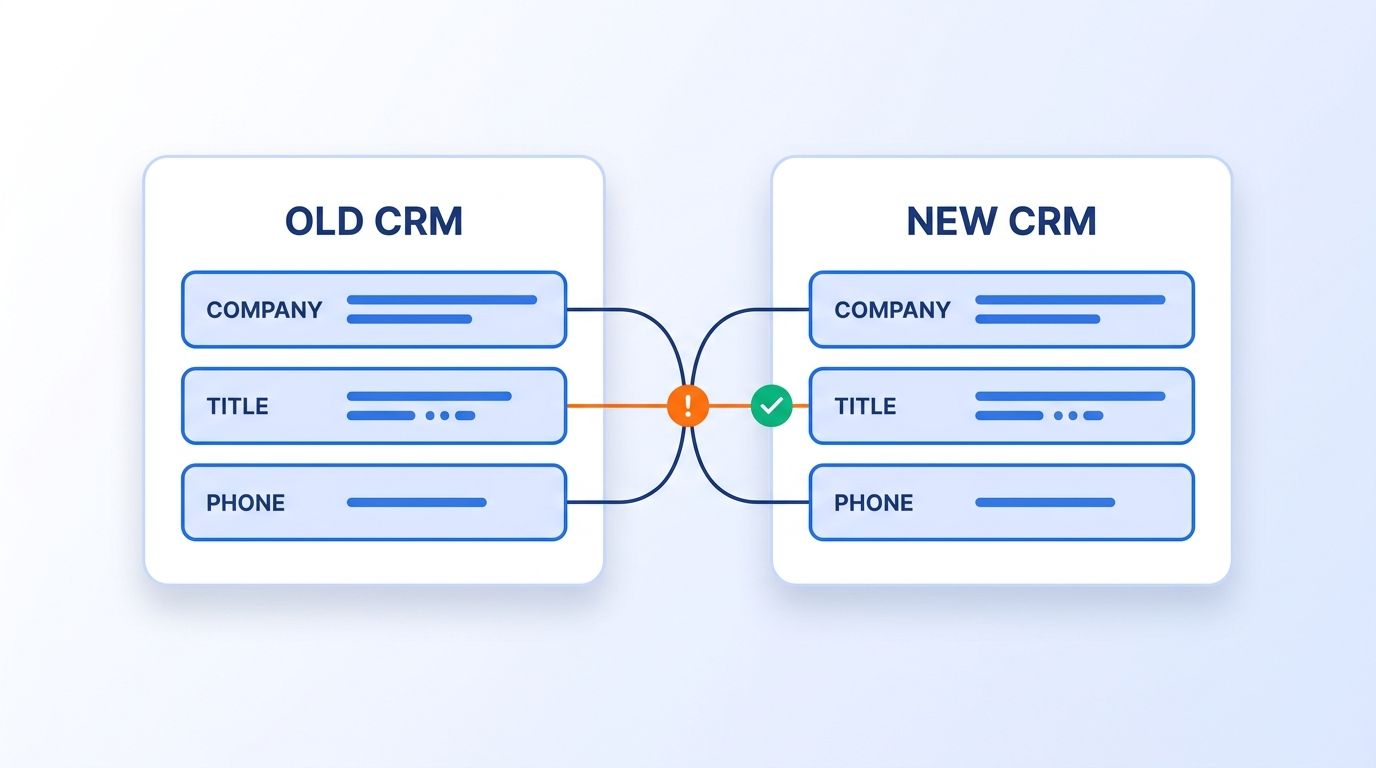
Most teams treat a successful migration report as proof the data is fine. That's backwards. A migration tool validates that a value moved from field A to field B - it can't tell you whether field B was the right destination for your business logic. The only real validation is a human spot-checking records against what the old system actually showed, which is why this step can't be automated away entirely.
Step 4: How Do You Rebuild Your Deduplication Rules in the New System?
By the end of this step, you'll have working duplicate-detection rules in your new CRM that match or exceed what you had in the old one - not the platform's generic defaults. Most CRMs ship with a basic exact-match dedup rule out of the box, and that catches almost nothing that matters.
Rebuild matching logic for the fields that actually create duplicates in your business: company domain plus person name, phone number normalization, and fuzzy matching on company name variants ("Acme Inc." vs. "Acme Incorporated"). If your old CRM used HubSpot or a similar platform's native dedup tooling, don't assume the new platform's equivalent behaves the same way by default - test it against a known set of duplicate pairs from your old system first.
Step 5: Automate Real-Time Verification for the First 90 Days
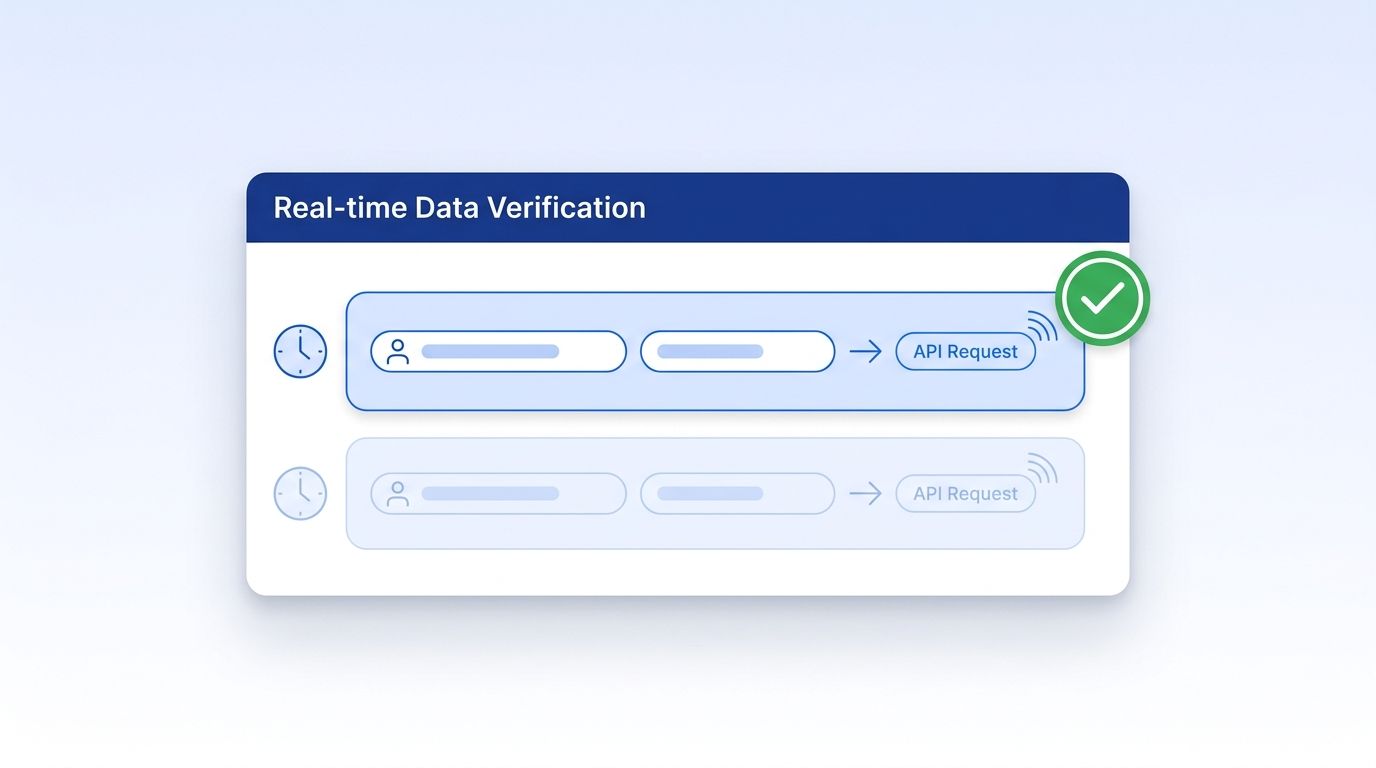
By the end of this step, you'll have a standing process that checks contact and company records against a live source instead of trusting whatever the migration tool wrote once. A one-time cleanup only proves your data was accurate on the day you ran it - and data starts decaying again immediately.
In 2026, ZeroBounce analyzed more than 11 billion email validations and found that at least 23% of an email list degrades within a single year as people change jobs and abandon old addresses (ZeroBounce, The Email List Decay Report for 2026, 2026). That decay doesn't pause because you just migrated - if anything, the first 90 days after go-live are when nobody's watching closely enough to catch it. Wire up real-time verification through an API like Datamagnet's Company Profile and People Profile endpoints so records get checked against a live source at the moment they're touched, not on a quarterly batch schedule.
Step 6: How Do You Set Up Alerts for Regression Instead of One-Time Cleanup?
By the end of this step, you'll get notified the moment quality metrics slip, instead of discovering the problem three months later when a rep complains. A dashboard nobody checks is just decoration.
Set threshold alerts on the same metrics from your Step 1 baseline: duplicate rate crossing a set percentage, bounce rate on new email sends, or a spike in blank required fields. Datamagnet's signal creation endpoint and webhooks can push job-change and record-update events straight into your alerting workflow, so a stale record gets flagged the moment the underlying data changes, not weeks later.
By 2025, 71% of organizations reported having a formal data governance program, up from 60% in 2023 (Precisely with Drexel University LeBow College of Business, 2025 Outlook: Data Integrity Trends and Insights, 2025). That's real progress - but it also means close to 3 in 10 organizations are migrating CRMs with no structured process to catch what breaks afterward.
Step 7: Who Should Own Data Quality So Regression Doesn't Become No One's Problem?
By the end of this step, you'll have one named person accountable for post-migration data quality - not a committee, not "the RevOps team" in general. Diffuse ownership is how regression sits unnoticed for months.
Name a single data quality owner for the first 90 days post-migration, give them access to the alerts from Step 6, and put a recurring 15-minute check-in on the calendar. Their job isn't to fix every bad record personally. It's to notice when the trend line moves the wrong way and pull in help before it compounds. In 2025, Validity found that CRM users spend an average of 13 hours a week hunting for basic information they don't trust in the system (Validity, The State of CRM Data Management in 2025, 2025) - clear ownership is what turns that wasted time back into productive hours.
What Are the Most Common Mistakes to Avoid?
Most post-migration data quality failures trace back to a handful of avoidable mistakes, not bad luck. Here are the ones we see most often.
1. Treating the migration tool's success report as proof of data quality. A "migration complete" message confirms records moved - it says nothing about whether they moved correctly. The fix: always spot-check manually, per Step 3.
2. Turning monitoring off once the migration wraps. Teams treat cleanup as a one-time project instead of an ongoing process, then wonder why the CRM looks bad again six months later. The fix: keep the Step 5 verification pipeline running well past the "official" migration end date.
<!-- [UNIQUE INSIGHT] -->3. Assuming the new CRM's default settings match the old one's business logic. This is the mistake we see most and hear about least - teams assume a required field, a validation rule, or a dedup threshold carried over automatically, when in fact every CRM platform ships with its own defaults that silently override what you spent years tuning. The fix: audit validation rules and required fields explicitly, don't assume.
4. Skipping the freeze window because "it's just a few days." Even a short window of unmanaged writes during cutover can seed duplicate records that take weeks to untangle. The fix: freeze non-essential writes per Step 2, no exceptions.
5. Not naming an owner. When quality is "everyone's job," it's effectively no one's job. The fix: assign a single accountable owner per Step 7, even if it's a part-time responsibility.
What Does Success Look Like 90 Days Post-Migration?
If you followed this framework, you should now see quality metrics at or above your pre-migration baseline, not below it - duplicate rate flat or improved, required-field completeness holding steady, and bounce rates on outbound email in line with historical norms. Your alerting from Step 6 should show a flat or downward trend line, not a slow creep upward.
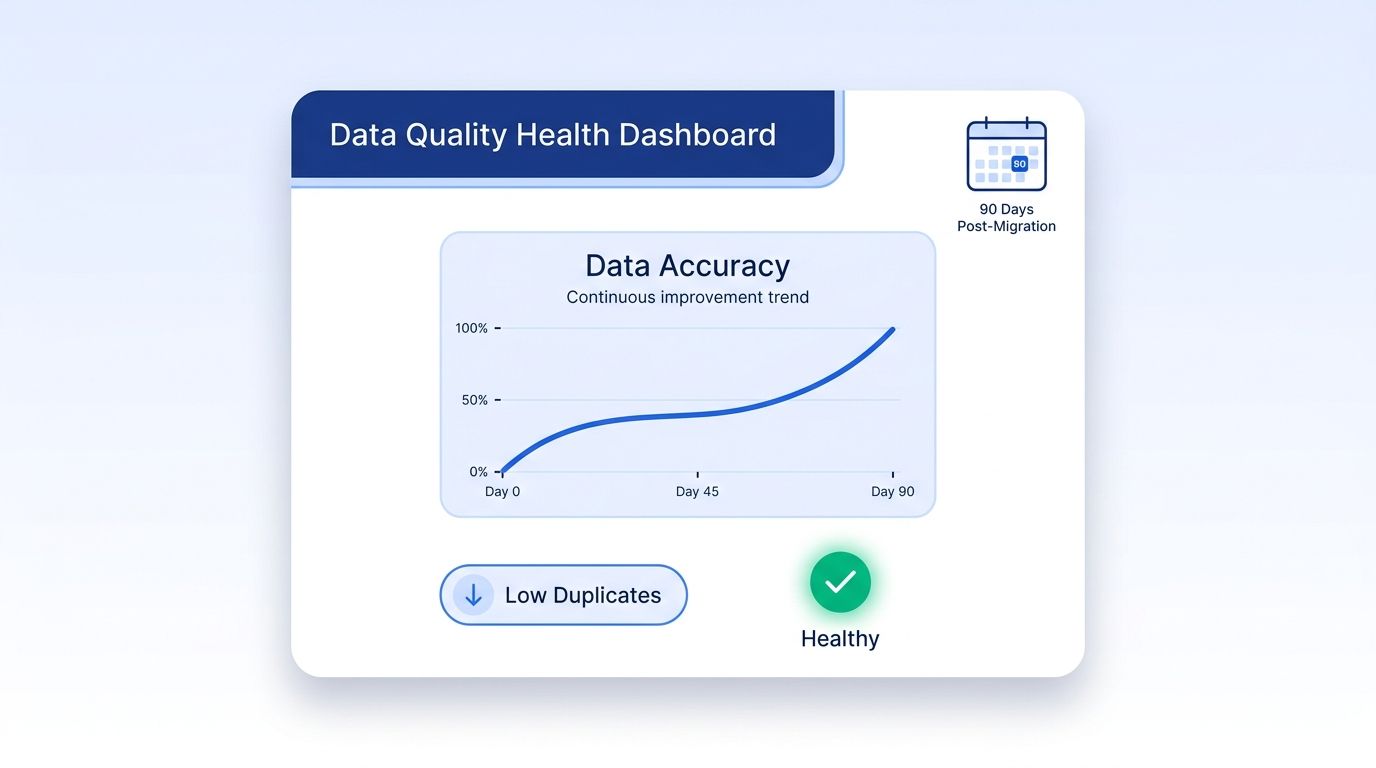
The stretch goal from here: move from reactive alerting to proactive verification, checking records against a live source the moment a rep opens them rather than waiting for a scheduled sync. Datamagnet's real-time people enrichment API is built for exactly that pattern - verification at the point of use, not on a batch delay.
Frequently Asked Questions
How long should you monitor CRM data quality after a migration?
Plan on active daily or weekly monitoring for at least the first 90 days, then transition to ongoing automated checks rather than stopping entirely. Validity's 2025 research found 76% of CRM users already believe less than half their data is accurate under normal conditions, so quality monitoring works best as a permanent process, not a post-migration sprint.
Can you migrate CRM data without losing data quality?
Yes, but it requires deliberate steps, not the migration tool's default behavior. A 2007 Bloor Research benchmark study found 84% of data migration projects ran over budget, over time, or were abandoned outright - data quality issues are a major driver of those overruns, which is exactly why baselining, freezing writes, and validating field mappings matter so much.
What's the difference between pre-migration cleaning and post-migration monitoring?
Pre-migration cleaning fixes known problems in your existing data before the move. Post-migration monitoring catches new problems the migration itself introduces, plus normal decay that resumes the moment the migration ends. You need both - cleaning alone leaves you blind to regression that happens after cutover.
How do you catch duplicate records created during a migration?
Rebuild fuzzy-matching dedup rules in the new system before go-live (Step 4), then run a duplicate audit specifically on records created during the freeze-window transition. Duplicates from migration tend to cluster in a narrow time window, so filtering by creation timestamp during the cutover period surfaces most of them quickly.
Is real-time API verification necessary, or is a one-time cleanup enough?
A one-time cleanup only proves accuracy on the day you ran it. ZeroBounce's 2026 analysis found email data alone decays by at least 23% within a year, and that decay resumes immediately after any cleanup project ends. Real-time verification catches ongoing decay a quarterly or annual cleanup structurally cannot.
Put the Framework to Work Before Regression Sets In
A CRM migration doesn't have to be the moment your data quality resets to zero. Baseline before you move, freeze writes during the transition, validate mappings by hand, and keep verification running well past the "done" milestone. Datamagnet publishes its own data practices for the same reason this guide recommends checking a vendor's - or your own team's - claims against reality. See how real-time verification fits your migration timeline - most teams can wire up the first alert within an afternoon.
Sources
- Validity, The State of CRM Data Management in 2025, retrieved 2026-08-06, https://www.prnewswire.com/news-releases/validity-releases-state-of-crm-data-management-in-2025-report-revealing-disconnect-between-data-quality-and-ai-implementation-302499899.html
- Precisely with Drexel University LeBow College of Business, 2025 Outlook: Data Integrity Trends and Insights, retrieved 2026-08-06, https://www.precisely.com/blog/data-integrity/2025-planning-insights-data-governance-adoption-has-risen-dramatically
- ZeroBounce, The Email List Decay Report for 2026, retrieved 2026-08-06, https://www.zerobounce.net/email-list-decay
- Bloor Research, Data Migration (white paper), retrieved 2026-08-06, https://www.existbi.com/wp-content/uploads/2015/12/Bloor-Data_Migration-White-Paper.pdf
- Gartner, How to Improve Your Data Quality, retrieved 2026-08-06, https://www.gartner.com/smarterwithgartner/how-to-improve-your-data-quality
