
Disclosure: This article is published by Datamagnet and written by Jordan Ellis, an integrations engineer at Datamagnet; see About Datamagnet. Vendor claims are self-reported unless otherwise noted. Statistics were checked against the linked source pages on 2026-10-30.
People Search API: Find Prospects by Title and Location
In 2026, Salesforce's survey of 4,050 sales professionals found the average seller spends only 40% of their time selling (Salesforce, "State of Sales Report for 2026", February 2026, retrieved 2026-10-30). A people search API gives that time back. You send filters like job title, company and location, and you get matching profiles back as JSON.
This guide walks you through building that search in Python, from first request to a paginated prospect list. You'll also see what each page costs, so there are no billing surprises.
Key Takeaways
- A people search API turns "VPs of Sales at fintechs in London" into one HTTP request that returns structured profiles.
- Salesforce found sellers spend 40% of their time selling, so automating prospect lookup pays off fast (Salesforce, "State of Sales Report for 2026", February 2026, retrieved 2026-10-30).
- Datamagnet's ICP People Search costs 10 credits per page of results. Plans start at $39 a month, with 10 free credits to test (Datamagnet pricing, retrieved 2026-10-30).
- Use public profile data only, and read LinkedIn's terms before you build anything on top of it.
What Is a People Search API, and Why Use One?
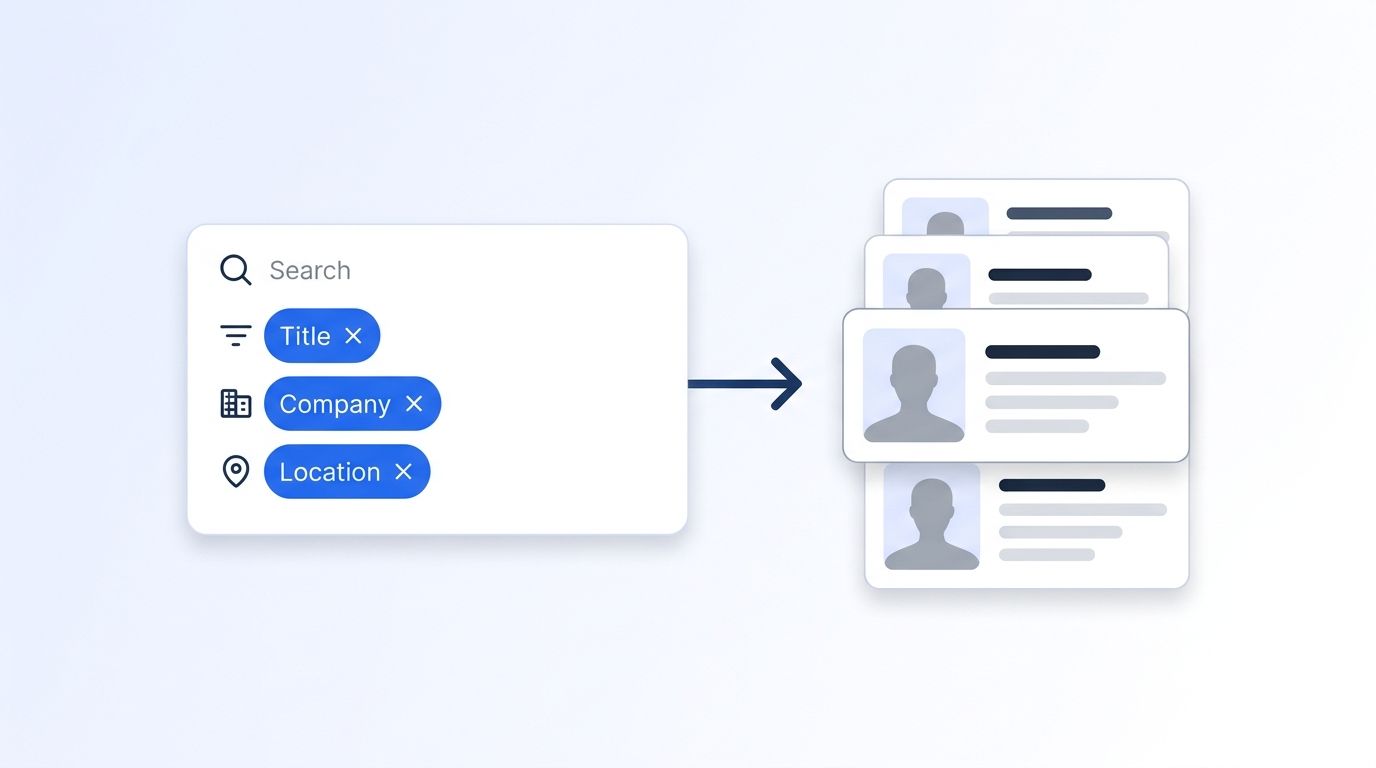
A people search API lets your code query a large set of professional profiles by structured filters instead of by a single URL. In 2026, LinkedIn's newsroom lists 1.4 billion members (LinkedIn Pressroom, "About Us", 2026, retrieved 2026-10-30). Filters are how you cut that down to the few thousand people who fit your ICP.
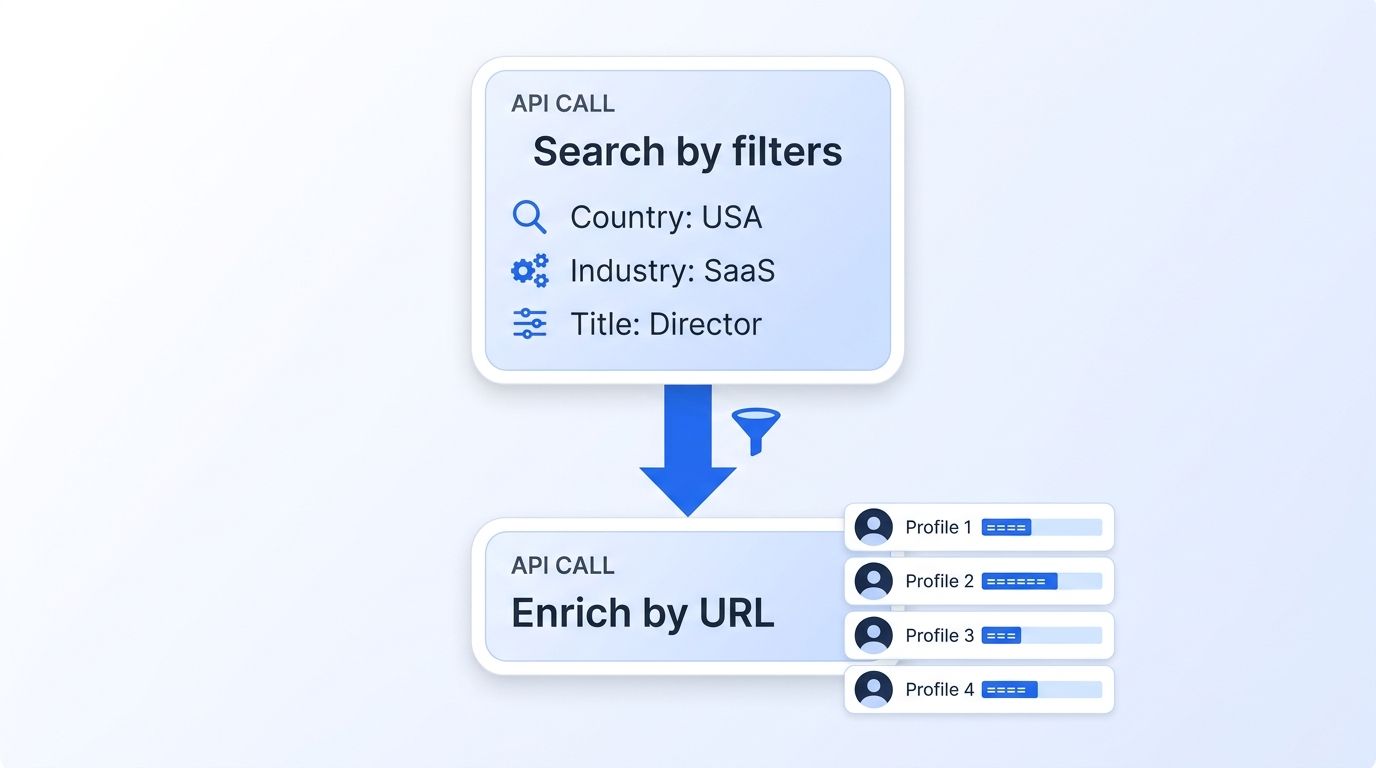
Compare that with a profile API. A people profile API starts from a LinkedIn URL you already have. A people search API starts from criteria, and finds the URLs. You'll usually use both: search first, then enrich the best matches.
Why not just buy a list? Lists age quickly. Validity's 2025 survey of 602 CRM users found 76% say less than half of their CRM data is accurate and complete (Validity, "The State of CRM Data Management in 2025", 2025, retrieved 2026-10-30). A search that runs at request time returns what's current today. If your CRM is already full of stale records, programmatic CRM enrichment is the companion fix.
What Do You Need Before You Start?
You need an API key, Python 3.9 or newer, and the requests library. The build is short. Difficulty is beginner-to-intermediate: if you've called a REST API before, you're fine. Setup takes about five minutes, and the free credits cover your first test search, so you can confirm everything works before spending anything.
- A Datamagnet account. New accounts get 10 free credits (Datamagnet pricing, retrieved 2026-10-30), enough for one search page.
- Python 3.9+ and
pip install requests. - Your key stored in an environment variable, not in your code.
Datamagnet authenticates with a bearer token in the Authorization header. The authentication docs show how to generate and rotate keys. Export yours like this:
export DATAMAGNET_API_KEY="your_api_key_here"
Step 1: Which Search Endpoint Should You Use?
By the end of this step, you'll know which search to call. Datamagnet offers three ways to search people, and they trade off freshness, filters and page size. Picking the right one up front saves credits, because each endpoint bills differently and returns a different number of results per page.
| Search type | Best for | Notes |
|---|---|---|
| ICP People Search | Targeting by title, seniority, function, company, industry, location | Stable, non-overlapping pages. 10 credits per page. |
| People Search | Keyword lookups with title, company and name filters | Pages can overlap, so de-duplicate by urn. |
| People Search DB | Instant queries over previously enriched profiles | Up to 50 results per page. |
For prospecting by title, company and location, start with ICP People Search. It's built for exactly this, and the ICP Search API page lists every filter. The rest of this guide uses it.
Verify the choice by opening the endpoint docs and confirming that job_title, company_name and location appear as parameters.
Step 2: Which Filters Can You Check for Free?
By the end of this step, you'll have the list of filters and fixed values the API accepts. This matters because several filters use a closed vocabulary. Send a value the API doesn't recognize, and the request can fail. Checking the accepted values first costs nothing, so it's the cheapest way to avoid wasted calls later in the build.
Datamagnet's filters endpoint returns the full list and costs 0 credits (Datamagnet docs, ICP Search filter reference, retrieved 2026-10-30):
import os
import requests

BASE = "https://api.datamagnet.co/api/v1"
HEADERS = {"Authorization": f"Bearer {os.environ['DATAMAGNET_API_KEY']}"}

resp = requests.get(f"{BASE}/people-search/filters", headers=HEADERS, timeout=30)
resp.raise_for_status()
print(resp.json())
The filter reference documents each field: seniority takes values like CXO and Vice President, and company headcount takes ranges from 1-10 up to 10,001+. Job title, company name and location are free text.
Run the filters call once and cache it. Hand-typed values for closed-vocabulary filters are an easy way to get an empty first search, and pulling them from the API removes that failure mode.
Verify by printing the response and checking that a seniority list is in there.
Step 3: How Do You Send Your First Search?
By the end of this step, you'll have a first page of prospects. Send a POST request to /people-search/search with a JSON body. Every filter is optional, and filters combine, so adding more narrows the result. Start with title, company and location, then check the response before you add seniority or headcount filters.
payload = {
    "job_title": "VP of Sales",
    "company_name": "Stripe",
    "location": "San Francisco",
    "page": 1,
}

resp = requests.post(
    f"{BASE}/people-search/search",
    headers=HEADERS,
    json=payload,
    timeout=60,
)
resp.raise_for_status()
data = resp.json()

for person in data["results"]:
    print(person["full_name"], "|", person["title"], "|", person["company"])
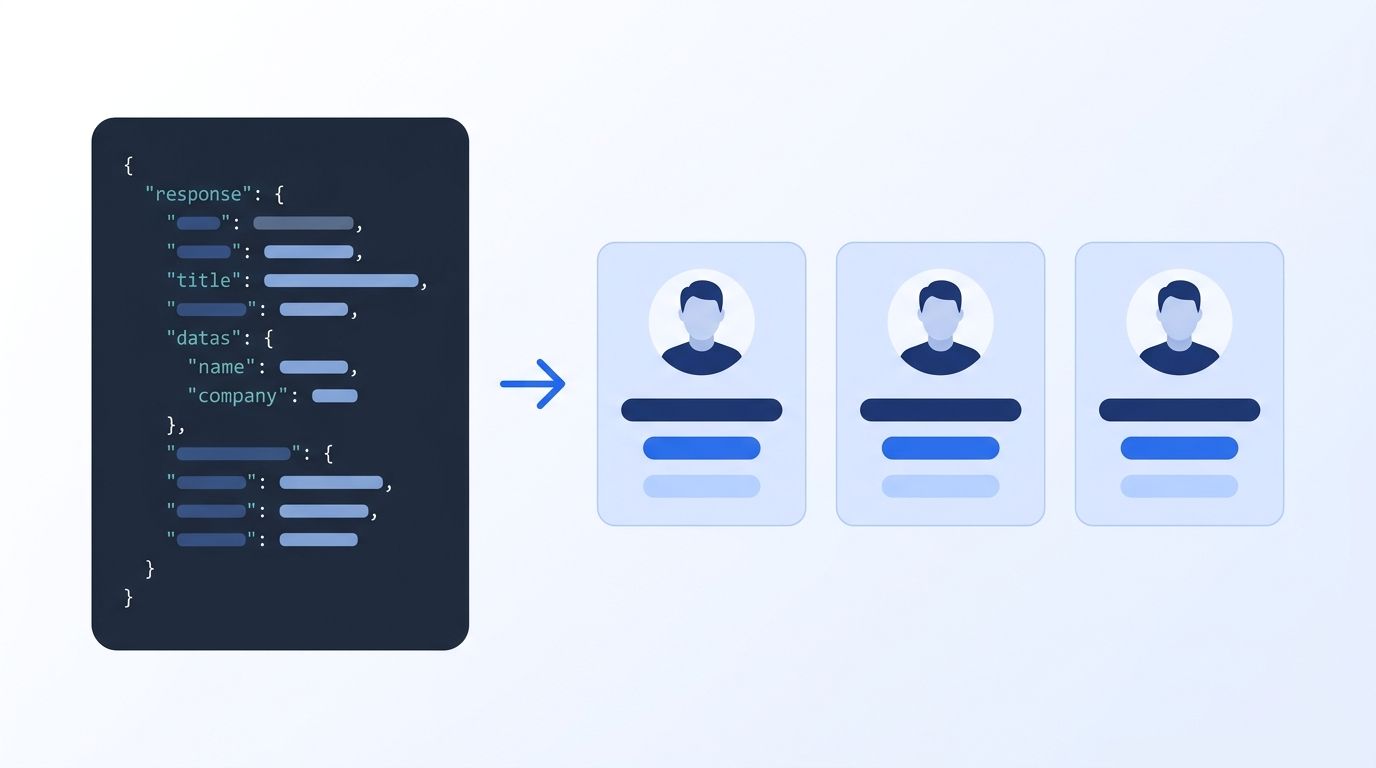
You'll get a results list. Each item includes full_name, title, company, location, started_on, tenure_years and a profile_url. The response also carries filters_applied and credit_used, so you can see what the API actually ran.
Any filter accepts a string or a list. To exclude something, pass an object like {"value": "Intern", "exclude": true}. Want every VP except those at one company? That's one exclusion filter, not a post-processing loop.
Note that profile_url in these results is a Sales Navigator lead link. For a plain profile fetch, pass the person through the profile endpoint instead (Step 6). If you start from a Sales Navigator search you've already built, the Sales Navigator API turns that URL into the same kind of JSON.
Step 4: How Do You Keep Searches From Failing?
By the end of this step, your search will tolerate messy input. Real prospect criteria are never clean. "NYC", "New York" and "New York City" all mean the same place, but an API may treat them differently. Handling that mismatch before you scale a search keeps empty result pages, and the confusion they cause, out of your pipeline.
Two features help. First, the ICP Suggest endpoint autocompletes company names, job titles, industries and locations. It costs 1 credit per request, which makes it cheap insurance for a typeahead field in your own UI.
r = requests.get(
    f"{BASE}/people-search/suggest/location",
    headers=HEADERS,
    params={"q": "new york"},
    timeout=30,
)
print(r.json())
Second, set "partial": True in your search body. With it, the API runs the search without any value it can't resolve and lists those values in filter_errors. Without it, an unresolvable value returns a 422 with a hint and no charge (Datamagnet docs, ICP People Search, retrieved 2026-11-05).
I'd turn partial mode on for batch jobs and leave it off while you're debugging. Strict failures teach you faster. The pagination function in Step 5 takes a partial argument that defaults to False for this reason. Check the errors reference for the full list of status codes.
Step 5: How Do You Paginate Through Every Result?
By the end of this step, you'll have a function that pulls a full prospect list. ICP results come in pages, and the response includes a pagination object with page, total, count and start. A full page returns 25 results, per the ICP Search API page.
import time

RATE_LIMIT_PER_MIN = 10  # Starter. Use 20 for Pro, 30 for Scale.
DELAY = 60 / RATE_LIMIT_PER_MIN  # seconds between requests

def search_people(filters, max_pages=5, partial=False):
    # partial=False (default): strict mode, bad values fail with a 422. Use while debugging.
    # partial=True: skips unresolvable values. Use for unattended batch runs.
    people = []
    for page in range(1, max_pages + 1):
        body = {**filters, "page": page, "partial": partial}
        resp = requests.post(
            f"{BASE}/people-search/search",
            headers=HEADERS, json=body, timeout=60,
        )
        resp.raise_for_status()
        data = resp.json()
        batch = data.get("results", [])
        if not batch:
            break
        people.extend(batch)
        time.sleep(DELAY)  # stay under your plan's rate limit
    return people

prospects = search_people({
    "job_title": ["Head of Growth", "VP Marketing"],
    "location": "London",
    "company_headcount": "51-200",
}, partial=False)  # switch to partial=True once the filters are proven, for batch jobs
print(len(prospects))
Two habits matter here. Always cap max_pages, because every page costs credits. And stop on an empty page, because a request that returns no results is charged 0 credits (Datamagnet docs, ICP People Search, retrieved 2026-10-30).
Pagination is a budget decision, not just a loop. At 25 results for 10 credits per page (ICP Search API), a 500-person list is 20 pages, or 200 credits. Decide your list size before you run the loop, not after.
Rate limits depend on your plan: 10 requests a minute on Starter, 20 on Pro and 30 on Scale, per the Datamagnet pricing page (retrieved 2026-10-30). The code derives its delay from the limit: 60 divided by 10 is 6 seconds between requests on Starter, 3 seconds on Pro and 2 seconds on Scale. Set RATE_LIMIT_PER_MIN to match your plan, and a fixed one-second sleep would be too fast for Starter.
Step 6: How Do You Enrich the Best Matches?
By the end of this step, you'll have full profiles for your top prospects. Search tells you who fits. It doesn't give you everything about them. For job history, education and skills, call the People Profile endpoint with each profile URL. Our guide to real-time B2B people enrichment covers that step in more depth.
A profile lookup costs 1 credit (Datamagnet pricing, retrieved 2026-10-30). So the efficient pattern is clear: search broadly, score or filter the results in code, then enrich only the top slice. If you enrich every search hit, you'll pay for people you'll never contact.
One limit to know up front. Datamagnet doesn't offer email or phone lookup. It returns public profile data, so plan on connecting your own outreach tooling after the search step.
If you work in a spreadsheet-style workflow, the Clay integration calls the same endpoints without code.
How Much Does a People Search API Cost?
Datamagnet charges 10 credits per search page and 1 credit per profile. Plans run $39 (1,000 credits), $99 (10,000) and $199 (25,000) a month (Datamagnet pricing, retrieved 2026-10-30). That makes the cost of any list predictable before you run a single request.
Work in credits, not dollars. A 500-prospect search is 20 pages of 25 results, or 200 credits (ICP Search API). Enriching your best 50 adds 50 credits, so the whole job is 250 credits. Compare that with your plan's monthly allowance on the pricing page to see how much of it the job uses.
Now set that against manual research. Salesforce also found sellers spend nearly one full day of their workweek on prospecting, and 48% say they lack bandwidth to do adequate cold outreach (Salesforce, "State of Sales Report for 2026", February 2026, retrieved 2026-10-30).
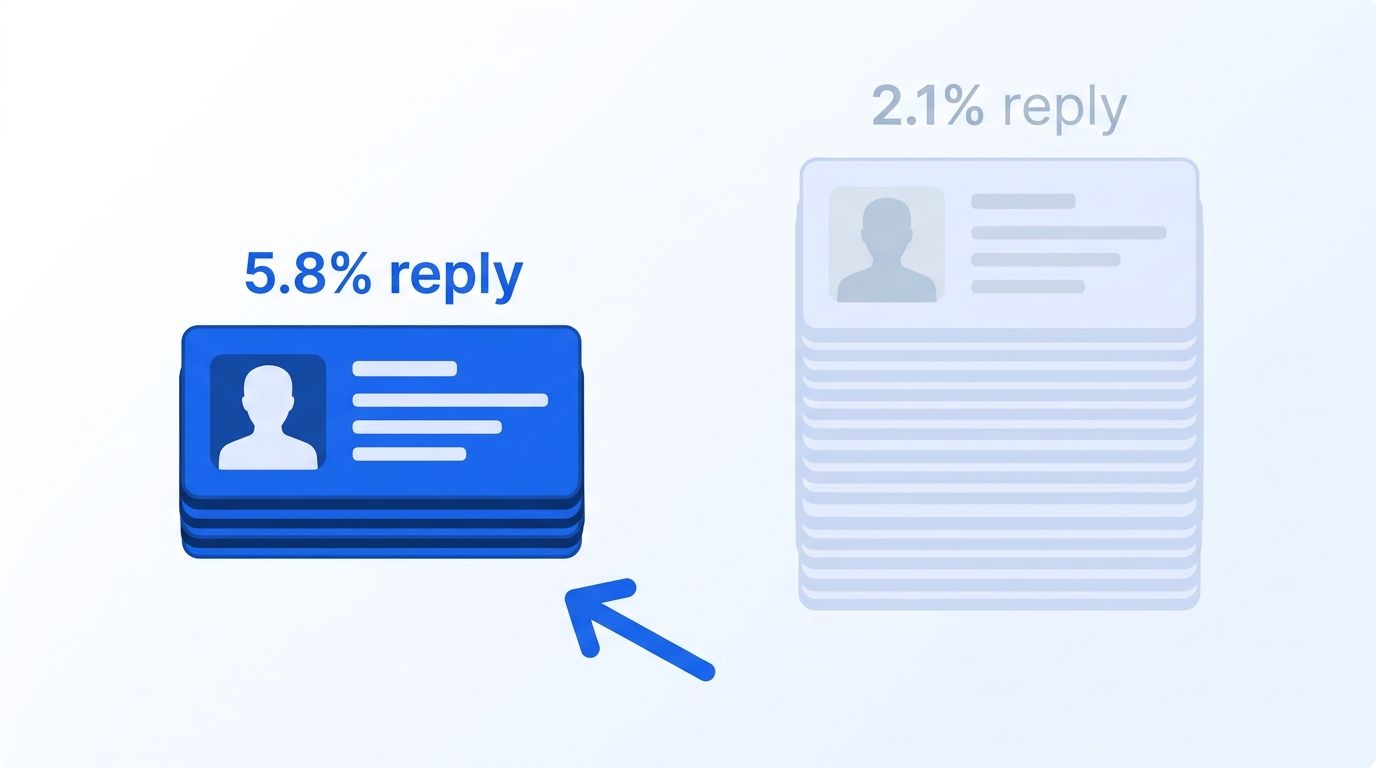
Tight targeting also helps your reply rates. In 2025, Hunter's State of Cold Email report found campaigns of 50 or fewer recipients averaged a 5.8% reply rate, versus 2.1% for campaigns of 1,000+ (Hunter, "State of Cold Email 2025 Report", 2025, retrieved 2026-10-30). Small, precise lists beat big, vague ones.
What About Scraping LinkedIn Yourself?
You can write your own scraper, but LinkedIn's terms restrict it. LinkedIn's User Agreement lists scraping with software or bots among its "Don'ts" and says it may restrict, suspend or terminate accounts that breach the contract (LinkedIn, User Agreement, effective November 2025, retrieved 2026-10-30).
LinkedIn's help center adds that members using scraping or automation tools "risk having their accounts restricted or shut down" (LinkedIn Help, "Prohibited software and extensions", retrieved 2026-10-30). That's the account-ban risk, stated by LinkedIn itself. This isn't legal advice, so check the terms yourself for your situation.
A DIY build also means you maintain parsers and infrastructure forever. If you're weighing that trade-off, our LinkedIn Scraper API overview explains the managed alternative. Datamagnet works from public sources, and the security page describes its data practices.
What Mistakes Should You Avoid?
1. Searching with one vague filter. A title alone ("Manager") returns noise. Combine title with seniority, location or headcount. It's cheaper and the list is better. The five mistakes below are the ones that most often waste credits or produce lists your team won't trust.
2. Running unbounded pagination loops. Every page costs credits. Cap pages and stop on the first empty one.
3. Paying to enrich every hit. Enrich only the prospects that pass your own scoring rules.
4. Hardcoding filter values. Closed-vocabulary filters change. Pull them from the free filters endpoint, or use suggest.
5. Ignoring contact-data limits. Search returns profile data, not emails or phone numbers. Budget for a separate outreach tool.
How Do You Know the Search Worked?
If it all worked, your script prints a list of names, titles and companies that match your filters. credit_used on each response should read 10, which matches the ICP People Search docs ("10 credits per page", retrieved 2026-10-30). Your balance should drop by that amount. You can check it any time with the free credit balance endpoint.
For a stretch goal, schedule the search weekly and diff the results. New names are new prospects. Sellers also deal with stale contacts all the time. According to the US Bureau of Labor Statistics, 20.6% of wage and salary workers had a year or less of tenure with their current employer in January 2026 (US BLS, "Employee Tenure Summary", September 2026, retrieved 2026-10-30). Roughly one in five people in your market is new in their role. To catch those moves as they happen, see our roundup of real-time job change signal APIs.
Frequently Asked Questions
What is a people search API?
A people search API returns professional profiles that match structured filters such as job title, company, seniority and location. Instead of fetching one known profile, you describe the audience and get a paginated JSON list. LinkedIn alone lists 1.4 billion members, so filtering is what makes the data usable (LinkedIn Pressroom, "About Us", 2026, retrieved 2026-10-30).
How do I search people by job title and company in code?
Send a POST request with job_title and company_name in a JSON body, along with your bearer token. Datamagnet's ICP People Search accepts those fields plus location, seniority, function and industry. Each page returns up to 25 results for 10 credits, so you can test one page before scaling.
Can I get emails or phone numbers from the search?
No. Datamagnet returns public profile data and doesn't offer email or phone lookup. Many teams search for the right people here, then use their own outreach stack for contact details. That keeps the search step fast and the data source clearly public.
How much does it cost to search people with an API?
On Datamagnet, a search page costs 10 credits and a profile fetch costs 1. Plans run $39 to $199 a month, and 10 free credits let you test first. Each search page returns up to 25 prospects (Datamagnet pricing, retrieved 2026-10-30; ICP Search API).
Is it safe to scrape LinkedIn for people search?
LinkedIn's User Agreement prohibits scraping with bots and software, and the company says accounts using such tools risk restriction or shutdown (LinkedIn, User Agreement, effective November 2025, retrieved 2026-10-30). That's a factual account-ban risk. This isn't legal advice, so review the terms before you build anything.
Conclusion
You now have a working people search in Python: pick the endpoint, check filters, search by title, company and location, paginate with a cap, and enrich only your best matches. At 10 credits a page, a targeted list stays easy to budget.
Ready to run it? Get your 10 free credits and send your first search today. For a no-code route into the same data, see the People Search Database.
Sources
- Salesforce, "Salesforce Announces State of Sales Report for 2026," retrieved 2026-10-30, https://www.salesforce.com/news/stories/state-of-sales-report-announcement-2026/
- Validity, "The State of CRM Data Management in 2025," retrieved 2026-10-30, https://www.validity.com/resource-center/the-state-of-crm-data-management-in-2025/
- US Bureau of Labor Statistics, "Employee Tenure Summary," retrieved 2026-10-30, https://www.bls.gov/news.release/tenure.nr0.htm
- LinkedIn Pressroom, "About Us," retrieved 2026-10-30, https://news.linkedin.com/about-us
- Hunter, "State of Cold Email 2025 Report," retrieved 2026-10-30, https://hunter.io/the-state-of-cold-email-2025
- LinkedIn, "User Agreement," retrieved 2026-10-30, https://www.linkedin.com/legal/user-agreement
- LinkedIn Help, "Prohibited software and extensions," retrieved 2026-10-30, https://www.linkedin.com/help/linkedin/answer/a1341387
- Datamagnet, "Pricing" and API documentation, retrieved 2026-10-30, https://www.datamagnet.co/pricing/ and https://docs.datamagnet.co/
