
Disclosure: This article is published by Datamagnet. Vendor claims are self-reported unless otherwise noted.
LinkedIn Profile Scraper: Scrape Profiles Safely in 2026
LinkedIn's User Agreement bars scraping, and LinkedIn says members who use scraping tools "risk having their accounts restricted or shut down" (LinkedIn Help, Prohibited software and extensions, retrieved 2026-11-02). So the safest way to use a LinkedIn profile scraper is to keep your own account out of it entirely. This guide shows how, for public profile data only, using Datamagnet's LinkedIn Scraper API.
Key Takeaways
- LinkedIn's User Agreement prohibits scraping profiles with scripts, robots or other means (LinkedIn User Agreement, effective November 3, 2025).
- Browser extensions and bots tied to your login are the account-risk path.
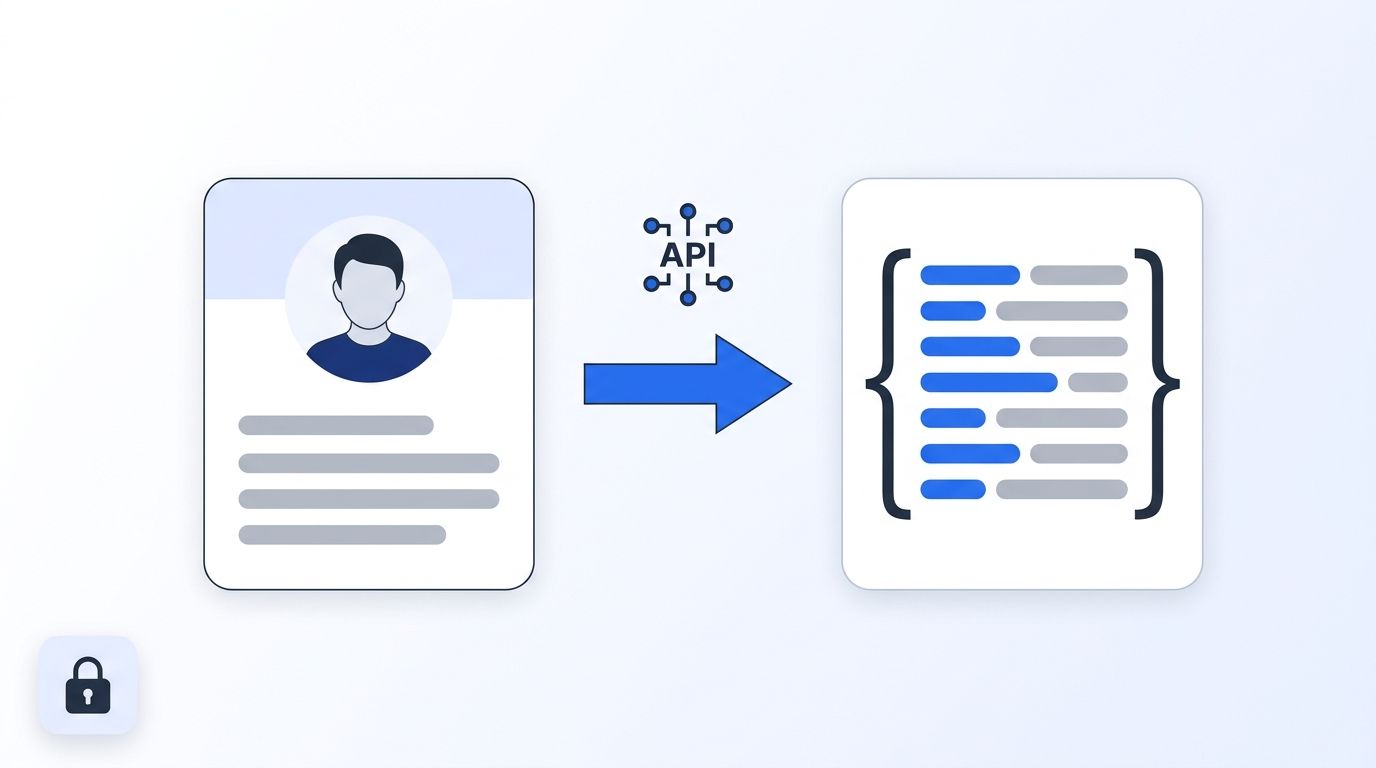
- A profile API takes a public URL and returns JSON, so no personal account is involved.
- Datamagnet's pricing page lists 1 credit per person profile and 10 free credits for new accounts (Datamagnet Pricing, retrieved 2026-11-02).
What Are You Actually Risking When You Scrape LinkedIn?
LinkedIn says it doesn't allow third-party software, "including 'crawlers', bots, browser plug-ins," or browser extensions that "scrape, modify the appearance of, or automate activity on LinkedIn's website" (LinkedIn Help, Prohibited software and extensions, retrieved 2026-11-02). The stated consequence is a restricted or shut-down account.
That matters because most DIY tools run inside your logged-in session. If it gets flagged, you lose more than a scraper. You lose your own network, your inbox and your sales or recruiting workflow.
Here's what the sources say, stated plainly and without legal interpretation:
- Section 8.2 of the User Agreement bars using "software, devices, scripts, robots or any other means or processes" to "scrape or copy the Services, including profiles and other data from the Services" (LinkedIn, User Agreement, effective November 3, 2025, retrieved 2026-11-02).
- LinkedIn's "Automated activity" help page calls the use of scraping software "a violation of LinkedIn's User Agreement" and explains how restricted members can request a second review (LinkedIn Help, Automated activity on LinkedIn, retrieved 2026-11-02).
- The hiQ Labs v. LinkedIn dispute is public record. As reported by a law firm, the parties filed a proposed consent judgment in December 2022 that included a $500,000 judgment against hiQ and an injunction on scraping in violation of the User Agreement (Proskauer, hiQ and LinkedIn Reach Proposed Settlement, December 8, 2022, retrieved 2026-11-02).
This isn't legal advice. Check your own situation with counsel if scraping is central to your business.
The useful takeaway is about where the risk lands. A tool that runs under your login puts your personal account on the line. A service that fetches public pages on its own infrastructure doesn't touch your account at all.
What Do You Need Before You Start?
You need three things: a list of public LinkedIn profile URLs, an API key, and about 15 minutes. LinkedIn reports "more than 1 billion members in more than 200 countries and territories" (LinkedIn About, retrieved 2026-11-02), so your list is the only real prerequisite.
- Time: about 15 minutes
- Difficulty: Beginner to intermediate
- Skills: basic comfort running a
curlcommand or a short Python script - Scope: public profile URLs only, such as
https://linkedin.com/in/<handle> - Not needed: a LinkedIn login, browser extension or proxy
You don't log in anywhere in this guide. If a method asks for your LinkedIn credentials or session cookie, that's a signal to stop.
Step 1: Which Method Should You Use to Collect Profile Data?
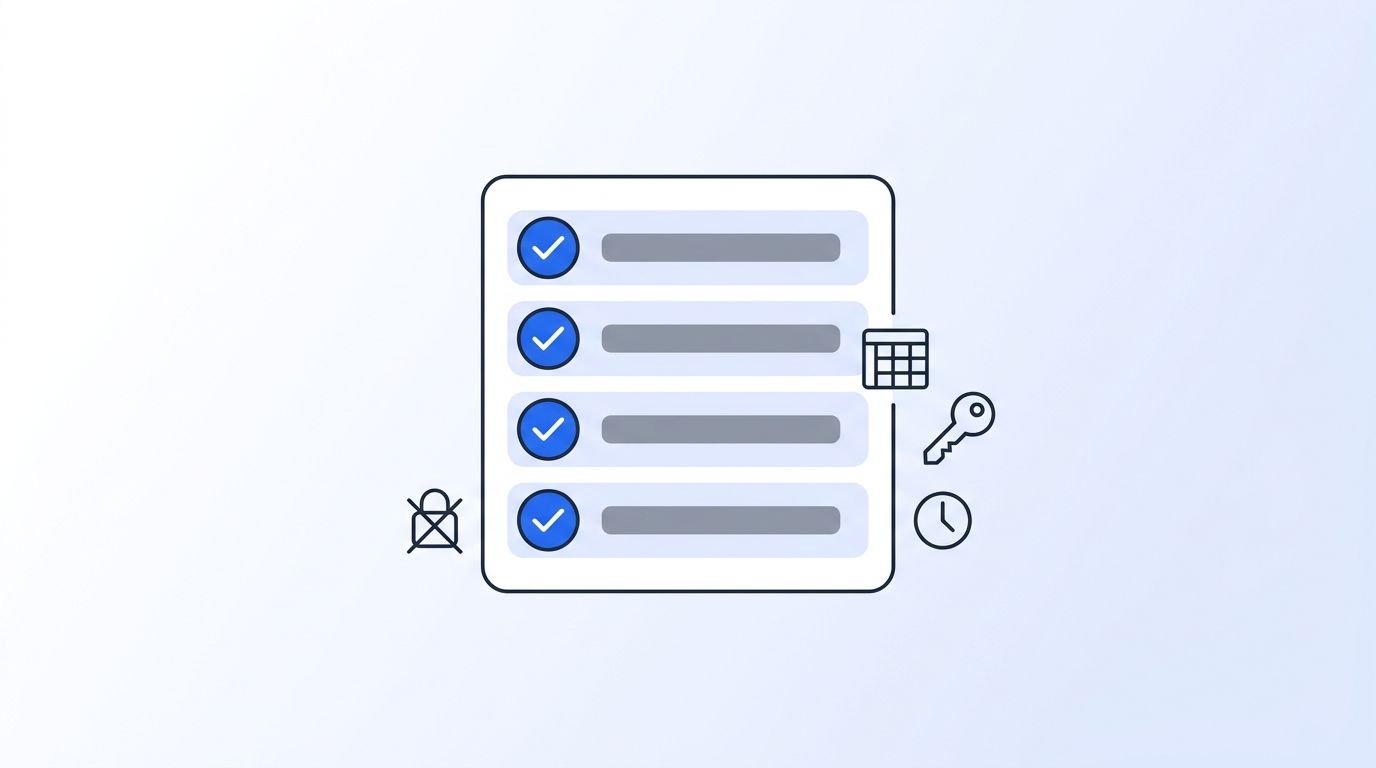
Pick the method before writing any code. Two questions decide it: whose account is exposed, and who maintains the parsing? A profile API is one good answer when you want your personal account out of the loop, but it isn't the only one. Here's how the common routes compare on those two points.
| Method | Uses your LinkedIn login? | Who maintains parsing? | Best fit when |
|---|---|---|---|
| Browser extension or bot | Yes | You or the tool vendor | You accept the account risk. LinkedIn names these tools in its policy |
| DIY scraper with proxies | Often | You | You have engineers and want full control of collection |
| Scraping infrastructure vendor (proxies, unblockers) | Not required | You, on top of the vendor's network | You want to own the parsing but not the network |
| Profile API | No | The API provider | You want structured JSON and little maintenance |
| Bulk dataset or database provider | No | The provider | You need large snapshots more than live lookups |
Each route has trade-offs. A DIY build means you maintain parsers, retries and infrastructure. Infrastructure vendors such as Bright Data sell the network layer, and other profile APIs such as ScrapIn work much like the one below. Datamagnet's own comparisons (Bright Data, Coresignal) are vendor-written, so weigh them accordingly and test a few providers on your own list.
For this guide, we'll use the profile API route with Datamagnet's API, because it keeps the walkthrough short and never involves a personal login. If you need bulk snapshots or want to run your own parsers, a different route may suit you better.
Step 2: How Do You Get an API Key?
By the end of this step, you'll have a key stored safely in an environment variable. Datamagnet authenticates with a bearer token, and new accounts get 10 free credits, enough to fetch 10 profiles (Datamagnet Pricing, retrieved 2026-11-02). Do this once and every later step reuses the same key.
- Create an account and generate a key. The authentication docs walk through it, and the Quickstart covers the first call.
- Export the key instead of pasting it into code:
export DATAMAGNET_API_KEY="your_api_key_here"
- Check the variable is set with
echo $DATAMAGNET_API_KEY.
Never commit the key to a repo. If one leaks, rotate it from your dashboard.
Step 3: How Do You Fetch One Public Profile?
Send the profile URL in a JSON url field to the person endpoint. The base URL is https://api.datamagnet.co/api/v1, and each call carries an Authorization: Bearer header (Datamagnet Quickstart, retrieved 2026-11-02). The request needs only the URL, so there's no session to manage and nothing else to configure.
curl --request POST 'https://api.datamagnet.co/api/v1/person' \
  --header "Authorization: Bearer $DATAMAGNET_API_KEY" \
  --header 'Content-Type: application/json' \
  --data '{"url": "https://linkedin.com/in/pratik-dani"}'
You should get JSON back with fields such as full_name, profile_headline, job_title, current_company_name, experience, education and skills. Those field names come from the People Profile reference, which has the full list. The product overview is on the People API page, and our real-time B2B people enrichment API guide covers how teams use the output.
Stick to the clean /in/<handle> form of the URL.
Step 4: How Do You Scale to a List of Profiles?
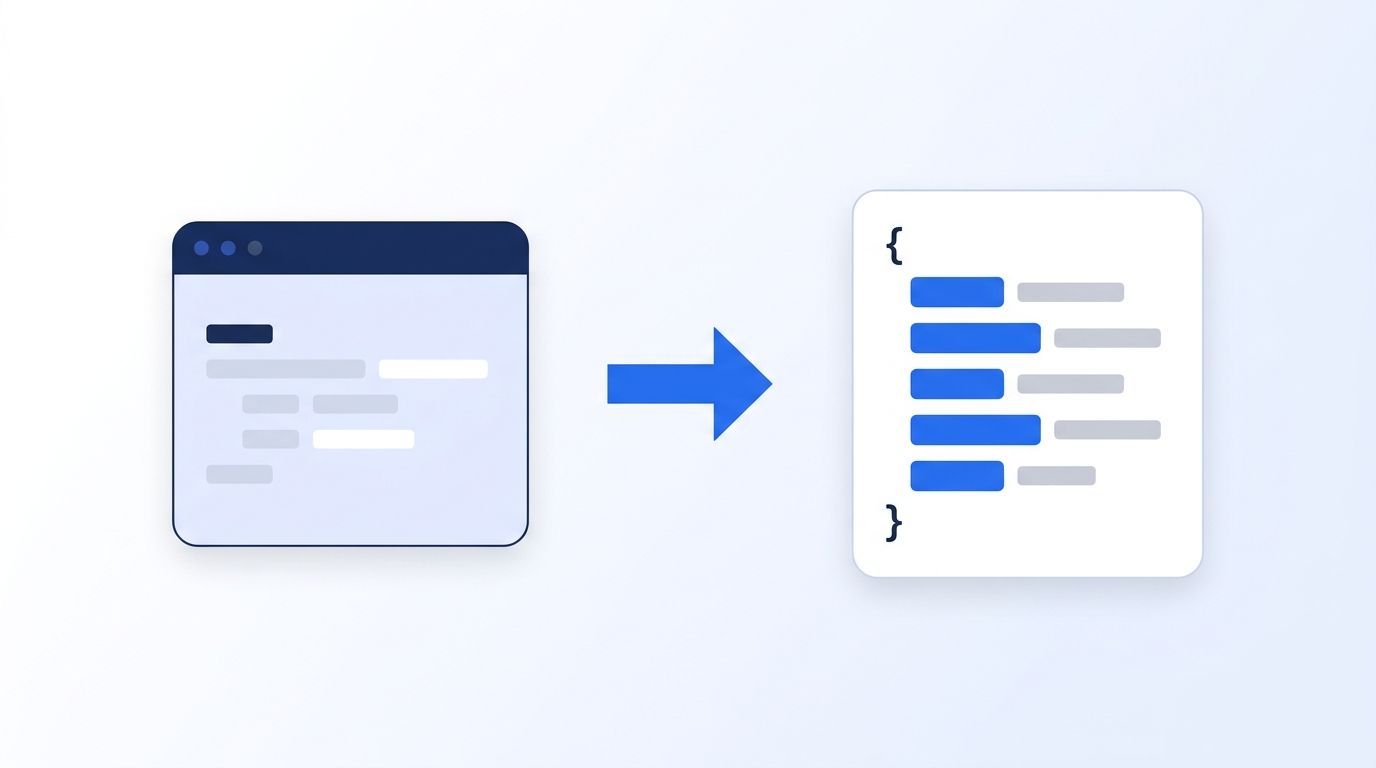
Loop over your URL list, send one request per profile and write results to a file. Monthly plans are $39 (1,000 credits), $99 (10,000) and $199 (25,000), and pay-as-you-go starts at $10 (Datamagnet Pricing, retrieved 2026-11-02). Each call returns one profile, so the loop stays simple and easy to retry.
import os, time, json, requests

URL = "https://api.datamagnet.co/api/v1/person"
HEADERS = {
    "Authorization": f"Bearer {os.environ['DATAMAGNET_API_KEY']}",
    "Content-Type": "application/json",
}

with open("urls.txt") as f, open("profiles.jsonl", "w") as out:
    for line in f:
        url = line.strip()
        if not url:
            continue
        resp = requests.post(URL, headers=HEADERS, json={"url": url}, timeout=60)
        if resp.status_code == 200:
            out.write(json.dumps(resp.json()) + "\n")
        else:
            print("failed:", url, resp.status_code)
        time.sleep(0.2)
Keep the loop polite and log failures so you can retry them. The errors reference lists status codes for rate limits and bad input. Check your balance anytime with the credits endpoint.
Run a small test batch first. It shows whether your URL list is clean before you spend credits on the full run.
Step 5: How Do You Keep the Data Fresh?
Re-fetch on a schedule, or subscribe to job-change signals so you only refresh people who moved. Profiles go stale because people change jobs. In January 2026, median tenure for U.S. wage and salary workers was 4.1 years (U.S. Bureau of Labor Statistics, Employee Tenure release USDL-26-1532, retrieved 2026-11-02). That means a meaningful slice of any list moves roles every year.
You have two options:
- Re-fetch on a schedule. Re-run your script monthly or quarterly. The person endpoint has a
use_cacheparameter that defaults toif-present, which can return an older cached profile. Set it toif-recentfor a best-effort profile no older than 29 days, orneverto skip the cache entirely (People Profile reference, retrieved 2026-11-02). - Subscribe to changes. The Signal API can alert you to job changes (see Create Signal in the docs), so you only re-fetch people who moved. Our guide to real-time intent signal APIs for job changes compares the options.
Re-fetching everything is simple but wasteful. If most of your list hasn't changed, signals cut the credits you spend on unchanged profiles.
What Are the Common Mistakes to Avoid?
Most failures come from mixing up public data with logged-in data. LinkedIn's help page says affected members must disable automation software before access is restored (LinkedIn Help, Automated activity on LinkedIn, retrieved 2026-11-02). Each one below is easy to avoid if you plan for it before the first run.
1. Running a tool under your personal login. It puts your account at risk. Use an API that fetches public pages independently.
2. Scraping private or logged-in-only data. This guide covers public profile data only. Don't try to reach anything behind a login.
3. Assuming you'll get verified emails or phone numbers. This guide covers public profile fields. Check the People Profile reference for exactly which contact fields come back, and plan a separate step if you need verified details.
4. Skipping the test run. A bad URL list burns credits. Test a small batch first.
5. Ignoring data freshness. A month-old export can already be wrong. Decide your refresh cadence up front.
What Does Success Look Like?
If it worked, you now have a profiles.jsonl file with one structured profile per line and a credit balance that dropped by one per profile. No LinkedIn account was logged in, and nothing in your personal session was touched. Check the file and your balance before moving on.
For next steps, see the LinkedIn Scraper API page for companies and posts, or push results into your CRM using the HubSpot integration. For the bigger picture, read the benefits of programmatic CRM enrichment. Start with the 10 free credits and see what your first profile returns.
Frequently Asked Questions
Is it safe to use a LinkedIn profile scraper?
It depends on how it works. LinkedIn says members using scraping tools risk restricted or shut-down accounts (LinkedIn Help, retrieved 2026-11-02). Tools that run under your login carry that risk. An API that fetches public pages without your account doesn't expose your personal profile.
Does LinkedIn allow scraping profiles?
No, per its own terms. Section 8.2 of the User Agreement prohibits using scripts, robots or other means to "scrape or copy the Services, including profiles" (LinkedIn User Agreement, effective November 3, 2025). This article states that factually and isn't legal advice.
How much does it cost to scrape LinkedIn profiles with Datamagnet?
A profile costs 1 credit, and new accounts get 10 free credits. Plans cost $39, $99 and $199 a month, with the $99 Pro plan listing $0.0099 per credit (Datamagnet Pricing, retrieved 2026-11-02). At that listed rate, 1,000 profiles work out to about $9.90, though the plan itself bills $99 a month for 10,000 credits.
Can I get emails or phone numbers from LinkedIn profiles?
Don't count on it. This guide covers structured public profile data such as experience, education and skills. Check the People Profile reference for which contact fields are returned, and plan a separate provider or step if you need verified emails or phone numbers.
What if a request fails?
Check the status code against the errors reference. Common causes are a malformed URL, a bad key or a rate limit. Log failed URLs and retry them later with a short delay between attempts.
