
Disclosure: This article is published by Datamagnet. Vendor claims are self-reported unless otherwise noted.
How to Enrich CRM Records With Real-Time Data: HubSpot and Salesforce Walkthrough
A record that's accurate today won't stay that way. Median job tenure fell to 3.9 years in 2024, the lowest since 2002 (U.S. Bureau of Labor Statistics, 2024), which means titles, employers, and territories in your CRM are quietly going stale right now. Real-time enrichment fixes the record the moment it's created, not weeks later.
This walkthrough builds a webhook-triggered enrichment pipeline in HubSpot and Salesforce: the trigger, the API call, field mapping, overwrite rules, and a re-enrichment cadence that keeps records fresh after the first sync.
Key Takeaways
- 76% of CRM users say less than half their org's CRM data is accurate and complete (Validity, 2025).
- Both HubSpot Workflows and Salesforce Record-Triggered Flow can call an external enrichment API the moment a record is created — no separate iPaaS tool required.
- Field-level overwrite rules matter more than the API call itself: sync everything blindly and you'll clobber a rep's manual edits.
- Re-enrichment on a fixed schedule misses mid-cycle changes; event-based signals (like a job change) catch them the day they happen.
- 37% of CRM users report losing revenue directly because of poor data quality (Validity, 2025) — the cost of skipping this setup is measurable, not theoretical.
What Does Real-Time CRM Enrichment Actually Mean?
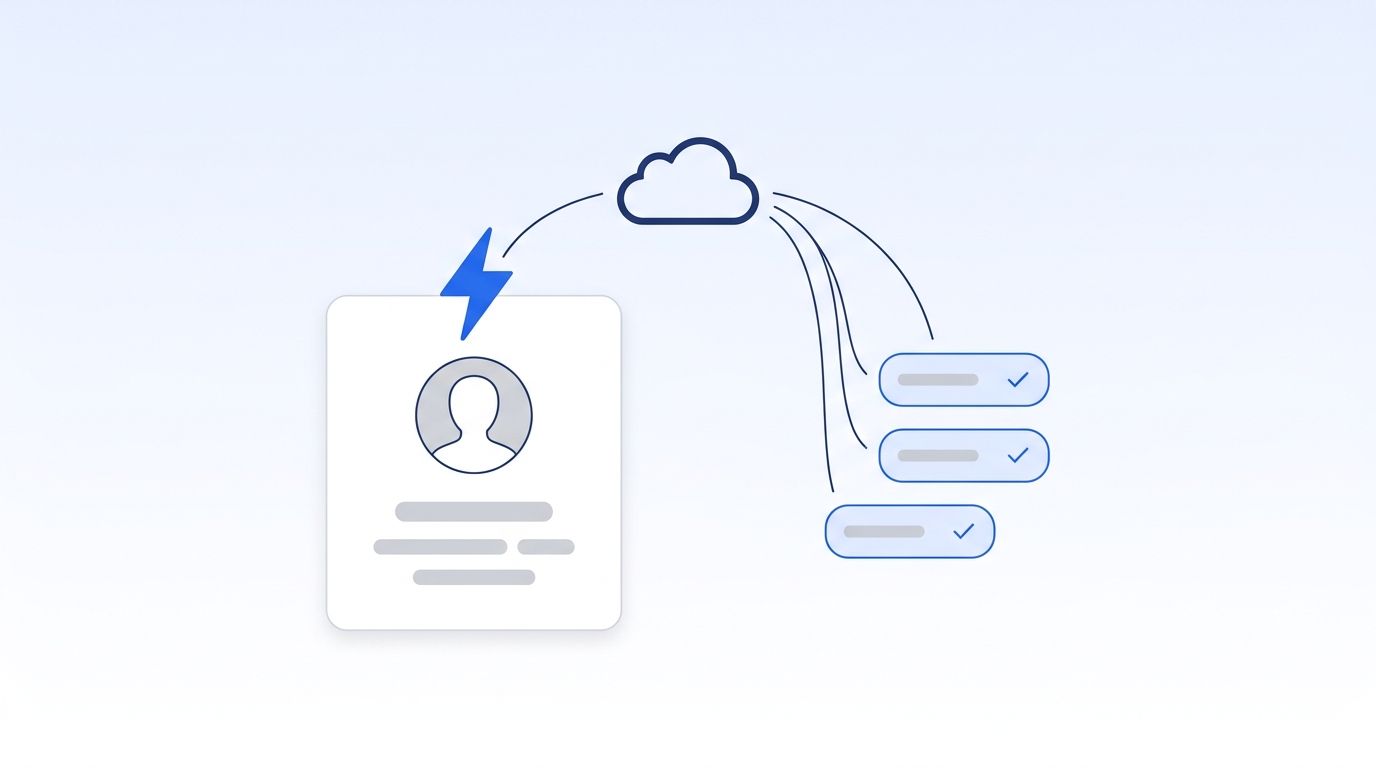
Real-time enrichment fires the moment a record is created or changes — a webhook calls an enrichment API and writes fields back within seconds. Batch enrichment runs on a schedule (nightly, weekly) against a list export. The difference shows up on the first sales call: real-time enrichment means the rep already has a correct title before they dial.
For a fuller breakdown of enrichment data types and delivery models, see our guide to what B2B data enrichment actually covers. The rest of this post assumes you've already picked "enrich on create" as your model and just need the plumbing.
Step 1: Trigger Enrichment the Moment a Record Is Created
Both platforms can fire an outbound call on record creation without a separate integration tool — HubSpot uses a Workflow webhook action, Salesforce uses a Record-Triggered Flow with an HTTP Callout. Neither requires custom middleware for the trigger step itself, only for handling the response.
HubSpot: Webhook Action in Workflows
Build a contact-based (or company-based) Workflow enrolled on "Contact is created," then add a Send a webhook action from the Data ops category. This sends a POST request with the record's ID and any properties you choose to include, and can also run a GET to pull data back in. Webhook actions require Data Hub Professional or Enterprise (HubSpot Knowledge Base).
If you need to transform the API response before it lands on the record — say, splitting a full name or normalizing a seniority level — swap the webhook action for a Custom Code action (JavaScript or Python-beta), which runs as a serverless function per enrolled record and can call any external API directly (HubSpot Developer Docs).
Salesforce: HTTP Callout in Record-Triggered Flow
Build a Record-Triggered Flow on Lead or Contact, set to fire "when a record is created." Add an HTTP Callout element from Flow Builder, which walks you through registering an External Service backed by a Named Credential — you describe the endpoint and a sample JSON response, and Flow Builder generates a ready-to-use invocable action (Salesforce Help: Configure an HTTP Callout Action). No Apex is required for the callout itself.
Datamagnet's signal webhooks deliver HMAC-SHA256-signed payloads with three retries on failure, so either platform can verify the request came from Datamagnet before writing anything back to the record.
Step 2: Call the Enrichment API and Map Fields Back to the Record
The webhook trigger only tells you a record was created — a second call to an enrichment endpoint (like Datamagnet's People or Company profile) is what returns the actual data. That response then has to be mapped field by field, not dumped wholesale onto the record.
For a Contact or Lead created with just a name and email, a real-time People lookup can typically return current job title, company, LinkedIn headline, and tenure within the same request cycle the record was created in — the same call that Datamagnet's HubSpot integration runs on contact create. Map the response to distinct fields (job_title, company_name, linkedin_url) rather than one blob, so overwrite rules in the next step can operate per field.
A pattern worth stealing from both platforms: don't write straight to your primary title or company field on the first pass. Write to shadow fields (enriched_title, enriched_company) first, then use a second, simple automation step to promote shadow values into primary fields only when the primary field is empty or the shadow value differs. It adds one extra step, but it's what makes the overwrite rules in Step 3 possible.
| Field mapping step | HubSpot | Salesforce |
|---|---|---|
| Where the mapping happens | Workflow action's response mapping UI, or a Custom Code action | Flow's "Set Variable" / "Update Records" elements after the HTTP Callout |
| Response parsing | Automatic for JSON responses in Custom Code; manual key selection for webhook actions | Auto-generated Apex-defined data type from the sample response |
| Field-level write | One property per mapped key | One field per assigned variable |
| Good default target | Custom "Enriched" property group, not core contact fields | Custom fields with an Enriched_ prefix |
What Overwrite Rules Should You Set So Enrichment Doesn't Clobber Manual Edits?
Set enrichment to write only when the existing field is blank, stale past a defined age, or clearly wrong (like a bounced email), and never overwrite a field a rep edited in the last 30 days. Skipping this step is how enrichment tools earn a reputation for "undoing" manual research — the fix is a rule, not a smarter API.
A simple three-tier overwrite policy works for most teams:
- Always overwrite: fields no human ever edits directly, like
linkedin_url,company_headcount, orlast_enriched_at. - Overwrite only if blank: fields reps sometimes fill in by hand, like
job_titleordepartment, so a manual correction isn't silently reverted on the next enrichment cycle. - Never auto-overwrite, flag instead: fields tied to deal logic, like
lead_scoreorterritory— write the new value to a shadow field and let a human (or a separate scoring automation) decide whether to promote it.
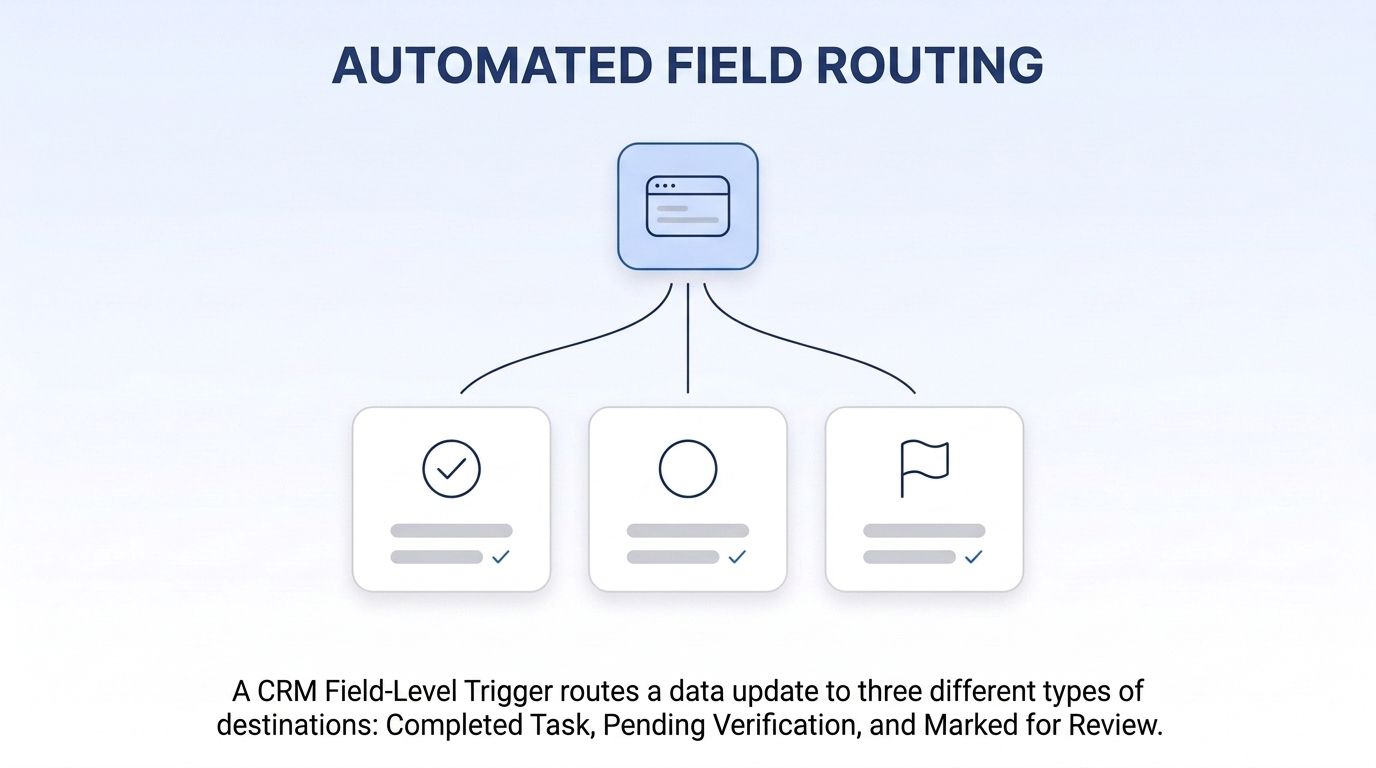
In HubSpot, this maps to a workflow branch on "if property is known" before the set-property action runs. In Salesforce, it's a Decision element checking ISBLANK() or a LastModifiedDate comparison before the Update Records element executes. Neither platform enforces this for you — it has to be built explicitly into the flow logic.
Why Does CRM Data Decay So Fast in the First Place?
CRM data decays because people change jobs faster than most refresh cycles run — professionals entering the workforce today are on pace to hold roughly twice as many jobs over their careers as workers did 15 years ago (LinkedIn Economic Graph, Work Change Report, 2025). A record enriched once at signup starts going stale the moment someone gets promoted or switches companies. Layer in ordinary database decay and it compounds fast: B2B contact data degrades at roughly 2.1% a month, or about 22.5% annualized, per MarketingSherpa research tracked in HubSpot's Database Decay calculator.
How Do You Set a Re-Enrichment Cadence That Actually Catches Changes?
The right cadence combines a scheduled refresh for slow-moving fields with event-based webhooks for fast-moving ones, because a fixed schedule alone always lags the actual change. A monthly batch refresh catches most drift; a job-change signal webhook catches it the day it happens, not 29 days later.
<!-- [PERSONAL EXPERIENCE] -->Teams that rely only on a quarterly re-enrichment job tend to notice the gap the hard way: a champion who changed companies eight weeks ago is still getting emailed at their old address, and the deal owner finds out from a bounce notification instead of from the CRM.
Datamagnet's signal API supports six event types, including job_change, delivered as a webhook the moment the signal fires rather than on the next batch run. Point that webhook at the same HubSpot or Salesforce endpoint you built in Step 1, and a contact's record re-enriches itself the day their title actually changes — no cron job required.
A practical cadence for most B2B teams:
- On create: full enrichment (Step 1-2 above), every new record.
- Event-triggered: job-change or company-change signal webhook, re-enrich only the fields tied to that event.
- Scheduled backstop: monthly batch re-check for fields signals don't cover (headcount, funding stage), catching anything the event stream missed.
How Do HubSpot and Salesforce Compare for Real-Time Enrichment Setup?
HubSpot's webhook action is faster to stand up for simple field writes but requires Data Hub Professional or Enterprise; Salesforce's HTTP Callout gives more control over response parsing out of the box but has a steeper initial setup (Named Credential, External Service registration). Neither platform has a meaningful edge on raw enrichment speed — that depends entirely on the API you call.
| Capability | HubSpot | Salesforce |
|---|---|---|
| Trigger on record create | Workflow webhook action | Record-Triggered Flow, HTTP Callout |
| Min. plan/edition needed | Data Hub Professional or Enterprise | Any edition with Flow Builder (most paid editions) |
| No-code response mapping | Partial — Custom Code needed for complex transforms | Yes — auto-generated invocable action from sample JSON |
| Best fit | Marketing-led teams already paying for Data Hub Pro+ | Ops-heavy teams comfortable configuring Named Credentials |
| Setup complexity | Lower for basic field writes | Higher upfront, more flexible long-term |
Which Enrichment Vendor Actually Fits Your Real-Time Workflow?
The right vendor depends on whether you need a big static database, a zero-integration HubSpot add-on, or live, request-time data pulled at the exact moment a record is created — no single option wins on every axis. Pick based on what your team is actually optimizing for: breadth, price, or freshness.
| Vendor | Real-time or batch | Where it wins | Real limitation |
|---|---|---|---|
| HubSpot native (Breeze Intelligence) | Real-time on form-fill/record-create | Zero extra integration for HubSpot-only shops — fields flow straight into native properties | Locked to HubSpot; adds cost on top of a paid Data Hub plan, no portability to other CRMs |
| Salesforce Data Cloud | Mostly batch/pipeline | Unifies data from many sources (S3, Snowflake, Kafka) at enterprise scale | Native firmographic/contact enrichment coverage is thin; most teams still add a third-party tool |
| ZoomInfo | Primarily batch/on-demand lookup | Largest, most mature database with deep org-chart and intent data | Enterprise pricing (contracts often well into five figures annually), annual lock-in, not built for event-triggered enrichment |
| Apollo.io | Mixed — real-time lookups, batch-style database | Best price-to-breadth ratio for small teams wanting database + outreach in one tool | Credits expire; less precise/fresh than specialized real-time sources; not built around webhook-driven CRM enrichment |
| Datamagnet | Real-time request-time API + event webhooks | Freshest data at the exact moment of need, plus job-change signal webhooks for ongoing re-enrichment | Narrower than the others — LinkedIn-sourced data only, no independent phone/email database, no built-in outreach tooling |
Datamagnet isn't the right fit for every team in this table — it's built specifically for the "enrich the moment a record is created, then keep it fresh via signals" workflow this post walks through, not as a full database replacement for a team that primarily needs ZoomInfo's breadth or Apollo's combined outreach tooling.
What Does Bad CRM Data Actually Cost You?
Poor CRM data quality isn't a hygiene issue — it's a revenue issue. 37% of CRM users report losing revenue directly because of poor data quality, and 76% say less than half their organization's CRM data is accurate and complete (Validity, State of CRM Data Management in 2025).
Real-time enrichment on record create, paired with clear overwrite rules and an event-based re-enrichment cadence, directly targets both numbers: fresher data on arrival, and continuous correction instead of a once-a-quarter cleanup project.
Frequently Asked Questions
Does real-time CRM enrichment require a separate integration platform like Zapier or n8n?
No — both HubSpot Workflows and Salesforce Record-Triggered Flow can call an external API directly on record create, using a webhook action or HTTP Callout respectively. An iPaaS tool like n8n is useful for more complex branching logic but isn't required for the core trigger-and-write pattern this post covers.
How often should CRM records be re-enriched?
Combine event-based triggers (job-change or company-change signal webhooks) for fast-moving fields with a monthly scheduled batch check as a backstop for slower-moving fields like headcount or funding stage. Relying on a fixed schedule alone means changes sit unnoticed for weeks at a time.
What's the difference between overwrite-always and overwrite-if-blank rules?
Overwrite-always applies to fields a human never edits directly, like linkedin_url or last_enriched_at. Overwrite-if-blank applies to fields reps sometimes fill in manually, like job title, so enrichment doesn't silently revert a correction someone made by hand.
Is Datamagnet a replacement for ZoomInfo or Apollo?
Not directly — Datamagnet is a real-time, LinkedIn-sourced enrichment API built for the "enrich on record create, then re-enrich via signals" workflow, while ZoomInfo and Apollo are broader static databases with wider contact-source coverage and, in Apollo's case, built-in outreach tooling. Teams pick based on whether they need breadth or freshness.
Which HubSpot plan is required to use webhook actions in Workflows?
Webhook actions in HubSpot's contact-based Workflows require Data Hub Professional or Enterprise (HubSpot Knowledge Base, accessed 2026). Teams on Starter or free tiers need to upgrade or use a Custom Code action alternative where available.
Building This Without Starting From Scratch
If you're setting this up in HubSpot specifically, Datamagnet's HubSpot integration documents the contact-create enrichment flow and job-change signal webhook pattern this post walks through, so you're not reverse-engineering the field mapping from scratch. The same signal webhook and People endpoint work the same way for a Salesforce HTTP Callout — the trigger mechanics differ, the API contract doesn't.
Start with the overwrite rules before you wire up the trigger. A working webhook that clobbers manually corrected fields does more damage than no automation at all, and it's the step teams skip most often when they're excited to see live data flowing in.
