
Disclosure: This article is published by Datamagnet. Vendor claims are self-reported unless otherwise noted.
Building a Signal-to-Sequence Workflow With Webhooks
Reps who contact a lead within 5 minutes are roughly 21x more likely to qualify it than reps who wait 30 (InsideSales.com / MIT Kellogg School, Lead Response Management study). Most teams don't miss that window because reps are slow — they miss it because a buying signal sat in a dashboard for two days before anyone opened the tab.
A signal-to-sequence workflow closes that gap. Instead of a rep (or worse, nobody) checking a signals dashboard, a webhook fires the instant Datamagnet detects a job change, a company post, or a keyword-engagement event, and that event auto-enrolls the right prospect into the right sequence within minutes. This guide walks through building that pipeline end to end, from webhook setup through retry handling.
TL;DR
- Contacting a lead within 5 minutes makes reps ~21x more likely to qualify it and ~100x more likely to connect at all vs. waiting 30 minutes (InsideSales.com / MIT Kellogg).
- Automated instant response lifts meeting-booked rate to 66.7%, vs. 30% for standard manual follow-up (Chili Piper, 2025 Benchmark Report).
- 82% of organizations have adopted an API-first approach and 50% now use webhooks as a core integration pattern (Postman, 2025 State of the API Report).
- GTM engineering job postings grew 205% year-over-year, with Zapier and n8n named in 39% and 28% of listings — webhook-driven automation is now a hiring requirement, not a nice-to-have (Bloomberry, 2025).
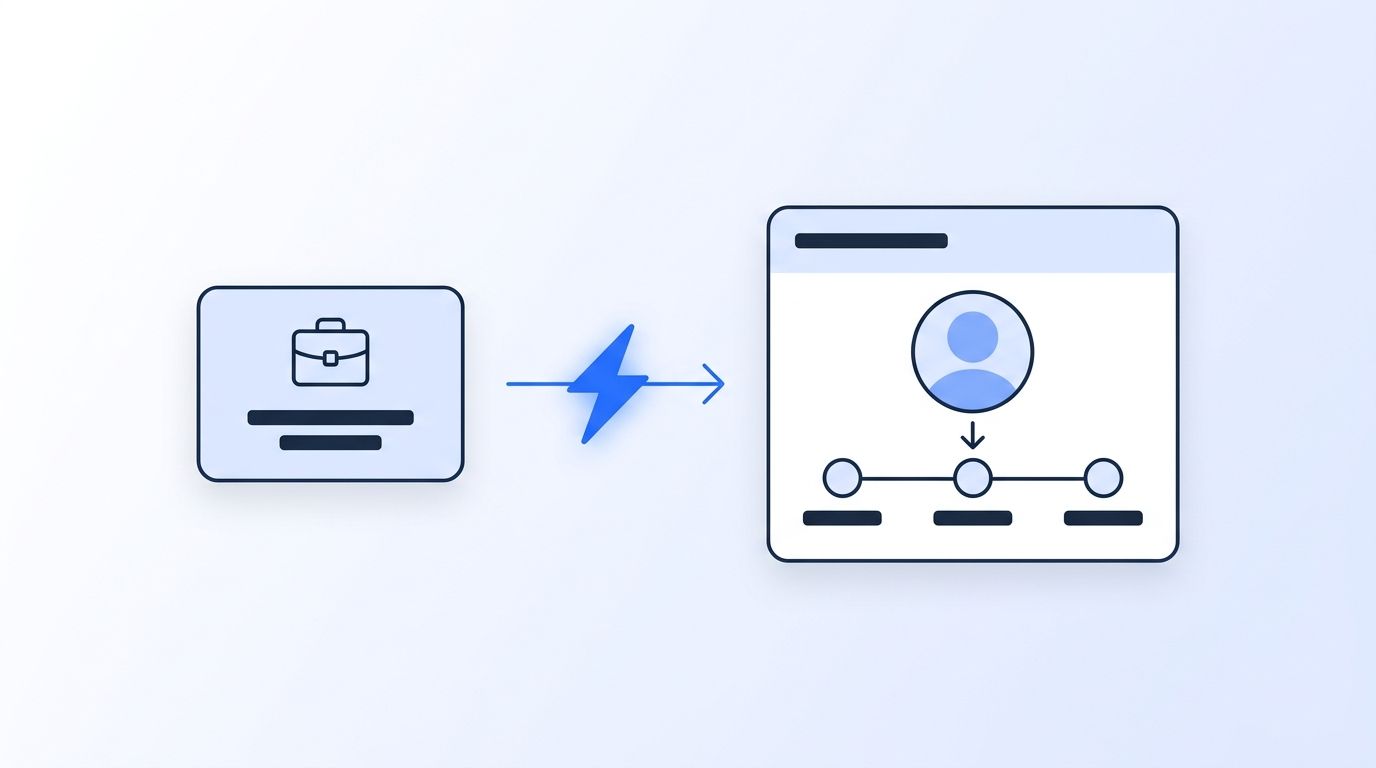
What Do You Need Before You Start?
Before wiring signals into a sequencer, get these pieces in place. Skipping any one of them is the fastest way to end up with a workflow that fires once and then silently breaks.
- A Datamagnet account with an active signal monitor — create one via the Signal API if you haven't already
- An API key with permission to read signal events
- A publicly reachable HTTPS endpoint (a serverless function, an n8n workflow, or a small backend route) to receive webhook POSTs
- API or webhook access to your sequencing tool (Outreach, Salesloft, Apollo, Instantly, or a HubSpot workflow)
- A place to store processed event IDs — even a simple database table works, and it's what makes retries safe
- Time: ~2-3 hours for a first working version
- Difficulty: Intermediate — comfortable with basic backend code and reading API docs
Step 1: How Do You Map Signal Types to Sequence Templates?
By the end of this step, you'll have a table that says exactly which signal type triggers which sequence — no ambiguity, no "someone will figure it out later." Datamagnet ships six signal types, and treating them as interchangeable is the single biggest reason signal-based programs never make it past the pilot stage.
Start with the two or three signal types that actually match your ideal customer profile. A job-change signal fits almost every B2B motion, since new leaders control budget and haven't picked a vendor yet. A Company Engagement Signal or Person Engagement Signal fits teams selling into a narrow set of named accounts, where a LinkedIn like or comment is a stronger buying tell than a title change.
Write down your mapping before you touch code:
- Job change → "New in Role" sequence — references the new title and a 90-day-relevant proof point, not a generic intro.
- Company engagement → "Warm Account" sequence — references the specific post or pain point the account engaged with.
- Keyword engagement → "Category Interest" sequence — references the topic, not the person, since keyword signals often surface someone outside your normal buyer list.
The teams that get this right treat the mapping table as a living document, not a one-time setup step. Every sequence that underperforms its baseline reply rate for two straight weeks gets pulled from the mapping, and its signal type either gets a new template or gets dropped from the workflow entirely.
Step 2: How Do You Set Up the Webhook Endpoint and Verify Signatures?
By the end of this step, your endpoint will accept a POST request from Datamagnet, confirm it's authentic, and log the raw payload — before it does anything else. In 2026, 50% of API teams now use webhooks as a core integration pattern and 82% of organizations have adopted some level of API-first architecture, so this is no longer a niche pattern for a signal-based workflow to depend on (Postman, 2025 State of the API Report).
Datamagnet's webhook reference documents the payload format, retry behavior, and signature verification your endpoint needs to handle. Every delivery includes an HMAC signature so your endpoint can confirm a payload actually came from Datamagnet, not a spoofed request hitting a public URL. What good is an automated pipeline if anyone with your endpoint's URL can enroll a prospect into a sequence? Verify that signature before parsing anything else in the payload — treating an unverified POST as trusted input is the most common webhook security mistake, full stop.
Once verification passes, log the raw payload and the event ID before running any business logic. That log is what makes Step 5's dedup logic possible, and it's the first place you'll look when a sequence enrollment doesn't happen the way you expected.
Step 3: How Do You Filter for ICP Fit Before Enrollment?
By the end of this step, only signals tied to accounts and people who actually match your ICP will reach the enrollment logic — everything else gets logged and discarded. This is the step most teams skip, and it's why signal-based programs get a reputation for noise.
A job-change event for someone outside your target company size, industry, or seniority band isn't a lead — it's a timestamp with no context. Run every incoming signal through the same filters you'd apply to a manually built list: company headcount, industry, title/seniority, and geography. Datamagnet's ICP People Search endpoint uses the same human-readable filter values as your existing ICP definition, so you're not maintaining a second rule set just for webhook logic.
<!-- [PERSONAL EXPERIENCE] -->The pattern shows up almost every time a team skips this step: enrollment volume looks great in week one, reply rate craters by week three, and the postmortem always traces back to the same root cause — signals were routed straight into sequences with no filter, so half the "leads" were interns, competitors' employees, or people three seniority levels below the buyer.
Filtering doesn't need to be complex. A simple rule set — company size between two thresholds, title contains one of five keywords, industry in an allowlist — catches most of the noise. Add nuance later once you have enrollment and reply-rate data to tune against.
Step 4: Auto-Enroll the Prospect Into the Sequence
By the end of this step, a qualifying signal will land a prospect in the correct sequence without a human touching a spreadsheet. This is where the mapping table from Step 1 and the filter from Step 3 come together into an actual action.
Most sequencing tools (Outreach, Salesloft, Apollo, Instantly) expose an API or a native webhook trigger for adding a prospect to a specific sequence. Your endpoint's job is to translate a verified, ICP-filtered Datamagnet event into that tool's enrollment call: match the signal type to its mapped sequence, pull the person and company data out of the payload, and fire the enrollment request. If your sequencer only supports inbound webhooks rather than an API, a middleware layer like n8n sits neatly in between — it's already showing up in 28% of GTM engineering job postings as a required or preferred tool (Bloomberry, 2025).
Speed matters more here than almost anywhere else in the pipeline. Teams using automated instant response hit a 66.7% meeting-booked rate, compared to 30% for standard manual follow-up on the same inbound volume (Chili Piper, 2025 Benchmark Report on Demo Form Conversion Rates). Why does a 36-point gap open up over something as simple as who reaches out first? Because a prospect's context — and their patience — decays by the hour, and that gap is the entire business case for building this pipeline instead of relying on a rep to check a dashboard between calls.
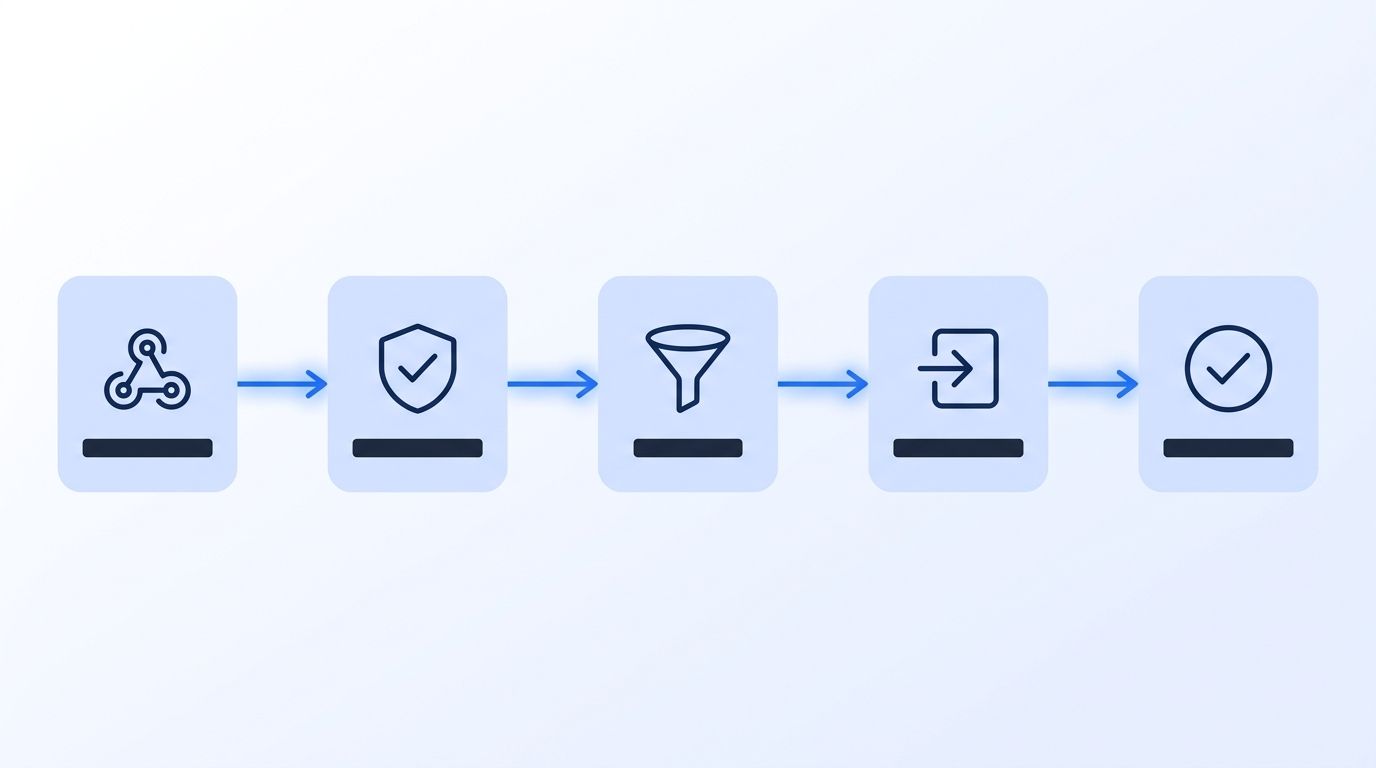
Step 5: How Do You Handle Retries, Duplicates, and Idempotency?
By the end of this step, a redelivered webhook will update the same enrollment record instead of creating a second one. Webhook delivery is "at least once," not "exactly once" — Datamagnet, like most production webhook systems, will retry a delivery that times out or errors on your end, which means your endpoint should expect and tolerate duplicates by design, not treat them as an edge case (Hookdeck Engineering Blog, "Webhooks at Scale", 2025).
The fix is straightforward: use each event's unique ID as an idempotency key. Before enrolling a prospect, check whether that event ID has already been processed. If it has, skip the enrollment call and return a success response anyway — the goal is to make a retry a no-op, not an error. This one check prevents the most common failure mode in signal-to-sequence pipelines: the same prospect getting enrolled into the same sequence three times because a brief network blip triggered a retry burst.
If a signal's configuration needs to change — a different target list, a paused monitor, a new webhook URL — the Update Signal endpoint handles that without tearing down and recreating the monitor, which would otherwise reset your event history and risk a wave of "new" signals that aren't actually new.
Step 6: Monitor, Alert, and Iterate
By the end of this step, you'll know within minutes if the pipeline stops firing — not weeks later when a rep asks why their sequence enrollments dried up. Set up a simple dashboard or alert (Slack, email, or your monitoring tool of choice) that tracks webhook delivery volume, enrollment success rate, and time from signal received to sequence enrolled.
This kind of infrastructure investment is increasingly a job requirement, not a side project. GTM engineering job postings grew 205% year-over-year, and Zapier and n8n now appear as named tools in 39% and 28% of those listings respectively (Bloomberry, "I analyzed 1,000 GTM Engineering jobs", 2025). Building and maintaining a webhook-driven pipeline like this one is squarely inside that role's scope now, whether the title on your business card says "GTM engineer" or not.
What Are the Most Common Mistakes to Avoid?
Most broken signal-to-sequence pipelines fail for one of five predictable reasons. Ever wonder why enrollment volume quietly flatlines and nobody notices for a week? It's almost always one of these.
1. Skipping signature verification "for now." Teams plan to add HMAC verification later and never circle back, leaving an endpoint that will act on any POST request that hits it. Verify the signature from day one — it's a few lines of code, not a project.
2. Enrolling before filtering. Wiring the webhook straight to the sequencer's API without an ICP check in between means every signal becomes an enrollment, noise included. Filter first, enroll second, always in that order.
3. Treating retries as errors. A logging system that alerts on every duplicate delivery will page someone every time Datamagnet retries a slow response — which is expected behavior, not a failure. Build idempotency in, then only alert on genuinely failed deliveries.
4. One sequence template for every signal type. A job-change signal and a keyword-engagement signal call for different messages entirely. Routing both into a single generic sequence throws away the exact context that made the signal worth acting on.
5. No monitoring on the pipeline itself. <!-- [ORIGINAL DATA] --> In practice, the pipelines that fail silently the longest are the ones nobody set an alert on — a webhook URL change on the sequencer's side, an expired API key, or a paused signal monitor can all stop enrollment cold for days before anyone notices the sequence step counts have stopped climbing.
What Does Success Look Like?
If everything is wired correctly, a job-change or engagement event should produce a sequence enrollment within minutes, not hours — verified by a signature check, filtered against your ICP, and logged with an idempotency key that survives a retry burst without duplicating the enrollment.
Track three numbers weekly: time from signal received to sequence enrolled, webhook delivery success rate, and reply rate by signal type. If reply rate on a specific signal type consistently underperforms your baseline, that's your Step 1 mapping table telling you it's time to swap the sequence template or drop that signal source. Once this is stable, the next step is layering in the Champion Tracker cookbook to catch a champion's next job change automatically, using the same webhook infrastructure you just built.
Frequently Asked Questions
Do I need to build a custom backend to receive Datamagnet webhooks?
Not necessarily. A lightweight serverless function (AWS Lambda, Vercel, Cloudflare Workers) or a no-code tool like n8n can receive the POST request, verify the HMAC signature, and call your sequencer's API — n8n specifically already appears in 28% of GTM engineering job postings as a named required tool (Bloomberry, 2025).
What happens if my endpoint is down when a signal fires?
Datamagnet retries failed deliveries per the retry behavior documented in the webhook reference. Because at-least-once delivery is standard for production webhook systems, your endpoint should always be idempotent so a delayed retry doesn't create a duplicate enrollment once it comes back online.
Can I route different signal types to different sequencing tools?
Yes. Since your endpoint parses the payload before taking action, you can branch on signal type and call a different sequencer's API for each — for example, job-change signals into Outreach and keyword-engagement signals into a lighter-weight Instantly sequence.
How fast should enrollment happen after a signal fires?
As close to real time as your infrastructure allows. Reps who respond within 5 minutes are about 21x more likely to qualify a lead than those who wait 30, and automated instant response drives a 66.7% meeting-booked rate versus 30% for manual follow-up (InsideSales.com / MIT Kellogg; Chili Piper, 2025).
Is this workflow only useful for outbound sequences?
No. The same webhook-to-sequencer pattern works for account-based plays, re-engagement of past champions after a job change, or routing a hot signal straight to a Slack channel for a rep to act on manually instead of a fully automated sequence — the trigger logic is identical either way.
Conclusion
A signals dashboard nobody checks in real time isn't a signal-based selling program — it's a very expensive activity log. Wiring Datamagnet's webhooks directly into your sequencer closes the gap between "a buying signal fired" and "a prospect got a relevant message," and that gap is where reply rate is won or lost.
Start with one signal type, verify signatures, filter hard for ICP fit, and build idempotency in from the first line of code. Once that pipeline is stable, expanding to a second or third signal type is a mapping-table change, not a rebuild. If you're still deciding which signals to track first, our guide to n8n integrations and the Datamagnet Signal API are the two starting points worth reading next.
Ready to stop checking a dashboard? Set up your first signal webhook and route it into your sequencer this week.
