
Disclosure: Datamagnet publishes this article. Product capabilities described below are based on public documentation, retrieved 2026-07-28.
How to Set Up Slack Alerts for High-Intent Buying Signals
In 2025, Chili Piper found that instant response to a buyer drove a 66.7% meeting-booking rate, compared to just 30% for standard follow-up (Chili Piper, 2025 Demo Form Conversion Rate Benchmark Report). Most teams still find out about a job change, a funding round, or a competitor mention hours after it happens - usually because someone finally opens a dashboard nobody checks daily.
By the time that happens, the signal is cold. This guide walks through building a pipeline that pushes high-intent buying signals straight into Slack the moment they fire, so a rep sees the alert while it still matters instead of during a Friday pipeline review.
Key Takeaways
- Instant response drives a 66.7% meeting-booking rate vs. 30% for standard follow-up (Chili Piper, 2025).
- Accounts prioritized by intent signals convert to closed opportunity at 21.3%, vs. 8.4% for non-prioritized accounts (The Starr Conspiracy, B2B Intent Data Benchmarks 2025).
- Slack's Incoming Webhooks feature is the fastest way to get structured alerts into a channel - no middleware required for the Slack side.
- Route different signal types (job changes, engagement, funding) to separate channels, and set volume thresholds early, or your team will mute the channel within a month.
- 71% of B2B marketers actively used third-party intent data in 2024, up from 55% in 2022 - this is table stakes now, not a novelty (The Starr Conspiracy, 2025).
What Do You Need Before You Start?
You need three things before wiring up any alerts: a live source of buying signals, Slack admin access to create an app, and a rule for which signals are worth interrupting a rep's day. Skipping the third one is how teams end up with a channel everyone mutes by week three.
What you'll need:
- A signal or intent data source with webhook delivery (this guide uses Datamagnet's Signal API, which supports job-change, engagement, and industry triggers)
- A Slack workspace where you can create and install an app
- A lightweight place to run a transformation function - a serverless function, or a no-code tool like n8n
- Time: roughly 45-90 minutes for the first channel, less for each additional one
- Difficulty: Intermediate - no heavy engineering, but you'll touch a webhook payload
Isn't it a little strange that most sales teams will debate a sequence template for a week but skip the thirty minutes it takes to make sure the trigger for that sequence actually reaches someone in real time?
Step 1: Which Buying Signals Deserve a Slack Alert?
By the end of this step, you'll have a short, deliberate list of signal types worth interrupting a rep's day for - not every event your data source can fire. Not every signal is equally urgent, and treating them all the same is the fastest way to train your team to ignore the channel.
Start with signals tied to a change in buying readiness, not just activity. Job changes into a target title, a prospect engaging with a competitor's post, a company raising a funding round, or a target account's employee liking or commenting on your own company's content are all strong candidates. A person simply viewing your website once, on the other hand, usually isn't - that belongs in a lower-priority digest, not a real-time ping.
Most teams think of "adding a signal" as a data problem - hook up another feed, get more alerts. The actual constraint is attention, not coverage. A channel with twelve signal types firing all day teaches reps to skim past everything, which defeats the entire point of going real time in the first place. Fewer, better-chosen triggers beat comprehensive coverage almost every time.
Datamagnet's Create Signal endpoint lets you configure exactly this kind of monitor - tracking a specific list of LinkedIn profiles or companies for job changes, new posts, or engagement events, rather than subscribing to a firehose. Start narrow. You can always widen the list once the channel proves useful.
Citation capsule: Accounts prioritized by real-time intent signals convert to closed opportunity at 21.3%, compared to 8.4% for accounts worked without that prioritization (The Starr Conspiracy, B2B Intent Data Benchmarks 2025). The gap isn't about having more data - it's about acting on the right data while it's still fresh.
Step 2: How Do You Create a Slack App and Generate an Incoming Webhook URL?
By the end of this step, you'll have a webhook URL that posts directly into a chosen Slack channel whenever you send it a message payload. This is the delivery mechanism every alert in this guide runs through - Steps 3 through 6 all assume this URL already exists. Slack's Incoming Webhooks feature handles this natively, so there's no extra middleware to stand up on the Slack side before you can start posting.
- Go to api.slack.com/apps and click Create New App, choosing "From scratch."
- Name the app (something like "Buying Signal Alerts") and select your workspace.
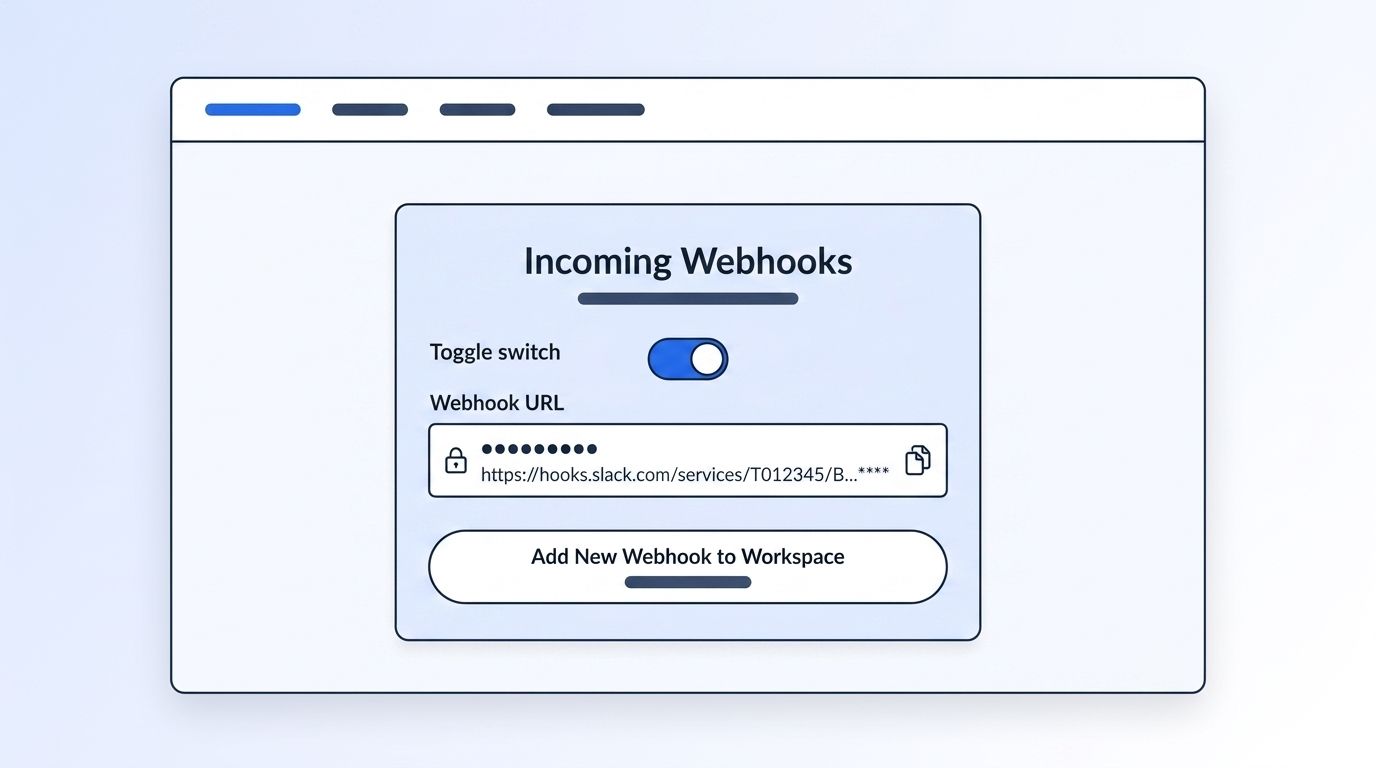
- Under Features, open Incoming Webhooks and toggle it on.
- Click Add New Webhook to Workspace, then choose the destination channel.
- Slack generates a unique URL in the format
https://hooks.slack.com/services/T00000000/B00000000/XXXXXXXXXXXXXXXXXXXXXXXX- specific to that one channel.
Save this URL somewhere secure. Anyone with it can post to that channel, and it functions like a credential, not a public link.
Verify it works with a quick test post:
curl -X POST -H 'Content-type: application/json' \
  --data '{"text":"Test alert: webhook connected."}' \
  https://hooks.slack.com/services/T00000000/B00000000/XXXXXXXXXXXXXXXXXXXXXXXX
If a message shows up in the channel, you're ready for the next step. This is still Slack's recommended integration path in 2026 - the older "legacy custom integrations" webhook method is deprecated, but the app-based Incoming Webhooks feature used here is not.
Step 3: How Do You Turn On Signal Monitoring for the Accounts You Care About?
By the end of this step, your signal source will be actively watching your target list and generating events - the raw material every Slack alert downstream depends on. Without an active monitor, there's nothing for the webhook in Step 2 to deliver, no matter how well the Slack side is wired up. This is the step where you tell the system which people and companies actually matter to your pipeline.
If you're using Datamagnet, Create Signal accepts a list of LinkedIn profile or company URLs and a signal type: job changes, new posts, or one of the engagement monitors. For competitive and category-level coverage instead of a fixed account list, the Keyword Engagement Signal and Company Engagement Signal endpoints watch for posts matching your keywords or from specific target companies, surfacing the people who like, comment on, or share them.
Once a monitor is running, you can check its status anytime with List Signals, and adjust its tracked list or delivery settings later with Update Signal - useful once you know which signal types are actually earning their place in the channel.
Verification: query List Signals and confirm your new monitor shows an active status with the correct tracked list attached before moving on.
Step 4: How Do You Connect the Signal Webhook to Slack?
By the end of this step, a raw signal event will arrive in Slack as a readable card, not a wall of JSON. This is the step most teams get wrong by trying to skip it - piping unformatted data straight into the channel from Step 2 usually gets ignored within days. A small transformation layer sits between the signal source and Slack, reshaping each event into something a rep can scan in seconds.
Datamagnet delivers each signal event to your own webhook endpoint as structured JSON - company name, person, signal type, timestamp, and a source URL. That payload isn't formatted for Slack's Block Kit message layout, so pointing it directly at your Slack webhook URL will post raw, hard-to-read data.
- Set up a small receiver - a serverless function or a no-code flow in a tool like n8n, which can call Datamagnet from an HTTP Request node and receive signal webhooks with its Webhook node.
- Have the receiver parse the incoming signal payload for the fields you care about (company, person, signal type, link).
- Map those fields into a Slack Block Kit message and POST it to the webhook URL from Step 2.
- Include a link back to the LinkedIn profile or post that triggered the signal, so a rep can verify context in one click.
[STAT: 80% of Fortune 100 companies use Slack Connect for cross-organization collaboration, and 100,000+ organizations rely on it (Slack/Salesforce, 2025)]
<!-- [PERSONAL EXPERIENCE] -->Teams that skip the transformation layer usually try to "fix" the raw JSON dump by asking reps to just get used to reading it. That never sticks. A rep scanning Slack between calls needs the answer in three seconds - company, what happened, what to do - not a payload they have to mentally parse first.
Step 5: How Do You Format the Alert So a Rep Can Act Without Leaving Slack?
By the end of this step, every alert will carry enough context for a rep to make a follow-up decision without opening a second tab. That's the whole point of routing signals here instead of a CRM report - the transformation layer from Step 4 already has the raw fields, and this step decides how they're laid out. Get the layout right and a rep can triage an alert in the time it takes to read three lines.
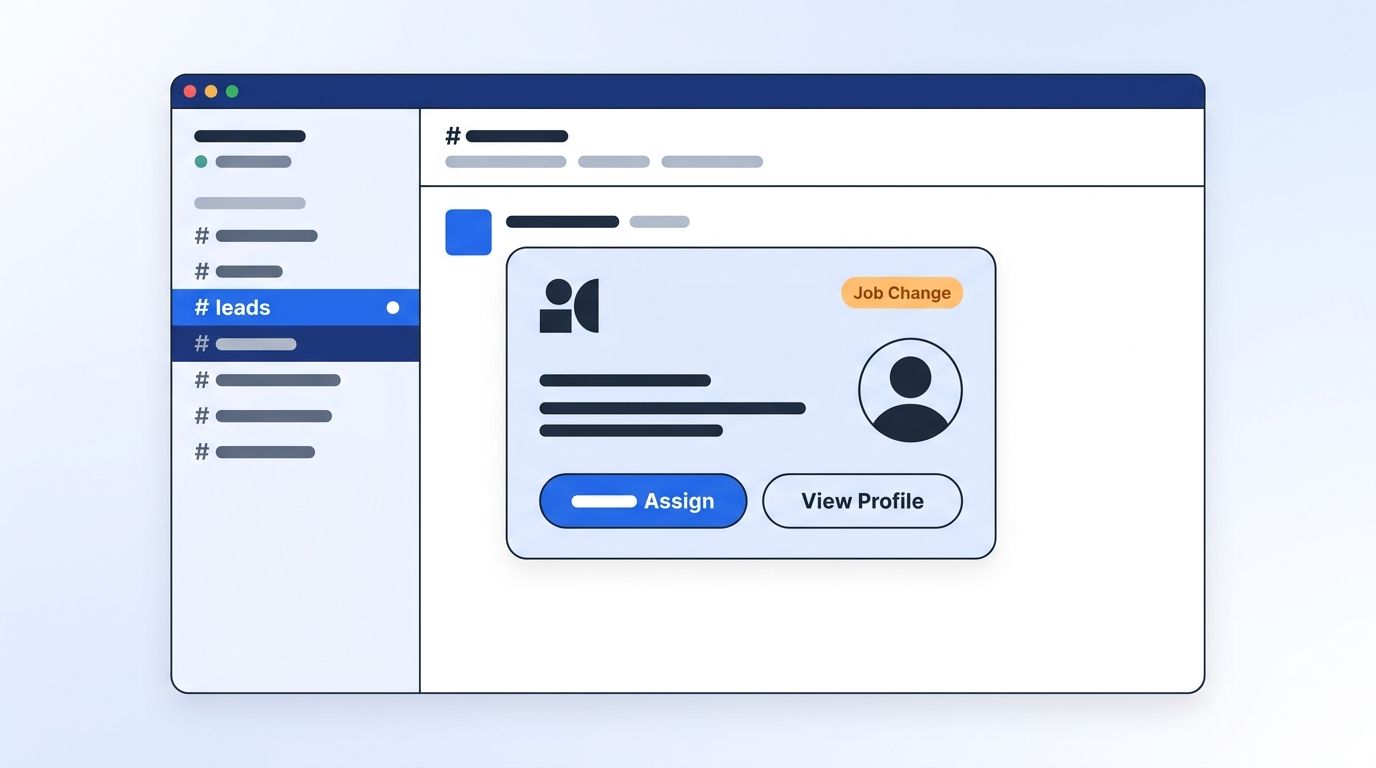
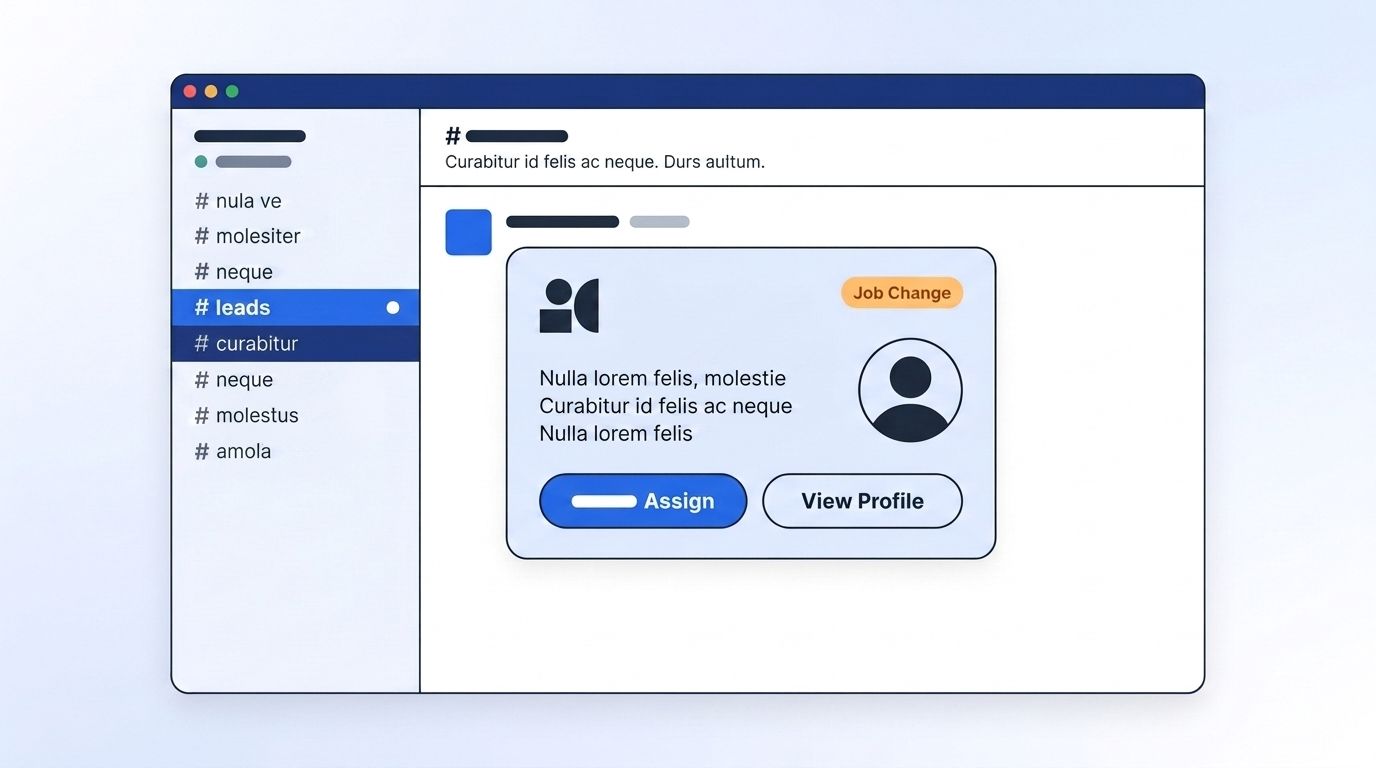
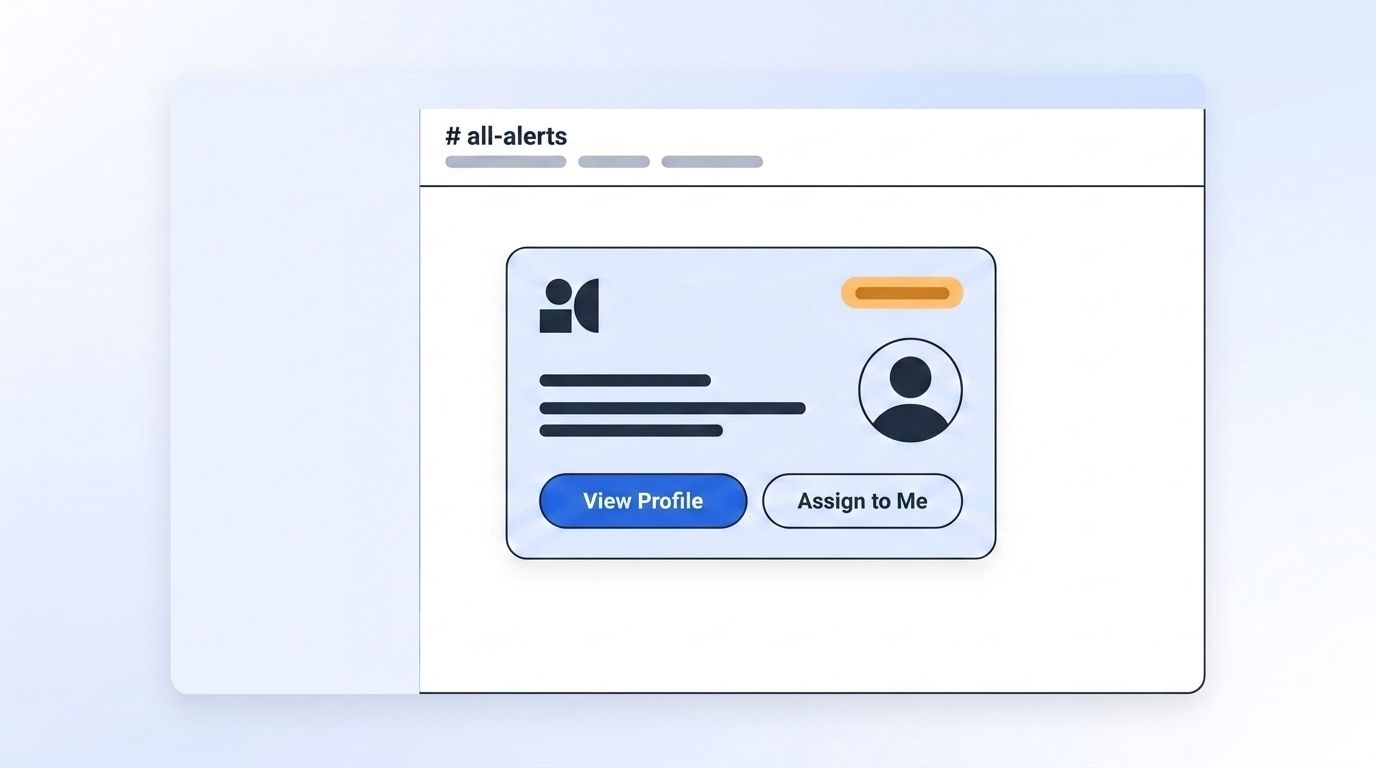
A well-formatted alert should include: the company and person's name, the signal type as a short label ("Job Change," "Funding Round," "Engaged with Competitor"), one line of context, a link to verify the source, and - if your CRM supports it - a button or link that opens the record directly. Slack's Block Kit supports buttons, so a "Log to CRM" or "Assign to me" action can sit right in the message.
{
  "blocks": [
    {
      "type": "section",
      "text": {
        "type": "mrkdwn",
        "text": "*New Signal: Job Change* :rotating_light:\n*Person:* Jordan Reyes\n*New Role:* VP of Sales @ Northbeam\n*Why it matters:* Former champion account, now has budget authority."
      }
    },
    {
      "type": "actions",
      "elements": [
        { "type": "button", "text": { "type": "plain_text", "text": "View Profile" }, "url": "https://linkedin.com/in/example" },
        { "type": "button", "text": { "type": "plain_text", "text": "Assign to Me" }, "value": "assign_jordan_reyes" }
      ]
    }
  ]
}
In one 2025 customer case study, Frontify reported a 42% increase in sales velocity after adopting a signal-based motion like this one (Salesmotion, Frontify case study, 2025) - a single account's results, not a benchmark, but a useful illustration of what happens when a signal reaches a rep while it's still relevant instead of a quarter later.
Step 6: How Do You Tune Thresholds So Alerts Don't Become Noise?
By the end of this step, your channel will post only the signals worth someone's attention - not every event your monitors can technically detect. This is the step that determines whether the channel survives past month one. Everything set up in Steps 1 through 5 still fails if volume isn't controlled here, since a flooded channel gets muted regardless of how well-formatted each individual alert is.
Start by capping volume per channel - most teams find 10-20 alerts a day is the ceiling before people start scrolling past them unread. Route lower-priority signal types to a daily digest instead of a real-time ping, and split high-volume signal types (like broad keyword engagement) into their own channel so they don't drown out rarer, higher-value ones like funding rounds.
There's no dedicated 2025-2026 study measuring Slack-alert fatigue specifically in sales orgs, but adjacent research is instructive: IT and security teams studied in SANS Institute's 2025 SOC Survey and the 2025 State of MSP Agent Fatigue report both describe attention degrading measurably as the same type of alert repeats, with a majority of alerts eventually dismissed as noise (SANS Institute, 2025 SOC Survey; FutureSafe, The State of MSP Agent Fatigue 2025, 2025). That's IT/security research, not sales - but the mechanism, repetition eroding response quality, travels across domains.
<!-- [ORIGINAL DATA] -->Teams that split signals into dedicated, capped channels instead of one shared firehose report noticeably more same-session follow-up than teams working from a single high-volume channel - reps stop needing to mentally filter before they can act.
What Mistakes Should You Avoid When Routing Signals to Slack?
The single most common mistake is posting every available signal type into one channel on day one, which guarantees the channel gets muted within a few weeks. Here's what else trips teams up - most of these show up after the pipeline from Steps 1 through 6 is technically working, once real volume starts hitting the channel and small formatting or ownership gaps turn into daily friction.
1. Skipping the transformation layer. Piping raw webhook JSON straight into Slack looks fine in testing and becomes unreadable the moment real volume hits. Format the message before it posts, not after someone complains.
2. No ownership assigned to the alert. A signal that fires into a shared channel with no clear "whose lead is this" logic just sits there. Add an assignment button or route by account owner from the start.
3. Treating every signal as equally urgent. A funding round and a single post-like aren't the same priority. Bucket signal types into tiers and only real-time-alert the top tier.
4. No feedback loop on what's working. Teams set up the channel and never revisit which signal types actually produce meetings. Review the channel monthly and cut whatever nobody acts on.
5. Forgetting Slack alerts still need to land in the CRM. A Slack ping that never gets logged means no record of the touch. Pair the "Assign to Me" button with an action that writes back to your CRM, not just to the channel.
What Does Success Look Like?
If everything above is wired correctly, a signal that fires at 10:47 a.m. should be visible, readable, and actionable in Slack by 10:48 a.m. - not surfaced three days later in a report nobody opened. That one-minute turnaround is the entire reason for building the pipeline in Steps 1 through 6 instead of relying on a dashboard someone checks once a week. If the delay is still measured in hours rather than minutes, one of the earlier steps needs a second look.
Watch for a few concrete signs it's working: reps replying to alerts within the same work session, the "Assign to Me" button actually getting used, and a growing share of the channel's signals showing up as logged CRM activities within a day. If none of that's happening after a couple of weeks, revisit Step 6 before adding more signal types - a noisy channel won't fix itself by adding volume.
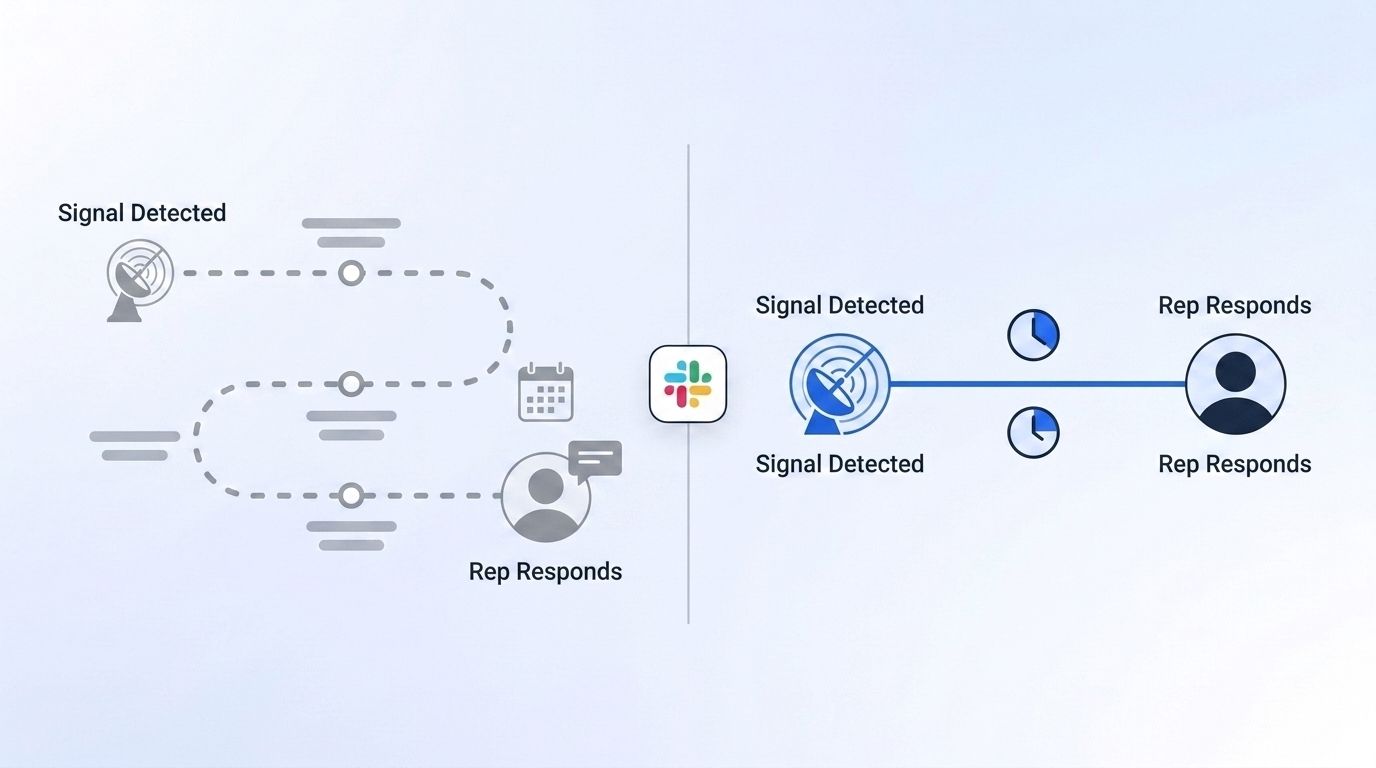
For a deeper look at why acting on signals while they're fresh outperforms static lead lists, see how real-time intent signal APIs change response speed for job-change triggers specifically. And if you want the alert to launch a full outreach motion automatically rather than just notify a rep, the Champion Tracker cookbook walks through wiring job-change signals into a re-engagement flow.
Frequently Asked Questions
Setting up Slack alerts for buying signals raises a handful of practical questions once teams start building: how long it takes, whether it works outside Slack, and what to do once a channel gets noisy. The five questions below cover the setup timeline, platform flexibility, alert volume, channel routing, and cost - the details that come up most once Steps 1 through 6 are underway.
How long does it take to set up Slack alerts for high-intent buying signals?
Budget 45-90 minutes for the first channel: about 10 minutes to create the Slack app and webhook, 20-30 minutes to configure signal monitoring, and the rest building the transformation layer that formats the message. Each additional channel after that takes 10-15 minutes since the receiver logic is already built.
Can I send buying-signal alerts to Microsoft Teams instead of Slack?
Yes. The same pattern applies - your signal source's webhook feeds a transformation layer, which then posts a formatted card to a Teams incoming webhook connector instead of Slack's. The signal-detection and threshold-tuning steps in this guide don't change; only the final delivery format does.
What should I do if my alert channel gets flooded with notifications?
Split high-volume signal types into their own channel, move lower-priority triggers to a daily digest instead of real time, and cap total alerts per day. Revisit which signal types are configured with Update Signal - narrowing the tracked account list is often faster than rebuilding the whole pipeline.
How do I route different signal types to different Slack channels?
Create a separate Incoming Webhook URL per channel in Step 2, then have your transformation layer branch on signal type before posting - job changes to one webhook URL, engagement signals to another. List Signals lets you confirm which monitor is generating which event type as you build out the routing logic.
Is Slack's Incoming Webhooks feature free to use?
Yes, Incoming Webhooks are available on Slack's free tier and don't require a paid plan. Your costs come from the signal data source and any serverless function or automation tool you use for the transformation layer, not from Slack itself.
Start Routing Signals Before They Go Cold
A buying signal loses value with every hour it sits in a dashboard nobody's checking. Wire your highest-intent signal types into a formatted, threshold-tuned Slack channel, and your team acts while the signal - and the buyer - is still there. See how Datamagnet's Signal API delivers job-change, engagement, and funding triggers via webhook and connect your first channel this week.
Sources
- Chili Piper, 2025 Demo Form Conversion Rate Benchmark Report, retrieved 2026-07-28, https://www.chilipiper.com/post/form-conversion-rate-benchmark-report
- The Starr Conspiracy, B2B Intent Data Benchmarks 2025, retrieved 2026-07-28, https://www.thestarrconspiracy.com/insights/benchmarks/b2b-intent-data-benchmarks-2025
- Okta, Businesses at Work 2025, retrieved 2026-07-28, https://www.okta.com/reports/businesses-at-work-archive/businesses-at-work-2025/
- Slack (Salesforce), Slack Connect usage data, retrieved 2026-07-28, https://slack.com/blog
- Salesmotion, Frontify customer case study, retrieved 2026-07-28, https://salesmotion.io/customers/frontify
- FutureSafe, The State of MSP Agent Fatigue 2025, retrieved 2026-07-28, https://futuresafe.com/when-security-tools-become-the-problem-the-state-of-msp-agent-fatigue-in-2025/
- Slack, Sending messages using incoming webhooks, retrieved 2026-07-28, https://docs.slack.dev/messaging/sending-messages-using-incoming-webhooks
- Datamagnet, Create Signal endpoint, retrieved 2026-07-28, https://docs.datamagnet.co/api-reference/endpoints/signal-create
- Datamagnet, Webhooks, retrieved 2026-07-28, https://docs.datamagnet.co/api-reference/webhooks
