
Disclosure: This article is published by Datamagnet. Vendor claims are self-reported unless otherwise noted.
How to Set Data Quality SLAs Between Sales and Marketing Ops
In 2026, B2B contact data decays 25-30% a year, which means a 10,000-record database loses roughly 2,500 to 3,000 usable contacts annually if nobody touches it (ZoomInfo Pipeline, B2B Data Decay: Rates, Costs, and How to Stop It, 2026). Sales blames marketing for handing over stale leads. Marketing blames sales for not updating records after a call. Neither team owns the fix, so the same bad data keeps circling back.
A data quality SLA ends that argument by turning "the data is bad" into a specific, measurable, owned commitment. This guide walks through building one from scratch - which fields to cover, what thresholds to set, how to monitor it, and who's on the hook when it slips. No analyst firm has published a standard template for this exact handoff yet, so most of what's below comes from how working RevOps teams actually structure it.
Key Takeaways
- In 2026, B2B contact data decays 25-30% a year, draining roughly 2,500-3,000 usable contacts from a 10,000-record database annually (ZoomInfo Pipeline, 2026).
- Verified email coverage in B2B databases runs about 51%, versus roughly 30% for mobile and 29% for direct-dial numbers - set thresholds per field, not one blanket number (ZoomInfo, B2B Contact Database, retrieved 2026-07-19).
- A phone number can be listed for 99% of contacts while only 68% actually verify to the right person - "coverage" and "accuracy" need separate SLA lines (Outbound Kitchen, The 2026 B2B Mobile Data Benchmark, retrieved 2026-07-19).
- 53% of data and analytics leaders have already deployed automated data observability tooling, with another 31% planning to within 6-12 months (Validio, citing Gartner's Market Guide for Data Observability Tools, 2026).
- Assign one owner per field, set a review cadence, and write a real escalation path - an SLA nobody enforces is just a shared document.
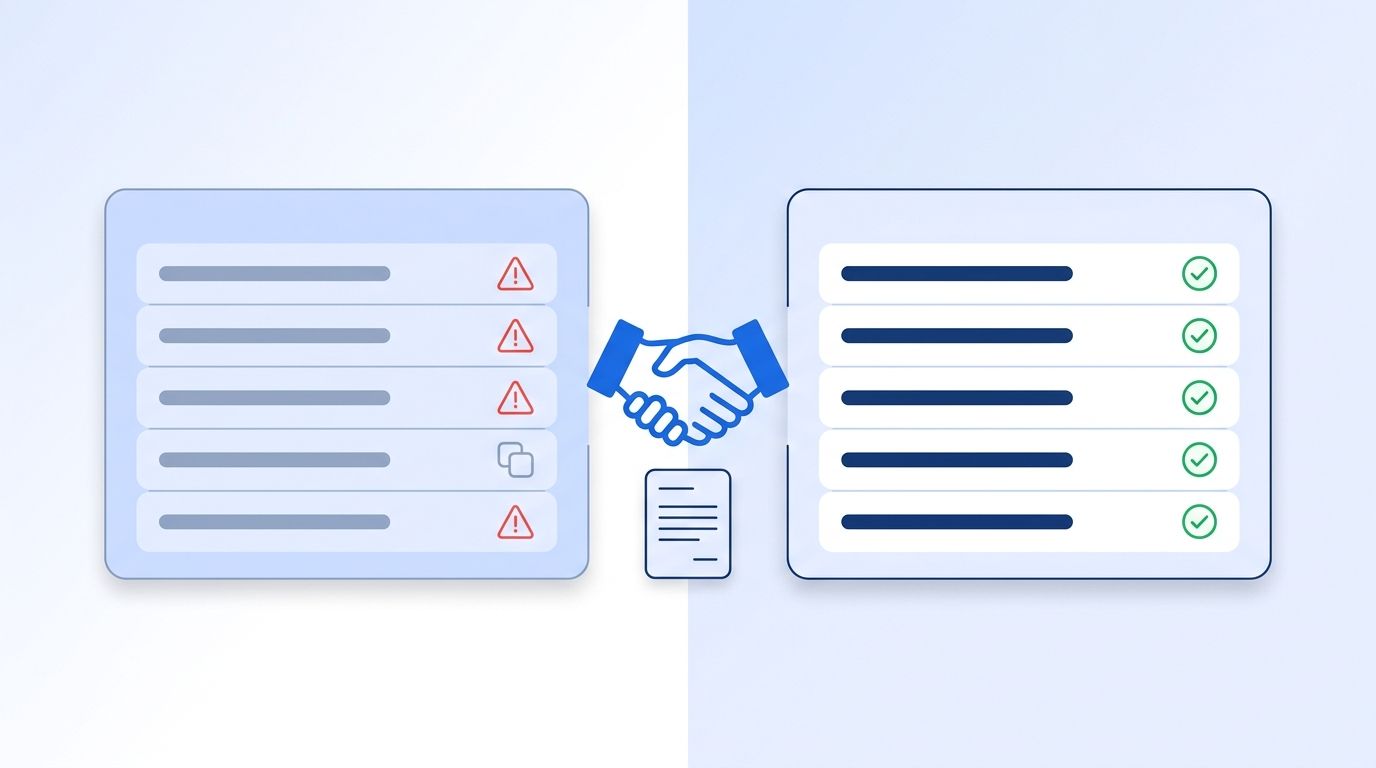
What Do You Need Before You Set an SLA?
Before you draft a single threshold, pull three things together: a current export of your CRM's contact and account fields, a list of every workflow that breaks when those fields are wrong (lead routing, territory assignment, outbound sequencing, attribution reporting), and a named owner on each side - one from sales ops, one from marketing ops - who can actually approve changes to process, not just discuss them.
Time needed: About 2-3 hours to draft a first version, plus a 30-minute working session with both teams. Difficulty: Beginner - no engineering work required for the first pass.
For a look at how enrichment coverage varies by field in practice, see Datamagnet's LinkedIn People API, which returns structured job history, contact, and activity data you can use to benchmark your own CRM's freshness.
Step 1: Which Fields Should the SLA Actually Cover?
By the end of this step, you'll have a short, named list of fields both teams agree matter - not every column in the CRM. Trying to govern all 80 fields in a typical contact record guarantees the SLA gets ignored within a month, because nobody has time to audit that much surface area every week.
Start with the fields that break a workflow when they're wrong: email, direct-dial or mobile phone, job title, company name, and lead source. Coverage varies sharply by field type, which is exactly why a single blanket rule doesn't work. ZoomInfo's own contact database shows about 51% verified email coverage against roughly 30% for mobile numbers and 29% for direct-dial lines (ZoomInfo, B2B Contact Database, retrieved 2026-07-19).
Citation capsule: Verified email coverage in B2B contact databases sits around 51%, nearly double the roughly 30% seen for mobile and direct-dial phone numbers. An SLA that applies the same completeness target to every field either sets email too low or phone too high - govern each field on its own curve.
<!-- [UNIQUE INSIGHT] -->Most SLA drafts we've seen start as a list of every field in the CRM schema. That's backwards. Start from the workflows that break - lead routing, sequencing, territory assignment - and work back to the fields those workflows actually touch. You'll usually land on 5-8 fields, not 40.
If lead routing is one of the workflows on your list, Datamagnet's ICP People Search shows the exact filter fields - job title, seniority, company, location - that a routing rule typically depends on, which is a useful starting checklist for this step.
Step 2: What Threshold Should You Set for Each Field?
By the end of this step, every field on your list has a number attached to it - completeness, accuracy, and freshness - instead of a vague "make sure it's good" expectation. A threshold without a number isn't a threshold, it's a hope.
Set three kinds of thresholds per field: completeness (what percent of active records must have a value), accuracy (what percent of populated values must be correct), and freshness (how old a value can be before it's considered stale). These aren't the same measurement. A phone field can be 99% complete and still fail on accuracy - one benchmark found a phone number listed for 99% of contacts tested, but only 68% verified as reaching the right person (Outbound Kitchen, The 2026 B2B Mobile Data Benchmark, retrieved 2026-07-19).
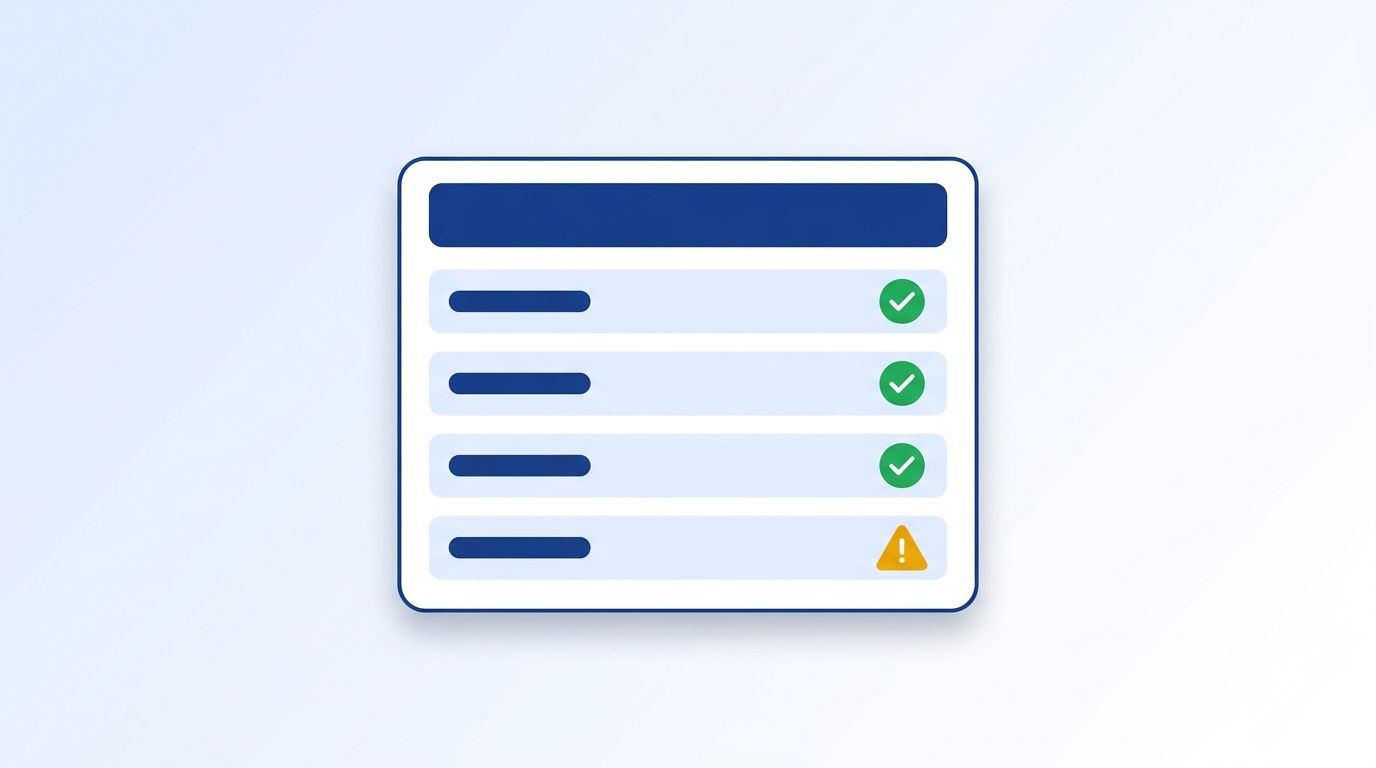
A workable starting point: 95% completeness on core routing fields (email, company, job title), 85-90% right-person accuracy on phone numbers, records refreshed or re-verified within 60-90 days, and a sending bounce rate held under 2% - the range most email deliverability practitioners treat as the line between healthy and at-risk sender reputation. Set these as a starting draft, not a permanent contract; you'll tighten or loosen them once you have a few months of real measurement behind you.
Whatever fields you pick, define the threshold with the same precision you'd expect from a vendor - Datamagnet's ICP Search filter reference is a good model for how granular a field definition needs to be before "job title" or "seniority" actually means the same thing to both teams.
Step 3: How Will You Measure and Monitor the SLA?
By the end of this step, you'll know exactly where the numbers in your SLA come from - and who pulls them. An SLA that relies on someone manually spot-checking records once a quarter will quietly die the first time that person changes roles.
Automated monitoring is becoming the default rather than the exception. 53% of data and analytics leaders have already implemented data observability tooling, with another 31% planning to adopt it within 6-12 months and 12% more within 12-18 months (Validio, citing Gartner's Market Guide for Data Observability Tools, 2026). That shift tracks with a fast-growing market: global data observability spend was valued at $2.75 billion in 2025 and is projected to reach $3.09 billion in 2026 (Fortune Business Insights, Data Observability Market Size, Share, Growth Forecast, 2026).
If you're not ready for a dedicated observability platform, a lighter first step works too: a scheduled query that checks completeness and freshness against your thresholds weekly, posted to a shared channel both teams watch. The point isn't sophistication - it's that the number gets checked on a fixed schedule, by a system, not a person's memory.
For freshness specifically, monitoring doesn't have to mean re-checking every record on a timer. Datamagnet's Signal API can flag job changes as they happen, so a record goes stale the moment you're notified about it instead of sitting wrong until the next audit.
Step 4: Who Owns Each Field When Something Breaks?
By the end of this step, every field has exactly one owner - not a team, a person - who's responsible for fixing it when the number slips. Shared ownership across a whole department is functionally the same as no ownership; when everyone's accountable, the ticket sits untouched.
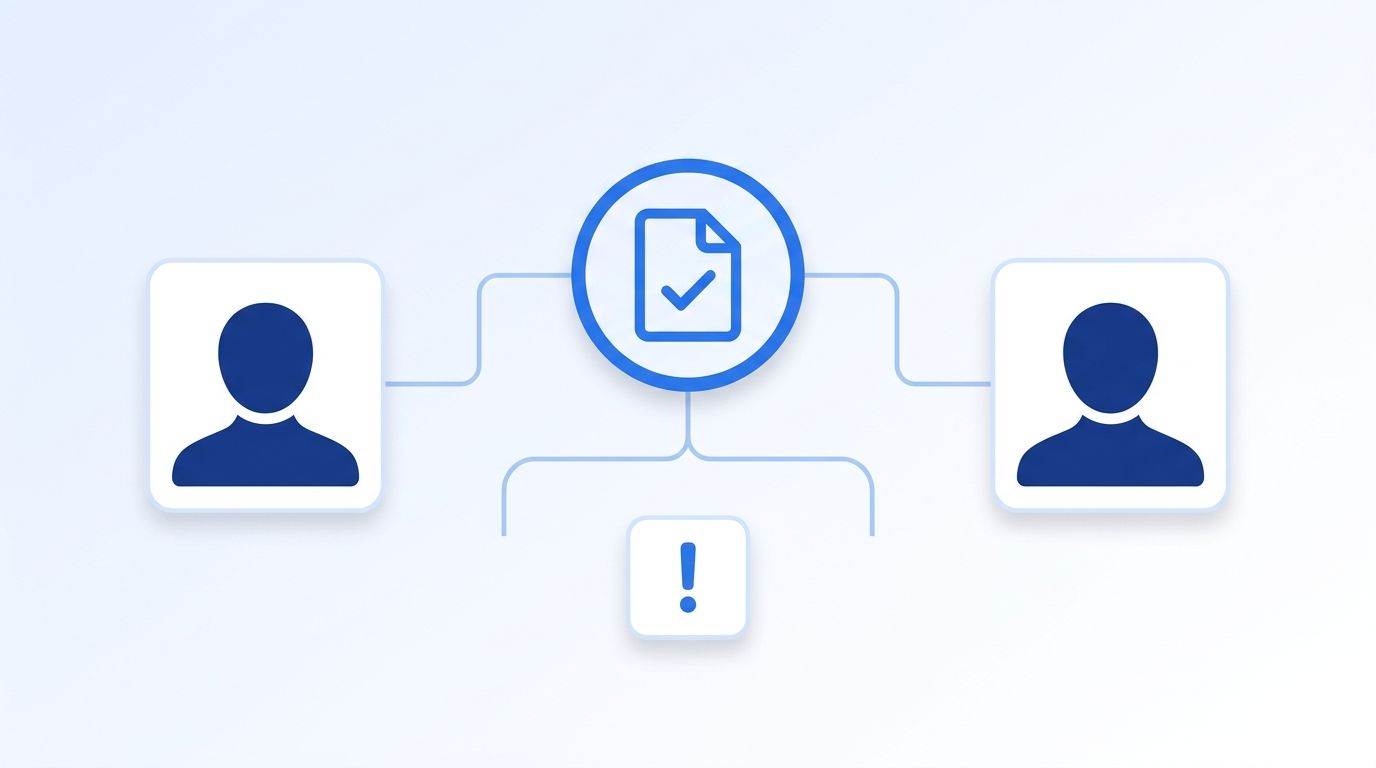
A simple split works for most teams: marketing ops owns fields captured at acquisition (lead source, form data, initial company match), and sales ops owns fields updated through the sales process (job title changes, direct-dial numbers, deal-stage-relevant details). Whoever's system is the system of record for a given field owns keeping it clean - not whoever happens to notice it's wrong first.
<!-- [PERSONAL EXPERIENCE] -->Watching a routing rule silently misfire because a "Job Title" field held three different formats - "VP Sales," "VP, Sales," "Vice President of Sales" - across a few hundred records is a familiar pattern for anyone who's owned lead routing logic. None of those records were technically "missing" data. The SLA needs a standardization rule, not just a completeness percentage, or routing logic keeps breaking on formatting alone.
Whoever owns account-level fields should have a single source they trust for company data - Datamagnet's ICP Company Search filters on standardized industry, headcount, and location values, which removes a common source of the formatting drift that breaks routing rules in the first place.
Step 5: Build a Real Escalation Path
By the end of this step, you'll know exactly what happens the week the SLA gets missed - not in theory, but as a written sequence of actions. Most data quality initiatives fail here: the threshold exists, but nothing changes when it's breached.
Structure escalation in tiers, similar to how vendor SLAs handle service credits. A minor miss (one field dips below threshold for a week) triggers an automated alert to the field owner with a fix deadline. A repeat miss (two consecutive weeks) escalates to both team leads in a scheduled 15-minute sync. A sustained miss (a full month) pauses the downstream process that field feeds - hold a campaign send, freeze auto-routing for that segment - until it's fixed. That last tier matters more than it sounds: a threshold with no real consequence attached gets deprioritized the first time both teams are busy.
Citation capsule: Teams that run formal, documented processes are 67% more likely to hit their revenue goals than teams that don't, based on a survey of 1,200+ revenue professionals (BoostUp.ai and RevOps Co-op, 2025 RevOps Compensation & Impact Report, 2025). A data quality SLA is exactly that kind of formal process - the value isn't the document, it's the habit of actually following it.
Escalation only works if both teams can see the same status at the same time - check Datamagnet's July 2026 changelog for an example of how granular, dated release notes make it obvious exactly what changed and when, which is the same transparency an escalation log needs.
Step 6: Review and Renegotiate the SLA Every Quarter
By the end of this step, you'll have a standing calendar hold that keeps the SLA from going stale itself - which happens to nearly every internal agreement that doesn't get revisited. Thresholds set in January stop matching reality by summer as lead volume shifts, new fields get added, or a new enrichment source changes what "good" coverage even looks like.
Put a 30-minute review on the calendar every quarter with both leads. Bring three things: the actual measured numbers against each threshold, any workflow that broke despite the SLA being "met" (a sign the threshold is measuring the wrong thing), and any new field or data source that's come online since the last review. Adjust thresholds up when a team consistently beats them with room to spare, and down when a target's proven unrealistic given your actual data sources - a threshold nobody can hit gets ignored just as fast as one with no consequence.
Common Mistakes to Avoid
The single most common mistake is writing thresholds without measuring current baseline performance first - teams set a 98% completeness target, then discover three months later they've never once hit 80%, and the SLA becomes background noise everyone's stopped checking.
1. Setting one threshold for every field. Email, phone, and job title decay at different rates and start from different coverage levels. A blanket 95% target is unreachable for phone data and too loose for email.
2. No named individual owner. "Marketing ops owns lead source data" sounds like ownership until the person who actually fixes it changes teams and nobody notices the gap for two months.
3. Measuring only completeness, not accuracy. A field can be 99% populated and still fail the workflow it feeds if a third of those values are wrong - the coverage-versus-accuracy gap on phone data is the clearest example of this trap.
<!-- [UNIQUE INSIGHT] -->4. Treating the SLA as permanent. The most durable SLAs we've seen get rewritten at least once in the first six months. Treating the first draft as final is why most data governance efforts stall - the thresholds were never realistic, and nobody built in a mechanism to fix that.
5. No consequence for a miss. If nothing changes when the SLA is breached, both teams learn within a quarter that the document is decorative.
What Does Success Look Like?
If the SLA is working, you'll see two concrete signs within a quarter: the field-level dashboard consistently sits at or above threshold without manual firefighting, and neither team is filing tickets blaming the other for routing or attribution errors traced back to bad data. That second sign matters more than the first - it means the SLA has actually changed behavior, not just produced a compliance number.
Once the core fields are stable, a natural next step is tightening freshness windows or adding a second-tier field (like company headcount or industry) to the SLA - but only after the first set has held for at least one full quarter.
Datamagnet's LinkedIn Company API can help close the freshness gap directly, refreshing headcount, industry, and firmographic fields at request time instead of relying on a quarterly batch upload. See how real-time enrichment fits into your data quality SLA - most teams get their first API call working in under 10 minutes.
Frequently Asked Questions
What fields should a data quality SLA between sales and marketing ops cover?
Start with the 5-8 fields that directly feed a broken workflow when they're wrong - typically email, phone, job title, company name, and lead source. Verified email coverage in B2B databases runs around 51% versus roughly 30% for phone numbers, so each field needs its own threshold rather than one blanket target (ZoomInfo, retrieved 2026-07-19).
What's a realistic completeness threshold to start with?
A common starting point is 95% completeness on core routing fields like email, company, and job title, with lower initial targets - 85-90% - on harder-to-verify fields like direct-dial phone numbers. Measure your actual current baseline first; setting a target above what you've ever achieved guarantees the SLA gets ignored within a quarter.
Who should own a data quality SLA, sales ops or marketing ops?
Neither team should own the whole thing - split ownership by system of record. Marketing ops typically owns fields captured at acquisition (lead source, form data), while sales ops owns fields updated through the sales process (title changes, direct-dial numbers). Each individual field needs one named owner, not a shared team assignment.
How often should a data quality SLA be reviewed?
Review it quarterly, at minimum. Thresholds set at the start of the year commonly drift out of sync with reality within two quarters as data volume, sources, and workflows change - a fixed calendar hold with both team leads keeps the SLA from becoming stale itself.
What happens if a team misses the SLA repeatedly?
Build tiered consequences into the SLA itself: a first miss triggers an automated alert with a fix deadline, a repeat miss escalates to a scheduled sync between team leads, and a sustained miss pauses the downstream process that depends on that field - like a campaign send or auto-routing rule - until it's resolved.
Sources
- ZoomInfo Pipeline, B2B Data Decay: Rates, Costs, and How to Stop It, retrieved 2026-08-03, https://pipeline.zoominfo.com/marketing/b2b-data-decay
- ZoomInfo, B2B Contact Database, retrieved 2026-07-19, https://www.zoominfo.com/offers/b2b-contact-database
- Outbound Kitchen, The 2026 B2B Mobile Data Benchmark, retrieved 2026-07-19, https://newsletter.outbound.kitchen/p/the-2026-b2b-mobile-data-benchmark
- Validio, What the 2026 Gartner Market Guide for Data Observability Tells Us, retrieved 2026-08-03, https://validio.io/blog/what-the-2026-gartner-market-guide-for-data-observability-tells-us
- Fortune Business Insights, Data Observability Market Size, Share, Growth Forecast, retrieved 2026-08-03, https://www.fortunebusinessinsights.com/data-observability-market-116981
- BoostUp.ai and RevOps Co-op, 2025 RevOps Compensation & Impact Report, retrieved 2026-08-03, https://www.prnewswire.com/news-releases/boostupai-and-revops-co-op-release-first-ever-revops-compensation--impact-survey-report-302306156.html
