
Disclosure: This article is published by Datamagnet. Vendor claims are self-reported unless otherwise noted.
How to Sync Enriched CRM Data Back Into HubSpot or Salesforce With Reverse ETL
In 2025, HubSpot's database decay simulation found that B2B contact data goes stale at roughly 2.1% a month, compounding to about 22.5% inaccuracy within a year (HubSpot, 2025). Enrichment fixes that data once. It doesn't keep it fixed. This guide walks through building a reverse ETL pipeline that pushes enriched signals — job changes, firmographics, engagement data — from your warehouse back into your CRM on a schedule that actually keeps pace with how fast the data moves.
Key Takeaways
- B2B contact data decays about 22.5% a year, so a one-time enrichment pass isn't enough (HubSpot, 2025).
- 76% of CRM users say less than half their data is accurate or complete, and 37% say bad data has cost them revenue (Validity, 2025).
- Reverse ETL lands enrichment in your warehouse first, then syncs modeled fields into HubSpot or Salesforce — not the other way around.
- Intent-prioritized accounts convert to closed opportunities at 21.3%, versus 8.4% for accounts without prioritization (The Starr Conspiracy, 2025).
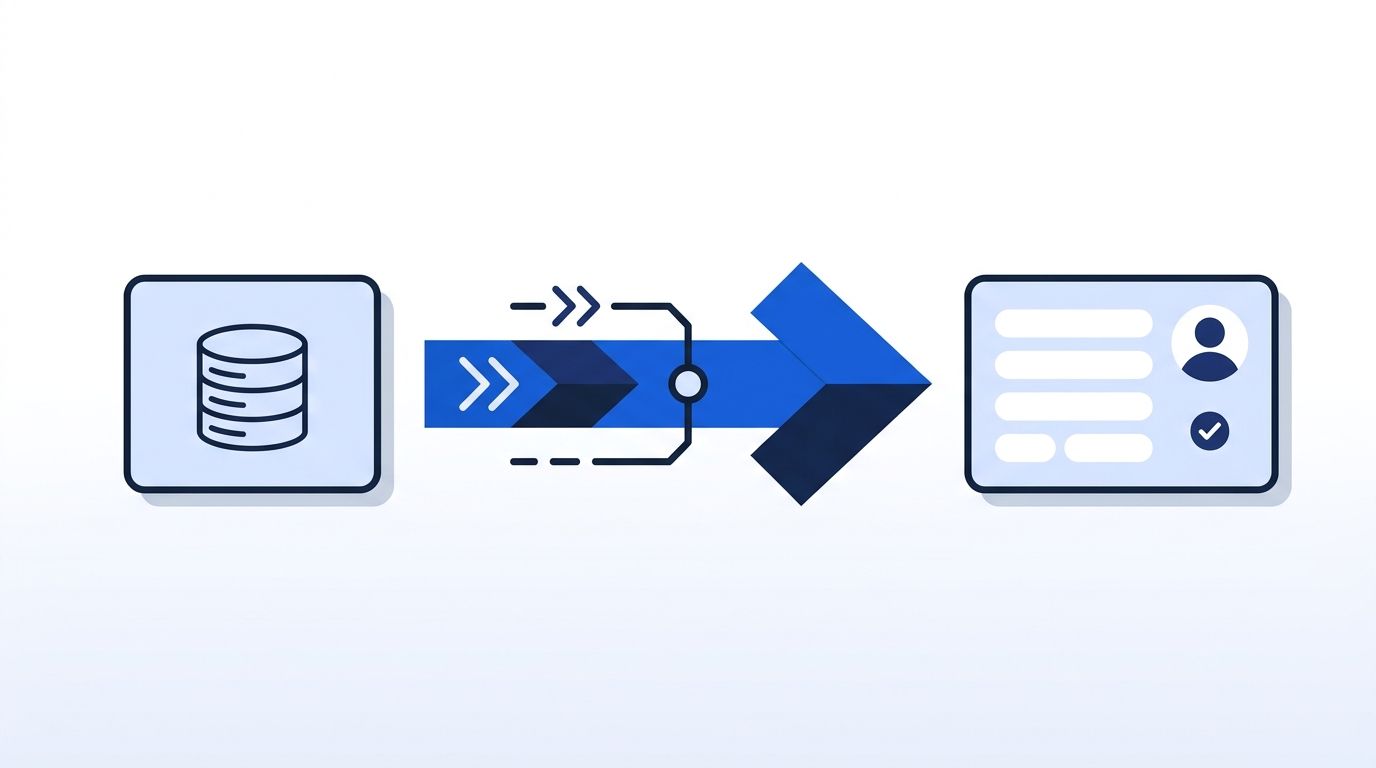
What Is Reverse ETL for Enriched Data?
Reverse ETL is the process of moving data out of your warehouse and into the operational tools your team already uses, like HubSpot or Salesforce. Instead of enrichment vendors writing straight into your CRM, enriched records land in a warehouse first, get modeled, and then sync out on your schedule. That single change is why the category matured enough for Fivetran to acquire Census, the leading dedicated reverse ETL vendor, in May 2025 to build what it called an end-to-end data movement platform (TechCrunch, 2025).
The appeal for GTM teams is control. Your data team can dedupe, standardize, and validate enrichment data — job-change events, headcount, funding rounds, LinkedIn engagement — before it ever touches a rep's pipeline view. For a deeper look at why this beats point-to-point enrichment integrations, see our breakdown of programmatic CRM enrichment.
What Do You Need Before You Start?
You don't need a huge data team to pull this off, but you do need a few pieces in place before you start mapping fields. At minimum, that means a cloud warehouse to stage enrichment data, an API-based enrichment source, and a reverse ETL tool to handle the sync itself. Confirm write access to your CRM objects with your admin before you touch any field mapping, since that's the step most teams skip and regret.
- A cloud warehouse (Snowflake, BigQuery, Redshift, or similar) where enrichment data can land before it's modeled
- An enrichment source with an API, like the Datamagnet API, so signals arrive as structured, request-time data rather than static exports
- A reverse ETL tool (Census, Hightouch, or a scheduled script hitting your CRM's API directly)
- Write access to the CRM objects and fields you plan to sync — confirm with your CRM admin before you start mapping
- Time: roughly half a day for the initial pipeline, plus ongoing monitoring
- Difficulty: Intermediate — comfort with SQL and basic API concepts helps
Step 1: Which Signals Should You Actually Enrich?
By the end of this step, you'll have a short list of the specific data points worth syncing back — not a wish list of everything an enrichment vendor could theoretically provide. Most teams over-scope this and end up syncing fields nobody reads.
Start by pulling the fields your reps and marketers actually reference: job title changes, company headcount, funding events, and engagement signals like who's commenting on a target account's LinkedIn posts. Datamagnet's Company Profile and People Profile endpoints cover the firmographic and person-level side; signal monitors cover the event side.
Verify this step worked by listing 8-12 fields, each tied to a specific rep workflow (routing, scoring, or outreach personalization). If a field doesn't map to a decision someone makes, cut it.
Step 2: Why Land Enriched Data in Your Warehouse First?
Once this step is done, enrichment data will sit in a raw table in your warehouse — not directly in your CRM. That separation is what lets you catch bad records before they reach a rep's screen. A CRM write is permanent the moment a rep sees it, while a warehouse table is easy to query, correct, or roll back. Landing enrichment data in a staging schema first, then modeling it in the next step, is what keeps one bad batch from corrupting live pipeline data.
- Create a staging schema (e.g.,
raw_enrichment) in your warehouse - Configure your enrichment source, such as the Datamagnet API, to write into that schema on a schedule or via webhook
- Keep the raw payload intact — don't flatten or transform yet
Validity's 2025 survey of 602 CRM stakeholders found 76% say less than half their CRM data is accurate or complete, and 37% say poor data quality has directly cost them revenue (Validity, 2025). Landing raw data first gives you a chance to catch that before it compounds.
Most teams treat the warehouse landing step as a formality and skip straight to CRM writes. In practice, it's the only place you can cheaply run a validation query against thousands of records before one bad sync corrupts a rep's active pipeline.
Step 3: How Do You Model and Deduplicate Before You Sync?
By the end of this step, raw enrichment records become clean, deduplicated rows matched to existing CRM objects — contacts, companies, deals. Skipping this is the single most common reason reverse ETL syncs go wrong. Modeling means joining each enrichment record to an existing CRM ID, usually by email or LinkedIn URL, then keeping only the most recent event per match. Teams that skip this step end up pushing duplicate alerts or unmatched rows straight into a rep's view, which is exactly what erodes trust in the sync.
- Write a transformation model (dbt is the standard choice here) that joins enrichment records to CRM IDs using email or LinkedIn URL as the match key
- Deduplicate on that match key, keeping the most recent enrichment event
- Flag records with no confident match instead of forcing a fuzzy join
The dbt Labs 2025 State of Analytics Engineering Report surveyed 459 data practitioners and confirms modeling layers like this are now standard practice across data teams, not a nice-to-have (dbt Labs, 2025). Skip this step and you'll sync duplicate job-change alerts for the same person from three different source events.
Step 4: How Do You Configure Your Reverse ETL Tool's Field Mapping?
Once this step is done, your reverse ETL tool will know exactly which warehouse column maps to which CRM field — and, just as important, which CRM fields it's never allowed to touch. That mapping needs to happen at the field level, not the object level, so enrichment data never overwrites something a rep entered by hand. Getting this wrong is one of the fastest ways to lose a sales team's trust in the entire pipeline.
- Connect your reverse ETL tool (Census, Hightouch, or a custom script) to both the modeled warehouse table and your CRM, such as via our HubSpot integration
- Map each warehouse column to a specific CRM field — never to a whole object
- Explicitly exclude rep-owned fields (deal stage, notes, next steps) from the sync
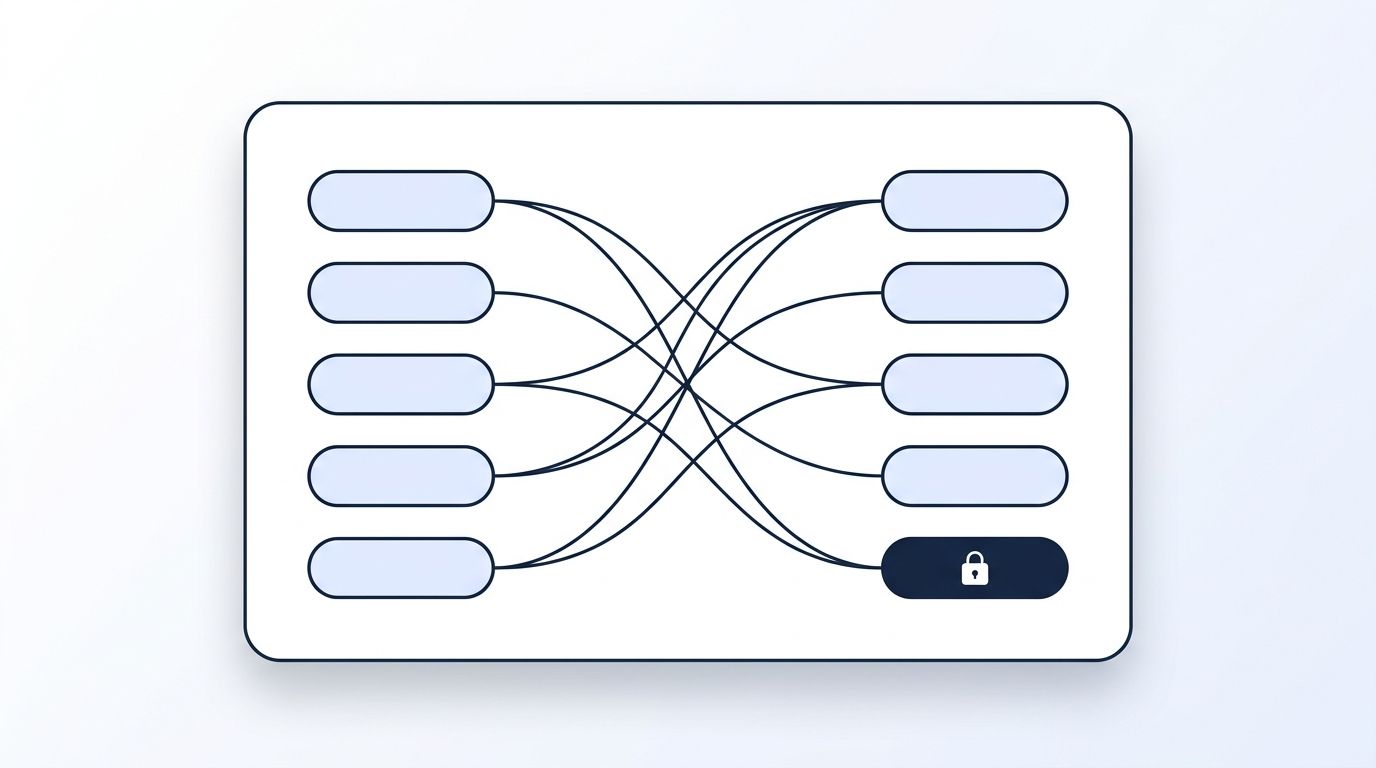
Bold the exclusion rule for your team: a sync that overwrites a rep's manually-entered deal stage will get the whole pipeline shut off within a week, regardless of how accurate the enrichment data is.
Step 5: How Often Should Each Signal Sync Back to the CRM?
By the end of this step, different signal types will sync on different schedules — not everything on one nightly batch. Treating a job-change alert the same as a quarterly headcount update wastes the speed advantage enrichment gives you. Time-sensitive signals, like a target executive changing jobs, need to reach a rep within minutes through a webhook. Slower-moving firmographic data, like headcount or funding, holds its value just fine on a daily or hourly batch, so there's no need to over-engineer that side of the pipeline.
Firms that contacted a web lead within an hour were roughly 7x more likely to qualify it than firms that waited even 60 minutes, according to a widely cited 2011 Harvard Business Review analysis of 2,241 companies (Harvard Business Review, 2011). That timing pressure hasn't eased. RevenueHero's 2024 test of 1,000 B2B SaaS companies found 63.5% never responded to a genuine demo request at all, and only 17.2% responded in under two minutes (RevenueHero, 2024).
For time-sensitive events — job changes, new posts from a target executive — route through webhooks instead of waiting for the next batch. For slower-moving firmographic updates, a daily or hourly sync is fine. Datamagnet's signal monitors already separate these by design, which makes this split easier to mirror in your reverse ETL config.
Step 6: How Do You Monitor Sync Health and Iterate?
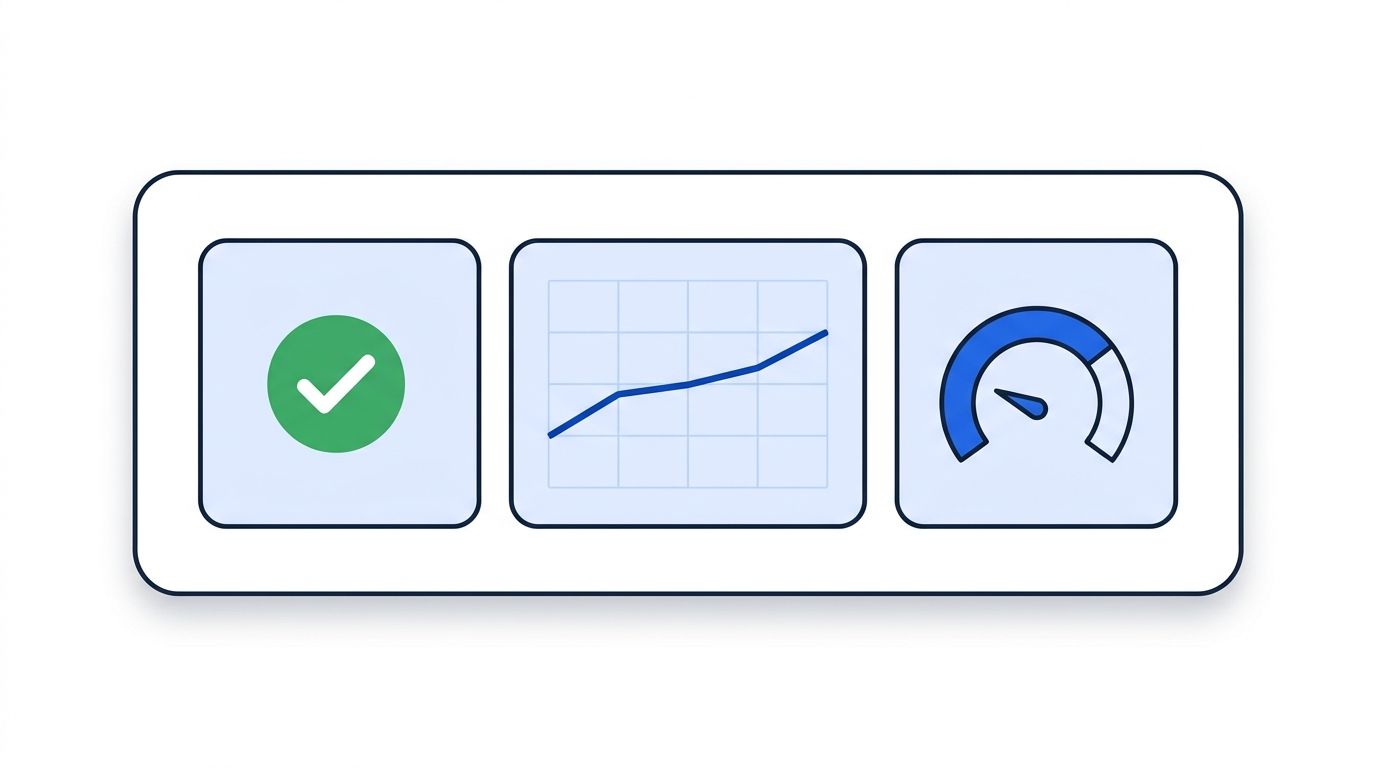
Once this step is in place, you'll know within minutes if a sync fails, instead of finding out three weeks later when a rep asks why a field looks wrong. That means tracking sync success rate, row counts, and field-level errors on a dashboard, then comparing synced record counts against your warehouse source counts every week. It also means periodically checking which synced fields reps actually use, so you can retire the ones that just add noise.
- Set up a dashboard or alert (most reverse ETL tools include one) tracking sync success rate, row counts, and field-level error rate
- Compare synced record counts against your warehouse source counts weekly
- Review which fields reps actually use in filters and views, and retire the ones that don't get touched
Teams running this pattern with Datamagnet's signal API tend to find the same failure mode in month one: a sync that "succeeds" technically but silently drops rows that don't match an existing CRM record. Building a weekly unmatched-record report catches this long before a rep notices missing data.
Common Mistakes to Avoid
A lot of reverse ETL syncs fail quietly rather than loudly — which is worse, because nobody notices until the data's already wrong. The five patterns below account for most of the broken syncs we see: piping raw payloads straight into CRM fields, mapping at the object level instead of the field level, treating every signal as batch-safe, skipping unmatched-record reports, and ignoring CRM API rate limits. Each one is easy to avoid once you know to look for it.
1. Syncing raw enrichment payloads instead of modeled fields. Teams skip Step 3 and pipe raw JSON straight into custom CRM fields. It happens because modeling feels like extra work upfront. The fix: always sync through a transformation layer, even a simple one.
2. Overwriting rep-owned fields. This happens when field mapping is done at the object level instead of the field level. The fix: map every sync field individually and exclude anything a rep edits by hand.
3. Treating every signal as batch-safe. Nightly-only syncs miss the value of real-time signals like job changes or executive posts entirely. The fix: route time-sensitive events through webhooks, and reserve batch sync for slower-moving data.
4. No unmatched-record reporting. Records that don't match an existing CRM contact or company just vanish silently unless you build a report for them. The fix: log every unmatched row and review it weekly, not quarterly.
5. Ignoring CRM API rate limits. A sync that pushes thousands of rows at once can hit HubSpot or Salesforce API limits mid-run, leaving a partial update. The fix: batch syncs and monitor for throttling errors, not just outright failures.
What Does Success Look Like?
If everything's wired up correctly, your reps should see enrichment fields — job title, headcount, latest signal event — updating in HubSpot or Salesforce without ever touching a spreadsheet or manual export. Sync success rate should sit above 95%, and unmatched records should be a small, reviewable list rather than a mystery.
The bigger win shows up in pipeline behavior. The Starr Conspiracy's 2025 benchmark report, built from 47 anonymized deployment audits, found intent-prioritized accounts convert to closed opportunities at 21.3%, compared to 8.4% for accounts without that prioritization (The Starr Conspiracy, 2025).
As a stretch goal, look at tracking champions who change jobs — the same reverse ETL pipeline that syncs firmographic updates can just as easily push a "champion moved companies" alert straight into a rep's CRM view.
Frequently Asked Questions
The questions below cover the details teams run into most often once they start building a reverse ETL pipeline for enriched CRM data, from tooling choices to sync frequency and field-conflict handling. Each answer is self-contained, so you can jump straight to the one that matches where you're stuck.
What's the difference between reverse ETL and a standard CRM integration?
A standard integration usually writes enrichment data straight into your CRM from the vendor's side, with little control over field mapping or timing. Reverse ETL lands data in your warehouse first, lets you model and validate it, then syncs modeled fields out on your own schedule — which is what keeps data 22.5%-a-year decay from compounding unchecked (HubSpot, 2025).
Do I need Census or Hightouch, or can I build this myself?
Dedicated tools like Census or Hightouch handle scheduling, field mapping UIs, and API rate-limit handling out of the box, which saves real engineering time. A custom script works fine for smaller field sets or a single CRM object, but you'll end up rebuilding much of what those tools already provide once you add a second CRM or a second warehouse table.
What happens if a synced field conflicts with what a rep already entered?
This is why field-level mapping matters more than object-level mapping. Exclude any field a rep can edit — deal stage, notes, next steps — from your sync entirely, and only push fields that are exclusively enrichment-owned, like job title or headcount, so there's never a conflict to resolve.
How often should enrichment data sync back into the CRM?
It depends on how time-sensitive the signal is. Firmographic data like headcount or funding can sync daily or hourly without losing value. Time-sensitive events like job changes or executive LinkedIn posts should route through webhooks, since firms responding to a lead within an hour saw roughly 7x better qualification rates than those waiting even 60 minutes (Harvard Business Review, 2011).
Can reverse ETL sync intent or engagement signals, not just firmographic data?
Yes — the same pipeline pattern applies. Engagement events, like someone reacting to a target company's post, land in the warehouse as raw signal data, get modeled and matched to a CRM contact, then sync back as a field or alert. Datamagnet's signal monitors are built to feed exactly this kind of pipeline.
Wrapping Up
You now have a working pattern: land enrichment in a warehouse, model it, map it field by field, and sync it back on a schedule that matches how fast each signal actually moves. That's the difference between enrichment that fades within a year and enrichment that keeps paying off.
Start small — pick one high-value signal, like job changes on your target accounts, and build the pipeline end to end before scaling to everything else. If you're ready to wire real-time signals into that pipeline, check out the Datamagnet Signal API for job-change, engagement, and keyword-based monitors you can route straight into your reverse ETL flow.
The JSON-LD markup below implements BlogPosting, Person, Organization, BreadcrumbList, FAQPage, and ImageObject types so search engines and AI crawlers can parse this guide's structure, authorship, and FAQ content directly. It follows the @graph format with absolute @id URLs for every entity, matching this site's schema conventions.
