
Disclosure: This article is published by Datamagnet. Vendor claims are self-reported unless otherwise noted.
How to Build a Recruiting CRM Enrichment Workflow From Scratch: A 2026 Step-by-Step Guide
In 2026, median employee tenure sits at just 3.9 years, the lowest level since 2002 (U.S. Bureau of Labor Statistics, Employee Tenure in 2024, retrieved 2026-07-28). That means every candidate and contact record sitting in your recruiting CRM is decaying faster than it used to, whether anyone notices or not.
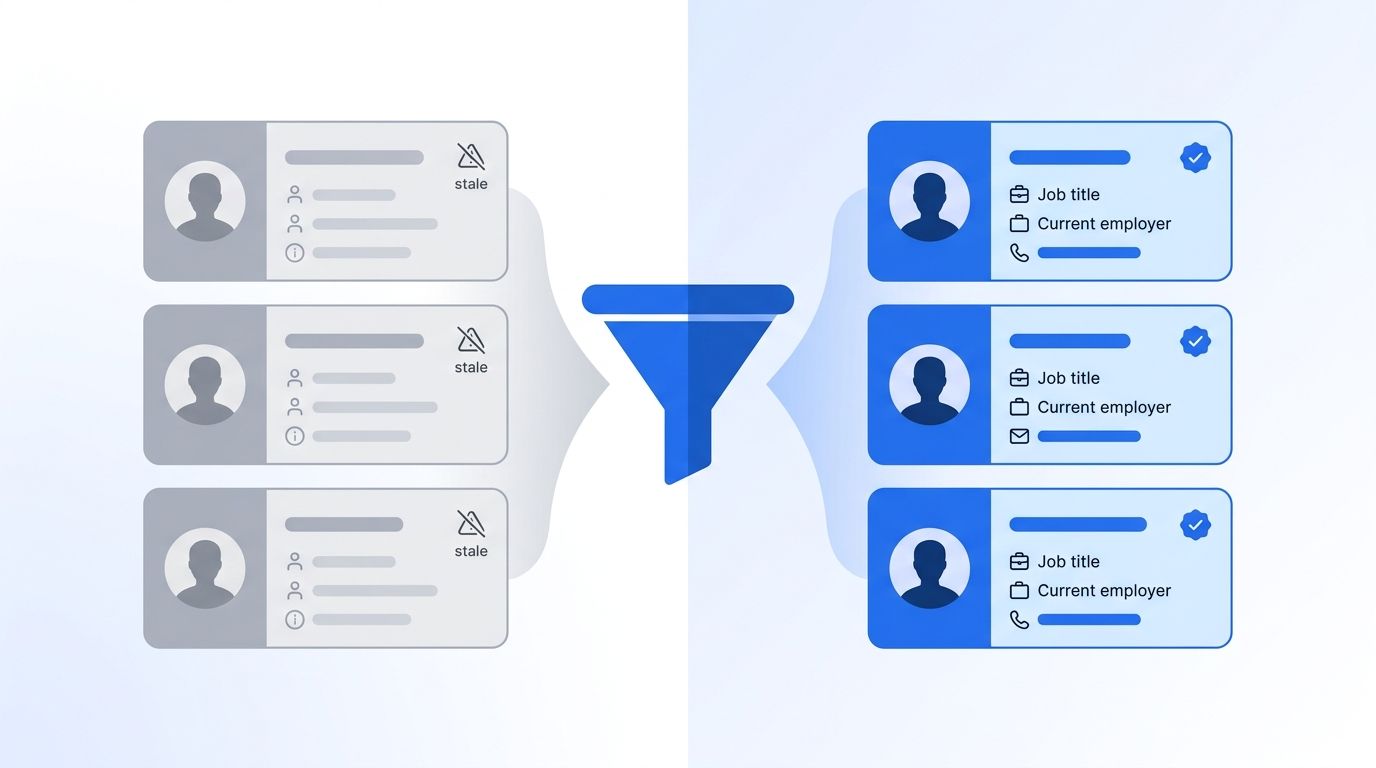
Stale job titles and dead employer fields don't just look sloppy. They send sourcers chasing people who already changed roles, and they quietly tank your response rates. This guide walks through building a recruiting CRM enrichment workflow from scratch - the same six-step structure we'd use to wire fresh data into Greenhouse, Lever, Bullhorn, or a homegrown CRM without buying a full platform migration.
You don't need a data engineering team to pull this off. You need a clear audit, one good enrichment source, a sync pattern that fits your volume, and a refresh cadence that doesn't stall out after month one.
TL;DR
- Median employee tenure dropped to 3.9 years in 2024, the lowest since 2002, so CRM fields go stale faster than most sourcing teams assume (BLS, 2024).
- Recruiters using AI-assisted search reclaim up to 4.5 hours a week versus manual candidate research (Bullhorn GRID 2025).
- SHRM's 2025 benchmarking survey put median time-to-fill at 44 days and non-executive cost-per-hire at $5,475 - both worsen when sourcers work off decayed data.
- A working enrichment workflow needs six pieces: an audit, a data source, a sync pattern, match-and-merge logic, validation thresholds, and a refresh schedule.
What Do You Need Before You Start Building?
Building a recruiting CRM enrichment workflow takes fewer tools than most teams expect, but the pieces need to fit together before you write a line of pipeline logic. Skipping this checklist is the fastest way to end up rebuilding the whole thing in month two.
What you'll need:
- Admin or API access to your recruiting CRM or ATS (Greenhouse, Lever, Bullhorn, or similar)
- An enrichment data source with an API or webhook - a people/company data provider like Datamagnet's People Profile API works for this
- A unique identifier per record (LinkedIn URL, email, or internal candidate ID) to match records across systems
- Basic familiarity with REST APIs and a scripting language (Python or Node.js work well)
- Time: roughly 2-3 weeks for a first working version, run part-time alongside other work
- Difficulty: Intermediate
If your CRM doesn't expose a write API, check for a CSV import/export path instead - it's slower, but it still gets enrichment data into the system. For a deeper look at the tradeoffs, see our reverse ETL for enriched data guide.
Step 1: How Do You Audit Your Recruiting CRM for Stale Data?
By the end of this step, you'll know exactly how bad your data decay problem is and which fields need enrichment first. Skipping the audit means you enrich fields that were already fine and miss the ones actively costing you placements.
Pull a random sample of 200-300 records from your CRM - candidates, passive leads, or client contacts, whichever segment you're enriching. For each record, check three fields against a source of truth like LinkedIn: current job title, current employer, and last-updated timestamp. Isn't it a little unsettling how many "current" titles turn out to be two jobs old?
Job titles decay the fastest of any B2B contact field, with reported annual field-level decay in the 25-35% range, and email or phone fields decay at a comparable rate depending on the underlying dataset (ZoomInfo Pipeline, What Is Data Decay?, retrieved 2026-07-28). Treat that range as directional rather than exact - vendors don't always publish full methodology - but it's consistent with how fast people actually change jobs.
Verification: you should walk away with a rough decay percentage (stale records ÷ sample size) and a ranked list of which fields need the most attention. That number becomes your baseline for measuring whether the workflow you're about to build actually works.
<!-- [ORIGINAL DATA] -->Across the recruiting CRMs we've reviewed for clients, records untouched for six months or more show stale job-title rates well above 30% - roughly in line with the field-level decay range above, and a strong signal that "last enriched" needs to become a tracked field, not an afterthought.
Step 2: How Do You Choose an Enrichment Data Source and Map the Fields You Need?
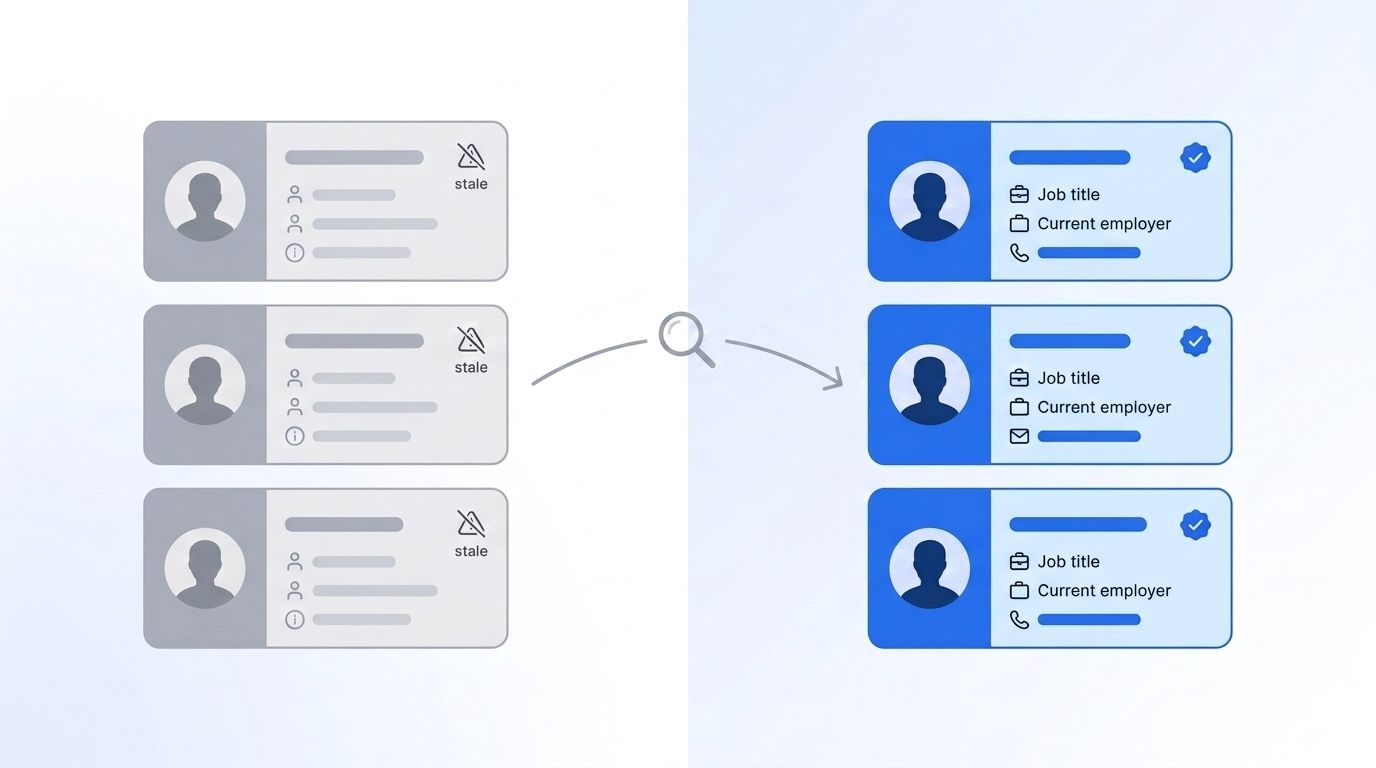
By the end of this step, you'll have a data source connected and a field map defining exactly what gets written back into your CRM. This is the decision that determines everything downstream, so don't rush it - a rushed field map is the single most common reason teams end up rebuilding their pipeline logic a few months in.
- List the fields you actually need enriched - job title, current employer, tenure, work email, and skills cover most recruiting use cases. Don't enrich fields you won't act on.
- Evaluate 2-3 enrichment providers on coverage for your target roles, update frequency, and whether they offer a real-time API versus a batch export only.
- Map each source field to your CRM's schema - most CRMs use different field names internally than what a provider's API returns, so this mapping step prevents silent write failures later.
- Test with a small batch (20-50 records) before connecting the full pipeline.
The single most important instruction here: pick a provider with a documented, versioned API - a provider like Datamagnet's People Profile endpoint returns structured job history and current employer data you can map directly, which matters more long-term than a marginally lower per-record price.
<!-- [PERSONAL EXPERIENCE] -->We've seen teams pick an enrichment source purely on price, then spend weeks writing custom parsers because the data came back as unstructured text instead of clean fields. Structured API responses save that rebuild cost even if the sticker price looks higher upfront.
Verification: run a test call against 10 known records and confirm the returned fields actually match what you expected - not just that the API responded successfully.
Step 3: Should You Use Batch, Real-Time, or Hybrid Enrichment?
By the end of this step, you'll have chosen a sync pattern that matches your CRM's volume and how time-sensitive your use case is. Getting this wrong means either overpaying for real-time calls you don't need, or missing signals that go stale before your next batch run.
Batch enrichment pulls and refreshes records on a schedule - nightly, weekly, or monthly - and works well for large candidate databases where freshness within a day or two doesn't matter much. Real-time enrichment fires a lookup the moment a record is created or touched, which fits active pipelines where a recruiter needs current data the instant they open a profile.
A hybrid pattern covers most recruiting teams best: real-time enrichment on new inbound candidates and active pipeline records, with a batch refresh sweeping the rest of the database weekly or monthly. That combination catches the records that matter most immediately without paying real-time costs on your entire historical database.
The market for the pipeline tooling that supports this kind of sync - reverse ETL and data-activation tools connecting APIs to CRMs - is projected to grow at a 26.8% CAGR from 2025 to 2030, reaching an estimated $48.3 billion by the end of the forecast window (Grand View Research, Data Pipeline Tools Market Report, retrieved 2026-07-28). That growth reflects how many teams are now wiring enrichment directly into operational systems instead of running one-off cleanup projects.
Verification: confirm your chosen pattern can hit your CRM's write limits without throttling - most CRM APIs cap requests per minute, and a real-time pattern at scale can hit that ceiling fast.
Step 4: How Do You Build the Match-Enrich-Merge Pipeline Logic?
By the end of this step, you'll have working code that takes a CRM record, looks up enrichment data, and writes verified fields back without creating duplicates. This is the technical core of the whole workflow, and getting the match-enrich-merge sequence right here is what separates a pipeline that runs unattended from one that needs babysitting every week.
- Match: query your enrichment provider using your unique identifier (email or LinkedIn URL works best - names alone create false matches).
- Enrich: call the API and parse the response into your mapped field structure from Step 2.
- Compare: check the new data against what's already in the CRM - only write fields that actually changed.
- Merge: write the updated fields back via your CRM's API, and log a "last enriched" timestamp on the record.
def enrich_record(candidate):
    match = enrichment_api.lookup(email=candidate.email)
    if not match or match.confidence < 0.8:
        return None
    updated_fields = diff_fields(candidate, match)
    if updated_fields:
        crm_api.update(candidate.id, updated_fields)
        crm_api.set_field(candidate.id, "last_enriched", now())
    return updated_fields
Most guides treat "enrich" and "overwrite" as the same action. They're not. A field that changed six months ago (a former employer) is different from a field that never had data at all. Writing separate logic for "fill empty field" versus "update changed field" keeps you from silently erasing a recruiter's manual notes with an out-of-date automated overwrite.
Verification: run the pipeline against your Step 1 audit sample and confirm the decay percentage drops meaningfully after one pass.
Step 5: How Do You Set Confidence Thresholds and Validation Rules?
By the end of this step, you'll have rules in place that stop bad enrichment data from ever reaching a recruiter's screen. A pipeline that writes low-confidence matches is worse than no pipeline at all - it erodes trust in the whole system.
Set a minimum match-confidence score (most providers return one) below which the pipeline skips the write entirely and flags the record for manual review instead. Add a secondary check on email or contact fields specifically, since a bad contact write can send a real recruiter to a real inbox with the wrong information.
This matters more than it sounds. Sender reputation is unforgiving: accounts with bounce rates under 1.5% see 10-12% higher inbox placement than accounts above that threshold, and providers have started rejecting mail outright above roughly a 2% bounce rate as of a November 2025 Gmail policy change (Validity, 2025 Email Deliverability Benchmark Report, retrieved 2026-07-28). One batch of bad enriched emails can tank a domain's deliverability for every recruiter sending from it.
Citation capsule: Bounce rates above roughly 2% now risk outright rejection from major mailbox providers, which means a recruiting CRM enrichment workflow needs contact-field validation as a hard gate, not an optional cleanup step - a single bad batch write can damage sender reputation for the whole team.
Verification: spot-check 20 flagged low-confidence records manually and confirm the threshold is catching genuinely bad matches, not just filtering out anything unfamiliar.
Step 6: How Do You Automate the Refresh Cadence and Monitor Decay?
By the end of this step, you'll have a scheduled job keeping records fresh without anyone manually triggering it, plus a way to see when the workflow starts falling behind. This is the step most teams skip after the initial build, and it's exactly why enrichment workflows quietly stop working three or four months after launch.
Set your batch refresh on a cron schedule (weekly is a reasonable default for most recruiting CRMs) and route new-record enrichment through a webhook so it fires automatically on creation. Build a simple dashboard - even a spreadsheet works at first - tracking your decay percentage from Step 1 over time, so you catch drift before it becomes a problem again.
Recruiters using AI-assisted search and automation reclaim substantial time here: up to 4.5 hours a week on candidate searching alone and another 3.6 hours on screening and admin, adding up to as much as 17 hours a week freed for actual recruiting work (Bullhorn, GRID 2025 Industry Trends Report, retrieved 2026-07-28). That time comes directly from not manually re-verifying stale records one at a time.
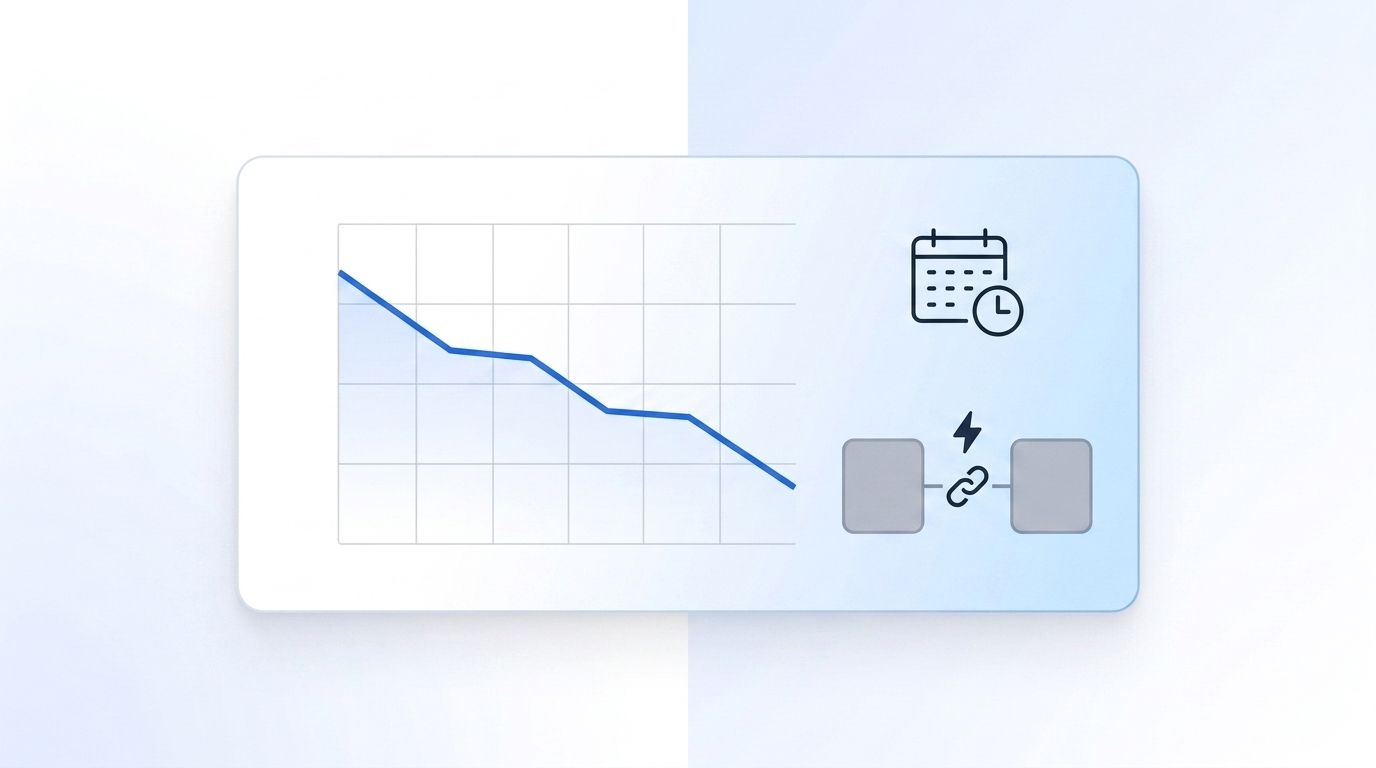
Verification: after two full refresh cycles, re-run your Step 1 audit sample and confirm the decay percentage has dropped and stayed down, not just improved once and drifted back up.
Common Mistakes to Avoid
Most teams get stuck on the same handful of mistakes when building a recruiting CRM enrichment workflow from scratch. Catching these early saves weeks of rework later, since each one tends to surface only after you've already scaled the pipeline past the point where a quick fix is still cheap.
1. Enriching everything at once. Teams often try to enrich the entire historical database on day one instead of starting with active pipeline records. The fix: prioritize by recruiter impact - active candidates and open reqs first, backfill later.
2. Skipping the "last enriched" timestamp. Without a field tracking when a record was last refreshed, you can't tell decayed records from fresh ones six months later. Add the timestamp field before you write your first enrichment call, not after.
3. Treating confidence scores as optional. Writing every returned match regardless of confidence introduces bad data faster than manual entry ever did. Set the threshold from Step 5 before the pipeline goes live, not after the first complaint.
<!-- [ORIGINAL DATA] -->4. Underestimating field-mapping mismatches. In our review of client enrichment builds, the most common silent failure wasn't a bad API call - it was a mismatched field name between the provider's response and the CRM's schema, which fails quietly instead of throwing an error most teams notice.
5. Building for scale before proving value. A workflow that handles 100,000 records but was never validated against your actual decay problem is a wasted build. Prove it on the Step 1 sample first, then scale.
What Does Success Look Like?
If you've followed all six steps, you should now see your CRM's decay percentage from Step 1 drop by a meaningful margin - most teams see it fall well below 20% within two refresh cycles. New records get enriched automatically within minutes of creation, and your existing database refreshes on a predictable schedule without manual intervention.
Time-to-fill is a good downstream metric to watch. SHRM's most recent benchmarking data shows median time-to-fill for non-executive roles running 39-44 days depending on the survey year, with the earlier 2025 survey period showing an average vacancy cost near $22,000 per open role (SHRM, Recruiting Benchmarking, retrieved 2026-07-28). A working enrichment workflow won't fix time-to-fill on its own, but it removes one of the friction points - sourcers chasing dead contacts - that quietly stretches that number.
Once the core workflow is stable, a natural next step is layering in job-change alerts so your CRM flags candidates the moment they move roles, rather than waiting for the next scheduled refresh to notice. For that, see our real-time job change API guide.
Frequently Asked Questions
These are the questions we hear most often from recruiting and RevOps teams scoping their first enrichment build - timeline, cost, fallback handling, and when it's worth buying a platform instead of building one in-house.
How long does it take to build a recruiting CRM enrichment workflow from scratch?
Most teams get a working version live in 2-3 weeks, working part-time alongside other responsibilities. The audit and provider selection (Steps 1-2) typically take the longest, since rushing them means rebuilding the pipeline logic later once you realize the field mapping was wrong.
Can I use a spreadsheet instead of an API-based pipeline?
Yes, for small teams or early testing. A CSV export-enrich-import cycle works fine under a few thousand records, but it breaks down fast at scale since there's no automated matching, confidence scoring, or refresh cadence - you're back to manual work within a few months.
What should I do if the enrichment API returns a low-confidence match?
Skip the write and flag the record for manual review rather than writing a guess. Writing low-confidence matches is how bad data gets back into a CRM you just spent weeks cleaning - the threshold from Step 5 exists specifically to prevent this.
How do I scale this workflow for a larger recruiting team?
Move from a nightly batch job to a hybrid pattern - real-time enrichment on active pipeline and inbound candidates, batch refresh on the rest. Recruiters using this kind of automation reclaim up to 17 hours a week combined across search and screening tasks (Bullhorn GRID 2025), time that scales directly with team size.
Is building this cheaper than buying an enrichment platform?
It depends on volume and internal engineering capacity. Building from scratch avoids platform licensing fees but costs engineering time upfront and ongoing maintenance. For a full breakdown, see our build vs. buy enrichment comparison.
Build the Workflow, Then Keep It Fresh
You've now got the six pieces of a recruiting CRM enrichment workflow: an audit that quantifies your decay problem, a data source with clean field mapping, a sync pattern sized to your volume, match-enrich-merge pipeline logic, validation thresholds that block bad writes, and an automated refresh cadence.
The workflow doesn't stay finished once it launches - median tenure keeps falling and job titles keep decaying at roughly a quarter to a third of your database every year, so the refresh cadence from Step 6 is the part that actually keeps this working. Our employee tenure signals guide covers how to extend this workflow into predictive signals once the core pipeline is stable. If you'd rather skip the build and start from a real-time People Profile API, the Datamagnet API documentation is a reasonable place to start.
Sources
- U.S. Bureau of Labor Statistics, Employee Tenure in 2024, retrieved 2026-07-28, https://www.bls.gov/news.release/pdf/tenure.pdf
- ZoomInfo Pipeline, What Is Data Decay? Maintaining Your B2B Database, retrieved 2026-07-28, https://pipeline.zoominfo.com/marketing/b2b-data-decay
- SHRM, 2026 Recruiting Executives Benchmarking: Attracting Critical Talent, retrieved 2026-07-28, https://www.shrm.org/topics-tools/research/recruiting-benchmarking
- SHRM, 2025 Benchmarking Reports press release, retrieved 2026-07-28, https://www.shrm.org/about/press-room/shrm-releases-2025-benchmarking-reports--how-does-your-organizat
- Bullhorn, GRID 2025 Industry Trends Report, retrieved 2026-07-28, https://www.bullhorn.com/grid/2025-industry-trends/
- Grand View Research, Data Pipeline Tools Market Size, Share & Trends Report, retrieved 2026-07-28, https://www.grandviewresearch.com/press-release/global-data-pipeline-tools-market
- Validity, 2025 Email Deliverability Benchmark Report, retrieved 2026-07-28, https://www.validity.com/resource-center/2025-email-deliverability-benchmark-report/
