
Disclosure: This article is published by Datamagnet. Vendor claims are self-reported unless otherwise noted.
How to Use Company Layoff Data to Time Outbound Recruiting Outreach
Only 31% of recruiting teams use labor market data to inform their talent acquisition strategy (Gartner HR Research, 2026). That means the other 69% are still sourcing reactively, weeks after a layoff has already scattered the best candidates to competitors who moved faster.
This guide walks you through building a layoff-signal-to-outreach pipeline: where to pull the data, how to segment it, when to send that first message, and how to stay compliant while you do it. You'll come away with a repeatable weekly process, not just a one-off list.
TL;DR
- U.S. employers announced 397,755 job cuts in the first five months of 2026, down 43% from the same period in 2025 — but AI-attributed cuts hit a record 38,579 in May alone (Challenger, Gray & Christmas, 2026).
- Laid-off tech workers move fast: 37% land a new job within one month and 79% within three (ZipRecruiter, 2023) — your outreach window is measured in days, not weeks.
- LinkedIn messages get a 17.08% reply rate versus 4.96% for automated recruiter email (Pin, 2026) — channel choice matters as much as timing.
- Federal WARN gives you 60 days' notice before a mass layoff; California's Cal-WARN triggers at a lower 75-employee threshold, so build your monitoring around state filings, not just federal ones.
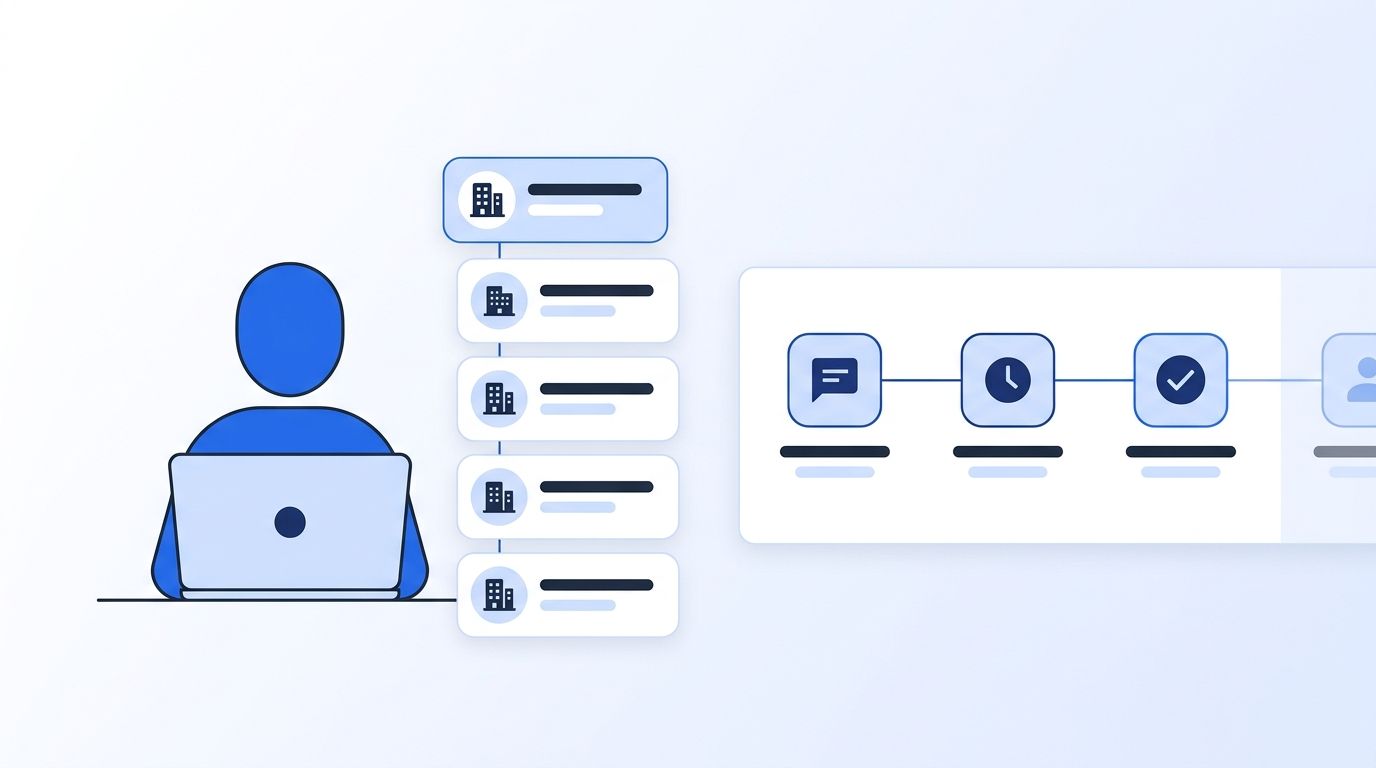
Why Does Layoff Data Belong in Your Sourcing Stack?
Layoffs create a short, predictable window when hundreds of qualified candidates become reachable at once. In 2026, AI was cited as the reason for 38,579 job cuts in May alone — the highest monthly total for that cause since Challenger began tracking it in 2023, and technology-sector cuts reached 123,653 for the year through May, up 66% from 74,716 over the same period in 2025 (Challenger, Gray & Christmas, 2026).
<!-- [PERSONAL EXPERIENCE] -->We've watched recruiting teams treat a WARN filing like a news alert instead of a sourcing trigger — they read it, feel bad for the affected workers, and move on. That's the gap this guide closes: turning a public filing into a structured, compliant outreach motion before the candidate pool disperses.
For the broader context on why signal-based sourcing outperforms static lists, see our recruiting intelligence tools overview.
What Do You Need Before You Start?
- A layoff-tracking source: state WARN portals, WARNTracker.com, or LayoffData.com, which standardizes WARN notices across 49 states into a searchable dataset
- A way to pull structured company and people data once you have a target company name — see our Company Profile API docs
- A CRM or ATS where segmented lists and outreach sequences live
- Time: 3-4 hours to set up the monitoring workflow; 15-20 minutes weekly to run it
- Difficulty: Beginner to Intermediate
Step 1: How Do You Monitor Layoff Signals in Real Time?
By the end of this step, you'll have a standing feed of layoff events instead of a one-time search. Federal WARN requires employers with 100+ full-time staff to give 60 calendar days' notice before a mass layoff affecting 50 or more people at one site, or 500+ regardless of workforce percentage (U.S. Department of Labor). That notice period is your early-warning system.
- Subscribe to a WARN aggregator like LayoffData.com or WARNTracker.com, or bookmark your state's individual DOL WARN dashboard
- Cross-reference each filing against Layoffs.fyi, which tracked roughly 123,000-124,000 tech layoffs across 2025 — useful for spotting companies with a pattern of repeat cuts, not just a single event
- Once you have a company name, pull structured firmographic data — headcount, industry, and recent updates — through the Company Profile endpoint to confirm the filing matches a real, active target account
- Set up a standing monitor so new filings from your target industries land in your inbox or Slack automatically, rather than checking manually
Verify it worked: you should have a running list of company names, filing dates, and affected headcount updating at least weekly without manual searching.
<!-- [UNIQUE INSIGHT] -->A filing date isn't a layoff date. Companies often file WARN notices at the earliest legally required moment and execute the actual reduction weeks later — build a buffer into your calendar instead of outreaching the day you see the notice.
Note that state rules vary: California's Cal-WARN applies at a lower 75-employee threshold than the federal 100-employee rule, and starting January 1, 2026, SB 617 requires California notices to include additional disclosures employers can no longer skip by reusing federal language (Alston & Bird, 2025). Don't assume every state mirrors federal WARN.
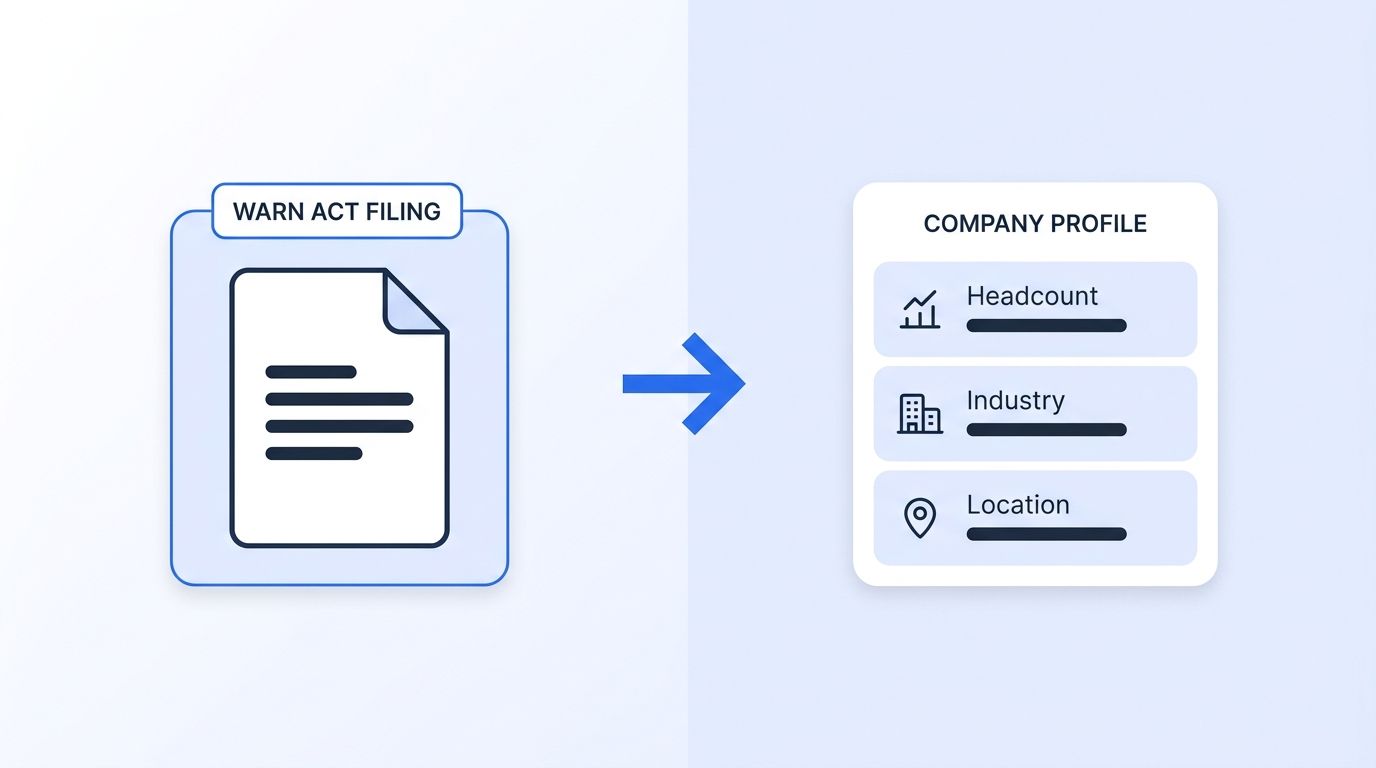
Step 2: How Do You Segment the Signal by Role, Seniority, and Company Fit?
By the end of this step, you'll have a filtered candidate list instead of a raw headcount number. A layoff notice tells you a company cut staff — it doesn't tell you whether the cut hit engineers, salespeople, or back office. You need that detail before you write a single message.
- Use the affected company's name to search for current and recently-departed employees matching your open roles through ICP People Search, which filters by job title, seniority, function, and company in one call
- Layer in the full filter reference — location, industry, headcount band — from the ICP Search filter guide to narrow to your actual ICP, not just anyone who worked there
- Cross-check candidates against your existing talent pool or ATS to avoid re-contacting someone you already rejected six months ago
- Rank the segmented list by role scarcity — prioritize hard-to-fill functions (senior engineering, specialized technical roles) over commoditized ones, since those candidates get re-hired fastest
Verify it worked: your list should be role-specific and deduplicated against your ATS, not a raw scrape of "everyone who worked at Company X."
Bold the key move: filter before you contact. A generic "I saw the news, are you looking?" message to 200 people performs worse than a targeted message to 20 people whose title matches an open req.
Step 3: When Should You Time Your Outreach Window?
By the end of this step, you'll know exactly which day of the layoff timeline to send your first message. Among laid-off workers who found new jobs, 45% were recruited by a potential employer rather than applying on their own, and one in three laid-off workers overall report being recruited since their layoff (ZipRecruiter Economic Research, 2023). That's a real opening — but it closes fast.
Laid-off tech workers specifically move quicker than the general population: 37% land a new role within one month and 79% within three months, compared with roughly 50% and 80% for the broader workforce over the same windows (ZipRecruiter, 2023). And 61% of reemployed workers say they searched for jobs daily right after the layoff, versus just 15% of those still job-hunting later (ZipRecruiter Economic Research, 2023).
- Target your first outreach for days 3-10 after the effective layoff date — early enough to beat the rush, late enough that the candidate has processed the news and started actively looking
- Avoid the first 48 hours; messages that land immediately after a public layoff can read as opportunistic rather than helpful
- Build a second-touch reminder for day 20-25, since a meaningful share of candidates are still searching at the one-month mark
- Track which companies had the largest cuts using your monitoring feed from Step 1, and prioritize those cohorts for the tightest turnaround
For a deeper look at how job-change and headcount signals compare to other timing triggers, see our real-time intent signal APIs for job changes.
Step 4: Personalize Every Message With Real-Time Profile Data
By the end of this step, every message goes out with specifics instead of placeholder-fill generic phrasing. A first name alone roughly doubles reply rate — 5.13% versus 2.61% for messages without one (Pin, 2026) — and that's before you add role-specific detail.
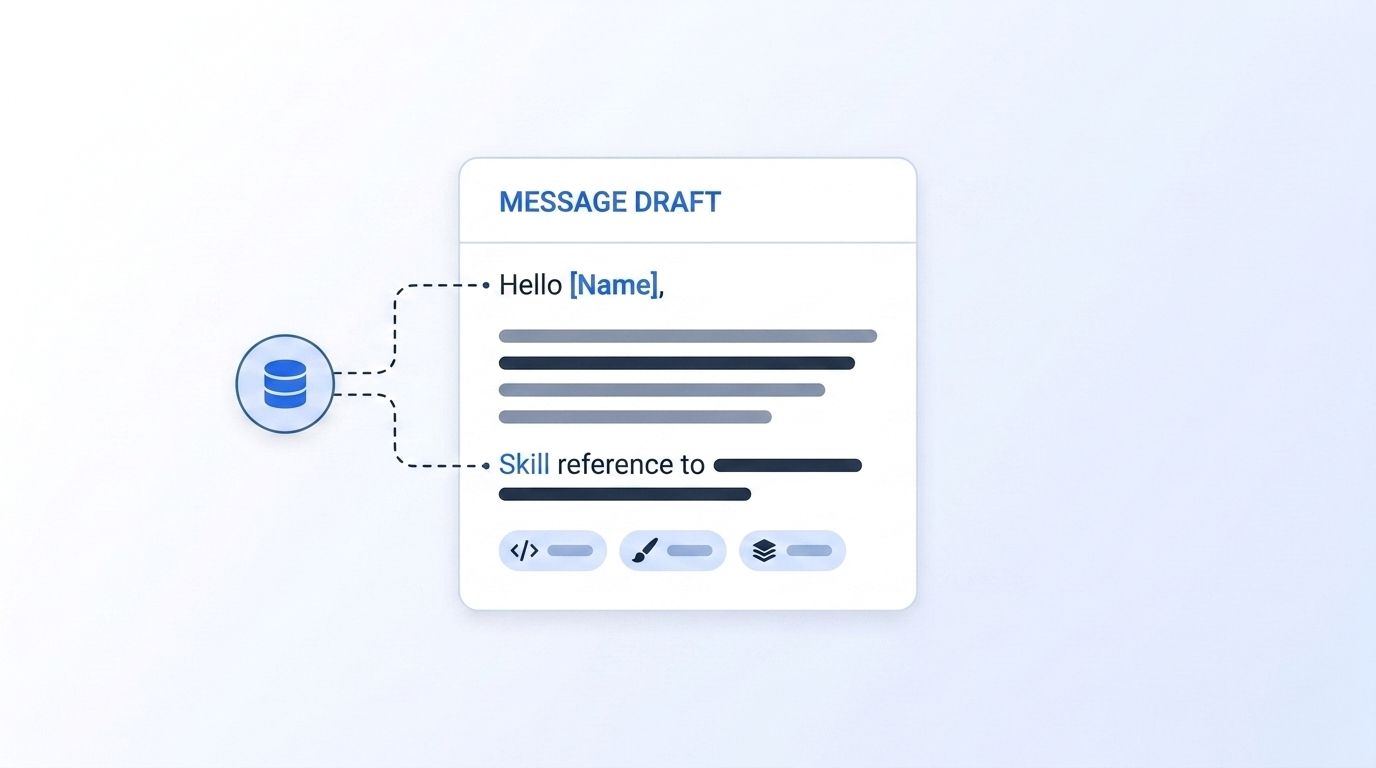
- Pull each candidate's current title, tenure, and skills using the People Profile API, so you can reference their actual experience rather than a generic "I saw your company was in the news" line
- Reference something specific: a project, a skill listed on their profile, or their tenure at the company — not the layoff itself as the opening line
- Keep the message under 100 words; recruiter messages that read like a form letter get skipped fast in a crowded inbox
- Include a clear, low-friction next step (a 15-minute call, a link to the role) rather than an open-ended "let's connect"
Verify it worked: spot-check 10 sent messages — each should contain at least one detail that couldn't have been copy-pasted to a different candidate.
Step 5: How Do You Sequence Channels for Maximum Reply Rate?
By the end of this step, you'll have a multi-touch cadence instead of a single email that goes nowhere. Channel choice moves the needle more than most recruiters expect: automated recruiter email converts at 4.96%, personalized recruiter email at 6.31%, and LinkedIn messages at 17.08% (Pin, 2026). Pairing email and LinkedIn in sequence produces 2-4x higher reply rates than email alone, and the first three touches capture 93.2% of all replies.
- Lead with a LinkedIn message, not email, given the reply-rate gap
- Follow up with email 2-3 days later if there's no response — different inbox, different moment to catch attention
- Send a third touch within the first week; response rates drop sharply after message four, so don't plan a six-touch sequence
- Wire new layoff signals directly into your sequencing tool using Datamagnet's webhook delivery, so a fresh WARN filing can trigger a segmented list and a queued sequence without a manual handoff
Timing within the day matters too: median reply time to recruiter outreach is 4 hours, with 74.8% of replies arriving within 24 hours, and Wednesday-Thursday sends outperform the rest of the week (Pin, 2026).
Step 6: Track Results and Stay Compliant
By the end of this step, you'll have a repeatable weekly cadence with a paper trail, not a one-time sprint. Only 31% of recruiting teams currently use labor market data at all (Gartner HR Research, 2026), so building even a basic tracking habit puts you ahead of most competitors.
- Log reply rate, time-to-first-response, and interview-conversion rate per layoff cohort so you can see which company sizes and industries actually convert for you
- Keep language factual and respectful — reference the market or the role, not the layoff itself, in your first message; candidates in this position are often stressed, and tone matters as much as timing
- Retain records of your WARN sources and outreach dates in case a candidate asks how you found them — transparency here builds trust rather than eroding it
- Review your signal-to-hire pipeline monthly using a dedicated signal API setup so layoff monitoring becomes a standing part of your sourcing stack, not a manual one-off project
Across the cohorts we've watched teams run this way, the recurring pattern isn't a magic message template — it's simply moving before the candidate has fielded ten other offers. The teams that treat layoff monitoring as a weekly habit consistently out-convert the ones running it as a reactive scramble after a headline layoff.
Common Mistakes to Avoid
The single most common mistake is treating a WARN filing date as the layoff date and messaging too early — the notice period exists precisely because the actual reduction often happens weeks later, and an early message can land before anyone has actually been let go.
1. Leading with the layoff instead of the opportunity Messages that open with "Sorry to hear about the layoffs" read as opportunistic rather than helpful. Lead with the role and why the candidate's background fits it.
2. Blasting the entire affected headcount Sending one generic message to every employee at a company that cut staff ignores role fit entirely. Segment first, as covered in Step 2, or your reply rate will look like the automated-email baseline of 4.96% instead of the 17%+ LinkedIn benchmark.
3. Ignoring state-level WARN variation Assuming every state mirrors the federal 100-employee, 60-day rule misses filings entirely in states like California, where Cal-WARN triggers at 75 employees. Monitor state-level sources directly rather than relying on federal notices alone.
4. Stopping after one touch Given that 74.8% of replies land within 24 hours but the rest trickle in over days, a single message sent once and abandoned leaves real reply volume on the table. Sequence at least three touches, as outlined in Step 5.
<!-- [PERSONAL EXPERIENCE] -->5. Skipping the deduplication step We've seen recruiters re-contact a candidate they already passed on months earlier, simply because the candidate's name resurfaced in a fresh layoff list. Always cross-check against your ATS before sending.
What Does Success Look Like?
If you've built this pipeline correctly, you should see a standing weekly list of segmented, layoff-affected candidates arriving without manual searching, a reply rate meaningfully above the 4.96% automated-email baseline, and a documented compliance trail for every outreach cohort.
A reasonable stretch goal once this process is running: extend the same monitoring pipeline to track promotions and tenure changes at your target accounts, not just layoffs, so your sourcing pipeline isn't dependent on bad news to stay full. Our guide on real-time intent signal APIs for job changes covers that expansion in detail.
Frequently Asked Questions
How soon after a layoff should I contact a candidate?
Aim for days 3-10 after the effective layoff date. Messaging within the first 48 hours can read as opportunistic, while 61% of reemployed workers report searching daily right after a layoff, so day 3-10 outreach catches them while they're actively looking (ZipRecruiter Economic Research, 2023).
What's the difference between federal WARN and Cal-WARN?
Federal WARN applies to employers with 100+ full-time employees and requires 60 days' notice before a mass layoff of 50+ people at one site. California's Cal-WARN applies at a lower 75-employee threshold, also with 60 days' notice, and as of January 2026 requires additional disclosures under SB 617 that federal notices don't include (U.S. Department of Labor; Alston & Bird, 2025).
Should I message on LinkedIn or email first?
Lead with LinkedIn. It converts at a 17.08% reply rate compared with 4.96% for automated email and 6.31% for personalized email, and pairing both channels in sequence lifts reply rates 2-4x over email alone (Pin, 2026).
What if a company hasn't filed a WARN notice but I've heard about layoffs?
Cross-check the company against a headcount or company-update signal instead of waiting on a filing — not every reduction triggers WARN, since notices only apply above specific employee-count and affected-headcount thresholds. Pulling current firmographic data through a Company Profile API lets you confirm headcount changes even when no filing exists.
How do I scale this beyond one recruiter manually checking WARN sites?
Automate the monitoring and delivery layer: connect a layoff-tracking source to a webhook feed that pushes new company matches into your CRM or Slack, then let your ICP filters handle segmentation automatically. Manual checking works for a handful of target accounts; automation is what lets a small team cover an entire sector.
Turn Layoff Signals Into a Standing Sourcing Habit
You now have a six-step pipeline: monitor WARN and layoff-tracker data, segment by role and fit, time the send within the days-3-to-10 window, personalize with real profile data, sequence LinkedIn before email, and track results while staying compliant. The teams doing this consistently are still a minority — just 31% of recruiting teams use labor market data at all (Gartner HR Research, 2026) — which means the process itself is still a competitive edge.
Ready to automate the monitoring and personalization layers instead of running this by hand? See how Datamagnet's recruiting intelligence tools connect layoff and job-change signals directly to your sourcing workflow.
