
Disclosure: Datamagnet publishes this article. Product and competitor capabilities described below are based on public documentation, retrieved September 2026.
Is There a Sales Navigator API? 5 Ways to Get Sales Nav Data Programmatically
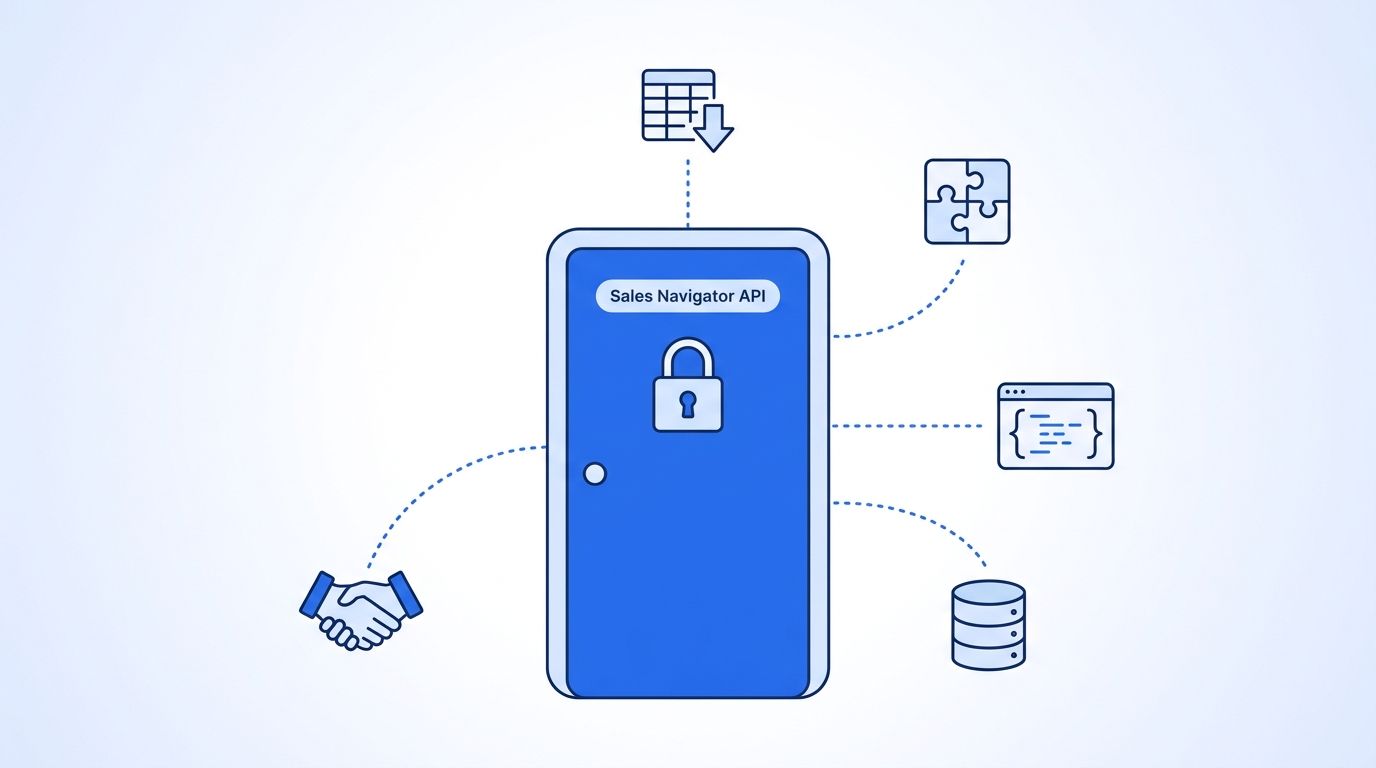
No, LinkedIn doesn't sell a public Sales Navigator API. LinkedIn's own Help Center explicitly bans "third party software, including 'crawlers', bots, browser plug-ins, or browser extensions that scrape... or automate activity" on its platform, and Sales Navigator API access is locked behind an invite-only enterprise partner program, not a self-serve signup form (LinkedIn Help Center, "Prohibited software and extensions", retrieved 2026-09-05).
That leaves a real gap. Sales teams still need Sales Navigator's search filters and lead lists to feed a CRM, a sequencer, or an AI SDR - they just can't get there through an official API call. So people build around it. This guide walks through the five approaches teams actually use, with the risk, cost, and data-freshness trade-off of each, plus a short code sample so you can see what a working alternative looks like.
Key Takeaways
- LinkedIn has no public Sales Navigator API. Its User Agreement explicitly prohibits scraping tools and browser automation, and violators risk account restriction (LinkedIn Help Center, 2026).
- LinkedIn sued Proxycurl in January 2025 for large-scale scraping; the company shut down by July 2025 (The Record, 2025).
- CSV exports cap out fast, and B2B contact data decays roughly 22.5% a year, so a static export is stale within months (HubSpot, Database Decay Simulation, 2026).
- Third-party search-to-JSON APIs and compliant data partners are the two methods that scale without putting your LinkedIn account at risk.
Why Doesn't LinkedIn Offer a Public Sales Navigator API?
LinkedIn doesn't offer a public Sales Navigator API because it treats Sales Navigator search results as proprietary and tightly controls who can automate access to them. In 2026, that control shows up as an invite-only Sales Navigator Application Platform (SNAP) partner program instead of an open developer signup, and a User Agreement that flatly bans scraping tools and browser extensions from touching the platform.
The enforcement isn't theoretical. LinkedIn and Microsoft sued LinkedIn-scraping API provider Proxycurl in January 2025, alleging it ran hundreds of thousands of fake accounts to pull member data at scale - Proxycurl shut down that July (The Record, "LinkedIn sues software company allegedly scraping data from millions of profiles", Oct. 2025). LinkedIn filed a similar suit against ProAPIs Inc. in October 2025 over an alleged "industrial-scale fake account mill" reselling scraped profile data for up to $15,000 a month.
<!-- [UNIQUE INSIGHT] -->It's worth separating two different risks here, because most articles blur them together. One is your account getting restricted for running an unauthorized tool - that's a User Agreement violation LinkedIn can act on directly. The other is the provider getting sued out of existence, the way Proxycurl did, which leaves you migrating platforms on short notice. A method that's cheap and fast today can disappear entirely if it depends on a provider LinkedIn decides to go after next.
This pattern isn't new. hiQ Labs spent six years fighting LinkedIn over scraped public profile data before settling in December 2022, with a $500,000 judgment and a permanent injunction against further scraping (Proskauer, "hiQ and LinkedIn Reach Proposed Settlement in Landmark Scraping Case", Dec. 2022). Every method below sits somewhere on that risk spectrum - from "fully sanctioned by LinkedIn's own export tool" to "actively litigated."
Method 1: How Do You Export Sales Navigator Lists as CSV?
Sales Navigator's built-in list export is the lowest-risk method because LinkedIn built it and sanctions it directly - you just hit a hard volume ceiling. People search results cap around 2,500 leads (100 pages of 25 results), and company search caps around 1,650, a limit consistently documented by export tool vendors working against the product (Evaboot, "How to Export More Than 2500 Results in Sales Navigator").
The bigger problem isn't the cap, it's the shelf life. A CSV is a snapshot the moment you export it. As of 2026, B2B contact data decays at roughly 22.5% a year - about 2% a month - as people change jobs, get promoted, or move companies (HubSpot, Database Decay Simulation, retrieved 2026-09-05). A list you exported in January is meaningfully wrong by the time your outbound sequence actually runs in March.
Citation capsule: A Sales Navigator CSV export is free and fully compliant with LinkedIn's terms, but it's a frozen snapshot capped at roughly 2,500 leads per search. With B2B data decaying about 2% a month, that snapshot starts going stale the moment you download it - which is why exports work fine for a one-off list build but poorly as a recurring pipeline feed.
For a deeper look at how record-level staleness compounds across a CRM, see Datamagnet's guide on programmatic CRM enrichment.
Method 2: Automate Sales Navigator with a Chrome Extension
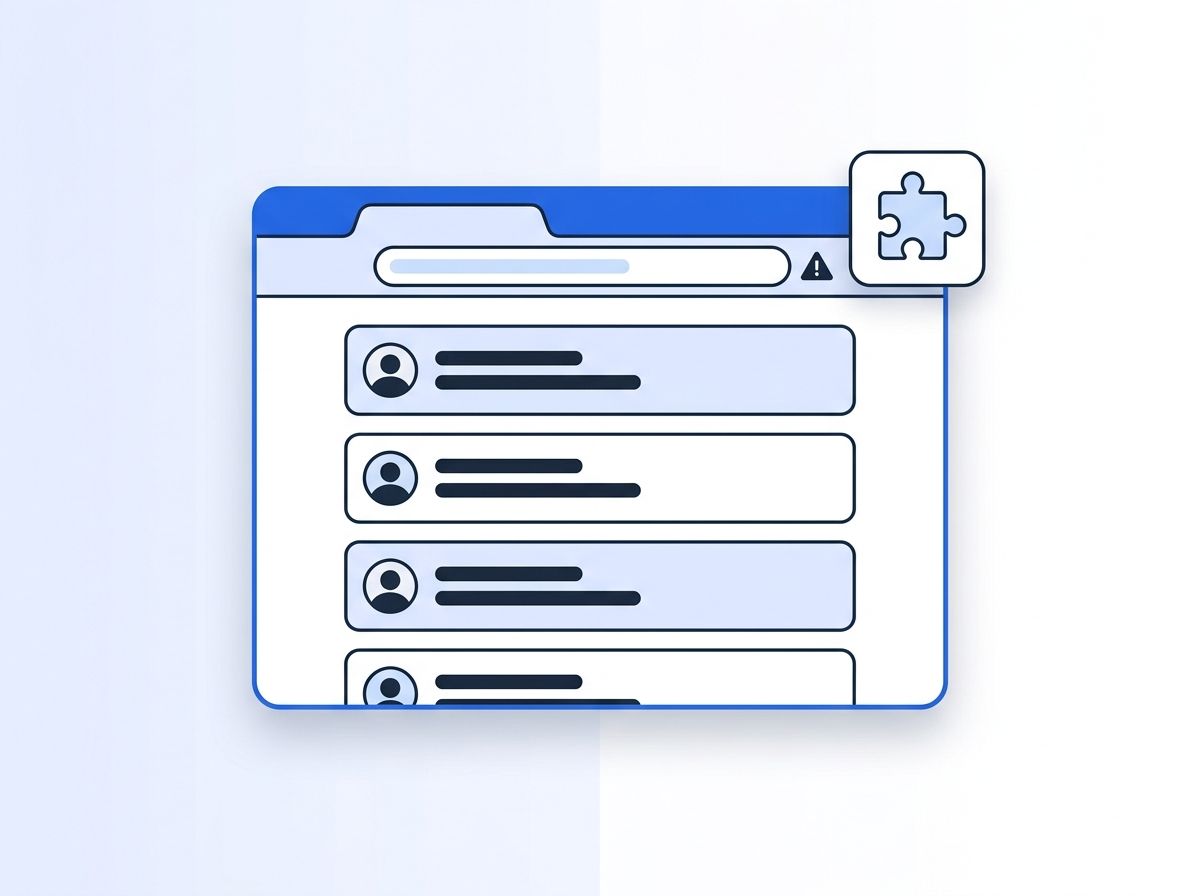
Chrome extensions like PhantomBuster, Dux-Soup, and Waalaxy automate Sales Navigator directly inside your logged-in browser session, scrolling through search results and scraping profile fields as if a human were clicking through pages. It's the fastest way to get data flowing without writing code - and it's also the method LinkedIn's own terms name specifically as prohibited.
LinkedIn's Help Center is unambiguous here: it doesn't "permit the use of any third party software, including 'crawlers', bots, browser plug-ins, or browser extensions that scrape... the Services, including profiles and other data," and accounts caught doing so "face restrictions and suspension" (LinkedIn Help Center, "Prohibited software and extensions"). LinkedIn doesn't publish a ban-rate percentage, but the policy language leaves no ambiguity about what happens if you're caught.
Pricing in this category is usually credit or execution-hour based - think roughly $70 to $440 a month depending on volume tier, per current published rates from tools like PhantomBuster. That's the account you're risking every time a scrape job runs against your own logged-in Sales Navigator seat, not a disposable one.
Method 3: How Do You Pull Sales Navigator Data with a Third-Party Search API?
A third-party search-to-JSON API takes a Sales Navigator search URL you've already built and returns structured lead data - no browser session, no extension running against your own account, no manual export. You paste a search URL, the API fetches and paginates the results, and you get clean JSON back on a schedule you control.
This is the method that scales like an engineer expects an API to scale: paginated requests, credit-based pricing instead of seat licenses, and no export cap forcing you to slice a search into chunks. Here's what a request against Datamagnet's Sales Navigator API looks like in practice:
curl -X POST https://api.datamagnet.co/v2/sales-navigator/search \
  -H "Authorization: Bearer YOUR_API_KEY" \
  -H "Content-Type: application/json" \
  -d '{
    "url": "https://www.linkedin.com/sales/search/people?query=...",
    "page": 1
  }'
A trimmed response looks like this:
{
  "page": 1,
  "results_on_page": 25,
  "leads": [
    {
      "name": "Jordan Lee",
      "title": "VP of Revenue Operations",
      "company": "Acme SaaS Inc.",
      "location": "Austin, Texas",
      "profile_url": "https://www.linkedin.com/in/jordan-lee-example"
    }
  ]
}
Full authentication uses a standard bearer token, and the API introduction covers base URLs, quotas, and how credits map to result pages.
<!-- [PERSONAL EXPERIENCE] -->When Proxycurl shut down in mid-2025, its former users didn't have months to plan a migration - they had days before their pipeline scripts started returning errors. Teams that had built their prospecting workflow around a single scraping API learned the hard way that "it works today" isn't the same guarantee as "it'll work next quarter." That's the real argument for a provider built on documented, versioned endpoints rather than an undocumented scrape.
Citation capsule: A third-party search API turns a Sales Navigator search URL into paginated JSON without touching your own LinkedIn session or hitting a hard export cap. Pricing runs on credits rather than seats, which means cost scales with actual usage instead of a flat monthly license - closer to how a developer expects to pay for an API than for software.
Method 4: Query a People-Search API Instead of Sales Nav Directly
A people-search API skips Sales Navigator's search interface entirely and queries a pre-built database of profile records instead - you send filters like job title, company, or location, and get matching people back without ever loading a LinkedIn search page. Datamagnet's People Search DB endpoint and its broader people search database work this way, returning instant results from previously-enriched profiles rather than a live scrape.
The trade-off is freshness versus speed. A database query is instant and never touches a live LinkedIn session, so there's nothing to get flagged. But the underlying records were collected at some point in the past, so a database-only approach inherits the same decay problem CSV exports have - just spread across a much bigger dataset instead of one list. Providers that combine a search database with live enrichment on the individual records you actually plan to act on close most of that gap.
This is also the category most former Proxycurl users migrated into. Datamagnet's own Proxycurl alternative guide maps the old endpoints onto equivalent live and database-backed calls for teams making that switch.
Method 5: Work with a Compliant Data Partner at Scale
A compliant data partner handles licensed or public-web data collection as an outsourced pipeline rather than something your team builds and maintains in-house - useful once you need volume that neither a CSV export nor an internal script can sustain reliably. Vendors in this category, from infrastructure providers like Bright Data to purpose-built LinkedIn data APIs, take on the scraping infrastructure, IP rotation, and compliance posture so your engineering team doesn't have to.
The honest trade-off is cost and control. You're paying for someone else's infrastructure and legal risk tolerance, and pricing in this category tends to scale with volume rather than sitting at a flat rate - worth comparing directly against your expected monthly record volume before committing. Datamagnet's security and data practices page is a useful reference for what "compliant" should actually mean in a vendor comparison: public sources only, respecting robots.txt, and GDPR/CCPA alignment, not just a marketing claim.
Which of the 5 Approaches Should You Actually Use?
The right method depends on volume and risk tolerance more than on which tool has the flashiest landing page. A CSV export is right for a one-off list of under 2,500 leads with no automation risk. A search API or people-search database is right for a recurring pipeline that needs to stay fresh without staffing a scraping operation.
| Method | Risk to your LinkedIn account | Typical cost | Data freshness |
|---|---|---|---|
| Sales Navigator CSV export | None - LinkedIn's own feature | Free (included in subscription) | Frozen at export time |
| Chrome extension automation | High - explicitly banned by LinkedIn's terms | ~$15-$440/month | As fresh as the last scrape run |
| Third-party search API | Low - runs outside your session | Credit-based, pay-as-you-go | Fetched at request time |
| People-search database API | Low - queries pre-built records | Credit-based, per lookup | Depends on last enrichment pass |
| Compliant data partner | Low - outsourced infrastructure | Volume-based, often custom | Varies by provider SLA |
Isn't it a little backwards that the two lowest-risk methods for real automation - a search API and a people-search database - are also the two that don't require you to touch Sales Navigator's UI at all? That's not a coincidence. The methods that route around LinkedIn's browser session are the same ones that route around LinkedIn's terms-of-service triggers.
If you're already paying for Sales Navigator seats and just need the search results in a system that isn't a spreadsheet, start with a search-to-JSON API - it keeps your search logic in Sales Navigator's filters, which your team already knows, while handling the pagination and JSON conversion for you.
Frequently Asked Questions
Is there an official Sales Navigator API for developers?
Not a self-serve one. LinkedIn runs a Sales Navigator Application Platform for enterprise partners, but access requires an application and partnership agreement, not a public API key signup. Most teams building automation use a third-party API or a people-search database instead (LinkedIn Help Center).
Will LinkedIn ban my account for using a scraping tool?
LinkedIn's User Agreement states that accounts using third-party scraping software or automation "face restrictions and suspension" (LinkedIn Help Center, 2026). LinkedIn doesn't publish exact ban rates, but the policy applies regardless of which specific tool triggers it.
How many results can I export from a single Sales Navigator search?
Sales Navigator people search results cap around 2,500 leads per search (100 pages of 25), and company search caps around 1,650, according to export tool vendors who document these limits operationally (Evaboot). Splitting a search with narrower filters is the usual workaround.
What happened to Proxycurl, and is it still an option?
No. LinkedIn and Microsoft sued Proxycurl in January 2025 over large-scale scraping, and the company shut down that July (The Record, 2025). Former users migrated to successor products like EnrichLayer or to alternative live-data APIs.
Is a third-party Sales Navigator API more reliable than a Chrome extension?
Generally yes, because it queries data through a documented endpoint rather than automating your own logged-in browser session, which removes the direct account-suspension risk described in LinkedIn's terms. Reliability still depends on the specific provider's uptime and how it sources the underlying data.
