
Disclosure: Datamagnet publishes this article. Product capabilities described below are based on public documentation, retrieved 2026-08-20.
How to Instrument Your GTM Stack So Every Handoff Is Logged: A 2026 Step-by-Step Guide
In 2025, Validity found that 76% of organizations say less than half their CRM data is accurate and complete (Validity, The State of CRM Data Management in 2025, retrieved 2026-08-20). Most of that decay happens at handoffs — the moments a lead, account, or task moves from one system or person to another. If nobody's logging what changed, when, and why, you're debugging blind every time a deal stalls.
This guide walks you through instrumenting every handoff point in your GTM stack — MQL to SQL, signal-to-task, lifecycle stage changes, SDR to AE — so each one leaves a timestamped, attributable trail. We've built this pattern into how Datamagnet's own signal infrastructure logs events, and we've watched GTM teams cut hours off root-cause debugging once they had it.
TL;DR
- 76% of teams say under half their CRM data is accurate and complete (Validity, 2025) — most decay happens at handoffs nobody's logging.
- Log four fields at minimum per handoff: timestamp, actor, source system, and payload — field-change history alone isn't enough.
- Route handoffs through webhooks, not polling, and centralize logs in one queryable place so you can trace a lead's full path.
- Set an SLA and alert on the log itself, not just the CRM field, so stalled handoffs surface before a rep notices.
What Do You Need Before You Start?
You don't need a data engineering team to instrument handoffs, but you do need a few things in place first. Skipping this list is the fastest way to end up with logs nobody trusts.
What you'll need:
- Admin access to every tool in your handoff chain (CRM, marketing automation, sales engagement platform, enrichment or signal APIs)
- A place to write logs — a dedicated events table in your warehouse, a logging service, or even a structured Slack channel to start
- API or webhook access on each tool (most modern CRMs and sequencers support this; check your plan tier)
- Basic familiarity with JSON payloads and one scripting language (Python or JavaScript both work fine)
- Time: 4-8 hours to instrument your first 3-4 handoffs, longer if your stack has custom-built integrations
- Difficulty: Intermediate
Before you touch any tooling, generate and rotate your API bearer token using Datamagnet's authentication docs if enrichment or signal data feeds into any of your handoffs — you'll need it wired in before Step 3.
Step 1: How Do You Map Every Handoff Point in Your GTM Stack?
By the end of this step, you'll have a written list of every point where a lead, account, or task changes hands between systems or people. Most teams have never actually written this down — they know it "roughly," which is exactly why handoffs break silently.
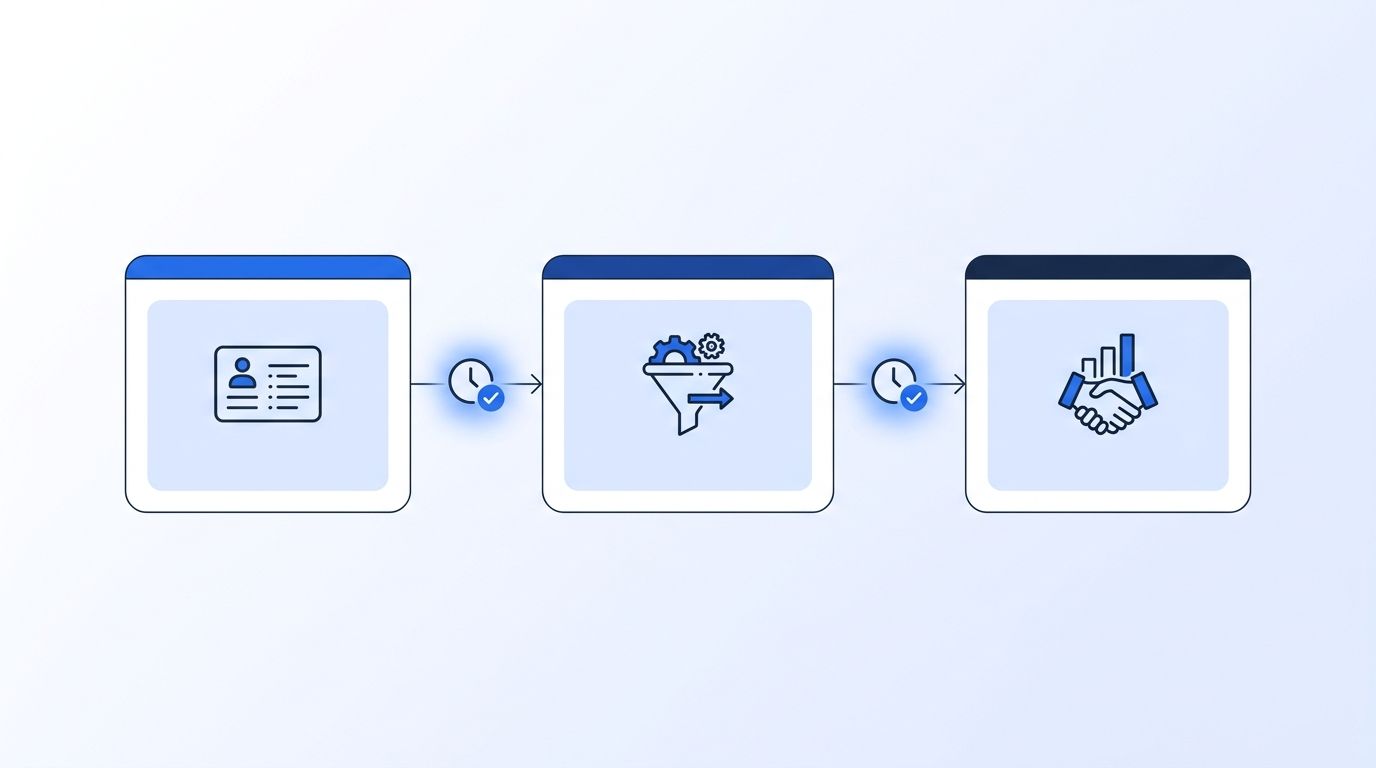
A handoff isn't just MQL-to-SQL. It's any moment ownership or state changes: a lead entering a sequence, a signal triggering a task, a deal moving lifecycle stage, an SDR passing a meeting to an AE, or a churn-risk account routing to customer success. Walk your funnel end to end and write each one down with the two systems (or people) on either side of it.
- List every tool in your stack that touches a lead, contact, or account record
- For each pair of adjacent tools, ask: "does a record or task move from one to the other here?"
- Mark each yes as a distinct handoff with a name (e.g., "MQL routed to SDR queue")
- Note whether that handoff is currently automated, manual, or a mix of both
Verification: You should end up with 8-15 named handoffs for a typical mid-market GTM stack. If you have fewer than 5, you're probably missing manual ones — check Slack-based and spreadsheet-based handoffs too, since those are the ones that never show up in a CRM audit.
<!-- [PERSONAL EXPERIENCE] -->When we mapped this exercise with an early customer's RevOps lead, the biggest surprise wasn't a broken automation — it was a handoff that only existed as a Slack @mention from SDR to AE. It had no timestamp, no owner, and no fallback if the AE missed the message. That's the kind of handoff this whole exercise exists to catch.
Step 2: What Does "Logged" Actually Mean?
By the end of this step, every handoff on your list will have a consistent event schema — the exact fields a log entry must contain to be useful later. Most teams that "log handoffs" only capture a field change, which tells you that something happened but not why or who triggered it.
At minimum, every handoff log entry needs four fields: a timestamp (when it fired), an actor (which system, automation, or person triggered it), a source system (where the record came from), and a payload (the actual data that moved, not just a boolean). Skip any of these and you'll hit a debugging dead end eventually.
- Draft a shared JSON schema with
timestamp,actor,source_system,target_system, andpayloadas required keys - Add an optional
trigger_reasonfield for handoffs tied to a specific signal or rule (e.g., "job_change signal fired") - Store the schema somewhere every tool owner can reference — a shared doc or a schema registry if you have one
- Bold rule: never log a handoff as just
"MQL converted: true"— always log the full payload that caused it
Verification: Pull three recent handoff events and check whether you could answer "who or what caused this, and what data moved" from the log alone, without opening the source tool.
Step 3: Why Instrument Each Handoff With Webhooks, Not Polling?
By the end of this step, each handoff will fire a log entry the moment it happens, not minutes or hours later on a scheduled sync. Polling-based integrations are still common, but they turn every handoff log into an estimate instead of a fact.
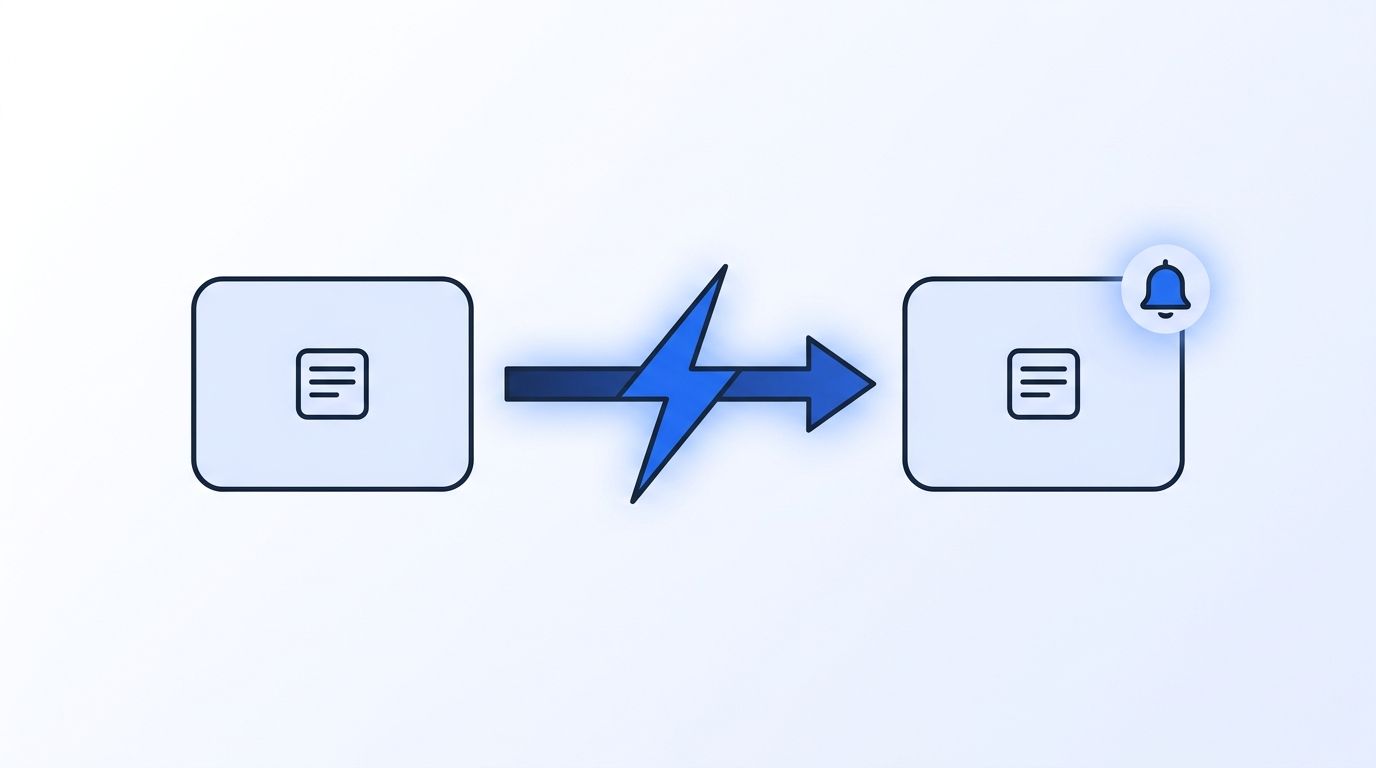
Most modern CRMs, sequencers, and signal platforms support outbound webhooks. Wire each handoff point to fire a webhook to your logging endpoint the instant the trigger condition is met, rather than waiting for a nightly batch job to notice the change. This matters more than it sounds: a batch-synced log can't tell you the real handoff time, only when the sync last ran.
- For each handoff, identify whether the source tool supports outbound webhooks (check its developer docs)
- Point that webhook at a lightweight endpoint that validates the payload against your Step 2 schema and writes it to your log store
- For handoffs triggered by external signals — a job change, a funding round, a LinkedIn engagement — spin up a signal monitor that pushes the event straight into your logging pipeline instead of waiting on a CRM sync
- Verify signature checks are in place using Datamagnet's webhook payload and signature verification docs so you're not logging spoofed events
Most "instrumentation" projects start and stop at the CRM's native audit log. That log only sees what happens inside the CRM — it's blind to the handoff that happens before a record ever lands there, like a signal firing or a form submitting into a sequencer. If your log store only has CRM-native events, you're missing the first half of most handoffs.
Step 4: Centralize Logs in One System of Record
By the end of this step, every handoff log — regardless of which tool triggered it — lands in one place you can query, not scattered across five tools' native activity feeds. A handoff you can't query in under a minute is a handoff you'll stop checking.
Pick one destination: a warehouse table, a dedicated logging service, or at minimum a structured database your team can query with SQL. Route every webhook from Step 3 into that single destination, tagged with the handoff name from Step 1 so you can filter by handoff type later.
- Create one
handoff_eventstable (or equivalent) with the schema fields from Step 2 - Route every webhook endpoint to write into that same table, not into five separate logs
- Add an index on
timestampandhandoff_nameso queries stay fast as volume grows - Confirm you can list every active signal monitor on your account so you know which upstream triggers are actually feeding this table
Verification: Query the last 24 hours of events across at least three different handoff types in a single SQL statement. If that requires joining across separate systems, your logs aren't centralized yet.
Step 5: How Do You Set an SLA and Alert on the Log Itself?
By the end of this step, a stalled handoff triggers an alert before a rep notices the lead went cold, not after. Logging without monitoring just gives you a very detailed record of things going wrong quietly.
Speed compounds fast here. A widely cited MIT and InsideSales.com study analyzing over 15,000 leads and 100,000 dials found that contacting a lead within 5 minutes (versus 30) made reps roughly 100x more likely to make contact and 21x more likely to qualify it (MIT/InsideSales.com, Lead Response Management Study, retrieved 2026-08-20). The study is older, but no newer academic-grade study has replaced it, and the underlying logic still holds: an unmonitored handoff log lets that window close unnoticed.
- Define a maximum acceptable time-to-next-action for each handoff (e.g., "SQL to first AE touch: under 4 hours")
- Write a scheduled query or streaming rule that flags any
handoff_eventsrow with no matching follow-up event inside that window - Route the alert to Slack or your paging tool — not just a dashboard nobody checks
- For signal-driven handoffs, use webhook retry and delivery status from Datamagnet's webhook docs to distinguish "the handoff didn't fire" from "it fired but nobody acted"
Step 6: Audit the Log Monthly and Retire Dead Handoffs
By the end of this step, your handoff log reflects your actual current stack, not a snapshot of it from six months ago. Instrumentation rots the same way CRM data does — tools get swapped, workflows get rebuilt, and nobody remembers to update the log.
Set a recurring monthly review of the handoff_events table. Look for handoffs with zero volume (probably dead or replaced), handoffs with volume but no matching downstream event (probably broken), and any new handoff that's grown organically without ever getting instrumented.
- Pull a monthly count of events per handoff name and flag anything at zero for two consecutive months
- Cross-check your Step 1 handoff map against the current stack — new tools mean new handoffs to add
- Retire instrumentation for handoffs that no longer exist so alert noise doesn't drown out real issues
- Use pause, resume, or modify a signal monitor to keep signal-driven handoffs in sync with workflow changes instead of leaving stale monitors running
What Are the Common Mistakes to Avoid When Logging GTM Handoffs?
Most teams get stuck on the same handful of mistakes. In 2025, Validity also found that 37% of CRM users report direct revenue loss as a consequence of poor data quality (Validity, The State of CRM Data Management in 2025, retrieved 2026-08-20) — and a lot of that traces back to handoffs logged badly, or not at all.
1. Logging the field change, not the actor. A CRM audit trail shows a stage changed. It rarely shows why — which automation, rule, or person triggered it. Always capture the actor field from Step 2, even if it feels redundant at first.
2. Treating the CRM as the system of record for every handoff. Not every handoff touches the CRM directly. Signal-driven and sequencer-driven handoffs often happen a step before any CRM write, and if your log only starts there, you're missing the trigger.
3. Logging without alerting. A complete, accurate log that nobody monitors is just a very thorough postmortem tool. Pair every handoff log with an SLA-based alert, as in Step 5.
4. Only logging that an event happened, not the full payload. A boolean flag tells you nothing about what data actually moved. Store the payload, even if it's verbose — you'll need it the first time you're debugging a bad handoff.
<!-- [PERSONAL EXPERIENCE] -->5. Instrumenting once and forgetting Step 6. The single most common gap we've seen is a team that instrumented five handoffs eighteen months ago, added three new tools since, and never went back to add the new ones. The log looks complete. It isn't.
What Does Success Look Like?
If you've followed all six steps, you should now be able to pull up any lead or account and trace its full handoff history — timestamp, actor, and payload — in one query, without opening a single source tool. That's the actual test of whether instrumentation worked.
Key signs it's working: every handoff on your Step 1 map has a matching row type in handoff_events, your Step 5 alerts have fired at least once on a real stalled handoff (not just in testing), and your monthly Step 6 audit takes under 30 minutes because the log stays current on its own.
As a stretch goal, once handoffs are logged consistently, you can start measuring time-between-handoffs as a real operational metric instead of a guess — which is the foundation for tightening SLAs further down the line.
For a deeper look at layering account context onto every handoff, see our 4-layer account research infrastructure guide.
Frequently Asked Questions
What counts as a "handoff" in a GTM stack?
Any moment a lead, account, or task changes ownership or state between systems or people — a lifecycle stage change, a signal-triggered task, or a rep-to-rep meeting handoff. If a record or responsibility moves, it's a handoff worth logging, even if it currently happens manually in Slack.
Do I need a dedicated logging tool, or can I use my CRM's activity feed?
A CRM activity feed alone isn't enough. It typically only shows in-CRM field changes, not the actor, payload, or handoffs that happen upstream in a sequencer or signal tool. Route every trigger into one centralized handoff_events table instead, as described in Step 4.
How long should I retain handoff logs?
Most teams keep 12-18 months of handoff logs, long enough to cover a full sales cycle plus a comparison period for debugging seasonal patterns. If your sales cycle runs longer than a year, extend retention to match it — the log is only useful if it covers the full journey.
What if a handoff happens outside any tool, like a Slack DM?
Log it anyway, even manually at first. A simple Slack workflow or form that writes a handoff_events row with the same schema (timestamp, actor, source, payload) beats no record at all, and it's usually the fastest path to automating that handoff properly later.
How much engineering time does this take to set up?
Budget 4-8 hours per handoff for the first few, less once your schema and centralized log store from Steps 2 and 4 are in place. Teams with existing webhook access on their CRM and sequencer typically instrument their first 5 handoffs inside a single week.
Instrument the Handoffs That Actually Move Revenue
You've mapped your handoffs, defined a shared event schema, wired webhooks instead of polling, centralized the log, and set alerts that catch stalls before reps do. That's the difference between guessing why a deal went cold and pulling up the exact moment it happened.
Start with your highest-volume handoff first — usually MQL-to-SQL or signal-to-task — and expand from there. If signal-driven handoffs are part of your stack, Datamagnet's Signal API pushes job-change, engagement, and funding events straight into your pipeline via webhook, so the handoff log starts the moment the trigger fires, not when a batch sync catches up. Pair it with programmatic CRM enrichment to keep the payload complete at every hop, or see how a single job-change signal powers champion tracking as a worked example of one fully instrumented handoff end to end.
Sources
- Validity, The State of CRM Data Management in 2025, retrieved 2026-08-20, https://www.validity.com/resource-center/the-state-of-crm-data-management-in-2025/
- Chili Piper, 2025 B2B Buyer First Report, retrieved 2026-08-20, https://www.chilipiper.com/post/2025-b2b-buyer-first-report
- MIT / InsideSales.com, Lead Response Management Study, retrieved 2026-08-20, https://www.onecavo.com/wp-content/uploads/2015/11/MIT-InsideSales.com_Lead-Response-Management.pdf
- Datamagnet, Webhooks, retrieved 2026-08-20, https://docs.datamagnet.co/api-reference/webhooks
- Datamagnet, Create Signal endpoint, retrieved 2026-08-20, https://docs.datamagnet.co/api-reference/endpoints/signal-create
- Datamagnet, List Signals endpoint, retrieved 2026-08-20, https://docs.datamagnet.co/api-reference/endpoints/signal-list
- Datamagnet, Update Signal endpoint, retrieved 2026-08-20, https://docs.datamagnet.co/api-reference/endpoints/signal-update
- Datamagnet, Authentication, retrieved 2026-08-20, https://docs.datamagnet.co/api-reference/authentication
