
Disclosure: This article is published by Datamagnet. Vendor claims are self-reported unless otherwise noted.
HubSpot MCP Server: What It Can Do and How to Add Live Enrichment (2026 Guide)
HubSpot's remote MCP server lets an AI assistant read and update your CRM records. It doesn't fetch new data about a person or company, though. For that, you pair it with a second MCP server that pulls live profile data, and this guide shows both side by side.
Key Takeaways
- HubSpot's remote MCP server went generally available on April 13, 2026, with read and write access to CRM records (HubSpot Developer Changelog, 2026).
- It works on what's already in your CRM. It doesn't add fresh data.
- Adding Datamagnet's MCP server gives the same assistant live LinkedIn profile and company data, at 1 credit per profile.
- Both servers support OAuth, and Datamagnet also accepts an API key as a bearer token. Setup takes four steps: connect HubSpot, add Datamagnet, run a prompt, then choose chat or automation.
Why do you need more than the HubSpot MCP server?
In 2026, Salesforce's State of Sales report found 54% of sellers had already used AI agents, and nearly 9 in 10 plan to by 2027 (Salesforce, State of Sales 2026, February 3, 2026). The same survey says 51% of sales leaders with AI see disconnected systems slowing their initiatives. Agents are only as good as the data they can reach.
That's the gap here. HubSpot's server gives an agent your CRM. If a contact's title changed last month, the agent sees the old title.
The survey was run by a vendor that sells agents, so treat the numbers as directional. Still, the same report says 74% of sales pros are focusing on data cleansing (Salesforce, State of Sales 2026, retrieved 2026-11-18, source). Clean CRM data matters to the people buying these tools.
If you're new to what MCP is, it's an open standard for connecting AI apps to outside systems. Anthropic announced it on November 25, 2024 (Anthropic, Introducing the Model Context Protocol, retrieved 2026-11-18). By December 9, 2025, Anthropic reported more than 10,000 active public MCP servers and over 97 million monthly SDK downloads (Anthropic, Donating the Model Context Protocol and establishing the Agentic AI Foundation, retrieved 2026-11-18).
Citation capsule: HubSpot's remote MCP server became generally available on April 13, 2026. It's open to all HubSpot accounts and adds write access, activity history and marketing content objects (HubSpot Developer Changelog, Remote HubSpot MCP server is now generally available, retrieved 2026-11-18).
What can the HubSpot MCP server actually do?
The remote server is a hosted endpoint at https://mcp.hubspot.com that lets AI tools read, write and update CRM records "as a user would" (HubSpot, Remote MCP server docs, retrieved 2026-11-18). HubSpot says its connectors for Claude, ChatGPT, Microsoft Copilot and Gemini run on it. Here's what the GA changelog lists.
| Capability | What HubSpot documents | Source |
|---|---|---|
| Read CRM objects | Contacts, companies, deals, tickets, line items, quotes, invoices, orders, carts, products, subscriptions, segments | HubSpot Developer Changelog, GA announcement, 2026-04-13 |
| Write CRM objects | Contacts, companies, deals, tickets, line items, products | HubSpot Developer Changelog, GA announcement, 2026-04-13 |
| Read marketing content | Campaigns, landing pages, blog posts, site pages, marketing events | HubSpot Developer Changelog, GA announcement, 2026-04-13 |
| Activities | Calls, meetings, notes, tasks, emails (read and write) | HubSpot Developer Changelog, GA announcement, 2026-04-13 |
| Auth | OAuth 2.1 with PKCE | HubSpot Developer Changelog, GA announcement, 2026-04-13 |
Notice what's missing from that list: any way to look up information outside your portal. The server is a CRM read/write layer, not an enrichment source. That's our reading of the docs, not a HubSpot statement.
What are the limits to know about?
Three limits come straight from the changelog. If your account has sensitive data enabled, activity objects are blocked through MCP, while the standard CRM APIs aren't affected. Actions follow the user's existing HubSpot permissions. And existing installs may show REQUIRES_REAUTHORIZATION for new object types, so users must disconnect and reconnect.
HubSpot's docs don't state rate limits or required subscription tiers on the pages we checked, so confirm those in your own portal before you plan a rollout.
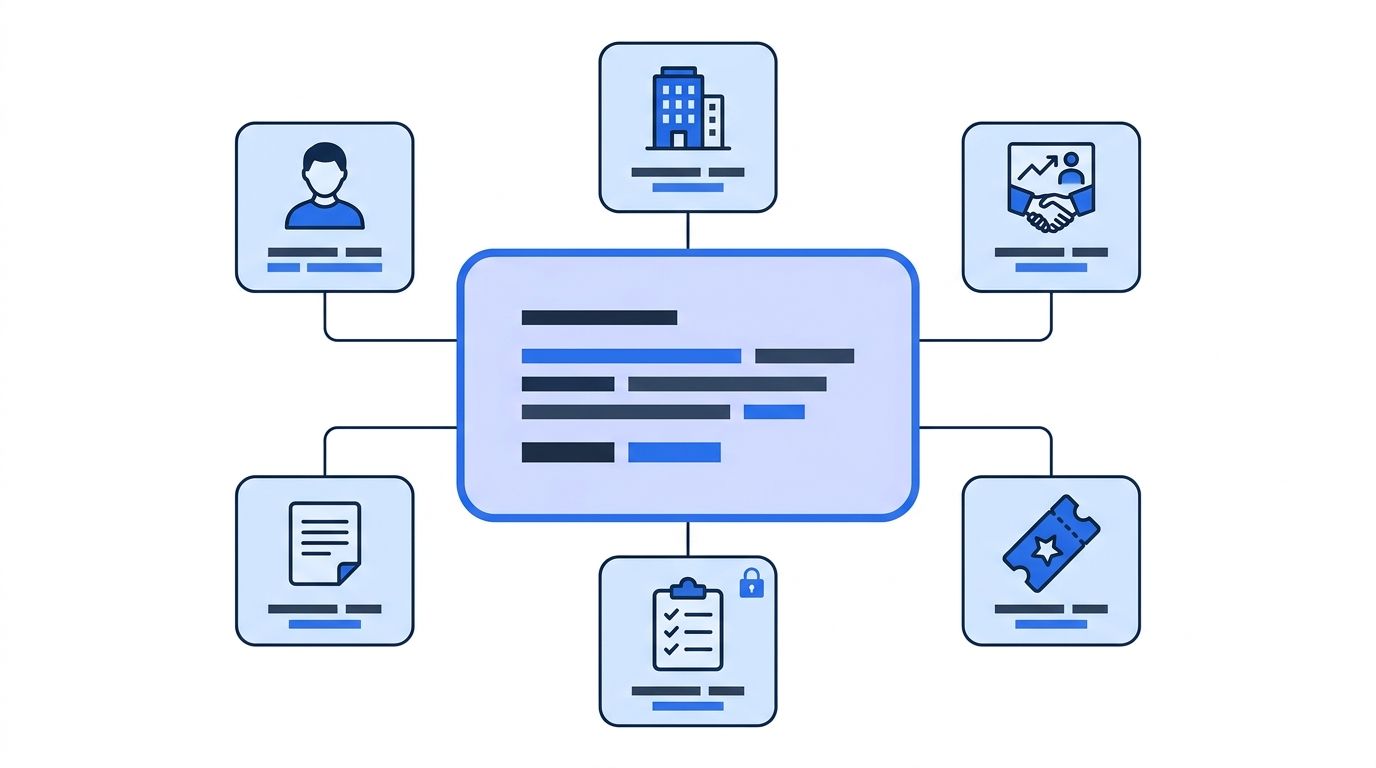
What do you need before you begin?
- A HubSpot account with permission to create an MCP auth app
- An MCP client: Claude (we use Claude below), ChatGPT, Cursor or another client that supports remote servers
- A Datamagnet account (10 free credits, no card on the MCP page)
- Time: a short session, mostly waiting on admin approvals (our estimate, not a measured figure). Difficulty: Beginner
Step 1: How do you connect the HubSpot MCP server?
By the end of this step, your assistant can read and write HubSpot records. HubSpot's changelog says to open Development > MCP Auth Apps, create an MCP auth app, and use its client ID and secret to set up the OAuth connection.
- In HubSpot, go to Development > MCP Auth Apps and create an MCP auth app.
- Copy the app's client ID and secret.
- In Claude, open Customize > Connectors > + Add > Add custom connector (Claude Help Center, custom connectors with remote MCP, retrieved 2026-11-18).
- Enter
https://mcp.hubspot.comas the URL. - Enter the client ID and secret from your MCP auth app in the connector's OAuth fields, then sign in to HubSpot.
On Team and Enterprise plans, only Owners and some custom roles add connectors, under Organization settings. Each member then connects on their own.
Verify it: ask, "List my five most recently created contacts." You should see real records.
Step 2: How do you add Datamagnet's MCP server for live data?
By the end of this step, the same assistant can fetch live LinkedIn profile and company data. Datamagnet's MCP server runs at https://mcp.datamagnet.co/mcp over Streamable HTTP and uses OAuth 2.1 with PKCE. Clients that can't sign in can send an API key as a bearer token (Datamagnet MCP page, retrieved 2026-11-18); the authentication docs cover generating and rotating keys. These are vendor claims.
In Claude Code, it's one command, followed by /mcp to sign in:
claude mcp add --transport http --scope user datamagnet https://mcp.datamagnet.co/mcp
In Claude's web or desktop app, add it as a custom connector with the same URL, as in Step 1. Cursor, VS Code, Windsurf, Gemini CLI and Codex CLI each have a snippet on the Datamagnet MCP page.
Here's how the two servers sit side by side. This comparison is written from Datamagnet's perspective, and the HubSpot column relies only on HubSpot's public documentation and changelog, so check it against HubSpot's current docs:
| HubSpot MCP server | Datamagnet MCP server | |
|---|---|---|
| Endpoint | https://mcp.hubspot.com (HubSpot docs) | https://mcp.datamagnet.co/mcp (Datamagnet MCP page) |
| Data it works on | Records already in your portal (HubSpot GA changelog) | Live LinkedIn people, company, post and funding data, fetched at request time (Datamagnet MCP page) |
| Writes | Yes, CRM objects and activities (HubSpot GA changelog) | Only signal create, update and delete, with confirmation (Datamagnet MCP page) |
| Auth | OAuth 2.1 with PKCE (HubSpot GA changelog) | OAuth 2.1 with PKCE, or API key bearer token (Datamagnet MCP page) |
| Cost model | Not stated on the docs page we checked | Credits: 1 per profile, 10 per search page, 5 for funding rounds (Datamagnet pricing) |
The server exposes 19 tools, including get_person_profile, get_company_profile, get_company_funding_rounds and check_credits. Each tool reports its credit cost before it runs. It doesn't do email or phone lookup, and job details work by URL only.
Verify it: ask, "Check my Datamagnet credits." You should see your 10 free credits.
Step 3: How do you run an enrichment prompt across both servers?
By the end of this step, you'll have a CRM record updated from live data. The two servers work in one conversation, so the assistant can read from one and write to the other.
Try this prompt:
Find the HubSpot contact for [email protected]. Take their LinkedIn URL,
get their current profile from Datamagnet, and tell me whether their title
or company differs from HubSpot. Don't write anything yet.
The assistant calls HubSpot to read the contact, then get_person_profile with the LinkedIn URL. That costs 1 credit. The People endpoint takes a LinkedIn URL and returns the profile, including headline, current role, experience and skills (Datamagnet docs, People Profile). The Company endpoint does the same for firmographics (Datamagnet docs, Company Profile). If you only need account-level fields, the Company Enrichment API covers that.
Keep the first run read-only. Reviewing a diff before any CRM write catches mismatches, like a LinkedIn headline that's a tagline rather than a title, before they overwrite a good record.
Once the diff looks right, say "update the contact's job title and company in HubSpot." The HubSpot server handles the write under your own permissions.
Step 4: Should you use chat or automation?
Chat suits one-off research. For bulk or hands-off enrichment, a workflow is cheaper to run and easier to audit. As with the table above, this is Datamagnet's view, and HubSpot may recommend other approaches. For the wider case for automating this, see our post on programmatic CRM enrichment. Datamagnet's HubSpot integration isn't a native HubSpot app. HubSpot workflows call the REST API through a custom code action or webhook, and signal webhooks from the Signal API can push job changes back to HubSpot through middleware (Datamagnet, HubSpot integration, retrieved 2026-11-18). The page says you can "set up in minutes," and its demo walkthrough totals about 15 minutes.
For the contact-level approach, see the People Enrichment API. If you want alerts when a tracked person changes jobs, the job-change recipe in the docs covers it, and the champion tracking page explains the use case. You can check your balance any time with the Credit Balance endpoint.
A note on data: Datamagnet works with public LinkedIn profile data. LinkedIn's User Agreement prohibits bots and other unauthorized automated methods of accessing its services, and says LinkedIn may restrict, suspend or terminate accounts that breach it (LinkedIn User Agreement, sections 3.4 and 8.2, retrieved 2026-11-18). Datamagnet describes its security and data practices on its own page. Don't log in with a personal account to collect data, and don't use account rotation to dodge blocks. That's a factual risk note, not legal advice.
Common mistakes to avoid
1. Giving the assistant write access on the first run. It's tempting because writes are the headline feature. Start read-only, then widen.
2. Ignoring reauthorization. If a tool suddenly fails on a new object type, HubSpot's changelog says to disconnect and reconnect to get the new scopes.
3. Expecting activities to show up. With sensitive data enabled, calls, emails, meetings, notes and tasks are blocked via MCP.
4. Enriching everything. At 1 credit per profile, a 10,000-contact portal costs 10,000 credits. Filter to open deals first. Plans are $39, $99 and $199, and per-credit rates fall as you move up a tier (Datamagnet pricing, retrieved 2026-11-18). The People Enrichment API page lists the pay-as-you-go rate.
What success looks like
If it worked, one prompt returns a HubSpot contact next to its live LinkedIn profile, with differences flagged and credits spent shown. Salesforce's survey says sellers expect agents to cut prospect research time by 34%, and that's a sellers' estimate, not a measured result (Salesforce, State of Sales 2026). Measure your own before and after.
Ready to try it? Add live LinkedIn enrichment to HubSpot with 10 free credits.
Frequently Asked Questions
What is the HubSpot MCP server?
It's a hosted server at mcp.hubspot.com that lets AI tools read, write and update HubSpot CRM records as a user would. HubSpot moved it to general availability on April 13, 2026, and says it powers its Claude, ChatGPT, Microsoft Copilot and Gemini connectors. Access follows each user's existing HubSpot permissions.
Can the HubSpot MCP server enrich contacts with new data?
Not on its own. It reads and writes records already in your portal, and HubSpot's docs list no external lookup. To add fresh job titles or company details, connect a second MCP server for live data, such as Datamagnet's, and let the assistant compare both before writing back to HubSpot.
Is the HubSpot MCP server free?
HubSpot's docs page doesn't state separate pricing for it, and says it's available to all HubSpot accounts. Check your plan and permissions in your own portal. On the Datamagnet side, you get 10 free credits, then plans at $39, $99 and $199, with per-credit rates that fall at higher tiers. Current rates are on the pricing page.
What if the HubSpot connection stops working after an update?
Existing installs may show a REQUIRES_REAUTHORIZATION error when HubSpot adds object types. Disconnect the connector and reconnect it to grant the new scopes. Also confirm your redirect URL in the client matches the one in your HubSpot MCP auth app.
Should I use MCP or a workflow for bulk enrichment?
Use MCP for interactive research and small batches. Use a HubSpot workflow calling the REST API for bulk work, since runs are repeatable and easier to audit. Datamagnet charges 1 credit per profile.
