
Disclosure: This article is published by Datamagnet. Vendor claims are self-reported unless otherwise noted.
The GTM Engineer's Guide to Writing Internal APIs Sales Teams Will Actually Use
You built the API. It works in Postman. Three weeks later, half your sales team is still copy-pasting data from five browser tabs because nobody told them the endpoint exists, and the one rep who tried it gave up after a timeout. Building an internal API is the easy part. Getting reps to actually route through it instead of around it is the part most GTM engineers get wrong.
This tutorial walks through building an internal "account lookup" API that wraps a vendor data source, adds the guardrails sales tools need, and ships with documentation a non-engineer can follow. By the end, you'll have a working FastAPI service, a stable contract your Slack bot and Retool app can both call, and a pattern you can reuse for the next ten integrations.
TL;DR
- In 2025, GTM Engineer job postings grew 205% year-over-year and the median salary hit $127,500 (Bloomberry, 2025) — this is now a distinct hiring category, not a side project for a sales engineer.
- As of 2025, 93% of API teams report documentation and collaboration blockers, and 55% specifically blame outdated docs (Postman, 2025 State of the API Report) — undocumented internal APIs get ignored, not adopted.
- Version your contract from day one, decouple it from the vendor's schema, cache aggressively, and return errors reps' tools can actually branch on.
- In 2025, average weekly API downtime rose 60% year-over-year (Uptrends, State of API Reliability 2025) — build retries and rate limiting in from the start, not after the first outage.
- As of 2025, only 24% of developers design APIs with AI agents in mind (Postman, 2025 State of the API Report) — design your contract for both a Slack bot and a human, since both will call it.
Why Do Sales Reps Ignore the Internal APIs You Build?
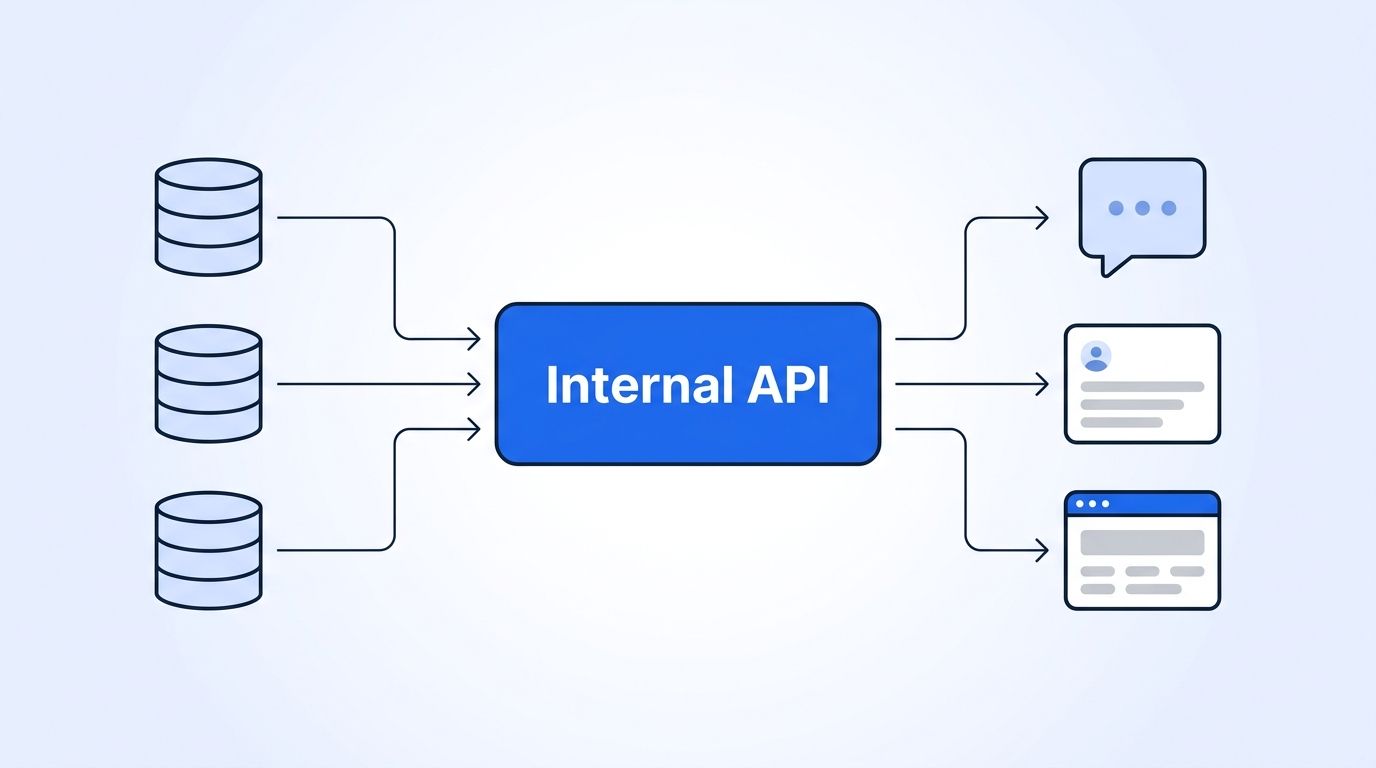
Sales reps ignore internal APIs because most of them are really just a vendor's API with an extra network hop. If your /account-lookup endpoint returns the same brittle, deeply nested JSON your data vendor sends you, plus a five-second latency penalty, reps and the tools they use have no reason to route through it. They'll go straight to the source, or worse, back to manual lookups.
The fix isn't a better vendor. It's a better contract. An internal API earns adoption when it's faster than the alternative, fails predictably, and returns fields a non-engineer can read without a translation layer. That's a design problem before it's a code problem.
Most GTM engineers treat the internal API as plumbing — a thing that moves data from point A to point B. Treat it as a product surface instead. Every field name, every error code, and every response time is something a Retool builder or a Slack bot maintainer has to live with for years. Plumbing gets ripped out. Products get maintained.
What Will You Build?
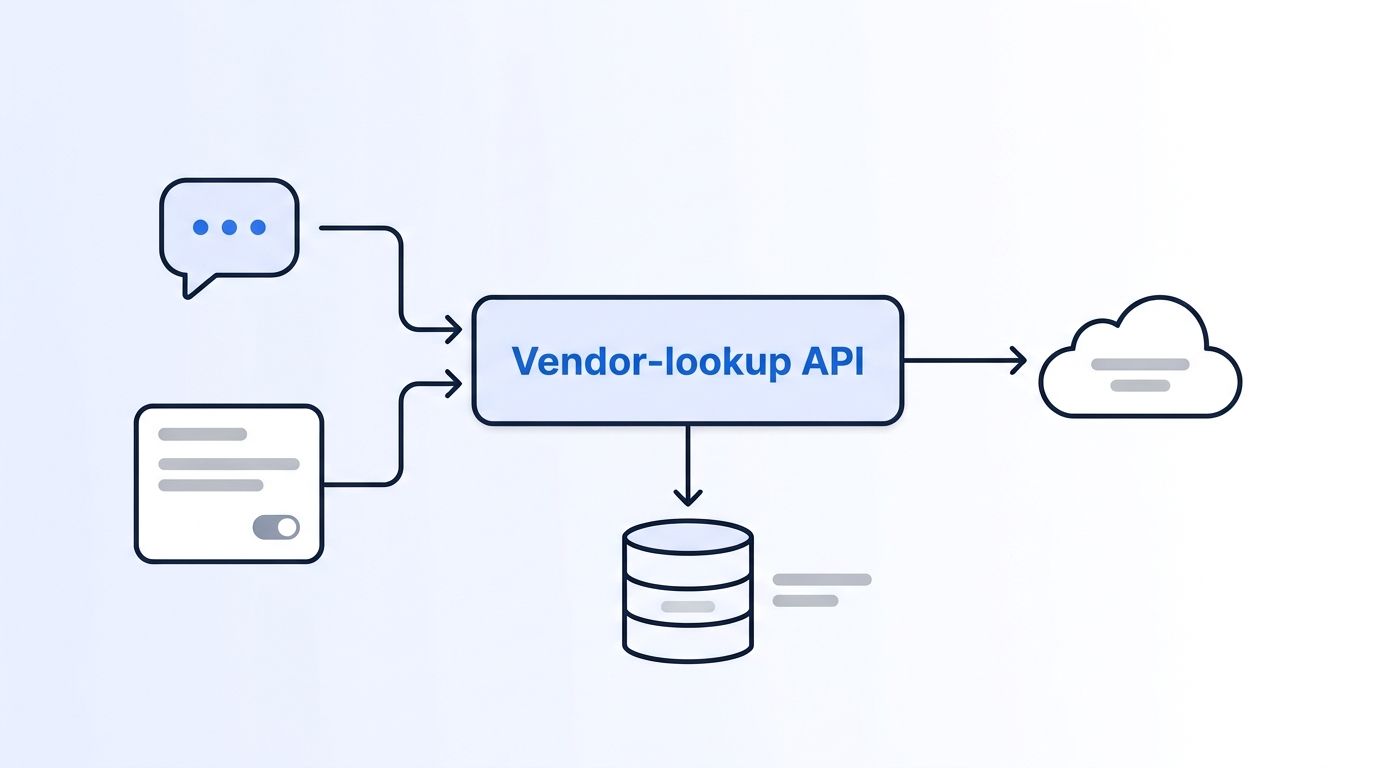
You'll build a small internal API called account-lookup that takes a company domain or a LinkedIn URL and returns a single, stable JSON object — firmographics, the current point of contact, and a freshness timestamp — regardless of which vendor endpoint supplied the data underneath.
What it does:
- Wraps a live company and people data source behind one versioned contract (
/v1/accounts/{domain},/v1/people/{linkedin_url}) - Caches responses to protect your data budget and cut latency for repeat lookups
- Returns errors your Slack bot and Retool app can branch on instead of a raw 500
- Ships with auto-generated docs a non-engineer can read
You'll need:
- Python 3.11+ and FastAPI 0.115+
- A Datamagnet API key, or your own live data vendor
- Redis (or an in-memory dict for local testing)
- ~45 minutes to complete
Step 1: Design the Contract Before You Write a Line of Code
The contract your internal API exposes should never be a pass-through of the vendor's response shape. Decide on your own field names, your own error codes, and your own versioning scheme first, so a vendor migration later doesn't break every downstream tool that calls you.
Sketch the response your Slack bot and Retool app both need:
// GET /v1/accounts/acme.com
{
  "domain": "acme.com",
  "company_name": "Acme Corp",
  "headcount": 480,
  "industry": "Software",
  "hq_location": "Austin, TX",
  "fetched_at": "2026-08-22T14:03:11Z",
  "source": "datamagnet"
}
Notice what's missing: none of the vendor's internal field names, no nested pagination objects, no null-heavy fields nobody asked for. Put /v1/ in the URL path now. Retrofitting versioning after five internal tools depend on your endpoint is a much worse afternoon than adding it up front.
The GTM engineers who skip versioning almost always regret it inside the first quarter. A single unversioned /accounts/{domain} endpoint looks fine until you need to add a required field or rename company_size to headcount — and now every Retool app, Slack command, and cron job breaks at once, with no way to migrate them gradually.
Step 2: Wrap the Vendor Call Behind Your Contract
Wrapping the vendor call means your FastAPI route never returns the vendor's raw response — it always translates first. This is the layer that turns "whatever the vendor sends" into "the stable object your contract promised."
import httpx
from fastapi import FastAPI, HTTPException

app = FastAPI(title="account-lookup", version="1.0.0")

DATAMAGNET_BASE = "https://api.datamagnet.co/v1"
DATAMAGNET_KEY = "your-api-key"  # load from env, not source

async def fetch_company(domain: str) -> dict:
    async with httpx.AsyncClient(timeout=8.0) as client:
        resp = await client.get(
            f"{DATAMAGNET_BASE}/company",
            params={"domain": domain},
            headers={"Authorization": f"Bearer {DATAMAGNET_KEY}"},
        )
        resp.raise_for_status()
        return resp.json()

@app.get("/v1/accounts/{domain}")
async def get_account(domain: str):
    try:
        vendor_data = await fetch_company(domain)
    except httpx.HTTPStatusError as exc:
        raise HTTPException(status_code=502, detail="vendor_lookup_failed") from exc

    # Translate vendor shape into your own contract
    return {
        "domain": domain,
        "company_name": vendor_data.get("name"),
        "headcount": vendor_data.get("employee_count"),
        "industry": vendor_data.get("industry"),
        "hq_location": vendor_data.get("headquarters"),
        "fetched_at": vendor_data.get("updated_at"),
        "source": "datamagnet",
    }
What just happened: the route calls the vendor, then explicitly maps every field into your contract's shape. If the vendor renames employee_count tomorrow, you change one line here instead of every consumer.
Expected output:
{"domain": "acme.com", "company_name": "Acme Corp", "headcount": 480, "industry": "Software", "hq_location": "Austin, TX", "fetched_at": "2026-08-22T14:03:11Z", "source": "datamagnet"}
This pattern works with any live people or company data source — see the Company Profile endpoint and People Profile endpoint for the full field list Datamagnet returns, and Authentication for how to generate and rotate the bearer token used above.
Step 3: How Do You Avoid Burning Your Data Budget on Repeat Lookups?
Caching matters here because every uncached call to your internal API is a paid call to your vendor, and reps tend to look up the same handful of accounts repeatedly during a deal cycle. A five-minute cache on account lookups cuts both latency and cost without meaningfully staling the data.
import time
_cache: dict[str, tuple[float, dict]] = {}
CACHE_TTL_SECONDS = 300

async def get_account_cached(domain: str) -> dict:
    now = time.time()
    if domain in _cache:
        cached_at, data = _cache[domain]
        if now - cached_at < CACHE_TTL_SECONDS:
            return data
    data = await fetch_company(domain)
    _cache[domain] = (now, data)
    return data
Swap the in-memory dict for Redis once you're running more than one instance of the service — an in-process cache doesn't share state across replicas. Before scaling lookup volume, pull your current usage numbers so your caching layer's TTL is sized against real call volume, rather than a guess.
Watch out: a TTL that's too long means reps see stale headcount or title data during a live deal. A TTL that's too short defeats the purpose of caching. Start at 5 minutes for account data and 24 hours for firmographic fields that change slowly, and adjust from there.
Step 4: Add Auth and Rate Limiting for Internal Callers
Rate limiting your own internal API protects it from the traffic pattern that actually breaks it in practice: a Retool app polling on every keystroke, or a Slack bot retrying a slow request in a loop. In 2025, average weekly API downtime rose from roughly 34 minutes to 55 minutes year-over-year — a 60% increase (Uptrends, State of API Reliability 2025). An internal API without its own limits inherits that fragility from every caller at once.
from fastapi import Request, Header
import time

_request_log: dict[str, list[float]] = {}
RATE_LIMIT = 20  # requests per window
WINDOW_SECONDS = 60

def check_rate_limit(caller_id: str):
    now = time.time()
    history = [t for t in _request_log.get(caller_id, []) if now - t < WINDOW_SECONDS]
    if len(history) >= RATE_LIMIT:
        raise HTTPException(status_code=429, detail="rate_limited")
    history.append(now)
    _request_log[caller_id] = history

@app.get("/v1/accounts/{domain}")
async def get_account(domain: str, x_internal_key: str = Header(...)):
    if x_internal_key not in {"slack-bot-key", "retool-key"}:
        raise HTTPException(status_code=401, detail="unauthorized")
    check_rate_limit(x_internal_key)
    return await get_account_cached(domain)
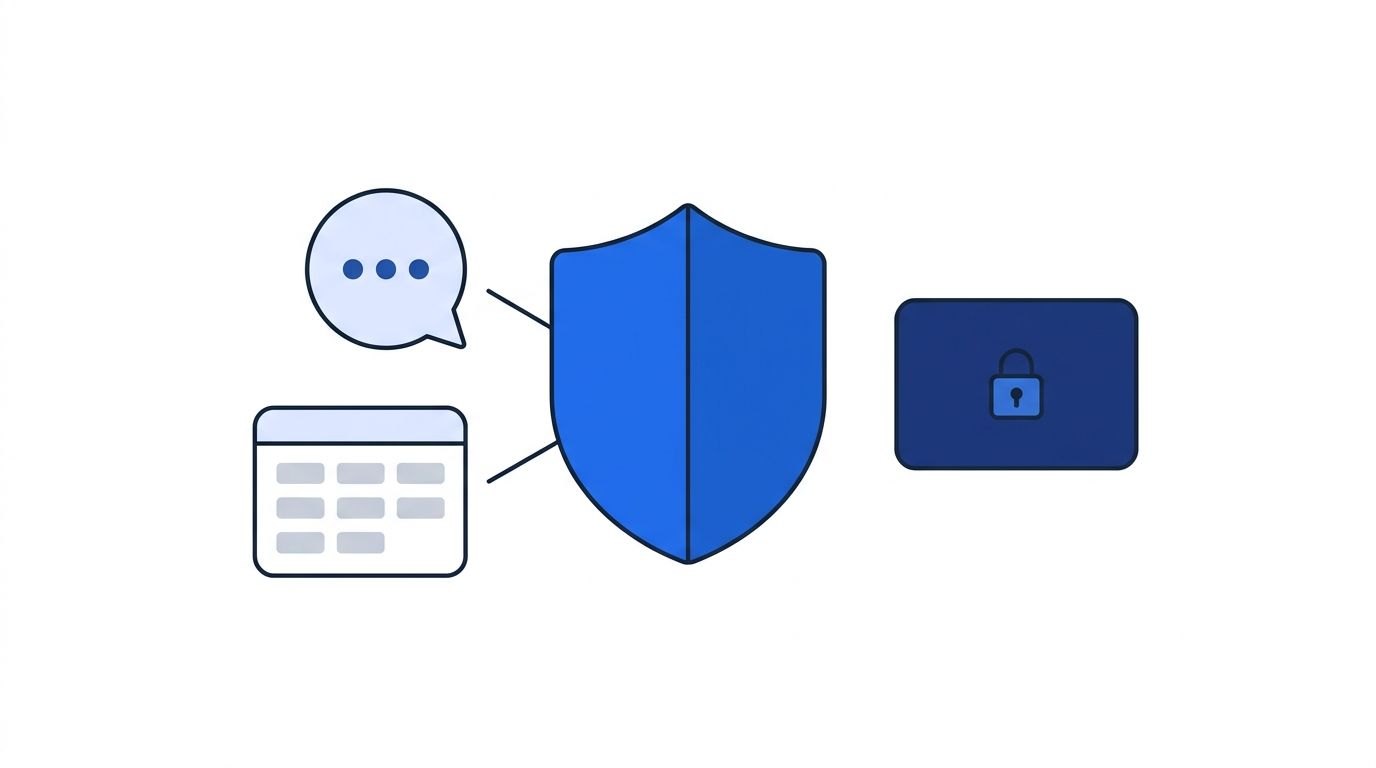
Issue a distinct key per internal caller (Slack bot, Retool app, cron job) instead of one shared secret. That's what lets you rate-limit, log, and revoke access per tool without breaking every other integration when one misbehaves.
Step 5: How Do You Return Errors Reps' Tools Can Actually Branch On?
A raw 500 error tells a Slack bot nothing useful — it can't decide whether to retry, apologize to the user, or fall back to cached data. Map every failure mode into a small, stable set of error codes your callers can check against, the same way you'd design any public API.
| Error | Symptom | Fix |
|---|---|---|
vendor_lookup_failed (502) | Vendor API returned an error or was unreachable | Retry once with backoff, then fall back to last cached value if available |
rate_limited (429) | Caller exceeded its request budget | Back off and retry after the window resets; check the Retry-After header |
unauthorized (401) | Missing or invalid internal API key | Confirm the caller's key matches what's issued in your internal secrets store |
domain_not_found (404) | Vendor has no record for the given domain | Surface a clear "no data available" message instead of a blank response |
timeout (504) | Vendor call exceeded your timeout budget | Increase timeout cautiously, or serve stale cache with a stale: true flag |
See Datamagnet's own error code reference for the vendor-side codes you're translating in Step 2 — mapping those into your own five-code contract is what keeps your internal API's error surface small and predictable no matter which vendor sits behind it.
A small, fixed error vocabulary is more valuable to sales tooling than a large, accurate one. A Slack bot maintainer can write branching logic for five error codes. They will not write logic for forty, so anything outside your five gets treated as an unhandled failure regardless of what it actually means.
Step 6: Document It So a Non-Engineer Can Self-Serve
Documentation is the step GTM engineers skip most often, and it's the one with the clearest adoption cost. As of 2025, 93% of API teams report documentation or collaboration blockers, and 55% specifically point to inconsistent or outdated docs as the problem (Postman, 2025 State of the API Report). An internal API nobody can figure out how to call gets recreated badly in a spreadsheet instead.
FastAPI generates interactive docs automatically at /docs from your route definitions and type hints — no separate tool required. Add a one-line description to each endpoint and a realistic example so a Retool builder can copy a working request without asking you first:
@app.get(
    "/v1/accounts/{domain}",
    summary="Look up account firmographics by domain",
    description="Returns cached firmographic data for a company domain. "
                 "Cache TTL is 5 minutes. Requires an internal API key.",
)
async def get_account(domain: str, x_internal_key: str = Header(...)):
    ...
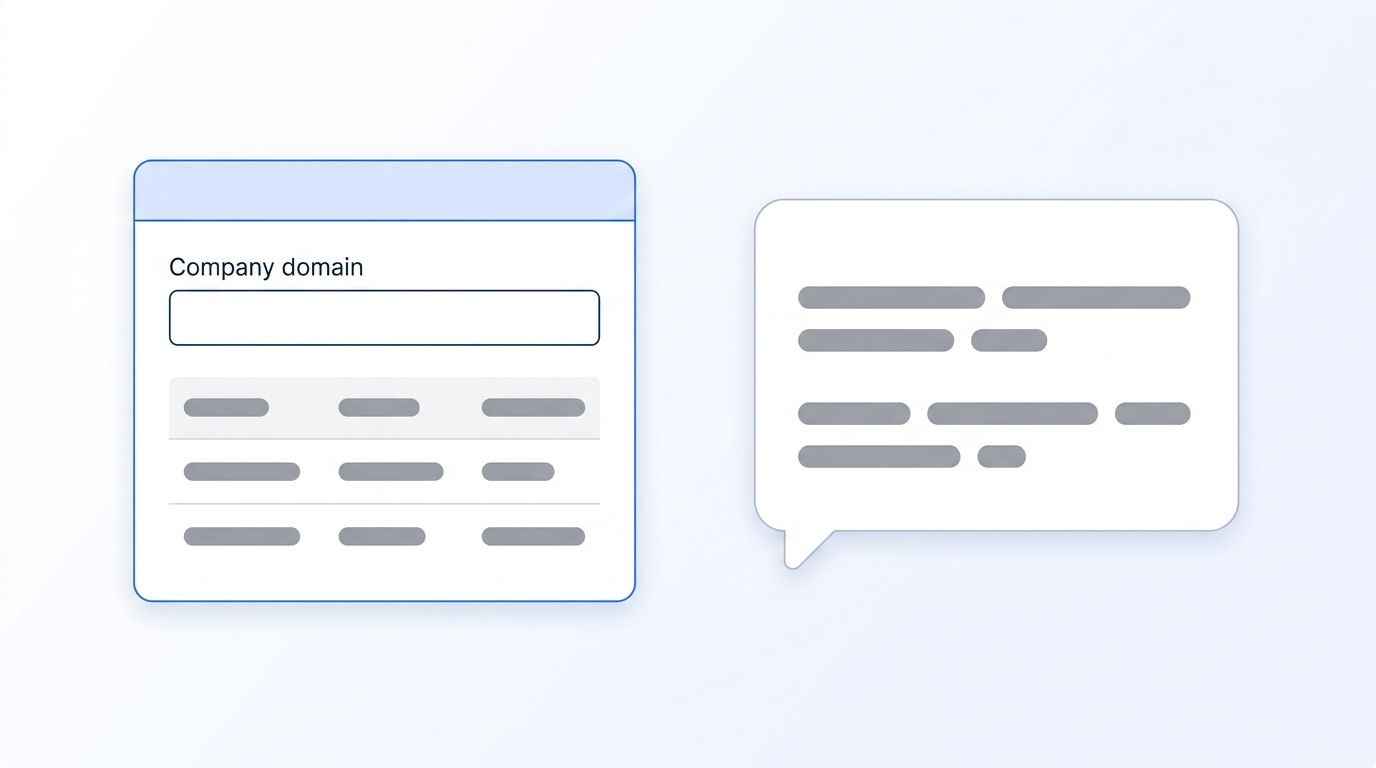
Pair the auto-generated docs with a short internal README linking to the one Slack command and one Retool component that already call this API, so the next person extending it copies a known-good pattern instead of reinventing the request format.
How Do You Test Your Account Lookup API?
Run these two checks to confirm the service behaves the way reps' tools expect before you hand it off.
Quick Smoke Test
curl -H "x-internal-key: retool-key" http://localhost:8000/v1/accounts/acme.com
Expected result:
{"domain": "acme.com", "company_name": "Acme Corp", "headcount": 480, "industry": "Software", "hq_location": "Austin, TX", "fetched_at": "2026-08-22T14:03:11Z", "source": "datamagnet"}
Manual Verification Checklist
- Second identical request returns in under 50ms (confirms caching is active)
- Request without
x-internal-keyreturns401 unauthorized, not a raw 500 - 21st request within a minute from the same caller returns
429 rate_limited -
/docsloads and shows a working "Try it out" button for the endpoint
Troubleshooting
Here are the most common issues teams hit rolling this pattern out past a proof of concept.
| Problem | Symptom | Solution |
|---|---|---|
| Cache never hits | Every request is slow, vendor usage climbs fast | Confirm the cache key matches exactly (case, trailing slashes) between requests |
| Rate limit too aggressive | Retool app throws 429s during normal use | Raise RATE_LIMIT per caller, or move polling UIs to a longer refresh interval |
| Slack bot times out | Bot shows a generic error instead of data | Datamagnet responses average well under your 8-second client timeout; check network egress rules, not the vendor |
| One tool breaks after a contract change | Only one integration fails after a deploy | You skipped versioning in Step 1 — add /v2/ for the new shape and keep /v1/ running until every caller migrates |
| Stale data during active deals | Rep sees an old headcount or title mid-deal | Shorten the TTL for that field, or add a manual "refresh" action that bypasses cache |
Still stuck? Check the Datamagnet quickstart guide to confirm your vendor-side setup is correct before debugging your wrapper layer.
What Are the Next Steps?
Now that you have a working account-lookup service, here's how to take it further without rebuilding the pattern from scratch.
Extend this project:
- Add a
/v1/people/{linkedin_url}route using the same wrap-cache-limit-document pattern for individual contact lookups - Swap polling for push updates — register a job-change signal with webhook delivery so your API updates its cache the moment a tracked account changes, instead of re-fetching on every request
- Wire the endpoint into a no-code layer like n8n for teams that want workflow automation without touching your FastAPI code directly
Related reading:
- Account research infrastructure for AEs covers the layered architecture this API slots into
- Review Datamagnet's security and data practices before exposing any wrapper API beyond your internal network
This same wrap-and-version pattern is worth reusing any time you connect a new vendor to sales tooling — the internal contract stays constant even when the vendor underneath it changes.
Should You Build This or Buy a Middleware Platform?
This is a fair question if your team is already stretched. Build it yourself when you have one or two vendors to wrap and a small, known set of internal callers — the FastAPI service above is genuinely a single afternoon of work. Reach for an iPaaS or middleware platform once you're wrapping five or more vendors with overlapping schemas, since the translation-layer maintenance starts to outweigh the platform's licensing cost.
In 2025, IT teams reported spending 39% of their time building and maintaining custom integrations, and 95% of IT leaders said integration work was a hurdle to shipping AI initiatives (MuleSoft/Salesforce, 2025 Connectivity Benchmark Report). That's the ceiling this pattern is meant to keep you under — one clean internal contract per capability, not a new one-off script for every new consumer.
Frequently Asked Questions
What's the difference between an internal API and just calling the vendor directly from each tool?
An internal API centralizes the vendor call behind one contract, so a vendor schema change, outage, or rate limit only needs a fix in one place. Calling the vendor directly from five different tools means five separate places to update every time something upstream changes.
How do I convince sales leadership an internal API is worth building?
Point to adoption risk, not engineering elegance. In 2025, GTM Engineer roles grew 205% year-over-year and command a median salary of $127,500 (Bloomberry, 2025), reflecting how much value companies now place on this exact connective-tissue work between data and rep-facing tools.
Should I design my internal API for AI agents, not just human users?
Yes, increasingly. As of 2025, only 24% of developers design APIs with AI agents as a primary consumer, while 87% of sales organizations are already deploying AI agents somewhere in the sales cycle (Salesforce, State of Sales 2026; Postman, 2025 State of the API Report). Keep response shapes flat and predictable — that helps both a Slack bot's parser and an AI agent's tool-calling layer.
Do I need Redis, or is an in-memory cache good enough?
An in-memory cache works fine for a single-instance service or local testing. Once you run more than one replica behind a load balancer, each instance has its own cache and you'll see inconsistent hit rates — move to Redis at that point so cache state is shared.
How often should I version my internal API?
Only when the contract itself changes — a renamed field, a new required parameter, a different error shape. Adding a new optional field or a new endpoint doesn't require a new version. Reserve /v2/ for breaking changes so existing callers keep working undisturbed.
Sources
- Bloomberry, I analyzed 1000 GTM Engineering jobs — here is what I learned, retrieved 2026-08-22, https://bloomberry.com/blog/i-analyzed-1000-gtm-engineering-jobs-here-is-what-i-learned/
- Postman, 2025 State of the API Report, retrieved 2026-08-22, https://www.postman.com/state-of-api/2025/
- Uptrends, The State of API Reliability 2025, retrieved 2026-08-22, https://www.uptrends.com/state-of-api-reliability-2025
- MuleSoft/Salesforce, 2025 Connectivity Benchmark Report, retrieved 2026-08-22, https://www.mulesoft.com/lp/reports/connectivity-benchmark
- Salesforce, State of Sales 2026, retrieved 2026-08-22, https://www.salesforce.com/sales/state-of-sales/sales-statistics/
- Datamagnet, Company Profile endpoint, retrieved 2026-08-22, https://docs.datamagnet.co/api-reference/endpoints/company
- Datamagnet, People Profile endpoint, retrieved 2026-08-22, https://docs.datamagnet.co/api-reference/endpoints/people
- Datamagnet, Errors reference, retrieved 2026-08-22, https://docs.datamagnet.co/api-reference/errors
