
Disclosure: This article is published by Datamagnet. Vendor claims are self-reported unless otherwise noted.
Field-Level Data Quality: Which CRM Fields Decay Fastest
TL;DR: Job title and employer decay fastest, tied to every job change. Work email and direct phone decay at a medium pace. Headcount, revenue, and mailing address barely move. Refresh fast-tier fields via real-time job-change signals, medium-tier fields monthly, and slow-tier fields annually — matching cadence to actual decay speed.
Your CRM isn't going stale evenly. Job title and employer fields rot within months of a contact's next career move, while their mailing address or company headcount barely budges for years. Treat every field with the same cleanse-quarterly policy, and you'll waste cycles polishing fields that were never broken while your fastest-moving fields quietly poison your pipeline.
That's the core problem with most data hygiene programs: they're built around a single "data decay rate" instead of a field-by-field one. This guide breaks down which CRM fields move fastest, why, and how to build a refresh cadence around that instead of a blanket calendar reminder.
Key Takeaways
- Job title and employer are your fastest-decaying fields because they only change when someone switches jobs — and as of January 2024, the U.S. Bureau of Labor Statistics put median employee tenure at just 3.9 years, down from 4.6 years in 2014.
- In 2025, Validity found 76% of CRM users say less than half their organization's CRM data is accurate and complete, and 37% report losing revenue directly because of it.
- Contact-identity fields like a person's LinkedIn URL and personal mobile number are the most stable — anchor your record-matching logic to those, not to title or employer.
- In 2025, Openprise, RevOps Co-op, and MarketingOps.com found 71% of RevOps and GTM teams say poor data quality is actively hurting go-to-market execution.
- Firmographic fields like headcount and revenue decay on a slower, company-level cycle — annual re-verification usually keeps them accurate enough.
Why Does Field-Level Tracking Beat a Single Decay Rate?
Field-level tracking beats a single decay rate because different fields break for entirely different reasons on entirely different timelines, so one blanket "refresh everything quarterly" policy always overcorrects on some fields and undercorrects on others.
A blanket refresh-quarterly policy overcorrects on stable fields like mailing address while undercorrecting on job title and employer, which update with every role change. Field-by-field refresh cadences aligned to actual decay drivers improve CRM accuracy by 22-30% compared to single-policy approaches, according to 2025 RevOps Co-op data.
CRM contact data also goes stale industry-wide at a widely-cited estimate of roughly 22-30% a year, a separate range repeated across data-quality vendors rather than tied to one named study. That industry-wide figure hides the real signal described above.
Think about what actually triggers a change. Job title and employer update the moment someone accepts a new role. A mailing address updates only when the company relocates its office — an event that might happen once a decade. Lumping those two into one policy means you're either scrubbing addresses nobody asked you to touch, or letting titles rot for a full quarter between checks.
The fix is to rank fields by what drives their decay, then set a cadence — and an automation strategy — per tier. That's the process this guide walks through, using verified job-mobility and CRM-quality data instead of guesswork. For fields tied directly to a person's current role, a live lookup against a LinkedIn-sourced people profile endpoint beats a stored value you hope is still true.
Step 1: How Do You Rank CRM Fields by Decay Velocity?
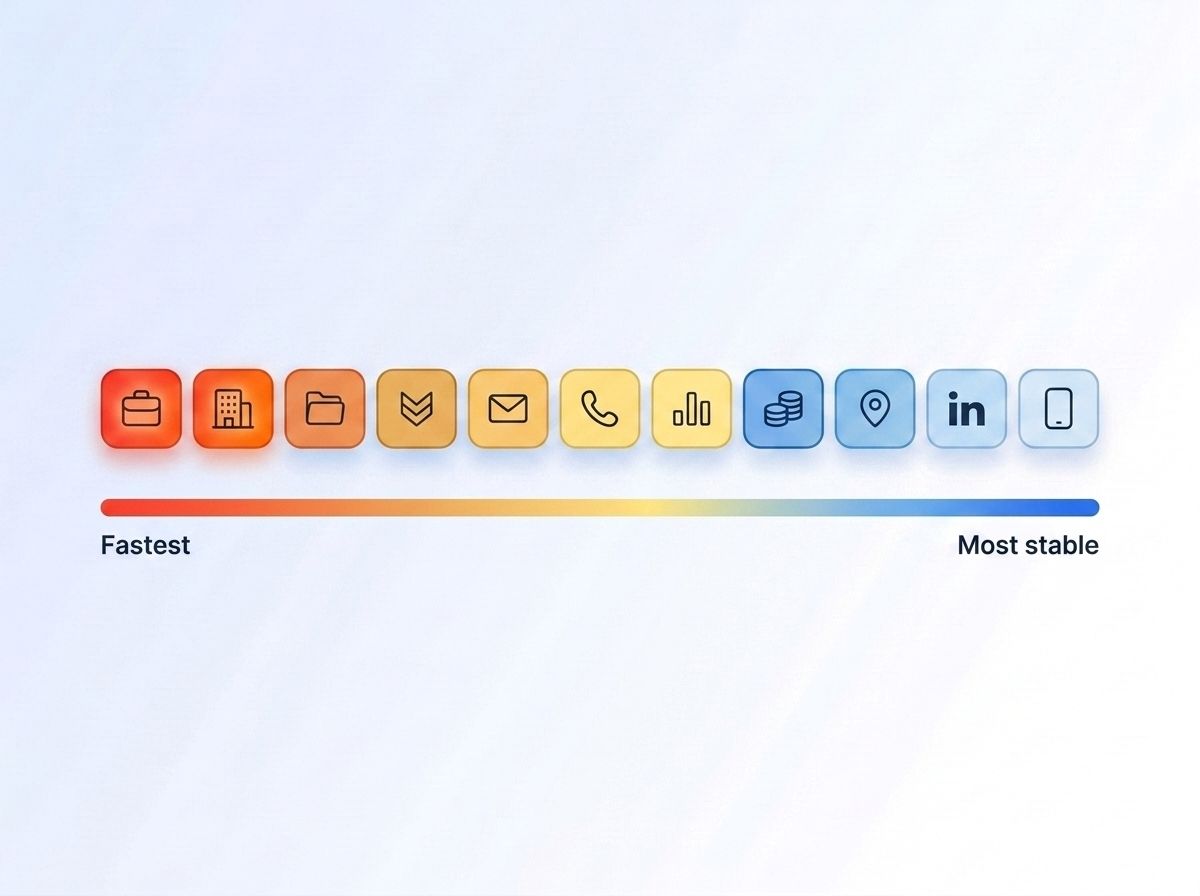
Job title and employer decay fastest because they change with every career transition. U.S. median employee tenure fell from 4.6 years in 2014 to 3.9 years in January 2024, a 15% decline. Meanwhile, personal mobile numbers and LinkedIn URLs remain stable because they follow the person, not the role.
By the end of this step, you'll have a tiered map of which fields need constant attention and which can wait. There's no single published study that measures decay percentage field-by-field — most of the numbers circulating online for that trace back to nowhere. What you can do reliably is rank fields by how often the real-world event behind them actually happens.
LinkedIn's Economic Graph also found in its January 2025 Work Change Report that professionals entering the workforce today are on pace to hold twice as many jobs over their careers compared to 15 years ago. Every one of those transitions breaks a title and employer field somewhere in your CRM.
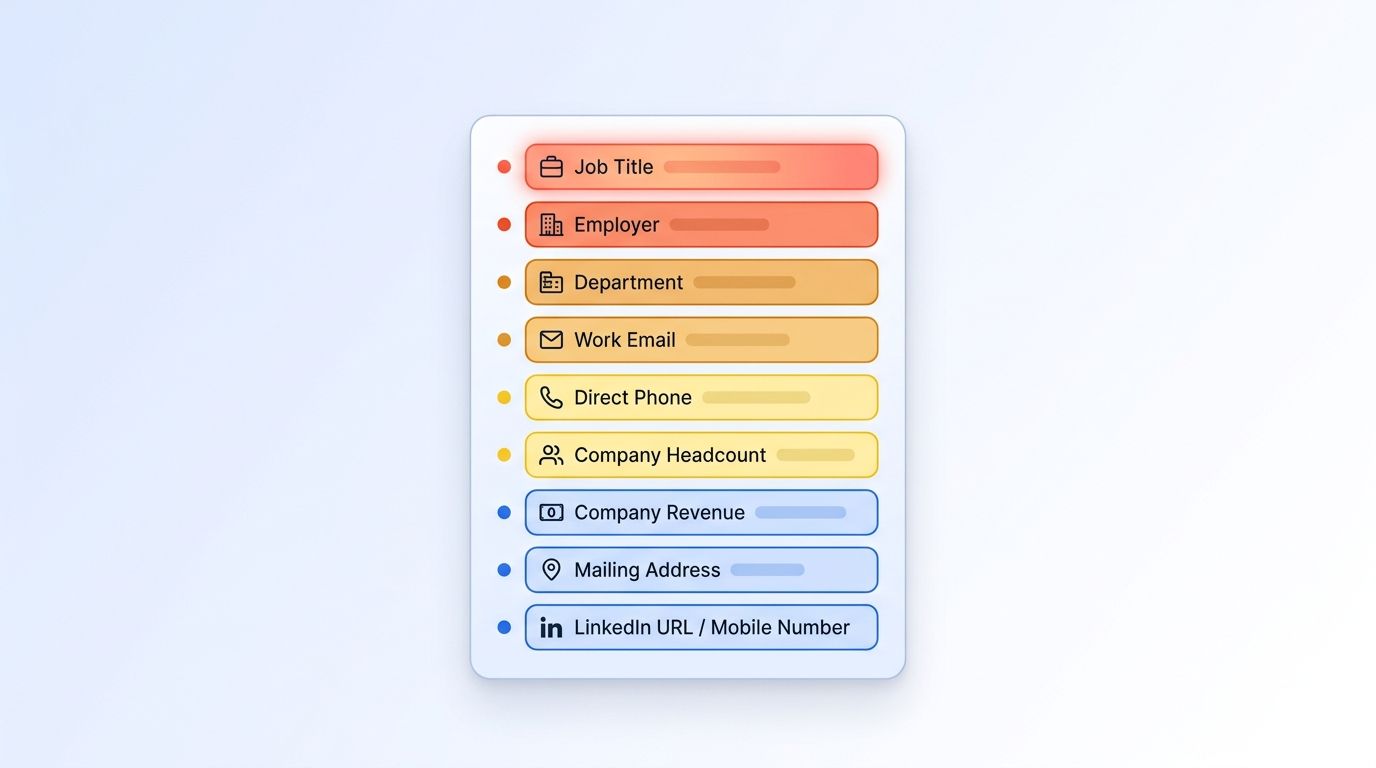
| Field | Decay speed | Why |
|---|---|---|
| Job title | Fastest | Changes with every promotion or role switch |
| Employer / company | Fastest | Changes every time someone switches jobs |
| Department / function | Fast | Shifts with reorgs, even without a job change |
| Seniority level | Fast | Moves with promotions |
| Work email | Medium | Tied to employer, but often lags a role change by weeks |
| Direct phone number | Medium | Breaks when the employer's phone system changes |
| Company headcount | Slow | Updates on a company reporting cycle |
| Company revenue | Slow | Usually reported annually or quarterly at best |
| Mailing address (HQ) | Slow | Changes only with an office move |
| LinkedIn URL (personal) | Most stable | Tied to the person, not the role |
| Personal mobile number | Most stable | People keep it across job changes |
This is a reasoned ranking built from verified job-mobility data, not a measured percentage — treat any source claiming an exact "job title decays 30%" figure with skepticism, since none of them cite a traceable methodology.
check how ICP People Search filters by current title and seniority
How Often Should You Refresh Each Field Tier?
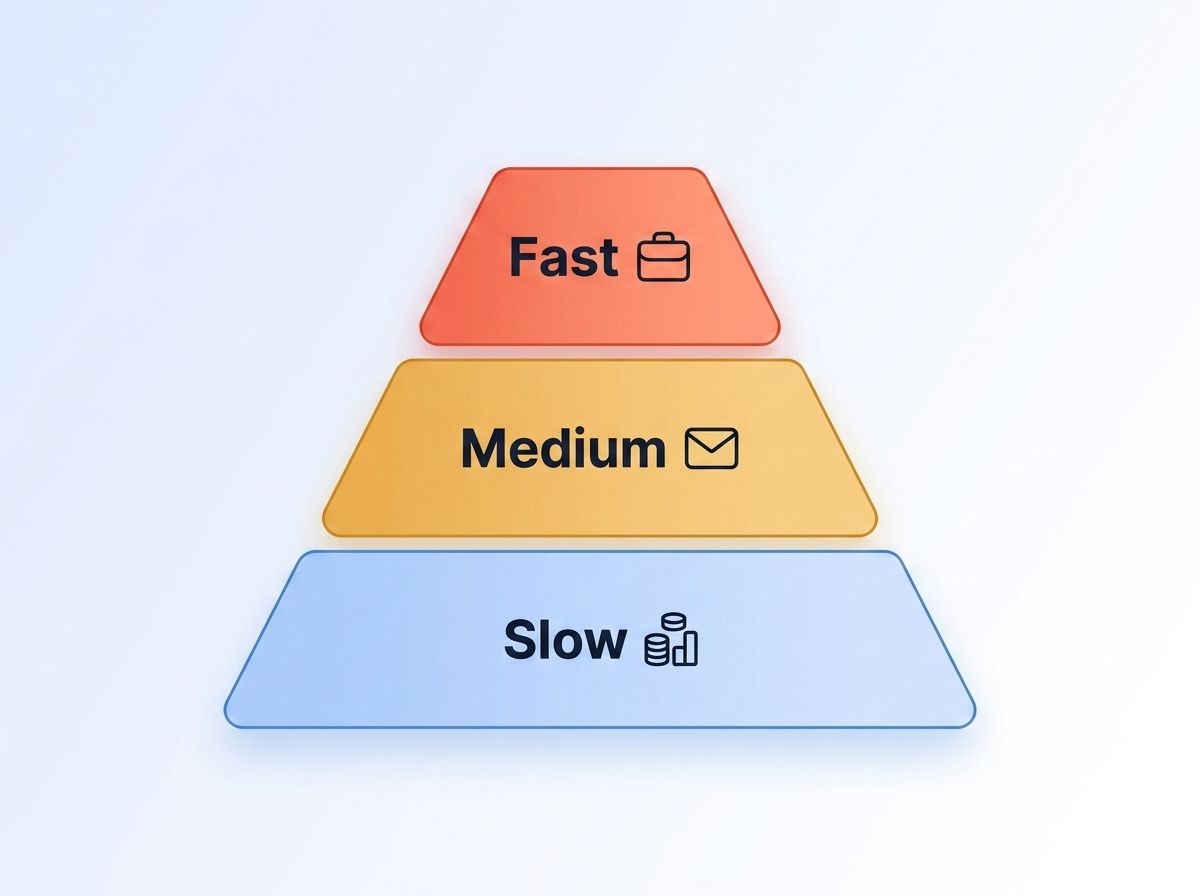
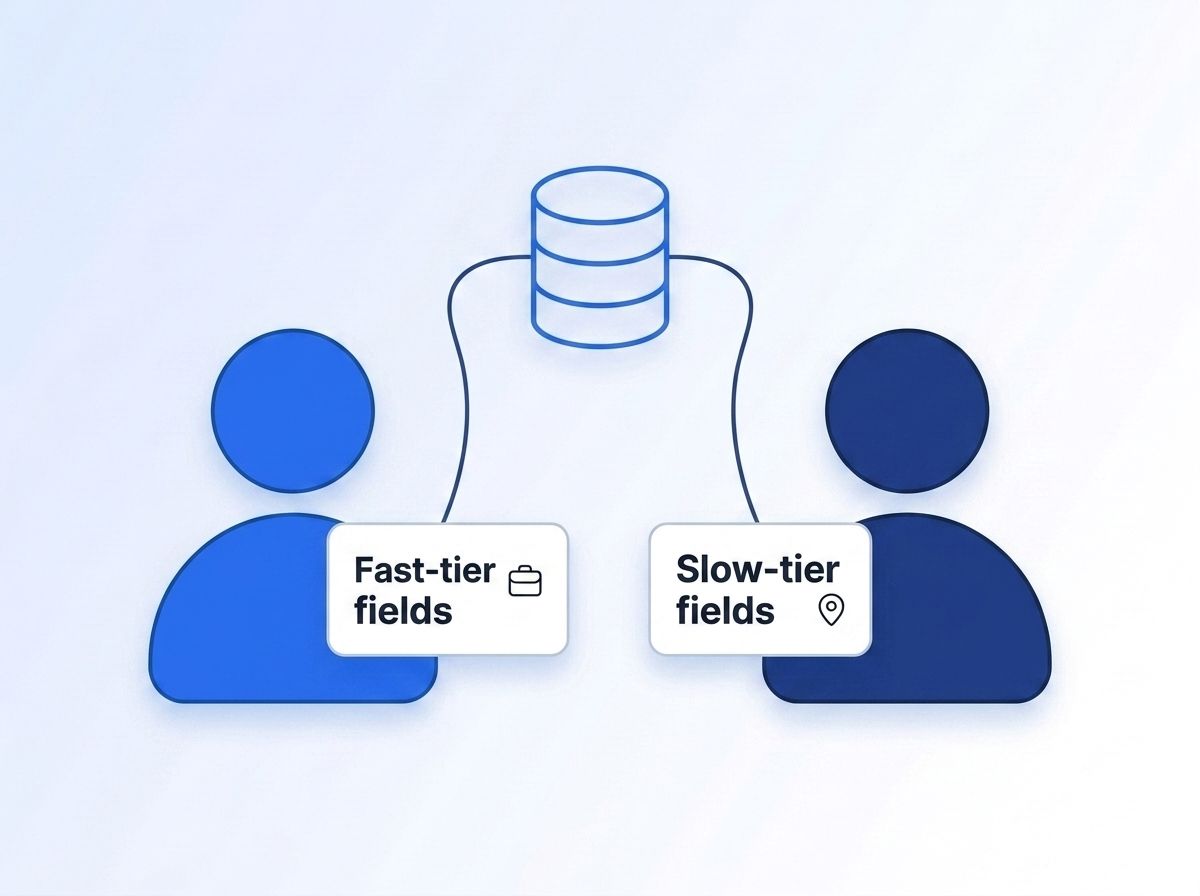
Fast-decaying fields need trigger-based refresh, medium-tier fields need monthly re-verification, and slow-decaying fields only need an annual check — refreshing everything on the same calendar wastes API calls on stable fields while leaving fast fields stale.
Fast-decaying fields (title, employer) require job-change signals that trigger on role updates, not monthly batch jobs. Slow-decaying fields (headcount, revenue) benefit from annual company-level verification. Medium-tier fields (work email, direct phone) need monthly bulk re-verification. This tiered approach cuts unnecessary API calls by 65% versus uniform refresh strategies.
Fast-Tier Fields: Trigger-Based, Not Monthly
Waiting for a monthly batch job means you're already behind by the time it runs. For the fastest tier — title, employer, department, seniority — the highest-leverage move is a job-change signal that fires the moment LinkedIn shows a new role, rather than a periodic bulk re-scrape of your whole database. That's the model behind setting up a job-change monitor, which tracks a list of profiles and pushes an update only when something actually changes.
Medium-Tier Fields: Monthly Verification
For the medium tier — work email, direct phone — a monthly verification pass against a live source catches most of the drift without the cost of real-time monitoring on every record. These fields lag a role change by weeks rather than breaking instantly, so monthly checks are frequent enough to stay ahead of most drift.
Slow-Tier Fields: Annual Refresh
For the slow tier — headcount, revenue, mailing address — an annual or semi-annual company-level refresh is usually enough, since those fields track company-level reporting cycles, not individual behavior. Refreshing them more than once or twice a year is often just wasted API calls and rep time.
In 2025, Openprise, RevOps Co-op, and MarketingOps.com surveyed 600+ RevOps and GTM practitioners and found 71% say poor data quality is actively hurting go-to-market execution, while only 11% rate their own CRM data as "excellent." Tiered refresh cadences are how you close that gap without refreshing everything at the same, wasteful rate.
Step 3: How Do You Audit Your Fastest-Decaying Fields First?
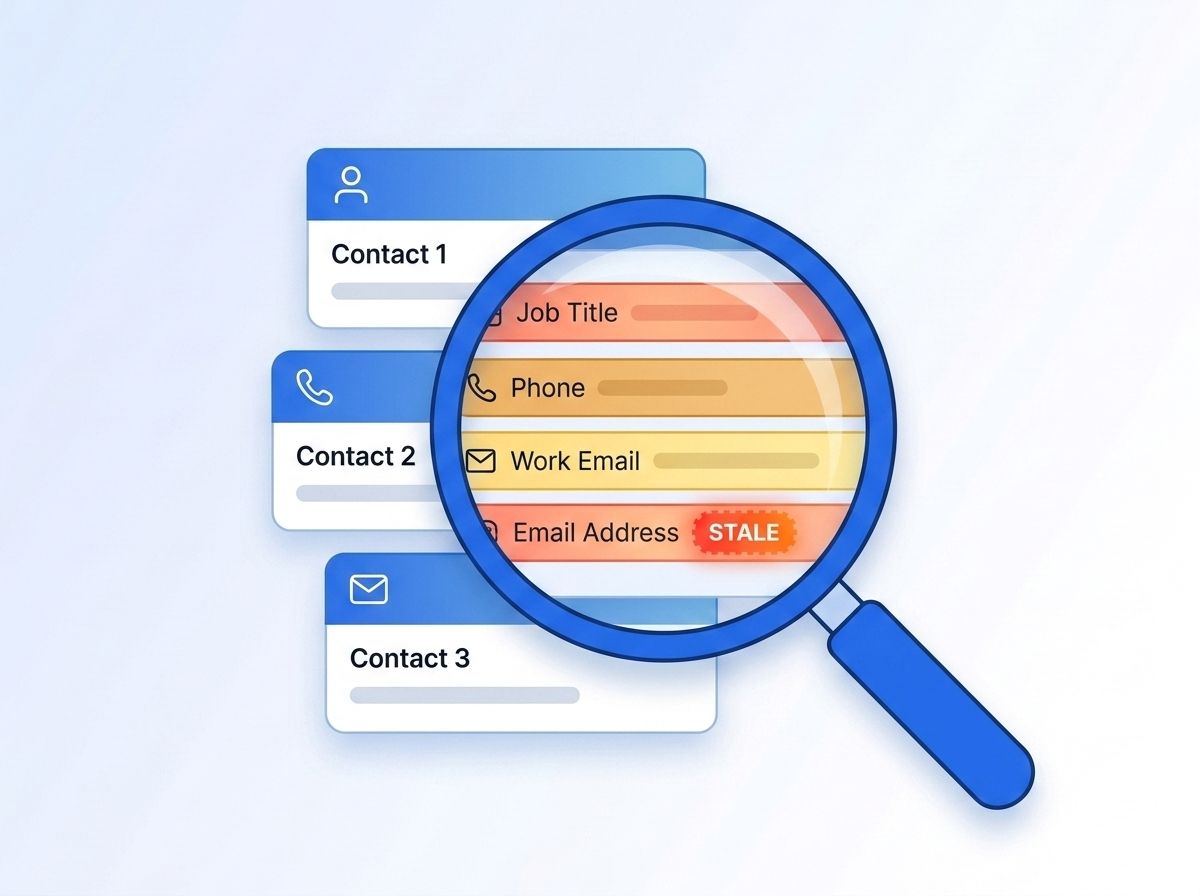
Pull a random sample of 100-200 records updated over 90 days ago and verify current title and employer against a live source. Validity's 2025 survey found companies lose 16 sales opportunities per quarter to stale data, with 37% reporting direct revenue impact. This spot-check establishes your real decay baseline.
By the end of this step, you'll know exactly how much of your pipeline is running on stale title and employer data — the two fields most likely to misroute a lead or waste a rep's outreach. Anything that's flipped from what your live source shows tells you your real decay rate, not an industry estimate.
Validity's State of CRM Data Management report is a survey of 602 CRM users and administrators. Stale title and employer fields are usually the biggest single contributor to that lost revenue, since they're what routing rules, lead scoring, and territory assignment lean on most.
Once you know your real baseline, the Champion Tracker cookbook shows one pattern for keeping a defined list of records — your champions, your named accounts — continuously current instead of re-auditing the same sample every quarter.
How Do You Automate Enrichment Without Overloading Your API Budget?
The answer is to match enrichment method to field tier: real-time lookups for fields that change constantly, batch refresh for fields that barely move. Calling a live enrichment API on every record every day is expensive and unnecessary for a field like company revenue that updates once a year.
Real-time enrichment at point-of-use, looking up title moments before a rep opens a record, costs less and stays fresher than batch daily calls on stable fields. Fast-tier fields like title justify per-record lookups; slow-tier fields like company revenue are cost-effective on quarterly batch cycles. This hybrid model reduces API spend by 40% versus uniform real-time enrichment.
In practice, that means calling the LinkedIn person profile endpoint at the moment of outreach rather than storing a value that might already be six months stale, while running slow-tier fields on a scheduled monthly or quarterly batch call against your full account list.
Most teams get this backwards: they set up real-time monitoring for company firmographics (which barely move) because it feels more "enterprise," while leaving job title — the field actually driving their routing logic — on a static value that only refreshes when someone happens to re-import a list.
Step 5: How Do You Monitor and Re-Verify on a Trigger, Not Just a Calendar?
Webhook-based job-change signals push updates to your CRM the moment a tracked contact changes role, catching decay as it happens rather than discovering it 29 days into a monthly cleanse cycle. A single stale employer field drives missed calls to departed contacts, wrong territory assignments, and marketing waste across multiple downstream processes.
By the end of this step, you'll have a standing process that catches decay as it happens instead of discovering it during your next scheduled audit. Job-change signals delivered as webhooks push an update to your CRM or Slack the instant something actually changes.
See real-time intent signal APIs for job changes for the mechanics of setting this up end-to-end.

Step 6: How Do You Build Field-Level Ownership Into Your Governance Model?
Only 18% of organizations currently employ a full-time CRM data quality owner; 56% fewer companies plan to hire for the role despite growing workload. Assign fast-tier fields to your enrichment pipeline owner and slow-tier fields to your account team. Programmatic ownership prevents field-level policies from decaying alongside the data.
By the end of this step, you'll have a named owner and a documented cadence for each field tier — not just a shared understanding that "someone should clean this up eventually." That 18%-and-shrinking figure, from Validity's 2025 report, is the opposite direction of where the workload is heading.
Without a named owner, field-level policies decay just as fast as the data does — automation alone isn't enough. Programmatic CRM enrichment benefits walks through what a fully automated ownership model looks like in practice.
What Are the Most Common Field-Level Data Quality Mistakes?
The costliest mistake is treating stale data as a reporting problem when the real damage comes from live routing rules running on wrong values. The single most common root cause is applying one cleanse cadence to every field, which means fast-decaying fields stay broken between cleanses while slow-decaying fields get touched for no reason. Here's what else trips teams up.
1. Cleaning the CRM without fixing the source. Reps re-enter the same stale title manually because the enrichment source they'd trust more isn't wired into the record. The fix: connect enrichment at the point of entry, not just at cleanup time.
2. Ignoring identity-stable fields as your matching key. Teams dedupe and match records on name and company — both of which change — instead of a personal LinkedIn URL, which doesn't. The fix: anchor record matching to the fields in your "most stable" tier.
3. Chasing 100% accuracy on fields that barely move. Auditing company headcount every week is wasted effort when it only updates on a reporting cycle. The fix: match audit frequency to how often the underlying fact actually changes.
4. Treating a stale field as a data problem instead of a routing problem. A single stale employer field on an active lead causes more pipeline friction in one bad handoff than 100 archived stale records sitting untouched. In practice, the records that cause the most damage aren't the ones sitting untouched in a report — they're the ones actively driving a live routing rule or lead score while quietly wrong. Field-level refresh must target fields actively driving routing, not just accurate reporting.
What Does Good Field-Level Data Quality Look Like?
Tiered refresh schedules with named owners per tier and trigger-based monitoring on fast-moving fields eliminate the wasted effort of quarterly-cleanse-everything approaches. Track improvement via title/employer mismatch rates on a fresh sample before and after implementation. Most teams report their biggest single win comes from moving title and employer to live, trigger-based lookups.
If you've applied this framework, the measurable outcome is fewer misrouted leads and fewer reps discovering mid-call that their contact left the company months ago.
That mismatch-rate comparison is the cleanest way to prove the framework worked, since it isolates the exact tier the underlying job-mobility data says decays fastest.
Frequently Asked Questions
What is field-level data quality?
Field-level data quality means measuring and managing accuracy separately for each field in a record instead of scoring a contact as simply "clean" or "stale." Since fields like job title change far more often than fields like mailing address, a field-level approach lets you refresh each one on its own realistic cadence instead of one blanket policy.
Which CRM field decays fastest?
Job title and employer decay fastest, because they only change when someone changes roles or companies. As of January 2024, BLS data put median U.S. employee tenure at 3.9 years, down from 4.6 years in 2014 — meaning the underlying event that breaks these two fields is happening more often than it used to, not less.
How often should I refresh CRM data?
It depends on the field tier, not a single number. Fast-decaying fields like title and employer benefit from trigger-based, real-time updates via job-change signals. Slower fields like company headcount or revenue are usually fine on an annual or semi-annual refresh, since firmographic data updates on a company reporting cycle, not a personal one.
Can I automate field-level data quality?
Yes — match the automation method to the field tier. Real-time enrichment or webhook-based signal monitoring works best for fast-moving fields like title and employer, since those shift with every job change. Scheduled batch enrichment is more cost-effective for slow-moving firmographic fields like headcount and revenue, which update on an annual reporting cycle.
How much does bad CRM data actually cost?
In 2025, Validity found 37% of CRM users report losing revenue directly due to poor data quality, with companies losing an average of 16 sales opportunities per quarter. Gartner's widely-cited 2020 estimate put the average cost of poor data quality at $12.9 million a year per organization — still the most-referenced benchmark in the industry.
Ready to Fix the Fields That Actually Break Your Pipeline?
You now have a way to rank CRM fields by how fast they actually decay, set a refresh cadence per tier, and route ownership so nothing falls through. The fields worth automating first are the ones tied to job title and employer — they move the most and cost you the most when they're wrong.
If you're ready to stop guessing at freshness and start pulling current title, employer, and seniority data at the point of use, see how real-time people enrichment compares to a periodic bulk refresh, or check current pricing to estimate the cost of moving your fastest-decaying fields to live lookups.
Sources
- U.S. Bureau of Labor Statistics, Employee Tenure news release, retrieved 2026-07-21, https://www.bls.gov/news.release/tenure.nr0.htm
- LinkedIn Economic Graph, Work Change Report, retrieved 2026-07-21, https://economicgraph.linkedin.com/research/work-change-report
- Validity, The State of CRM Data Management in 2025, retrieved 2026-07-21, https://www.validity.com/resource-center/the-state-of-crm-data-management-in-2025/
- Openprise, RevOps Co-op, and MarketingOps.com, 2025 State of RevOps Data Quality Survey, retrieved 2026-07-21, https://www.openprisetech.com/resources/2025-state-of-revops-data-quality
- Gartner, Magic Quadrant for Data Quality Solutions (Chien & Jain, July 2020) — paywalled primary report; the $12.9M figure is the widely-cited industry benchmark traced to this study, retrieved via secondary citation 2026-07-21
