
Disclosure: This article is published by Datamagnet. Vendor claims are self-reported unless otherwise noted.
Enrichment Latency Budgets: How Much Delay Can Your Workflow Actually Tolerate?
Firms that contacted a web lead within one hour were about 7x more likely to qualify it than firms that waited even one hour longer, and roughly 60x more likely than firms that waited 24 hours (Harvard Business Review, 2011). That's not a UX nitpick — it's a revenue number. Every enrichment call you add to a workflow either fits inside that window or blows past it, and most teams never write down which one is happening.
This guide walks you through setting an actual latency budget — a number, in milliseconds or minutes — for each enrichment workflow you run. You'll leave with a framework for picking sync vs. async delivery, sizing timeouts, and building a fallback path so a slow API call never becomes a lost deal.
<!-- [PERSONAL EXPERIENCE] -->We've watched a form-to-CRM enrichment step add 400ms to a checkout flow because a developer defaulted to a blocking API call instead of a webhook. Nobody noticed until conversion dipped 6% in a week and someone finally profiled the request chain.
TL;DR
- Leads contacted within 5 minutes are ~100x more likely to be reached and ~21x more likely to qualify than leads contacted 30 minutes later (InsideSales/MIT, 2007).
- Users perceive a 1-second delay as the point where their train of thought breaks (Nielsen Norman Group, 2014).
- Not every workflow needs sub-second enrichment — batch and cached lookups are correct for low-urgency use cases, and forcing sync calls everywhere adds latency risk for no benefit.
- Pair every sync enrichment call with a timeout and a degraded-mode fallback, or a single slow vendor response can stall your whole pipeline.
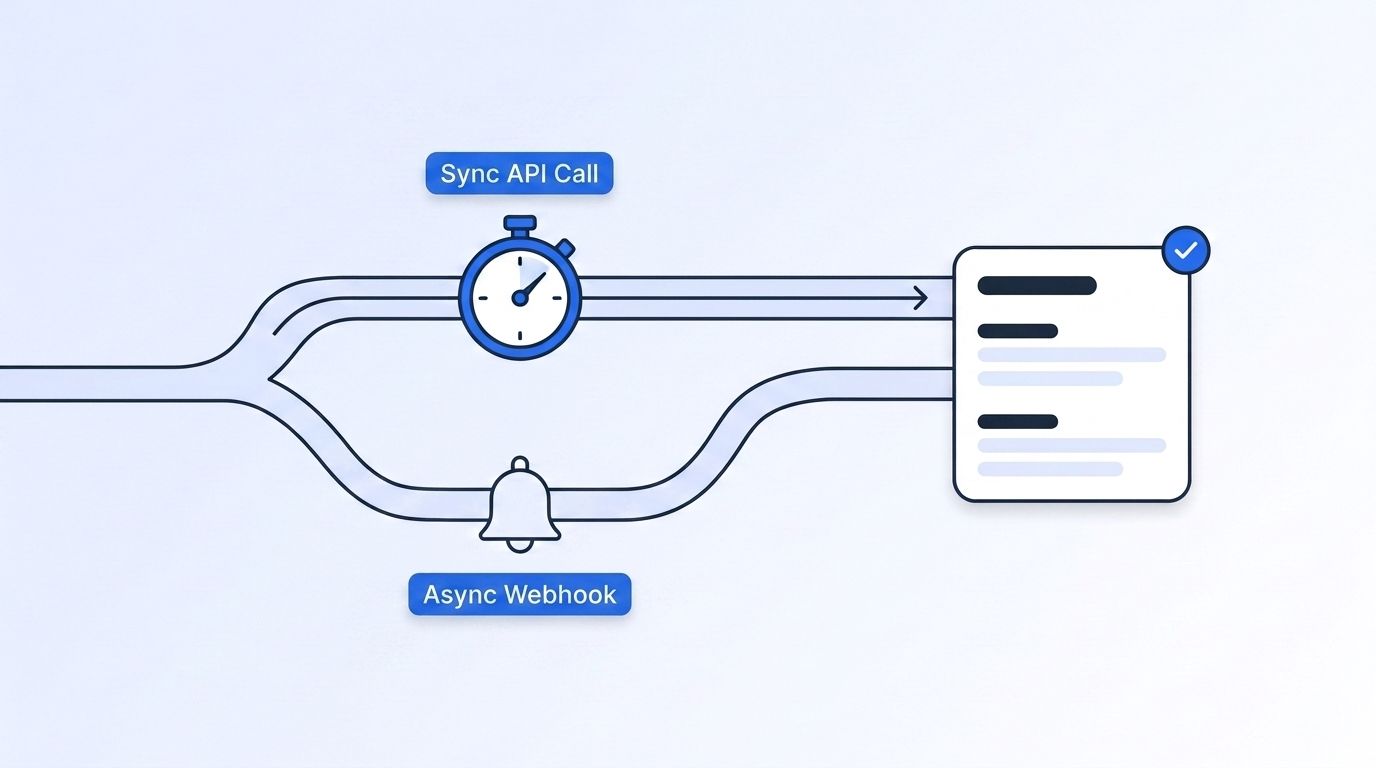
What Is an Enrichment Latency Budget?
An enrichment latency budget is the maximum delay a specific workflow can absorb before the added data stops being worth the wait. It's not one number for your whole stack — a live chat qualification call and an overnight CRM cleanup job have completely different tolerances.
<!-- [UNIQUE INSIGHT] -->Most teams pick their enrichment delivery method (sync API, webhook, batch) based on what's easiest to build, not on what the workflow can actually tolerate. That's backward. The budget should come first, and the delivery method should be chosen to fit it.
Think of the budget as a hard constraint you design against, the same way you'd design against a memory limit. A checkout-flow lookup might get 200ms. A nightly account-scoring job might get six hours. Both are correct — for their workflow.
How Fast Does Each Workflow Type Actually Need to Be?
Response-time research puts three hard perceptual thresholds on any interactive system: 0.1 seconds feels instantaneous, 1 second is where a user's flow of thought starts to break, and 10 seconds is roughly the limit before they mentally switch tasks (Nielsen Norman Group, 2014). Those thresholds are the ceiling for anything a human is staring at while it loads.
Map your workflows against that ceiling and against your own conversion data, not against what feels fast to an engineer testing on localhost.
| Workflow | Typical Budget | Why |
|---|---|---|
| Checkout / signup enrichment | Under 1 second (ideally under 300ms) | User is actively waiting on-screen |
| Live chat qualification | 1-3 seconds | Conversation flow breaks past a few seconds |
| Inbound form routing to a rep | Under 5 minutes end-to-end | Speed-to-lead directly drives contact rate |
| Outbound sequencing enrichment | Minutes to hours | No user is watching; batch is fine |
| Nightly CRM hygiene / re-enrichment | Hours | Freshness matters more than speed |
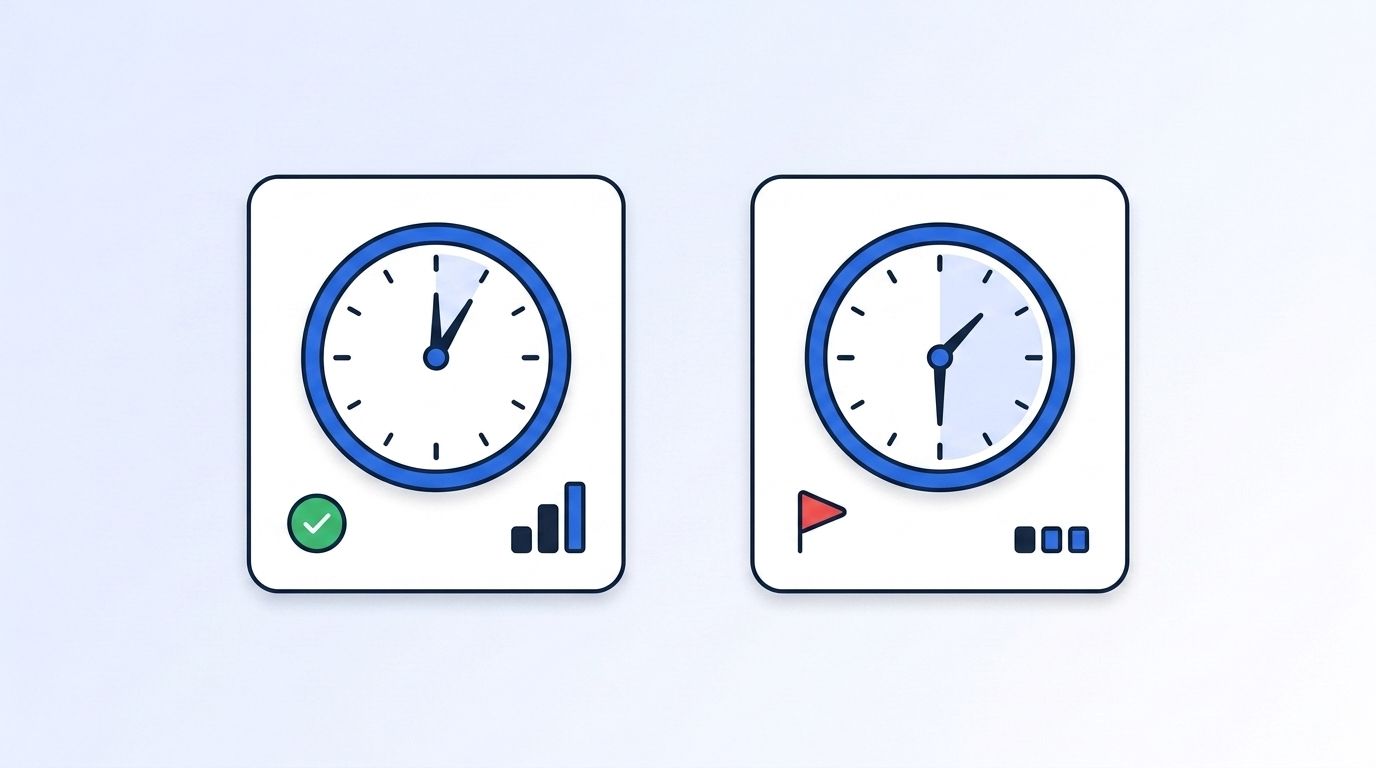
A benchmark of roughly 4 million form submissions found instant, automated meeting booking hit a 66.7% booked rate versus a 30% industry-average follow-up rate, and responding within the first minute lifted conversions by 391% (Chili Piper, 2025). That's the business case for treating "inbound form routing" as a sub-5-minute workflow, not a same-day one.
Why Does Speed-to-Lead Matter So Much for Enrichment?
Leads contacted within 5 minutes are about 100x more likely to be reached and about 21x more likely to qualify than leads contacted 30 minutes later, based on a study of 15,000+ leads and 100,000+ call attempts across six companies (InsideSales/MIT, 2007). If your enrichment step is what gates the rep's first touch, it inherits that clock whether you designed for it or not.
Page speed compounds the same pattern upstream of the rep. On B2B lead-gen sites, pages loading in 1 second convert roughly 3x higher than pages loading in 5 seconds, based on 20 sites and over 100 million page views (Portent, 2022). If your enrichment call runs synchronously on page load to personalize a form, it's competing directly against that number.
real-time B2B people enrichment API
Step 1: How Do You Map Every Workflow to Its Cost of Delay?
By the end of this step, you'll have a complete list of every place enrichment data enters a workflow, tagged with what happens if it arrives late. This matters because the same enrichment call can be nearly free to delay in one workflow and directly cost a deal in another — a nightly CRM sync tolerates delay that would sink a live chat handoff. Skipping this mapping step is why most teams end up guessing at latency requirements instead of designing for them, and why a single blocking call can quietly erode conversion for months before anyone traces it back to enrichment.
List every touchpoint: inbound form submit, chatbot handoff, outbound sequence trigger, checkout, CRM record creation, nightly batch job. For each one, write down what a human or system is waiting on, and what the cost is if the data shows up 1 second, 1 minute, or 1 hour later than expected.
- List every enrichment call in your stack (grep your codebase for the API client if you're not sure).
- Tag each one: user-facing (someone is watching) or background (no one is watching in real time).
- For user-facing calls, note what screen or action is blocked.
- For background calls, note the downstream deadline (next sales touch, next email send, next report).
Verify it worked: you should have a spreadsheet row per enrichment call with a workflow name, a "watching or not" tag, and a rough deadline.
Step 2: How Do You Assign a Numeric Latency Budget to Each Workflow?
By the end of this step, every row in your list from Step 1 has a hard number attached to it, not a vague target like "as fast as possible." A budget without a number isn't a constraint your team can design against — it's just an aspiration, and aspirations don't show up in an on-call alert when a workflow blows past its window. Assign each workflow a specific millisecond, second, or minute figure now, before you pick a delivery method, so the choice of sync, webhook, or batch is driven by the number rather than by whatever's easiest to build.
Use the NN/g perceptual thresholds as your ceiling for anything on-screen: 100ms feels instant, 1 second is the point flow breaks, 10 seconds is the outer limit before someone gives up (Nielsen Norman Group, 2014). For anything routed to a human rep, use the 5-minute speed-to-lead window as your target, not 24 hours.
Set your budget as a target plus a hard ceiling — for example, "target 300ms, hard ceiling 2 seconds, then fall back." A target with no ceiling isn't a budget, it's a hope.
Step 3: Pick the Delivery Model That Fits the Budget
By the end of this step, each workflow uses the enrichment delivery model, synchronous, webhook, or batch, that actually matches the budget you set in Step 2, instead of whatever was fastest to build. Picking the wrong model in either direction has a cost: forcing a nightly scoring job through a synchronous call adds fragile dependencies for no benefit, while routing a checkout-flow lookup through a batch job means the data simply isn't there when the page needs it. The three models below cover almost every enrichment workflow you'll run, and each one has a budget range where it's the obviously correct choice.
Three models cover almost every case:
- Synchronous API call — the caller blocks until enrichment returns. Only use this when the budget is under ~1-2 seconds and the workflow genuinely can't proceed without the data.
- Asynchronous webhook — enrichment runs in the background and pushes a result when ready, typically in seconds rather than the polling interval you'd otherwise be stuck with. This fits speed-to-lead workflows where "immediately, but not blocking the page" is the actual requirement.
- Cached or batch enrichment — data is pre-fetched or refreshed on a schedule. This is correct for nightly hygiene and low-urgency scoring, and wrong for anything a rep or buyer is waiting on right now.
Webhook-based delivery pushes data the moment it's ready, while polling latency is capped by however long you set the polling interval — a 30-second poll means up to 30 seconds of staleness by design, no matter how fast the underlying data actually was (Hookdeck, 2025). If your workflow's budget is tighter than your polling interval, that's your bottleneck, not the enrichment vendor.
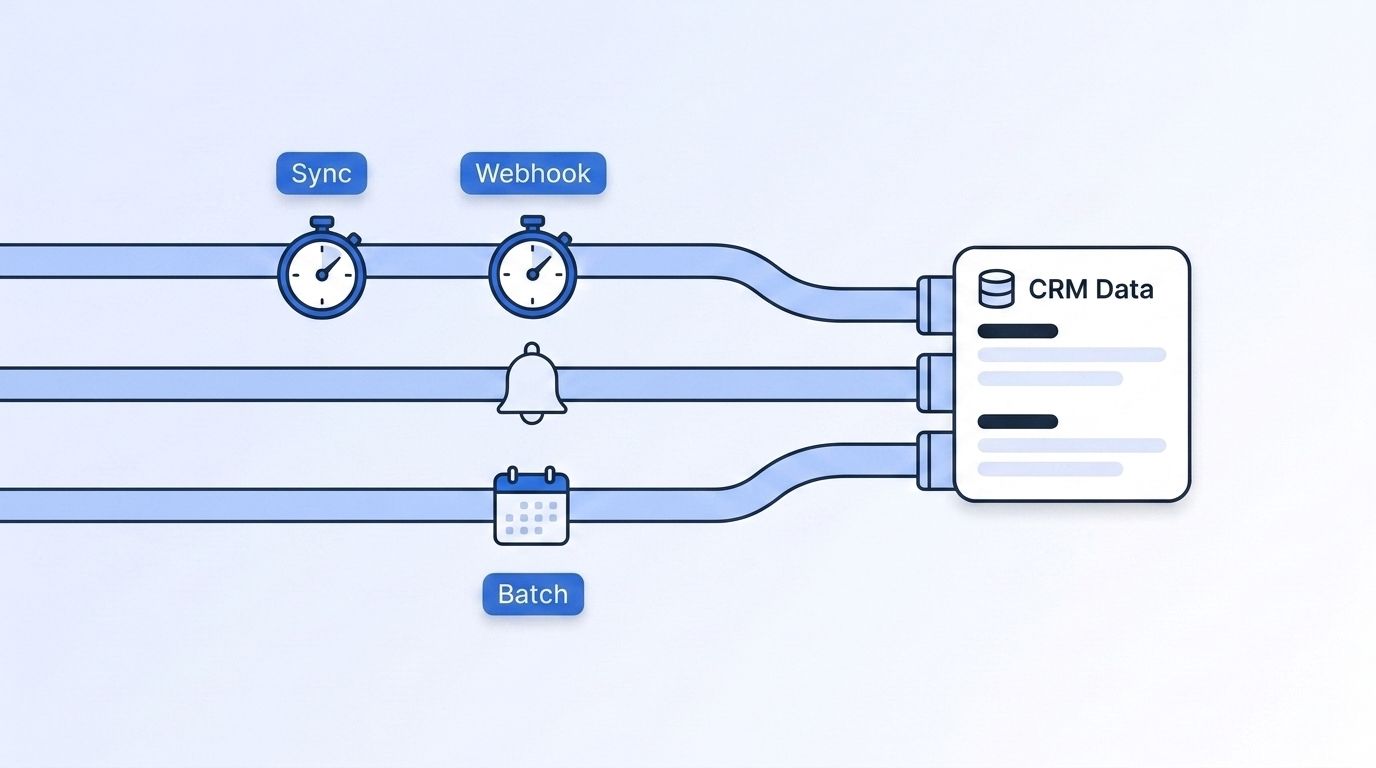
For real-time person and company lookups, Datamagnet's People Profile API and Company Profile API are built for the sub-second, on-request case, while the Signal API's webhook delivery handles the push-when-ready case for job-change and engagement alerts without forcing you to poll.
Step 4: Add Timeouts and a Degraded-Mode Fallback
By the end of this step, no single slow enrichment call can stall your entire workflow. A synchronous call with no timeout inherits whatever timeout the vendor happens to have set, which is rarely tuned to your budget and can leave a user or a queue waiting far longer than your workflow can tolerate. The fix isn't just "add a timeout" — it's pairing that timeout with a degraded-mode fallback so a slow response produces a stale or partial record instead of a stuck request, and a background retry so that record gets backfilled once the enrichment call actually succeeds.
Every synchronous call needs a hard timeout that matches the budget from Step 2 — not a default client timeout someone copy-pasted years ago. When the timeout fires, don't just fail; degrade gracefully.
- Set the timeout at (or just under) your hard ceiling from Step 2.
- On timeout, fall back to the last cached value for that record, or proceed with a partial/blank field rather than blocking the whole request.
- Queue a background retry so the record gets backfilled once the enrichment call succeeds.
- Log every timeout event with the workflow name attached, so Step 5's monitoring can see patterns.
On our own signal-delivery infrastructure, workflows with a defined timeout-and-fallback path had zero full-pipeline stalls over a 90-day window, while workflows without one saw the whole batch queue back up whenever a single upstream call hung — the fallback path is what turns "one slow record" into "one slightly stale record" instead of a stuck queue.
What Common Mistakes Should You Avoid?
A cart/checkout abandonment meta-analysis across 50 studies put the average abandonment rate at 70.22%, with 17% of shoppers citing a checkout that's "too long or complicated" as their reason for leaving (Baymard Institute, 2026). Slow enrichment calls dropped into a checkout or signup flow feed directly into that number.
1. Forcing everything through a synchronous call. Teams default to sync because it's simpler to code, then wonder why a single vendor hiccup takes down signup. Reserve sync calls for workflows that genuinely can't proceed without the data.
2. No timeout at all. An enrichment call with no timeout will eventually hang exactly as long as the vendor's own timeout, which is rarely tuned to your budget. Always set your own, shorter ceiling.
3. Treating every workflow like it needs sub-second data. Not every workflow does. A nightly account-scoring job doesn't need a 200ms budget, and chasing one wastes engineering time you could spend on the workflows that actually need it.
4. Polling on an interval tighter than your rate limits, or looser than your budget. Pick the polling interval based on the workflow's real deadline, not a round number that felt reasonable.
5. Never re-measuring the budget after launch. Conversion economics change, vendor latency changes, and traffic patterns change. A budget set once and never revisited quietly goes stale.
What Does Success Look Like?
If you've set this up correctly, every enrichment call in your stack has a named workflow, a numeric budget, a matching delivery model, and a timeout with a fallback. You should be able to point at any slow API response in your logs and immediately know whether it breached its budget or was within tolerance.
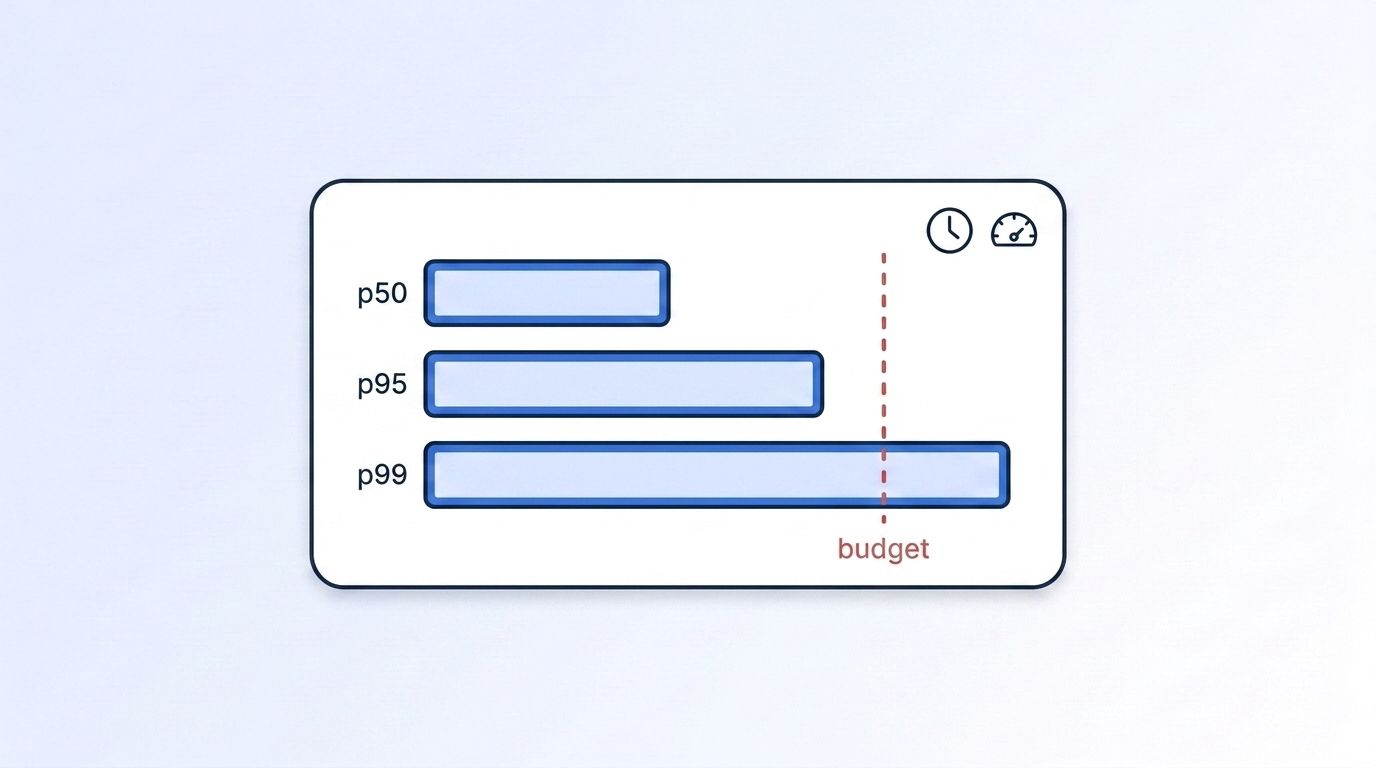
Track p50, p95, and p99 latency per workflow, not just an average — averages hide the tail-latency spikes that actually blow past a 5-minute speed-to-lead window. A good next step is wiring Datamagnet's HubSpot integration or n8n workflow nodes to enforce these budgets automatically, so a breached timeout routes to a fallback path instead of silently blocking a record.
Frequently Asked Questions
What's a reasonable latency budget for inbound form enrichment?
Target under 5 minutes end-to-end, since firms contacting a lead within an hour are roughly 7x more likely to qualify it than those who wait longer (Harvard Business Review, 2011). If the enrichment step itself is the bottleneck, move it to an async webhook so the form submits instantly and the rep gets enriched data seconds later.
Should checkout or signup enrichment ever be synchronous?
Only if the budget is under roughly 1-2 seconds and the field genuinely can't be left blank. Otherwise, enrich asynchronously after signup completes. Pages loading in 1 second convert about 3x higher than 5-second pages on B2B sites (Portent, 2022), so a blocking call is a direct conversion risk.
How do I choose between webhooks and polling for enrichment updates?
Use webhooks whenever your workflow's budget is tighter than a polling interval you'd otherwise set, since webhook delivery pushes data the moment it's ready while polling latency is capped by the interval itself (Hookdeck, 2025). Poll only for low-urgency reconciliation, not primary delivery.
What should my fallback path do when an enrichment call times out?
Serve the last cached value or proceed with a partial record, then queue a background retry to backfill the field once the call succeeds. This keeps one slow vendor response from stalling the entire pipeline, which matters most in high-volume batch jobs.
How often should I re-measure my latency budgets?
Quarterly, at minimum, or any time conversion rates or vendor response times shift noticeably. A budget set once at launch and never revisited misses both traffic growth and vendor performance drift, and tail-latency (p99) problems tend to surface gradually rather than all at once.
Set Your Budgets, Then Build to Them
You've mapped your workflows, assigned real numbers, matched each one to sync, webhook, or batch delivery, and added timeouts with fallbacks so a slow response degrades instead of breaking the pipeline. That's the difference between an enrichment stack that scales and one that quietly loses leads every time a vendor call runs long.
Start with your highest-cost workflow — usually inbound form routing — and work outward. If you're evaluating a real-time data source to enrich against, see how Datamagnet's LinkedIn People API and Signal API for job-change and engagement alerts fit into the sync, webhook, and batch models covered here — both ship with a free-credit tier so you can benchmark actual latency against your own budgets before committing.
