
Disclosure: Datamagnet publishes this article. Vendor claims are self-reported unless otherwise noted. Product capabilities described below are based on public documentation, retrieved August 13, 2026.
Enrichment Field Mapping: A 2026 Guide to Normalizing Multi-Vendor Data
In 2025, Validity found that 76% of organizations say less than half their CRM data is accurate and complete (Validity, "The State of CRM Data Management in 2025"). If your team pulls enrichment data from more than one vendor, a big piece of that mess is field mapping — one API calls it job_title, another calls it current_position, and a third buries it inside a nested experience[0].title object. This guide walks through building a canonical schema that turns any vendor's payload into one clean, predictable format.
TL;DR
- In 2025, 76% of teams said under half their CRM data was accurate, and 37% reported losing revenue directly tied to bad data (Validity, 2025).
- A 2025 Ramp analysis found 53% of Apollo.io subscribers also pay for at least one other enrichment vendor, meaning most GTM data stacks are multi-vendor by default (Ramp, 2025).
- Build a canonical schema first, then map every vendor field to it with explicit type coercion and a documented precedence rule for conflicts.
- Normalize categorical fields (industry, seniority, company size) into a single controlled vocabulary — vendors rarely agree on these buckets.
- Version your mapping layer and monitor for vendor payload drift, since field mapping isn't a one-time project.
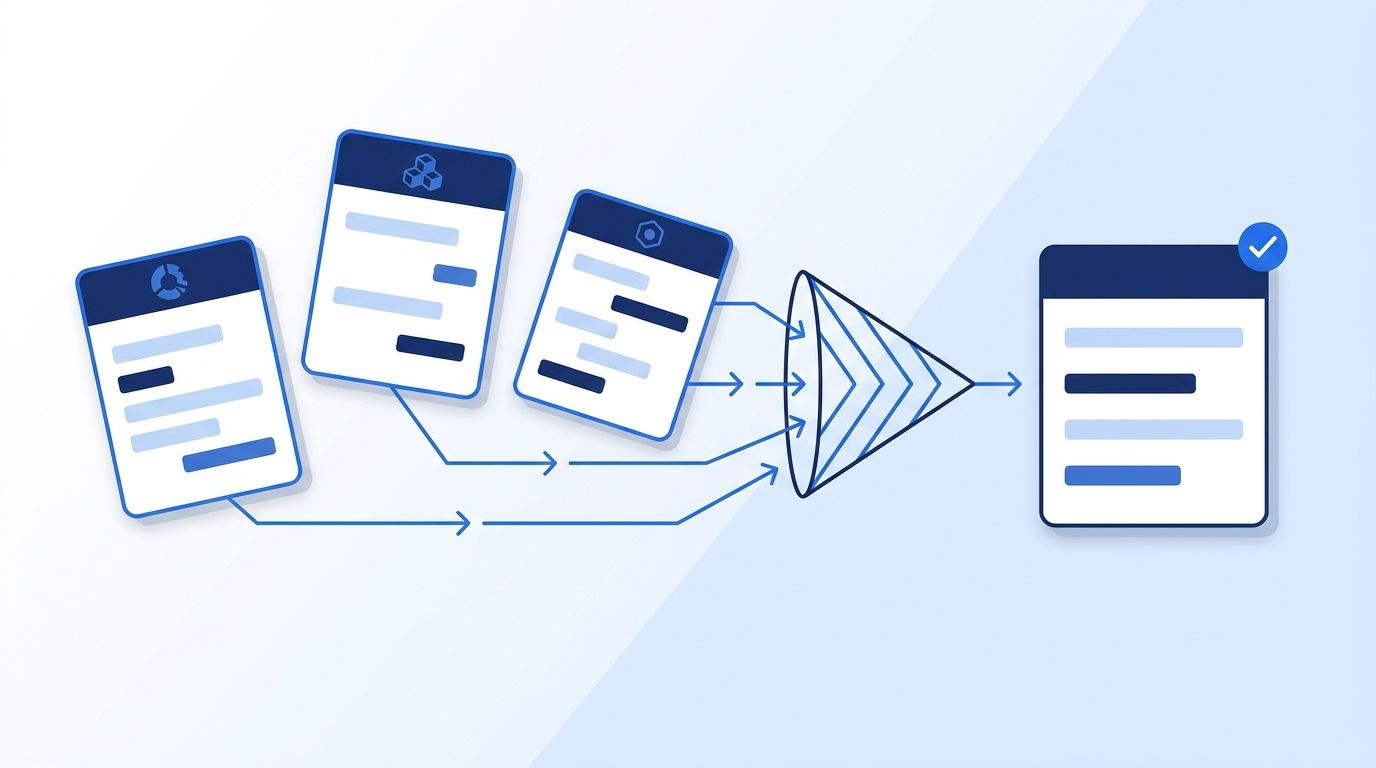
Why Does Enrichment Field Mapping Matter?
Field mapping matters because unmapped, inconsistent data quietly breaks your CRM, your lead scoring, and your reporting. In 2025, 45% of companies said their CRM data wasn't ready for AI use cases, and workers spent an average of 13 hours a week just searching for basic information inside their own systems (Validity, "State of CRM Data Management in 2025").
Here's the thing — that's not usually a "bad data" problem. It's a "we never agreed on what a field means" problem. When one vendor sends company_size: "51-200" and another sends employee_count: 134, your lead router can't compare them without a translation layer in between. Multiply that across every field, every vendor, and every downstream tool, and you get the mess Validity is measuring — the same mess that drives most of the programmatic CRM enrichment benefits teams are chasing when they first add a second data vendor.
Most teams treat field mapping as a one-time import script. It isn't. Vendors change their payload shape without warning — a field gets renamed, a nested object gets flattened, an enum gets a new value — and your mapping layer either catches it or silently starts writing garbage into your CRM. Treating mapping as a maintained system, not a script, is the single biggest mindset shift in this guide.
What you'll need:
- Sample payloads (JSON or CSV export) from every enrichment vendor you use — Clearbit/Breeze, ZoomInfo, Apollo, Clay, Datamagnet's People Profile API, Coresignal, or People Data Labs
- A destination schema owner (usually RevOps or a data engineer) who can approve canonical field names
- A place to store the mapping table — a spreadsheet works to start; a dbt model or reverse-ETL config works once it's stable
- Time: 3-6 hours for the first pass across 2-3 vendors
- Difficulty: Intermediate
Step 1: How Do You Audit Every Vendor's Field Names and Types?
By the end of this step, you'll have a single spreadsheet listing every field each vendor sends, with its exact name, data type, and an example value. This audit is the foundation everything else builds on — skip it and you'll rebuild your mapping table three times.
Pull a real sample response from each vendor (not documentation examples, which drift out of date faster than the API does). For each field, record:
- The exact field name as it appears in the response, including nesting (e.g.,
experience[0].company.name) - The data type (string, integer, array, nested object, enum)
- A real example value
- Whether the field is ever null, missing entirely, or returns a placeholder like
"Unknown"
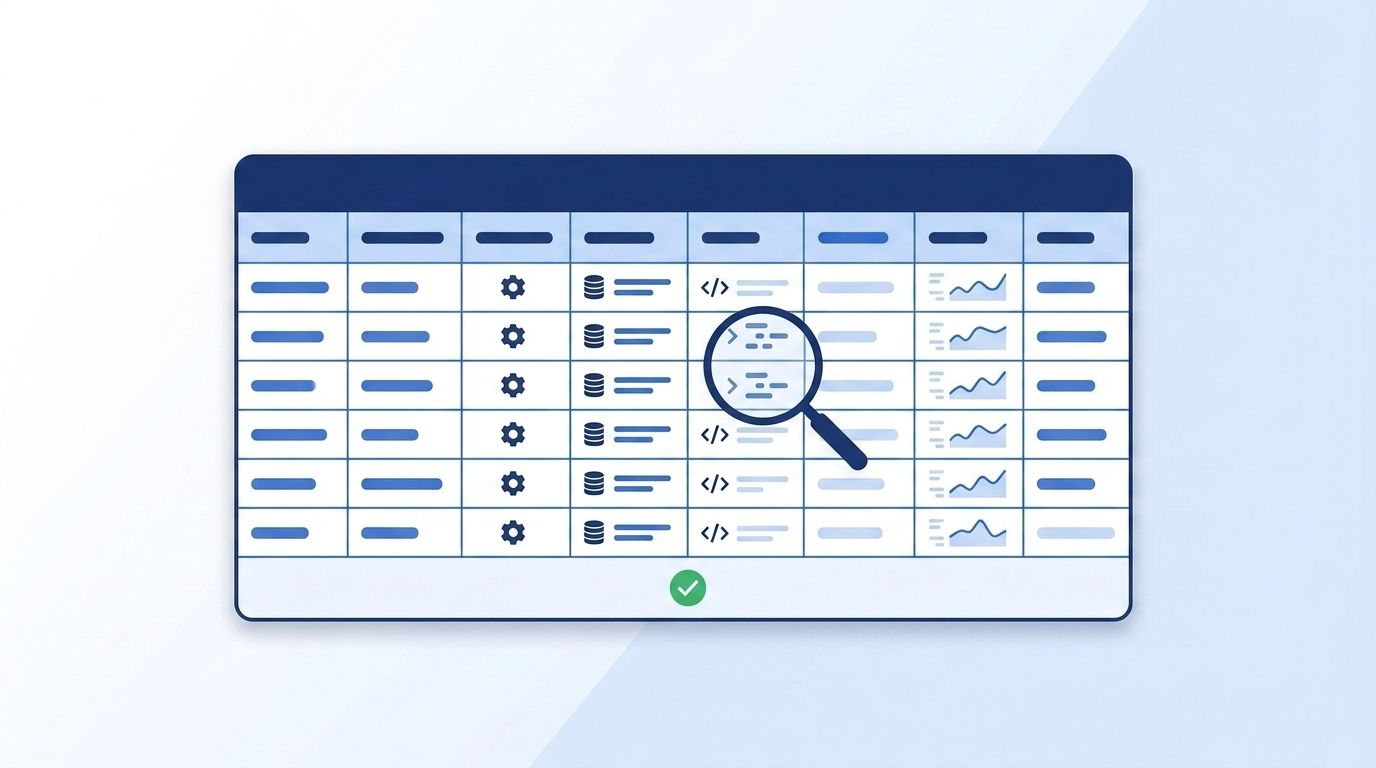
We've watched teams skip straight to writing mapping code and then spend a full afternoon debugging why headcount was coming through as null for half their records — only to find the vendor sometimes nests it under company.employee_range instead of company.headcount depending on whether the company is public. An audit catches that in minutes instead of a production incident.
Verify this step by counting your rows: if you're pulling person and company data, expect 40-100+ fields per vendor once you include nested objects. That range isn't arbitrary — Coresignal's own employee data documentation lists 300+ structured fields across its base and multi-source tiers, and HubSpot's Breeze Intelligence product page lists 100+ B2B data points appended per contact or company (Coresignal, Employee Data API documentation, 2026; HubSpot, Breeze Intelligence product page, 2026).
Step 2: How Do You Design a Canonical Schema?
By the end of this step, you'll have one internal schema — the "source of truth" field list your CRM and warehouse actually use, independent of any single vendor's naming. That schema should be owned by you, not copied from whichever vendor you integrated first.
Copying vendor A's schema as your canonical schema quietly makes vendor A "correct" and every other vendor a translation problem, which backfires the moment you swap or add a vendor.
For each canonical field, define:
- Name:
job_title, notjobTitleorcurrent_position— pick one convention (snake_case is common for warehouses) and hold every vendor to it - Type: string, integer, boolean, ISO date, or a fixed enum
- Required vs. optional: does a missing value block the record or just leave a blank?
- Format rules: dates as ISO 8601, phone numbers in E.164, company size as a bucketed enum rather than a free-text range
| Vendor Source | Approx. Fields Returned | What This Means for Mapping |
|---|---|---|
| Coresignal Clean API | 90+ fields | Smaller surface, faster first mapping pass |
| Coresignal Multi-Source | 300+ fields | Combines several underlying sources — expect duplicate/near-duplicate fields to reconcile |
| HubSpot Breeze Intelligence | 100+ data points per contact/company | Mix of firmographic and technographic fields, several nested |
| Explorium unified API | 4,000+ data signals from 100+ sources | Extreme case — illustrates why a canonical layer beats one-off mapping per source |
Source: Coresignal Employee Data API documentation, HubSpot Breeze Intelligence product page, and Explorium, retrieved 2026-08-13. Field counts are self-reported by each vendor.
Step 3: How Do You Build the Field Mapping Table?
By the end of this step, every vendor field from Step 1 will have an explicit row pointing to a canonical field from Step 2, including how to convert its type. This is the actual translation layer: a mapping table needs at minimum a source vendor, source field path, canonical field, transform logic, and a fallback for missing values.
Here's a simplified example:
source_vendor | source_field                          | canonical_field | transform
--------------|---------------------------------------|-----------------|--------------------------
clearbit      | person.employment.title               | job_title       | trim(), title_case()
zoominfo      | jobTitle                              | job_title       | trim()
apollo        | title                                 | job_title       | trim()
datamagnet    | current_position.title                | job_title       | trim()
clearbit      | company.metrics.employees             | employee_count  | to_int()
zoominfo      | employeeCount                         | employee_count  | to_int()
apollo        | organization.estimated_num_employees  | employee_count  | to_int(), null_if_zero()
Every transform function should fail loudly (log an error) rather than silently writing null when a value doesn't parse — a silent null looks identical to a genuinely missing field, and you'll never catch the bug.
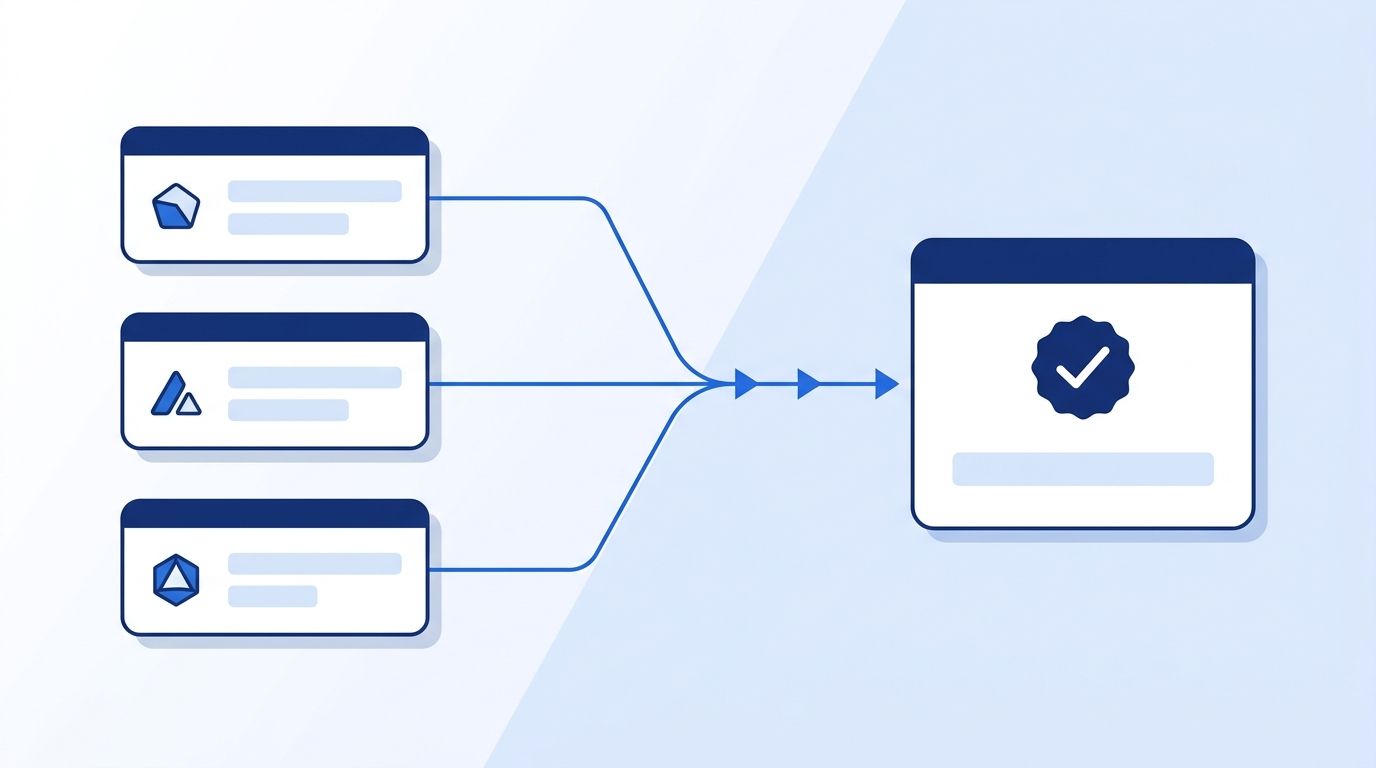
Verify this step by running your mapping table against 10-20 real records per vendor and spot-checking the output — every canonical field should be populated or explicitly marked as intentionally missing, never silently blank.
Step 4: How Do You Normalize Categorical Fields and Taxonomies?
By the end of this step, fields like industry, seniority, and company size will resolve to one controlled vocabulary no matter which vendor supplied the raw value. Free-text and loosely-typed categorical fields cause more mapping bugs than any other field type, because vendors rarely agree on their buckets.
One vendor's industry taxonomy might use "Computer Software," another uses "Software Development," and a third uses a numeric SIC code. If your lead scoring model filters on industry, an unmapped taxonomy silently drops qualified leads from every vendor except the one you built the filter against.
Build a lookup table per categorical field:
- List every distinct value each vendor sends for that field (pull this from real production data, not docs)
- Map each vendor value to one entry in your canonical enum
- Flag values that don't cleanly map — these need a manual decision, not a guess
If you're building this lookup for firmographic filters specifically, Datamagnet's ICP Company Search filter reference is a useful example of how one vendor documents its own controlled vocabulary for industry, headcount, and location — a good pattern to mirror in your canonical schema.
Firmographic fields are a particularly common mismatch point. One 2025 industry analysis found that two reputable enrichment vendors reporting revenue or headcount for the same mid-market company can differ by 30-50%, and that single-source industry classification often lands around 72-80% accuracy on its own (InfobelPRO, "Firmographic Data Quality: Metrics, Pitfalls and Best Practices," 2025). Treat that gap as a reason to normalize and to pick a trusted primary source per field, not as a reason to average vendor values together.
Step 5: How Do You Resolve Conflicts With a Precedence Rule?
By the end of this step, you'll have a documented rule for which vendor wins when two sources disagree on the same canonical field — no more ad hoc "whichever ran last" behavior. Once fields are mapped and normalized, you'll still get conflicts: Clearbit says the company has 80 employees, ZoomInfo says 134.
Waterfall enrichment setups need an explicit precedence order, not a coin flip. Common precedence strategies, in order of complexity:
- Fixed vendor priority — always trust vendor A over vendor B for a given field, based on which vendor is historically more accurate for that data type
- Recency-based — trust whichever source refreshed the field most recently
- Confidence-scored — if a vendor returns a confidence score with the field, use the higher-confidence value
- Field-specific rules — trust vendor A for firmographics but vendor B for job-change signals, since accuracy varies by data type, not just by vendor
This matters more than it sounds like it should. A 2025 KPMG survey cited by Highspot found 63% of RevOps leaders at technology, media, and telecom companies said their GTM tool stack had "insufficient, or simply too many" tools (Highspot, citing KPMG, 2025). A documented precedence rule is what keeps a multi-vendor stack from turning into exactly that kind of unmanageable sprawl.
See how Datamagnet's Company Profile API structures firmographic fields for a sense of what a normalized company payload looks like.
Step 6: Automate, Version, and Monitor the Mapping Layer
By the end of this step, your mapping table stops being a one-time script and becomes a maintained system that catches vendor payload changes before they corrupt your CRM. Move your mapping logic into whatever transformation layer your stack already uses — a dbt model, a reverse-ETL tool, or a scheduled script feeding your CRM via webhook.
Two things matter most here:
- Version the schema. Every time you add or rename a canonical field, bump a version number and keep the old mapping around long enough to backfill historical records.
- Monitor for drift. Add a lightweight check that alerts you when a vendor payload includes a field you've never seen before, or when a previously reliable field starts returning null at a higher rate than usual.
As of 2026, some vendors are moving toward standardization on their own — Datamagnet's May 2026 changelog, for example, standardized the employee_count field across People and Company endpoints specifically to cut down on this kind of downstream mapping work. That's a trend worth watching, but don't build your mapping layer assuming every vendor will follow suit — plan for drift as the default, not the exception.
Common Mistakes to Avoid
Most teams get stuck at the same three points. Skipping the audit in Step 1 causes the most rework, since every downstream mapping decision assumes you already know what each vendor actually sends. The three biggest traps all trace back to that same gap: mapping vendor-to-vendor instead of through one canonical schema, collapsing null and missing into the same value, and skipping type coercion on numeric ranges.
1. Mapping vendor-to-vendor instead of vendor-to-canonical. Writing direct translations between Clearbit and ZoomInfo feels faster at first, but every new vendor you add multiplies the number of translation paths you maintain. Map every vendor to one canonical schema instead, so adding vendor four only requires one new mapping, not three.
2. Treating "null," "missing," and "unknown" as the same thing. A field that's genuinely empty, a field the vendor never sends, and a field the vendor explicitly returns as "Unknown" mean three different things for data quality reporting. Collapsing them into one blank value hides which vendor is actually underperforming.
3. Skipping type coercion on numeric ranges. Company size fields are the classic trap — one vendor sends "51-200" as a string, another sends 134 as an integer. Without an explicit bucketing rule, a naive >100 filter silently excludes every record from the vendor using string ranges.
In our own audits, the fields most likely to be missing outright — as opposed to just formatted differently — are also the ones sales teams filter on hardest: seniority level, department, and direct phone number. If your mapping layer treats a missing seniority field the same as a "not senior" match, you'll under-count your own pipeline without ever seeing an error.
4. No fallback when every vendor disagrees. Set a rule for what happens when two vendors both return values but neither matches your precedence source — logging the conflict for manual review beats silently picking one.
What Does Success Look Like?
If your mapping layer is working, every record in your CRM has the same field names and types regardless of which vendor originally supplied the data, and you can trace any field back to its source vendor and mapping version at any point after the fact.
Concretely, you should be able to answer: which vendor populated this field, when was it last refreshed, and what would happen if that vendor changed its payload tomorrow. If you can't answer all three, your mapping layer still has a gap. Once it's solid, adding a new vendor — or dropping one that's underperforming — becomes a config change instead of a re-architecture.
For a closer look at how a live enrichment source structures its own profile fields, see Datamagnet's People API.
Frequently Asked Questions
Below are the questions RevOps and data teams ask most often when building a multi-vendor enrichment mapping layer, covering how field mapping differs from enrichment itself, when it becomes necessary, and how to keep the mapping layer maintained as vendors update their schemas.
What's the difference between field mapping and data enrichment?
Data enrichment is the process of adding new information to a record — appending job title, company size, or funding data to a bare email address. Field mapping is what happens after enrichment: translating each vendor's field names and formats into one consistent schema so downstream tools can actually use the data. You can't skip mapping just because you only use one vendor today; you'll need it the moment you add a second.
Do I need field mapping if I only use one enrichment vendor?
Less urgently, but plan for it anyway — a 2025 Ramp analysis found 53% of Apollo.io subscribers also pay for at least one other enrichment vendor, so single-vendor setups tend not to stay single-vendor for long (Ramp, 2025). Mapping to your own schema from day one, rather than the vendor's raw field names, insulates your CRM when you add a second source or the vendor restructures its payload.
How do I handle vendors that disagree on the same field?
Set an explicit precedence rule before you need it — fixed vendor priority, most-recent-refresh, or a confidence score if the vendor provides one. This matters most on firmographic fields, where two reputable vendors can report revenue or headcount for the same company that differs by 30-50% (InfobelPRO, 2025). Log every conflict you resolve so you can audit your rule over time.
Can I automate field mapping instead of maintaining it manually?
Partially. Tools like dbt, reverse-ETL platforms, and orchestration layers such as Clay's HTTP enrichment workflows can run your mapping logic on a schedule, but the mapping rules themselves — which field means what, and which vendor wins on conflict — still need a human to define and periodically review as vendors update their schemas.
How often should I re-audit my vendor field mappings?
Re-audit whenever a vendor ships a changelog affecting field structure, and at minimum once a quarter even without an announced change, since undocumented field drift is common. A lightweight automated check that flags unrecognized fields or unusual null rates can catch drift between scheduled audits.
Wrap Up
You've now got a canonical schema, a field mapping table, a taxonomy lookup, a conflict-resolution rule, and a monitoring check — the full pipeline for turning inconsistent multi-vendor data into one clean source of truth. That's the difference between a CRM your team trusts and one where, per Validity's 2025 numbers, 37% of teams say bad data has already cost them revenue.
Start with the vendors causing the most pain today rather than trying to map everything at once. If you're evaluating whether to add or replace a vendor in your stack, see how Datamagnet compares to Clearbit on schema consistency and live-request accuracy before you build a mapping layer around them.
Sources
- Validity, The State of CRM Data Management in 2025, retrieved 2026-08-13, https://www.validity.com/resource-center/the-state-of-crm-data-management-in-2025/
- Validity (via PR Newswire), Validity Releases State of CRM Data Management in 2025 Report, retrieved 2026-08-13, https://www.prnewswire.com/news-releases/validity-releases-state-of-crm-data-management-in-2025-report-revealing-disconnect-between-data-quality-and-ai-implementation-302499899.html
- Ramp, Trends in Data Enrichment Vendors (Q1 2025), retrieved 2026-08-13, https://ramp.com/leading-indicators/trends-in-data-enrichment-vendors-q1-2025
- InfobelPRO, Firmographic Data Quality: Metrics, Pitfalls and Best Practices, retrieved 2026-08-13, https://www.infobelpro.com/en/blog/firmographic-data-quality-metrics-pitfalls-and-best-practices
- Highspot (citing KPMG), Evolving GTM Systems for Growth: Insights for RevOps, retrieved 2026-08-13, https://www.highspot.com/go-to-market-guide/revops-leaders/gtm-systems/
- Coresignal, Employee Data API documentation, retrieved 2026-08-13, https://coresignal.com/solutions/employee-data-api/
- HubSpot, Breeze Intelligence product page, retrieved 2026-08-13, https://www.hubspot.com/products/clearbit
- Explorium, company homepage, retrieved 2026-08-13, https://www.explorium.ai/
- Datamagnet, People Profile endpoint, retrieved 2026-08-13, https://docs.datamagnet.co/api-reference/endpoints/people
- Datamagnet, Company Profile endpoint, retrieved 2026-08-13, https://docs.datamagnet.co/api-reference/endpoints/company
- Datamagnet, May 2026 API changelog, retrieved 2026-08-13, https://docs.datamagnet.co/changelog/may-2026
