
Disclosure: This article is published by Datamagnet. Vendor claims are self-reported unless otherwise noted.
How to Connect Claude to LinkedIn Data (MCP Setup, 2026)
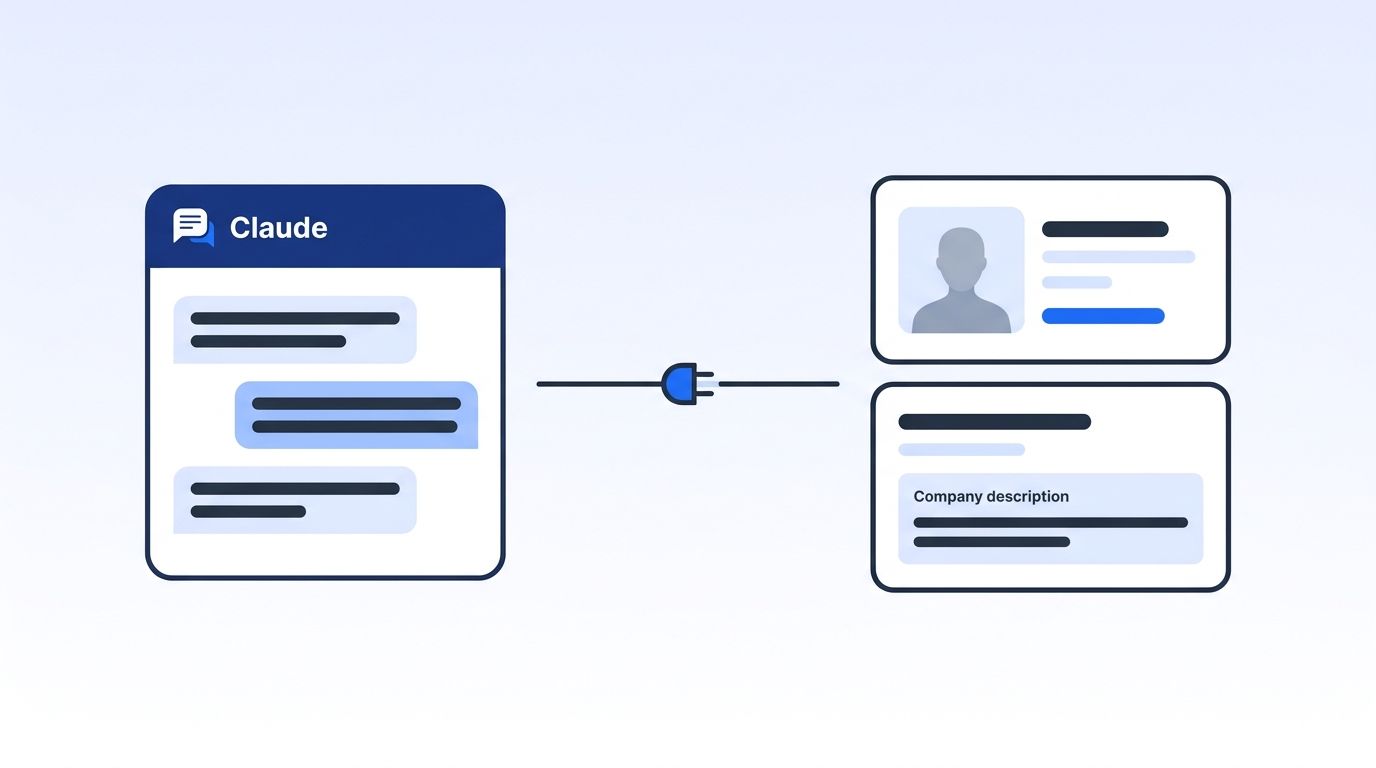
You can connect Claude to public LinkedIn profile, company and post data in about five minutes. Add a remote MCP server as a custom connector, paste its URL, sign in to Datamagnet, and ask questions in plain English. There's no browser bot to build or babysit.
This guide walks through the setup in claude.ai, Claude Desktop and Claude Code. It also explains why you should keep an AI connector's permissions narrow.
TL;DR
- In 2026, Salesforce reported 54% of sellers have already used AI agents, so research inside Claude is mainstream.
- Custom connectors work on every Claude plan, but the Free plan allows just one.
- Claude signs in to Datamagnet with OAuth, so no API key is needed. Use a key only for clients that can't sign in.
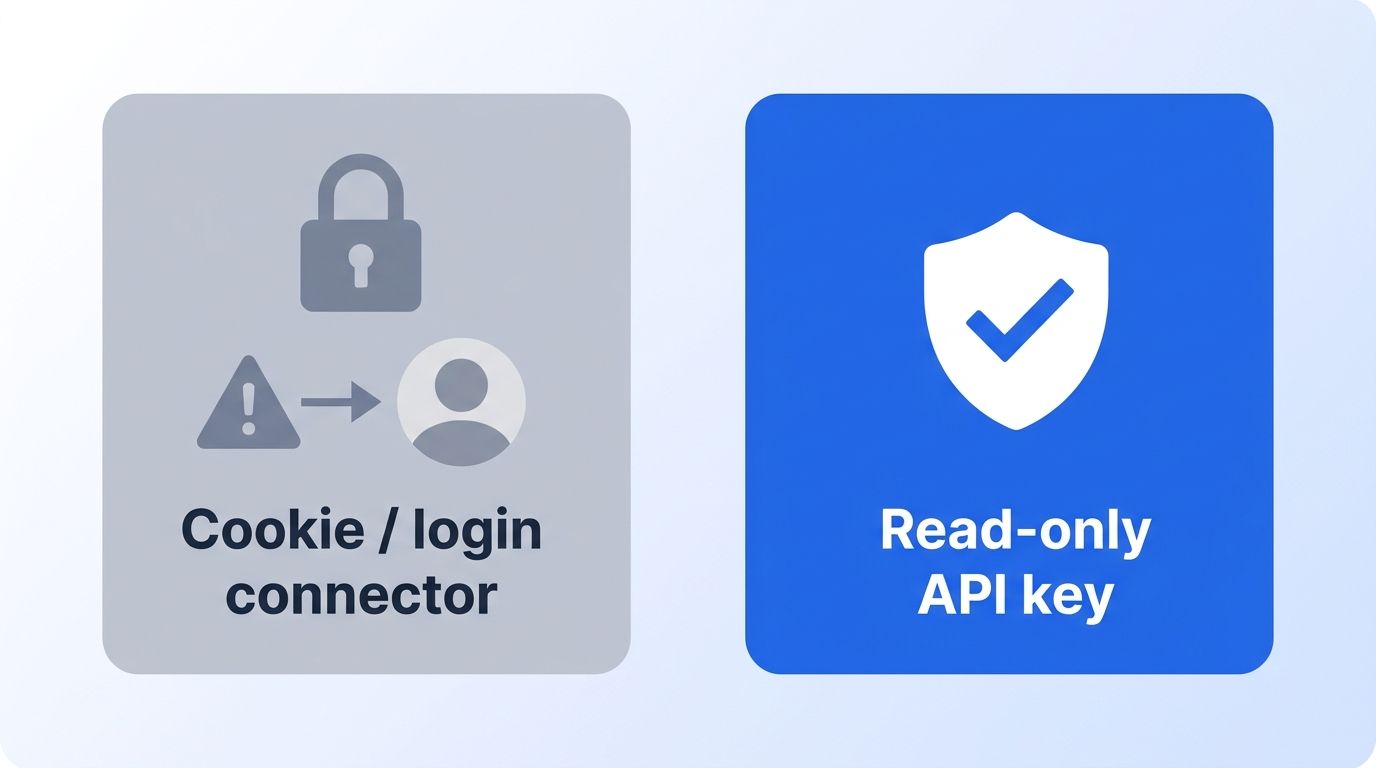
- Never give an AI tool your LinkedIn login or cookies.
What Do You Need Before You Start?
You need a Claude account and a remote MCP server URL. That's it. As of 2026, Anthropic's help center says custom connectors are available on the Free, Pro, Max, Ultra, Team and Enterprise plans, and Free users get one custom connector (Anthropic, Get started with custom connectors using remote MCP, retrieved 2026-11-17).
Here's your checklist:
- A Claude account on any plan (Team and Enterprise need an Owner to add the connector first)
- The Datamagnet MCP server URL from the Datamagnet MCP page
- A Datamagnet account (new accounts get 10 free credits). Claude signs in with OAuth, so you only need an API key for clients that can't sign in, such as a scripted Claude Code setup
- Time: about 5 minutes. Difficulty: beginner
The server must be reachable on the public internet over HTTPS port 443, per the same Anthropic page. A server behind a VPN won't connect unless Anthropic's IP addresses are allowlisted. A hosted server like Datamagnet's avoids that problem.
What Is MCP, and Why Use It Instead of a Scraper?
MCP is an open standard that lets AI apps reach outside data and tools. The project's own docs compare it to a USB-C port for AI (Model Context Protocol, What is MCP?, retrieved 2026-11-17). Anthropic released it in November 2024. In December 2025 it was donated to the Agentic AI Foundation under the Linux Foundation (Linux Foundation, Formation of the Agentic AI Foundation, 2025-12-09).
Why does that matter for LinkedIn data? Because the alternative is a scraper you build and babysit. MCP gives Claude a standard way to call a maintained data service instead.
Adoption is broad. In December 2025, Anthropic said there were more than 10,000 active public MCP servers and over 97 million monthly SDK downloads. It named ChatGPT, Cursor, Gemini, Microsoft Copilot and VS Code among the clients (Anthropic, Donating MCP and establishing the Agentic AI Foundation, 2025-12-09). These are Anthropic's own figures, and they're about 11 months old.
Datamagnet's MCP server is listed in the official MCP Registry, which the project describes as a preview-stage metadata catalog of public servers (Model Context Protocol, The MCP Registry, retrieved 2026-11-17). The Datamagnet MCP page lists Claude, Claude Code, ChatGPT, Cursor, VS Code with GitHub Copilot, Windsurf, OpenAI Codex CLI and Gemini CLI as supported clients. For the full server story, see our guide to the LinkedIn MCP server.
Why Should You Keep Connector Permissions Narrow?
LinkedIn's rules are the reason. LinkedIn's User Agreement says you may not use software, scripts or bots to scrape the Services, and it lets LinkedIn restrict or terminate accounts that breach the agreement (LinkedIn, User Agreement, effective 2025-11-03, retrieved 2026-11-17). LinkedIn Help also says members who use third-party scraping or automation tools risk account restriction or shutdown (LinkedIn Help, Prohibited software and extensions, retrieved 2026-11-17).
So a connector that borrows your session cookie puts your own account on the line. If it gets flagged, you lose the profile you use for real selling. This isn't legal advice, just what the published terms say.
Security is the second reason. The MCP project's security guidance recommends least-privilege access: start with read operations and elevate only when needed (Model Context Protocol, Security Best Practices, retrieved 2026-11-17). Anthropic warns that servers it hasn't verified can carry hidden prompt injections. It advises disabling tools that can take write actions (Anthropic, custom connectors help article, retrieved 2026-11-17).
Datamagnet's security page says it uses public sources only. Per the Datamagnet MCP page, most tools only read data. The exception is the signal monitor tools: creating, updating and deleting signals are write actions, and your AI app asks for confirmation first. Follow Anthropic's advice and disable the write tools if you only want lookups.
Step 1: How Do You Get a Datamagnet API Key?
By the end of this step, you'll have a Datamagnet account with 10 free credits and, if you need one, an API key. Claude signs in with OAuth and doesn't need the key, but scripted Claude Code setups and other clients that can't sign in do. Create an account, open the dashboard and generate a key. The Datamagnet quickstart covers the flow, and the authentication guide explains bearer tokens and key rotation.
- Sign up at datamagnet.co.
- Generate an API key in the dashboard.
- Copy it somewhere safe. Treat it like a password. You'll use it only in Step 3, and only if you can't sign in.
- Check your balance in the dashboard, or with the credit balance endpoint.
Verify it worked: you should see 10 free credits on a new account.
Step 2: How Do You Add the Connector in claude.ai?
By the end of this step, Claude will list Datamagnet under your connectors. On Pro and Max, Anthropic documents this path: Customize, then Connectors (Anthropic, custom connectors help article, retrieved 2026-11-17).
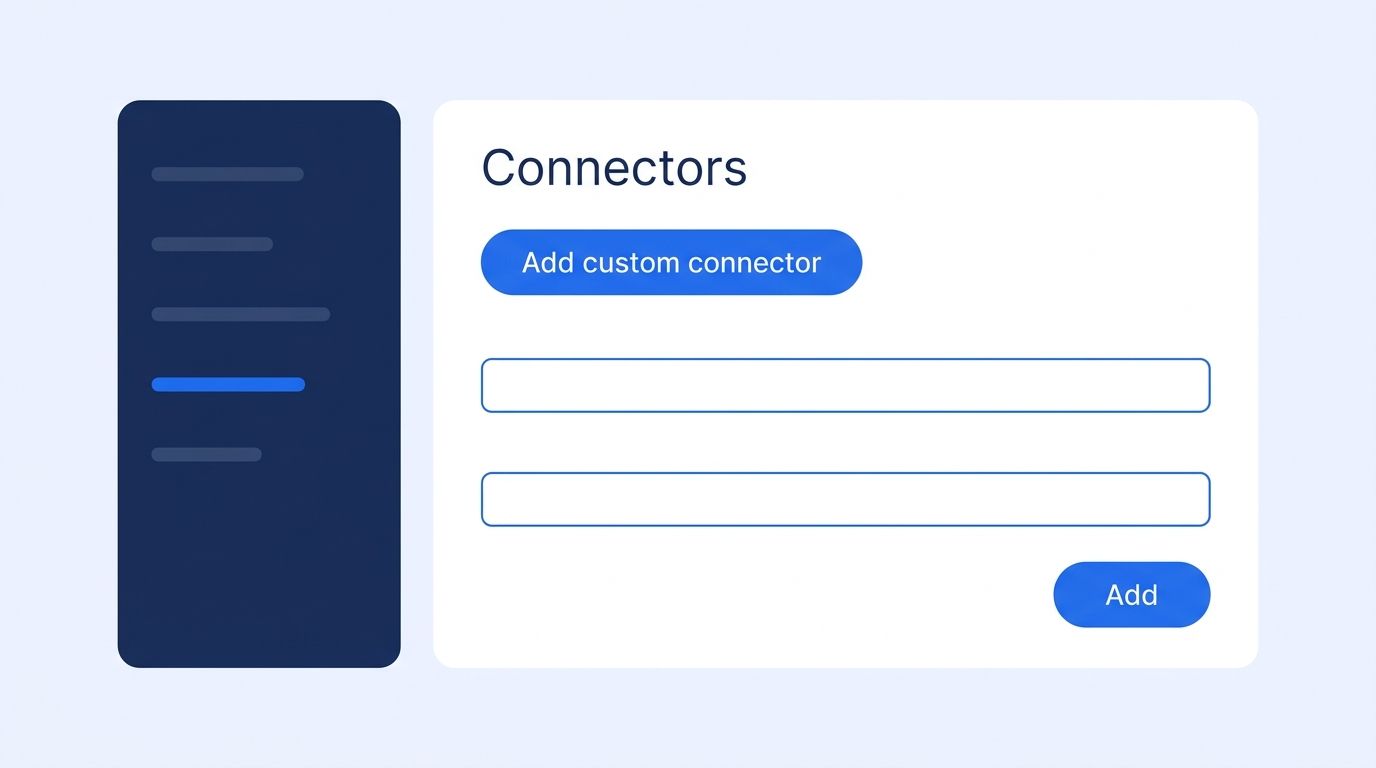
- Go to Customize > Connectors.
- Click + Add, then Add custom connector.
- Enter a name, such as "Datamagnet".
- Paste the server URL from the Datamagnet MCP page, then click Continue.
- Click Add, then sign in to Datamagnet in the browser window when prompted. Claude uses OAuth, so don't paste an API key anywhere in this flow.
On Team and Enterprise, an Owner adds it under Organization settings > Connectors. Members then click Connect under Customize > Connectors.
To use it, click + in the lower left of a chat, choose Connectors, and toggle Datamagnet on for that conversation.
Verify it worked: ask "What tools does the Datamagnet connector give you?" Claude should list profile, company and post lookups.
Step 3: How Do You Connect in Claude Desktop or Claude Code?
Claude Desktop uses the same custom-connector flow as the web app. Claude Code uses one terminal command. In all three, signing in is the default. Add the Authorization: Bearer header below only if you can't sign in. Anthropic's Claude Code docs give the form claude mcp add --transport http <name> <url> (Anthropic, Claude Code MCP documentation, retrieved 2026-11-17). The command below is the API key option, for headless or scripted setups only. Otherwise, add the server without the header and sign in through Claude Code's MCP menu.
claude mcp add --transport http datamagnet <server-url-from-the-mcp-page> \
  --header "Authorization: Bearer YOUR_API_KEY"
Here's how the three options compare. Each row cites its own source.
| Where you use Claude | How you add it | Source |
|---|---|---|
| claude.ai (web) | Customize > Connectors > Add custom connector | Anthropic Help Center, retrieved 2026-11-17 |
| Claude Desktop | Same custom connector flow, same plans | Anthropic Help Center, retrieved 2026-11-17 |
| Claude Code | claude mcp add --transport http <name> <url> | Claude Code docs, retrieved 2026-11-17 |
Claude Code scopes default to local. Add --scope project to share the setup with a repo, or --scope user for all your projects. Check it with claude mcp list.
Verify it worked: run claude mcp list and confirm datamagnet appears.
Step 4: What Can You Ask Claude Once It's Connected?
Start with a profile lookup, then widen out. The connector reads the same public data as the Datamagnet API. Per the docs, the People Profile endpoint returns name, headline, current role, experience, education and skills. The Company Profile endpoint returns industry, headcount, headquarters and specialties.
Try prompts like these:
- "Pull the public profile for this LinkedIn URL and summarize the last three roles."
- "Give me headcount, industry and HQ for these five company URLs in a table."
- "Look at this LinkedIn post and list who commented, grouped by job title."
- "Which of these accounts raised funding recently?" (this uses the Funding Rounds endpoint, which looks up a company by domain)
Pricing is credit-based. Datamagnet's published rates are 1 credit per profile, 10 credits per search or engagement page, and 5 credits for funding rounds. Plans run $39, $99 and $199, and pay-as-you-go starts at $10 for 200 credits, or $0.05 per credit (Datamagnet, Pricing, retrieved 2026-11-17). Check that page for current rates before you scale.
Contact fields come back too. The People Profile model includes email and phone_number fields, and the Company Profile endpoint returns extracted_contacts. Check the endpoint docs for what's populated before you promise a rep a phone number.
For full sales workflows, such as account research and meeting prep, read our guide to AI sales prospecting with Claude and MCP.
Why Bother Doing This Inside Claude?
Because research time is where reps lose hours. In 2026, Salesforce's State of Sales report found 54% of sellers have used AI agents, and those who expect full agent rollout anticipate a 34% cut in prospect research time. The survey covered 4,050 sales professionals across 22 countries, fielded August to September 2025 (Salesforce, State of Sales 2026 announcement, 2026-02-03). It's a vendor survey with self-reported expectations, so treat the 34% as a forecast, not a measured result.
The most common setup problem we see is the connector showing as added but not toggled on. Claude only calls a connector you've enabled for the current chat. If it says it "can't access LinkedIn," open the + menu and check the toggle first.
If you do use an API key, keep it in the header field, not in your prompt. Anything you type into a chat can end up in logs or screenshots. A header stays out of the conversation.
What Mistakes Should You Avoid?
The biggest mistake is connecting a tool that asks for your LinkedIn login or session cookies. Per LinkedIn's own help page, third-party tools that scrape or automate may stop working without notice, and users risk restriction. Avoid them for your main account.
1. Adding too many connectors at once. Every enabled tool competes for Claude's attention. Enable only what the chat needs.
2. Trusting unverified servers. Anthropic's help center says to connect only to servers built and hosted by organizations you trust. Check the registry listing and the publisher first.
3. Forgetting to rotate keys. If a key leaks, rotate it. The errors reference documents the status-code categories (4xx means a client error) and the api_error and invalid_request error types, which helps when a key stops working.
4. Burning credits on search pages. At 10 credits per page, broad searches add up fast. Ask Claude to estimate the page count first.
What Does Success Look Like?
If everything worked, Claude answers a LinkedIn URL with structured profile data in a few seconds. You'll see the connector's tool calls inside the chat, and your credit balance will drop by about 1 credit per profile.
For a stretch goal, move from one-off lookups to alerts. The Signal API tracks job changes and engagement so Claude can work from fresh events instead of manual pulls.
Ready to try it? Get your connector URL and 10 free credits on the Datamagnet MCP page (datamagnet.co/mcp).
Frequently Asked Questions
Can Claude access LinkedIn without my LinkedIn login?
Yes. The connector calls Datamagnet's data service, which returns public profile, company and post data, and you sign in to Datamagnet rather than handing LinkedIn credentials to an AI tool. That matters because LinkedIn's User Agreement prohibits bots and scraping software on the Services, and it allows account restriction for violations.
Does the Claude LinkedIn connector work on the Free plan?
Yes, with a limit. Anthropic's help center says custom connectors are available on Free, Pro, Max, Ultra, Team and Enterprise plans, and Free users can add one custom connector. If you already use one, remove it or upgrade before adding Datamagnet. Team and Enterprise need an Owner to add it first.
Can I use the same connector in ChatGPT or Cursor?
Yes. The Datamagnet MCP page lists Claude, Claude Code, ChatGPT, Cursor, VS Code with GitHub Copilot, Windsurf, OpenAI Codex CLI and Gemini CLI as supported clients. MCP is an open standard, so the same server URL works across clients. Each app has its own screen for adding it, so follow that app's connector or MCP settings.
How much does it cost to use LinkedIn data in Claude?
Datamagnet is credit-based. It charges 1 credit per profile, 10 credits per search or engagement page, and 5 credits for funding rounds. New accounts get 10 free credits. Plans cost $39, $99 or $199, and pay-as-you-go starts at $10 for 200 credits, or $0.05 per credit. See the pricing page for current rates.
Why doesn't the Datamagnet connector show up in the + menu?
Usually the connector was added but isn't enabled for the current chat. Open Customize > Connectors and confirm Datamagnet is listed, then click + in the chat, choose Connectors and toggle it on. On Team and Enterprise, an Owner must add it first. If it's still missing, refresh the page or start a new conversation, then re-check the server URL.
Sources
- Model Context Protocol, "What is the Model Context Protocol (MCP)?", retrieved 2026-11-17, https://modelcontextprotocol.io/docs/getting-started/intro
- Anthropic, "Donating the Model Context Protocol and establishing the Agentic AI Foundation", 2025-12-09, retrieved 2026-11-17, https://www.anthropic.com/news/donating-the-model-context-protocol-and-establishing-of-the-agentic-ai-foundation
- The Linux Foundation, "Linux Foundation Announces the Formation of the Agentic AI Foundation", 2025-12-09, retrieved 2026-11-17, https://www.linuxfoundation.org/press/linux-foundation-announces-the-formation-of-the-agentic-ai-foundation
- Model Context Protocol, "The MCP Registry", retrieved 2026-11-17, https://modelcontextprotocol.io/registry/about
- Anthropic, "Get started with custom connectors using remote MCP", Claude Help Center, retrieved 2026-11-17, https://support.claude.com/en/articles/11175166-get-started-with-custom-connectors-using-remote-mcp
- Anthropic, Claude Code MCP documentation, retrieved 2026-11-17, https://code.claude.com/docs/en/mcp
- LinkedIn, "User Agreement", effective 2025-11-03, retrieved 2026-11-17, https://www.linkedin.com/legal/user-agreement
- LinkedIn Help, "Prohibited software and extensions", retrieved 2026-11-17, https://www.linkedin.com/help/linkedin/answer/a1341387
- Model Context Protocol, "Security Best Practices", retrieved 2026-11-17, https://modelcontextprotocol.io/specification/draft/basic/security_best_practices
- Salesforce, State of Sales 2026 announcement, 2026-02-03, retrieved 2026-11-17, https://www.salesforce.com/news/stories/state-of-sales-report-announcement-2026/
- Datamagnet, "Pricing", retrieved 2026-11-17, https://www.datamagnet.co/pricing/
