
Disclosure: This article is published by Datamagnet. Vendor claims are self-reported unless otherwise noted.
Champion Tracking: How to Get Alerted When Your Buyer Changes Jobs
In 2024, median U.S. employee tenure fell to 3.9 years — the lowest figure the Bureau of Labor Statistics has recorded since it started tracking the metric in 2002 (BLS, Employee Tenure in 2024, retrieved 2026-08-06). Your champion — the person who fought for your product internally, ran the demo for their VP, and signed off on last year's renewal — is one of those people. They aren't staying put as long as they used to, and when they leave, they rarely tell you first.
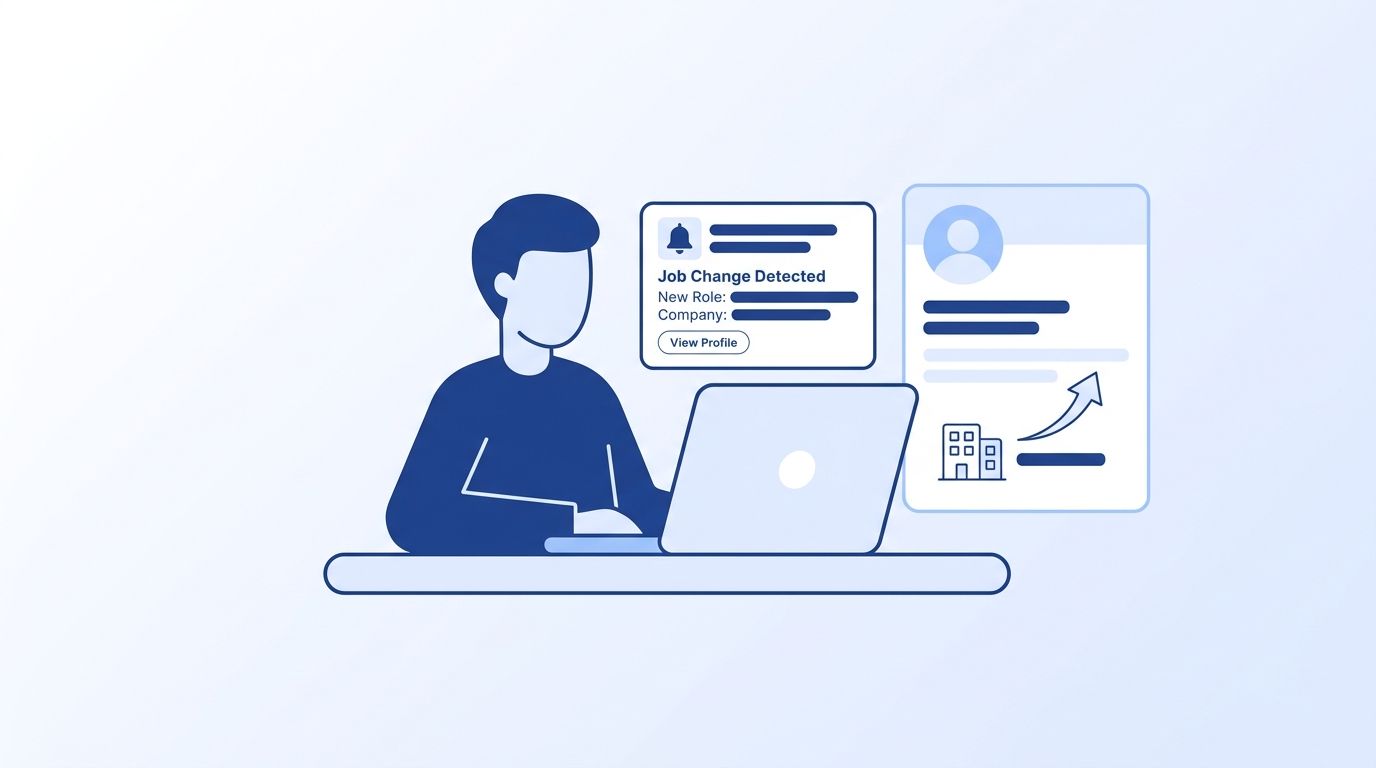
That's the problem champion tracking solves. It's the practice of monitoring the specific people you've already sold to — champions, economic buyers, power users — for job changes, so you find out the same day it happens instead of three months later, when a renewal quietly goes cold. This guide walks through building your tracked-contact list, wiring up a job-change signal monitor, routing alerts to the right team, and running the two-branch playbook that turns a departure into either a saved renewal or a new deal.
Key Takeaways
- Losing a champion puts 51% of the account at risk of churn within 12 months — 65% if the champion is an executive (ChurnZero, 2023).
- Deals that included a past champion closed at a 114% higher win rate and 54% larger deal size (UserGems, 2023).
- 91% of departed champions never repurchase on their own — surfacing them proactively is what turns the signal into pipeline (UserGems, 2023).
- Set up a job-change signal monitor once, and every future move gets caught automatically — no more manual LinkedIn checks.
What Do You Need Before You Start Champion Tracking?
You don't need an engineering team to get this running, but you do need four things in place first: a defined champion list, a job-change data source, a landing spot for alerts, and someone who owns the response. Skip any one of these and the setup below will produce noise instead of a working system.
- A champion list — every contact tied to an active or closed deal who counts as a buyer, technical champion, or power user, pulled from your CRM.
- A job-change data source — a real-time people data API like the Datamagnet Signal API, not a static database that only refreshes monthly.
- A destination for alerts — Slack, email, or a CRM field, connected via webhook.
- An API key for authenticating your requests.
- Time: ~30 minutes for initial setup, a few minutes a week to review alerts after that.
- Difficulty: Beginner to intermediate.
Step 1: How Do You Build Your Tracked Champion List?
By the end of this step, you'll have a clean list of every contact worth monitoring — not just active-deal champions, but past ones too. Skipping the past-customer contacts is the single biggest reason champion-tracking programs underperform, because that's exactly where the win-back opportunity sits.
<!-- [UNIQUE INSIGHT] -->91% of departed champions never repurchase on their own, even three months after starting a new role. But when a vendor proactively resurfaced those contacts, they drove 5% of total closed-won revenue in a single quarter (UserGems, 2023). If your list only includes people on open deals, that revenue sits unattended.
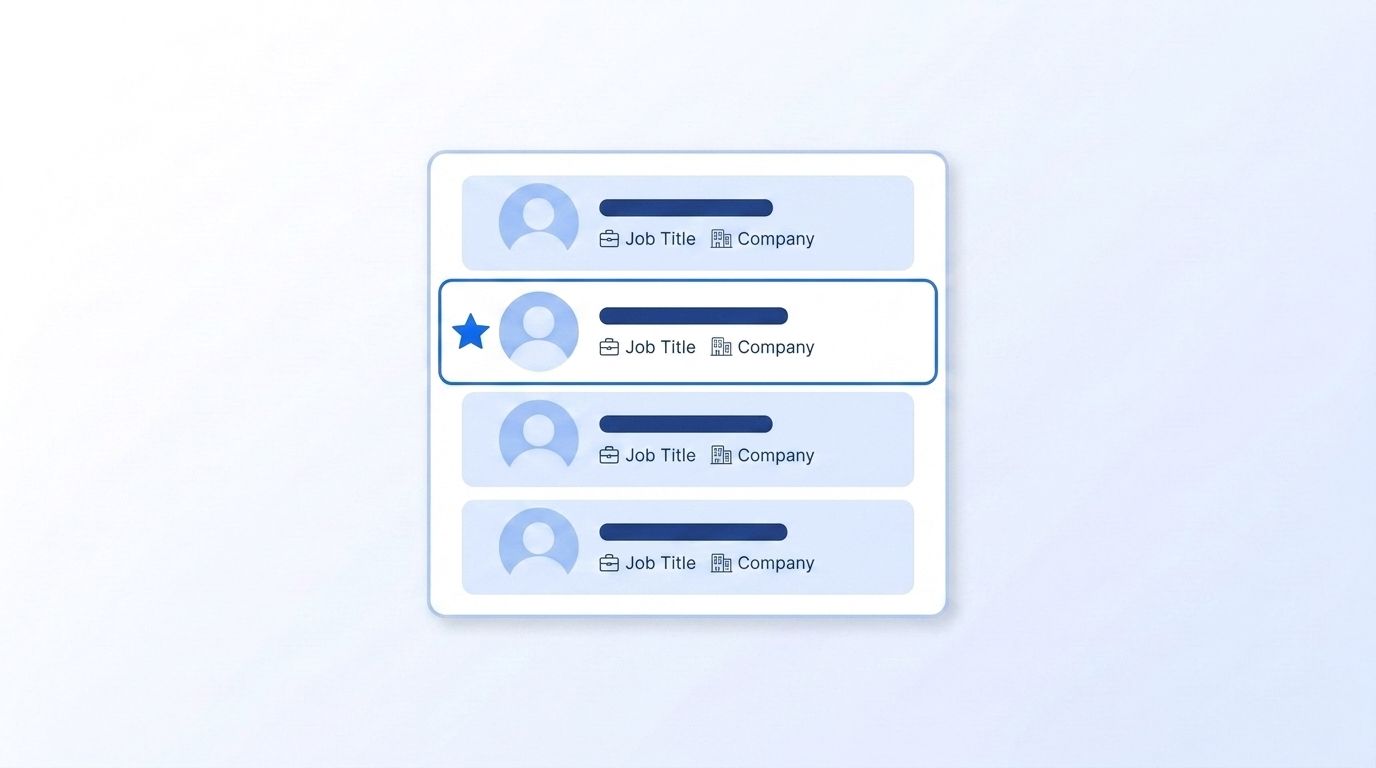
- Export every contact tagged as decision-maker, champion, or power user from your CRM — active deals and closed-won accounts alike.
- Add contacts from closed-lost and churned accounts. They're often still using a competing product and already sold on the category, even if they didn't pick you last time.
- Pull each contact's current LinkedIn profile URL through the People Profile API to confirm you have a resolvable, up-to-date identifier before you start tracking.
- Store the result as one tracked-contact list — this feeds directly into the signal monitor you'll build in Step 2.
Step 2: How Do You Create a Job-Change Signal Monitor?
By the end of this step, a monitor is watching every name on your list for a job change — not you. When a customer champion leaves without warning, there's a 51% chance the account churns within the next 12 months, and that number climbs to 65% if the departing contact was an executive (ChurnZero, 2023, reporting Sturdy.ai research). A signal monitor closes that warning gap, so you find out the same day the title changes on LinkedIn.
Datamagnet's Create Signal endpoint supports a job_change signal type built for exactly this. Point it at the tracked-contact list from Step 1, and it checks each profile on an ongoing basis instead of relying on someone remembering to look. The Champion Tracker cookbook walks through a full reference implementation if you want to see the setup end to end.
curl -X POST https://api.datamagnet.co/v1/signals \
  -H "Authorization: Bearer YOUR_API_KEY" \
  -H "Content-Type: application/json" \
  -d '{
    "signal_type": "job_change",
    "name": "Q3 Champion List",
    "targets": [
      "https://linkedin.com/in/champion-one",
      "https://linkedin.com/in/champion-two"
    ],
    "webhook_url": "https://yourapp.com/webhooks/datamagnet"
  }'
Bundle every name on your tracked-contact list into a single monitor rather than creating one signal per contact. It's easier to maintain, and you can add or remove people later through the Update Signal endpoint without rebuilding the whole thing. Once it's live, pull the signal back to confirm every contact loaded correctly — a mistyped LinkedIn URL is the most common setup mistake, and it fails silently if you don't check.
Step 3: Route Alerts to Slack or Your CRM
By the end of this step, alerts land somewhere your team actually looks, not in an API response nobody checks. Datamagnet delivers job-change events through signed webhooks, so you can push each alert straight into Slack, a CRM field, or a workflow tool the moment it fires — no polling required.
If your CRM is HubSpot, the Datamagnet HubSpot integration can update the contact record and re-trigger a workflow automatically when a job-change signal fires, no custom webhook code required. Teams on other stacks typically wire the same webhook into their automation tool of choice to fan alerts out to Slack, email, and the CRM at once.
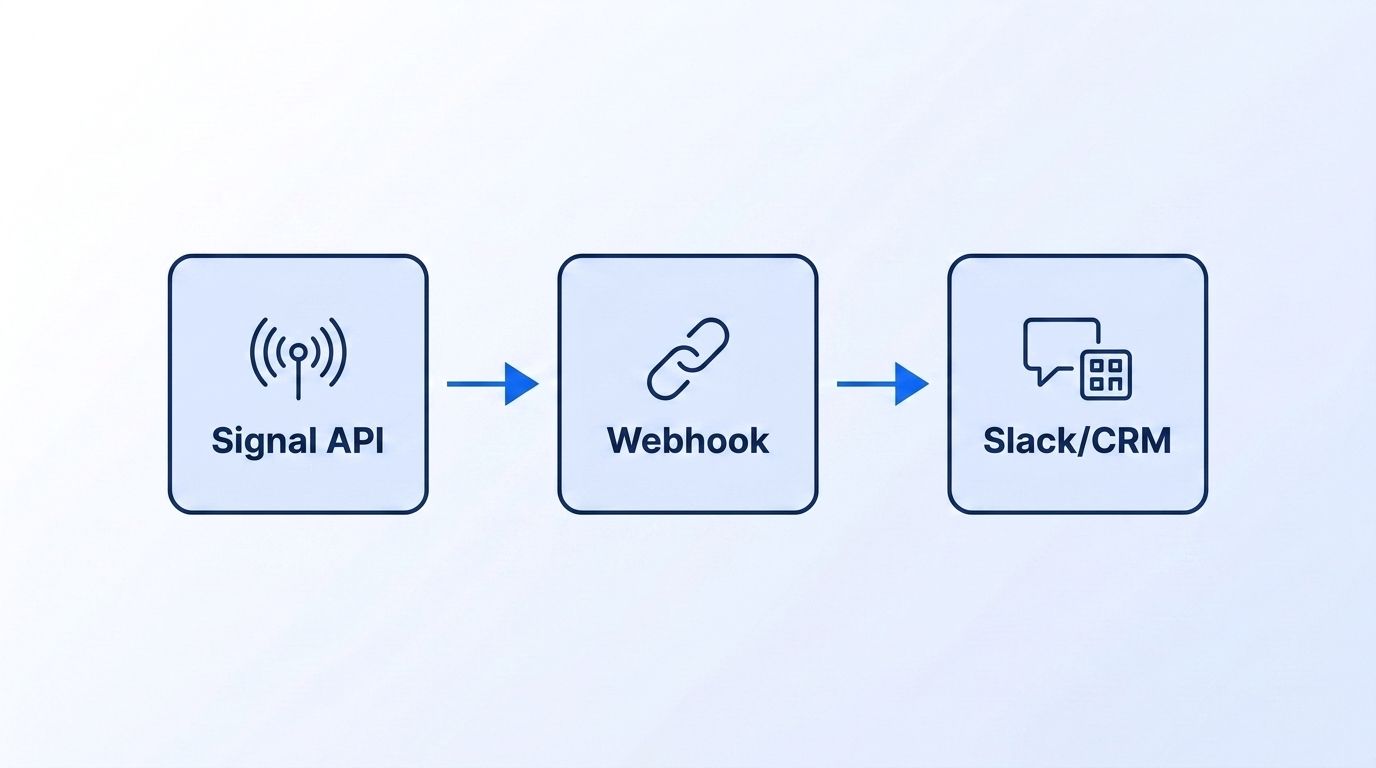
- Register your webhook URL when you create the signal in Step 2, or add it later through the Update Signal endpoint.
- Include the signal type and target name in your Slack message or CRM update, so the alert says which champion moved, not just that "something changed."
- Route churn-risk alerts — a champion leaving one of your customer accounts — to Customer Success. Route new-company alerts to the sales rep who owned that account or deal originally.
- Test with a single contact before rolling out the full list, so you can confirm the payload and routing work before every name goes live.
Step 4: Build the Two-Branch Playbook
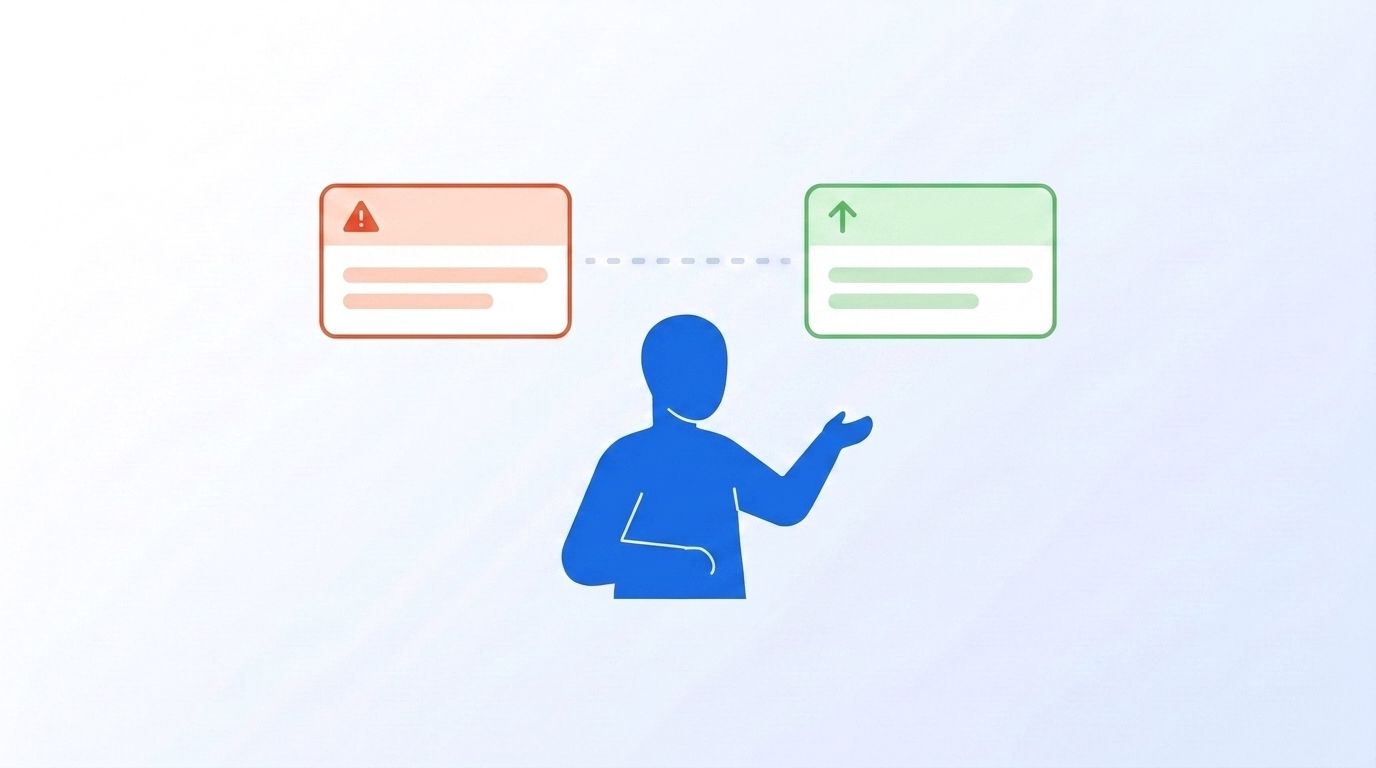
By the end of this step, you'll have two distinct plays ready to run from the same signal, and both only work if someone owns the response. Most write-ups treat every job-change alert as a single outbound trigger, but champion tracking really produces two separate motions from one event — conflating them is a common reason signal-based programs stall out after launch.
<!-- [UNIQUE INSIGHT] -->Branch A fires when a champion leaves one of your existing customers: that's a churn-risk alert for Customer Success. Route Branch A to CS within 48 hours. Accounts where CS acted on a champion-departure signal inside that window were 33% more likely to renew than accounts where the alert sat unaddressed (ChurnZero, 2023). The playbook is simple: confirm who the new stakeholder is, re-establish the business case directly with them, and don't wait for the renewal conversation to introduce yourself.
Branch B fires when that same person shows up at a brand-new company — a warm re-engagement lead for sales, since they've already used your product and don't need convincing it works. Deals that included a past champion closed at a 114% higher win rate, with 54% larger deal sizes and 12% shorter sales cycles, across an analysis of more than 5,000 opportunities (UserGems, 2023). Route Branch B to the rep who owned the original account — they already have context a cold outbound rep would have to rebuild from nothing.
For a deeper look at combining this with broader buying-intent signals, see our guide on real-time intent signal APIs for job changes.
How Fast Are B2B Buyers Actually Changing Jobs?
Median U.S. employee tenure dropped to 3.9 years in 2024, down from 4.1 years in 2022 and the lowest figure the Bureau of Labor Statistics has recorded since it began tracking the metric in 2002 (BLS, Employee Tenure in 2024, 2024). If your champion list hasn't changed in a year, that isn't a sign of stability. It's a sign you aren't tracking it.
The trend holds at the top of the org chart too. Average outgoing CEO tenure fell to 6.8 years in the first half of 2025, down from 7.7 years the year before — the lowest H1 figure on record (Russell Reynolds Associates, 2025). Voluntary turnover across U.S. organizations sat at 13.0% over the same period (Mercer, 2025 US Turnover Survey, 2025). Put together, the average champion list goes stale within a year of being built, whether or not anyone remembers to check it.
What Mistakes Should You Avoid When Tracking Champions?
The most frequent mistake is treating champion tracking as a current-customer exercise only, which quietly writes off the biggest source of upside. Here's what else tends to go wrong once teams get past the initial setup.
1. Tracking only active-deal champions, not past ones. Most programs stop watching a contact the moment a deal closes or an account churns, but that's exactly when the win-back opportunity opens up. 91% of departed champions won't reach out on their own (UserGems, 2023) — fix it by adding closed-lost and churned contacts to your tracked list, not just current customers.
<!-- [PERSONAL EXPERIENCE] -->2. Relying on manual LinkedIn checks. A rep scrolling LinkedIn once a quarter catches a handful of the moves that actually happened, and the rest surface by accident, usually after a deal has already gone cold. A signal monitor checks every contact on the same cadence without anyone needing to remember to look.
3. Sending every alert to one shared inbox. It's the fastest way to wire up a webhook, but it's also why alerts get ignored. Route churn-risk alerts and win-back alerts to different owners from day one — Branch A to CS, Branch B to the rep who owned the account.
4. Treating every departure the same. Losing any champion carries 51% churn risk, but losing an executive sponsor raises that to 65% (ChurnZero, 2023). Prioritize executive-level signals over routine contact changes instead of queuing them identically.
What Success Looks Like
If you've followed the steps above, you now have a live signal monitor watching your full champion list, alerts landing in Slack or your CRM within a day of any job change, and two documented playbooks ready to run the moment an alert fires.
Track a few numbers to confirm the system is working: time from signal fired to first response, share of Branch A alerts actioned within 48 hours, and win-back pipeline sourced from Branch B. As a stretch goal, layer in new-hire or promotion signals alongside job-change alerts — our guide on real-time intent signal APIs for job changes covers how to combine multiple signal types into one prioritized account view.
Frequently Asked Questions
What counts as a "champion" worth tracking?
Anyone who actively advocated for your product internally: the person who ran the internal demo, the economic buyer who approved budget, or a heavy daily user who could re-champion you elsewhere. Include contacts from closed-won, closed-lost, and churned accounts — 91% of departed champions never repurchase on their own, so past customers are worth tracking too (UserGems, 2023).
How is champion tracking different from general intent data?
General intent data infers interest from behavior — content downloads, website visits, topic research. Champion tracking monitors a specific, named person you already know for a confirmed event: a job change. It's narrower but far more certain, since a title change on a profile isn't inferred, it's verified.
Do I need engineering resources to set this up?
Not necessarily. The core setup — creating a signal, pointing it at your contact list, connecting a webhook — takes about 30 minutes with API access. If your CRM is HubSpot, the Datamagnet HubSpot integration removes most of the custom webhook work entirely.
Should I only track champions during an active deal, or after it closes too?
Track both. Deals involving a past champion closed at a 114% higher win rate and 54% larger deal size than deals without one (UserGems, 2023). Cutting off tracking at close date means missing the exact signal that produces those numbers.
What does champion tracking cost to run?
Cost depends on how many contacts you're monitoring and how the underlying data API prices signal monitors — check current Datamagnet pricing for exact rates. For most teams, the setup cost is small relative to a single saved renewal, given that losing an unaddressed champion carries a 51% churn risk on its own (ChurnZero, 2023).
Putting It Together
Champion tracking turns a person you already sold to into a standing asset instead of a one-time transaction. Build the list, wire up a job_change signal monitor, route Branch A to Customer Success and Branch B to the original rep, and you'll catch both the renewal risk and the new deal from the same event — automatically, the same day it happens.
Start with your highest-value accounts: pull the champion list, set up your first signal monitor, and confirm alerts are landing before you expand to the rest of your book.
