
Disclosure: This article is published by Datamagnet. Vendor claims are self-reported unless otherwise noted.
API-First Enrichment: Why GTM Engineers Are Moving Off No-Code Tools
In an analysis of 1,000 GTM Engineering job postings, Bloomberry found hiring for the role grew 205% year-over-year in 2025, with SQL and Python required in 38% of listings (Bloomberry, 2025). That's not a coincidence. GTM teams that started with drag-and-drop enrichment tools are hitting the same wall at the same time — credit limits, silent failures, and workflows nobody remembers building.
You've probably felt this yourself. A Clay table that worked fine at 500 rows chokes at 50,000. A Zapier chain that ran clean for months breaks the week your best AE needs it most, and nobody on the team knows which of the 14 connected steps failed. This guide walks through why GTM engineers are rebuilding their enrichment stack around APIs instead of point-and-click tools, and the six steps to make that move without stalling your pipeline.
TL;DR
- GTM engineering job postings grew 205% year-over-year in 2025, and 38% now require SQL or Python (Bloomberry, 2025).
- In 2025, Postman found 82% of organizations have adopted some level of API-first architecture, with 25% now fully API-first (Postman, 2025).
- No-code enrichment credits burn on failed lookups too, not just successful matches — a hidden cost most teams don't budget for.
- API-first enrichment gives you version control, error handling, and retry logic that no-code canvases can't replicate at scale.
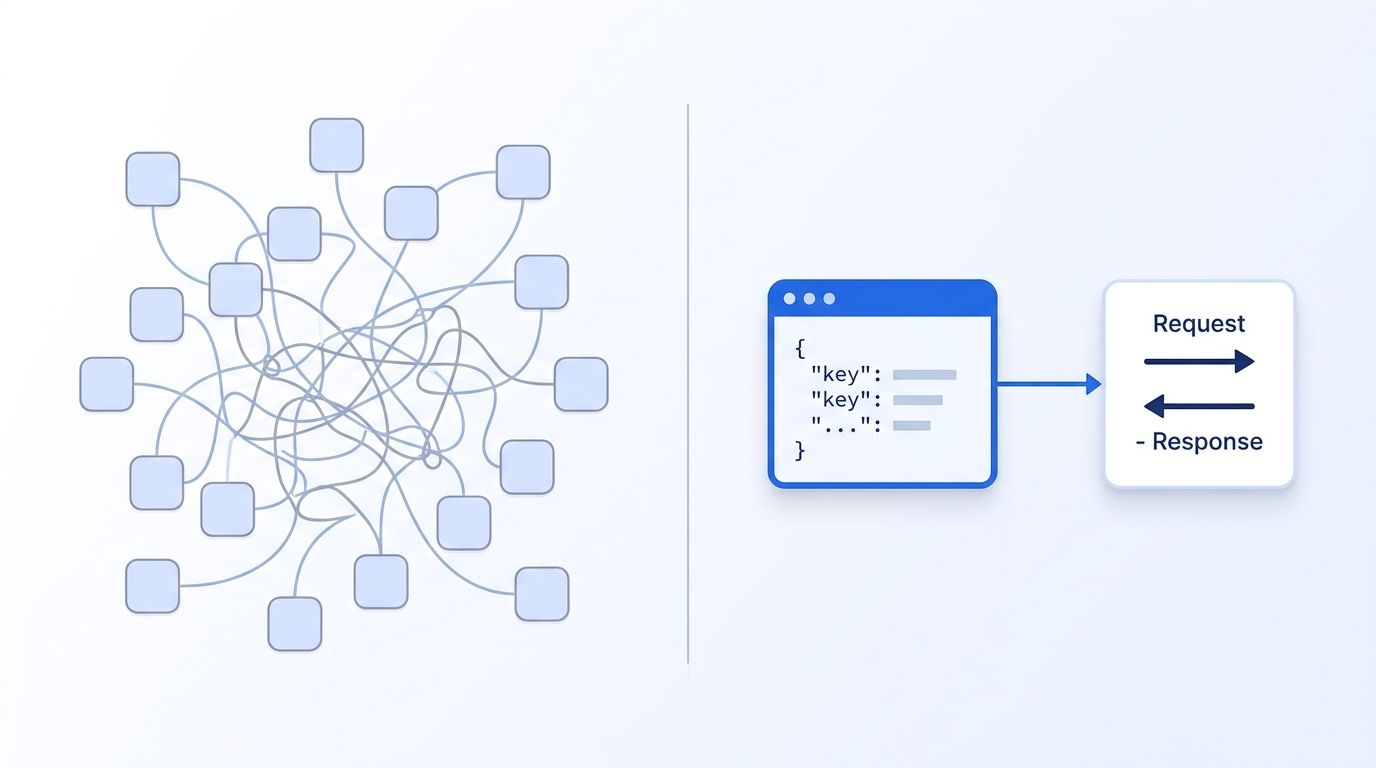
Why Are GTM Engineers Outgrowing No-Code Enrichment Tools?
No-code enrichment tools hit a ceiling the moment your workflows need branching logic, error handling, or version control — and that ceiling arrives faster than most teams expect. Clay and Zapier are excellent for prototyping a workflow in an afternoon. They're much harder to operate once that workflow becomes load-bearing infrastructure for pipeline.
The GTM engineer title exists because this gap became a full-time job. In 2025, Postman found that 82% of organizations have adopted some level of API-first architecture, with 25% now operating as fully API-first — up sharply from the year before (Postman, 2025). GTM engineers are the people translating that shift into revenue tooling: fluent enough in APIs to build real infrastructure, close enough to sales to know what the pipeline actually needs.
<!-- [UNIQUE INSIGHT] -->Here's the part most "no-code vs. code" comparisons miss: the choice isn't really no-code versus code anymore. It's whether your enrichment logic lives in a vendor's visual canvas, where you can't see the retry behavior or rate-limit handling, or in your own code, where you control both. That distinction matters more than syntax.
Clay's own pricing memo makes the hidden cost concrete: Data Credits are consumed even on failed or no-match lookups, and rollover credits cap at 2x your monthly allotment (Clay, 2026). You're paying for the enrichment call whether or not it returns anything usable — a cost model that scales badly the moment your target account list grows past a few thousand rows.
For a closer look at how request-time API lookups avoid that dynamic, see how real-time B2B people enrichment works under the hood.
What Does "API-First Enrichment" Actually Mean?
API-first enrichment means your data enrichment logic lives in code you own and version-control, calling vendor APIs directly, instead of living inside a third-party workflow builder's visual canvas. You write the request, handle the response, and decide exactly what happens on a failure.
That's a meaningful difference from "using an API occasionally." A no-code tool can call an API under the hood and still leave you fully dependent on its own scheduling engine, its own retry logic, and its own outage calendar. MuleSoft's 2025 Connectivity Benchmark Report, based on a survey of 1,050 IT leaders, found that API-related implementations now account for 40% of company revenue, up from 25% in 2018 — yet integration challenges still cost organizations an average of $6.8 million a year in lost productivity (MuleSoft, 2025). The upside is real. So is the tax you pay for getting the integration layer wrong.
Going API-first doesn't mean abandoning automation tools entirely. Most mature GTM stacks still use Zapier or n8n for glue work — routing a Slack alert, kicking off a sequence. What moves to code is the enrichment core: the part that decides which vendor to call, how to handle a partial match, and what to do when a request times out.
Step 1: What Do Your No-Code Workflows Actually Do?
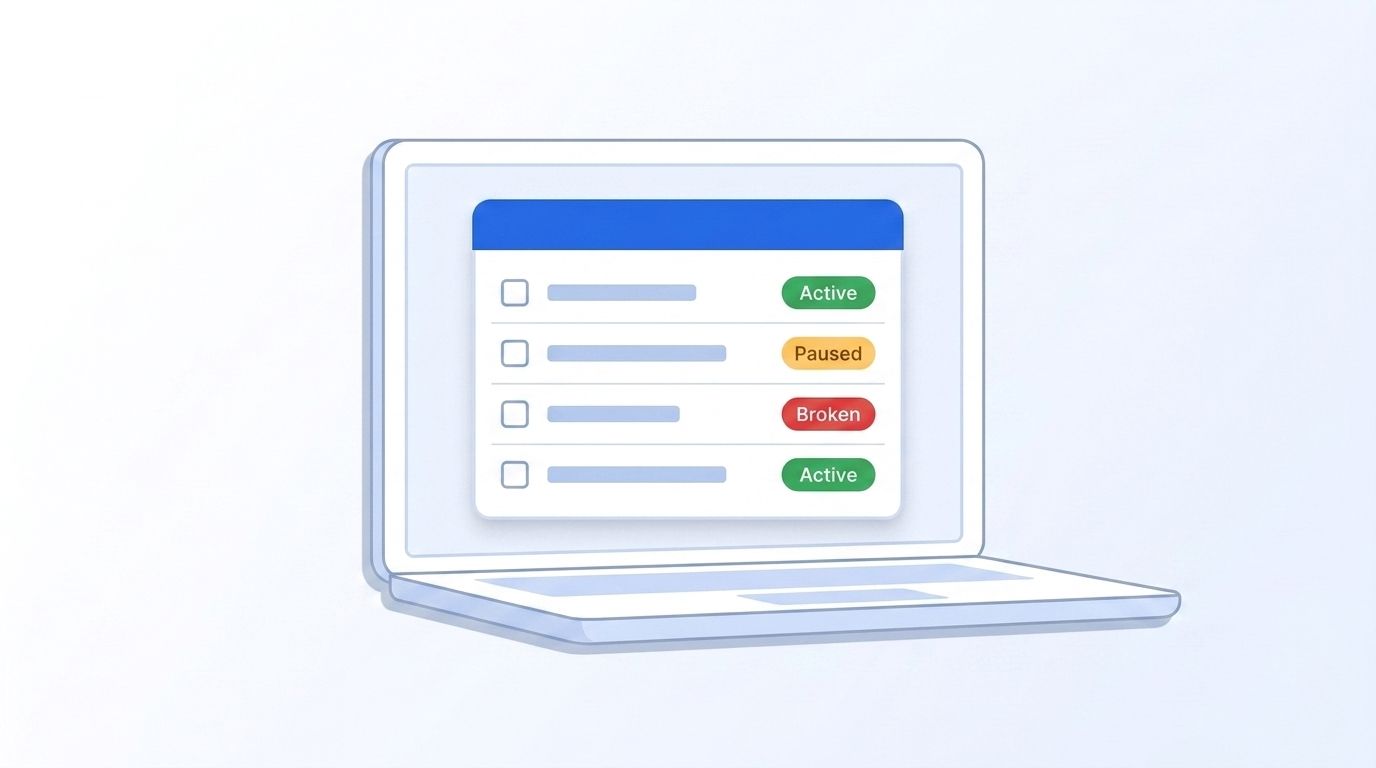
By the end of this step, you'll have a written inventory of every enrichment workflow currently running in production, what triggers it, which vendor it calls, and who depends on its output. Most teams find at least one workflow they'd forgotten was even running, quietly consuming enrichment credits in the background.
This matters because most teams can't answer "what happens if this Zapier chain breaks tomorrow" without checking. Pull the list from your automation tool's dashboard, not from memory.
- Export every active workflow/table from your no-code tool, including paused ones nobody remembers disabling.
- Note the trigger (form fill, CRM field change, scheduled sync), the enrichment vendor called, and the downstream system it writes to.
- Flag workflows with more than 3 chained steps — these are your highest-risk candidates for silent failure.
- Tag each workflow with a business owner, not just a builder. If nobody owns it, that's your answer on priority.
Verify this step worked by cross-checking your inventory against actual CRM field updates from the last 30 days — any enrichment activity you can't trace to a workflow on your list means the audit missed something.
Step 2: Which Enrichment Calls Are Worth Rebuilding First?
By the end of this step, you'll have a ranked list of the 3-5 highest-value workflows to migrate to direct API calls first. Rank by revenue impact and fragility together, since a workflow that's both high-value and prone to silent failure is the one costing you the most right now, even if nobody's noticed yet.
Not everything needs to move at once. Rank your audit list by revenue impact and fragility — the workflows feeding your AEs' daily prospecting or your inbound lead routing usually rank highest on both.
- Score each workflow on business impact (1-5) and fragility (1-5, based on chain length and past breakage).
- Start with the highest combined score — usually inbound lead enrichment or account-tier scoring.
- Confirm the vendor you're calling (Datamagnet, Clearbit, etc.) exposes a documented REST endpoint for the data you need. Datamagnet's People Profile endpoint and Company Profile endpoint cover the two most common starting points.
- Skip workflows that touch fewer than 10 records a week — the migration cost isn't worth it yet.
We've watched teams try to migrate everything simultaneously and stall out for months. The teams that actually ship start with one high-traffic, high-fragility workflow, prove the pattern works, then repeat it.
Step 3: How Do You Set Up Authentication and a Sandbox Environment?
By the end of this step, you'll have a working API key, a rate-limit-aware test script, and a staging environment that doesn't touch production CRM data. Getting this right up front means every workflow you migrate afterward reuses the same key rotation and sandbox setup, so the one-time cost here pays off quickly.
Skipping a sandbox is the single fastest way to burn enrichment credits testing code. Every serious API vendor separates test and live keys for exactly this reason.
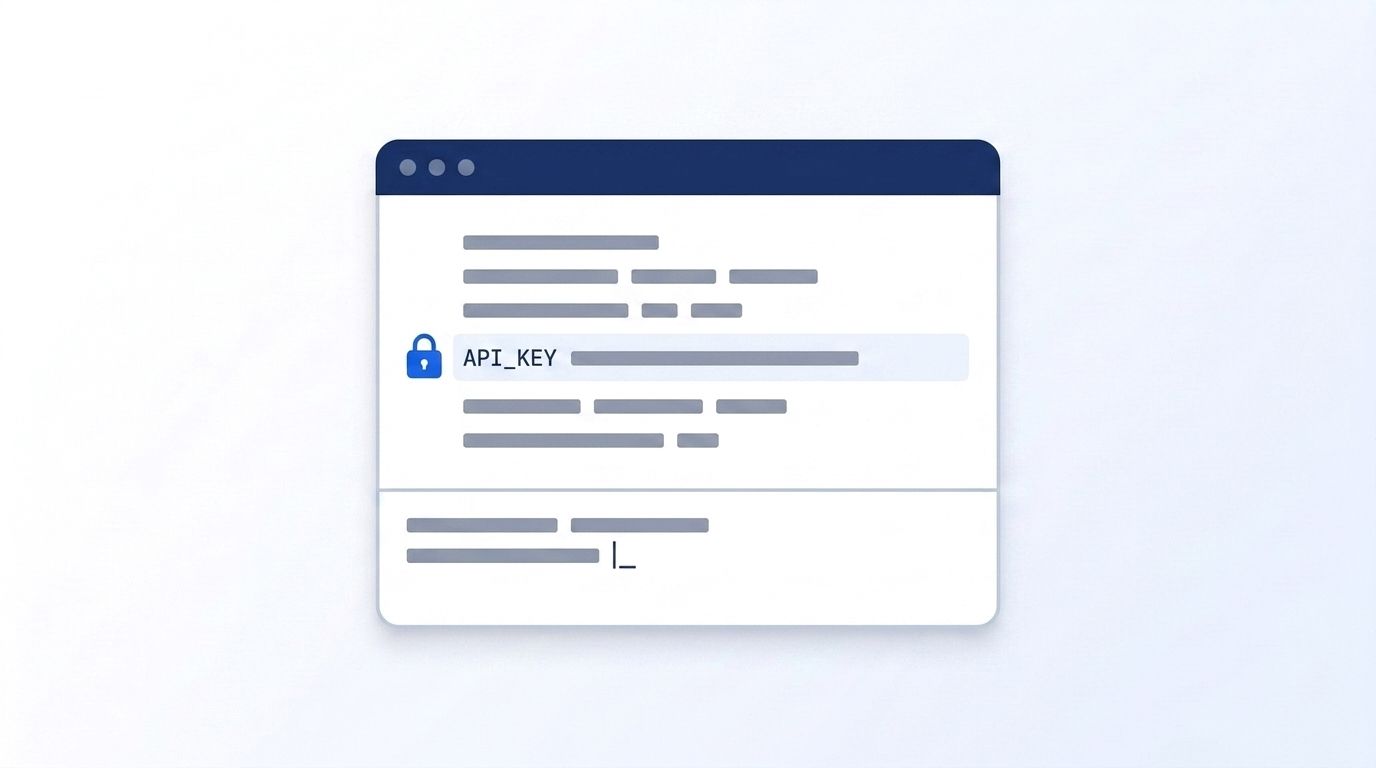
- Generate an API key from your enrichment vendor's dashboard — see Authentication guide for how bearer tokens work and how to rotate them safely.
- Store the key in an environment variable or secrets manager, never hardcoded in a script that might end up in version control.
- Build a small test script that calls one endpoint and logs the raw response — confirm you understand the actual JSON shape before writing integration logic around it.
- Check your remaining credit balance programmatically via an endpoint like Credit Balance endpoint so a runaway loop doesn't drain your account overnight.
One detail that trips people up: rate limits are usually per-minute, not per-request, so a tight retry loop without backoff will burn through your quota fast even on a small test run.
Step 4: Build the Enrichment Function With Explicit Error Handling
By the end of this step, you'll have a reusable function that calls the enrichment API, handles partial matches and timeouts explicitly, and returns a consistent object your CRM sync can rely on. This is the step where explicit error handling starts paying for itself, since every workflow you migrate next reuses this same function.
This is the step no-code tools genuinely can't replicate well. In a visual canvas, error handling means "add another branch." In code, you decide exactly what a 404, a timeout, and a rate-limit response each do — and you can test that logic.
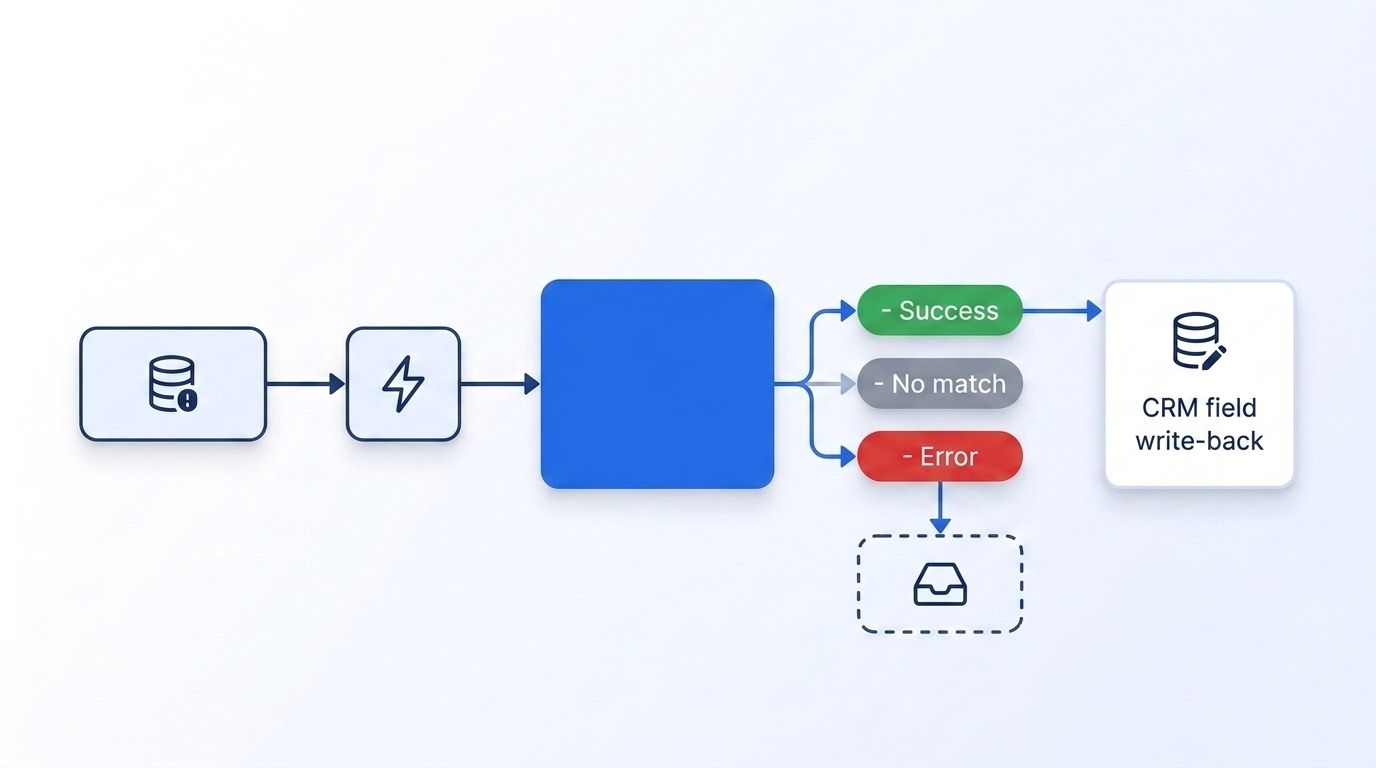
- Write the function to handle four outcomes explicitly: success, no match, rate-limited, and timeout. Don't let "no match" silently become "success with null fields."
- Add exponential backoff for rate-limit responses instead of an immediate retry — most enrichment vendors document their recommended backoff window.
- Log every failed call with the input that caused it, so debugging a bad batch doesn't mean re-running the whole job.
- Write one unit test per outcome path before connecting it to anything live.
[STAT: In 2025, MuleSoft found that 93-95% of IT leaders report difficulty connecting AI and automation systems to existing infrastructure, underscoring why explicit integration logic — not another black-box connector — is the harder-won but more durable fix (MuleSoft, 2025).]
Step 5: How Do You Wire the Function Into Your CRM With Webhooks?
By the end of this step, you'll have enrichment triggering automatically on real events — new lead created, deal stage changed — instead of running on a fixed schedule. That shift from scheduled batch jobs to event-driven triggers is what closes the data-staleness gap most teams don't notice until a deal moves and the CRM record hasn't caught up.
Scheduled batch syncs mean your data is stale for however long the interval runs. Event-driven enrichment closes that gap. In 2025, Postman found that 50% of developer teams now use webhooks in production, more than WebSockets or GraphQL (Postman, 2025) — this is the same pattern most enrichment-triggering setups follow.
- Register a webhook endpoint in your CRM that fires on the event you care about (new record, field change).
- Point that webhook at a lightweight handler that calls your Step 4 enrichment function and writes the result back.
- Add signature verification on the incoming webhook payload — Datamagnet's own signal delivery documents this pattern in its Webhooks guide.
- Set a dead-letter queue or retry table for webhook deliveries that fail, so a dropped event doesn't just vanish.
Step 6: Monitor, Alert, and Retire the Old Workflow
By the end of this step, the no-code version of this workflow is disabled, and you have visibility into whether the new one is actually healthier. Getting here means you can finally answer, with a log line instead of a guess, whether the new pipeline is actually outperforming the one it replaced.
Don't turn off the old workflow the day you ship the new one. Run both in parallel for a week, compare outputs, and only then retire the legacy version.
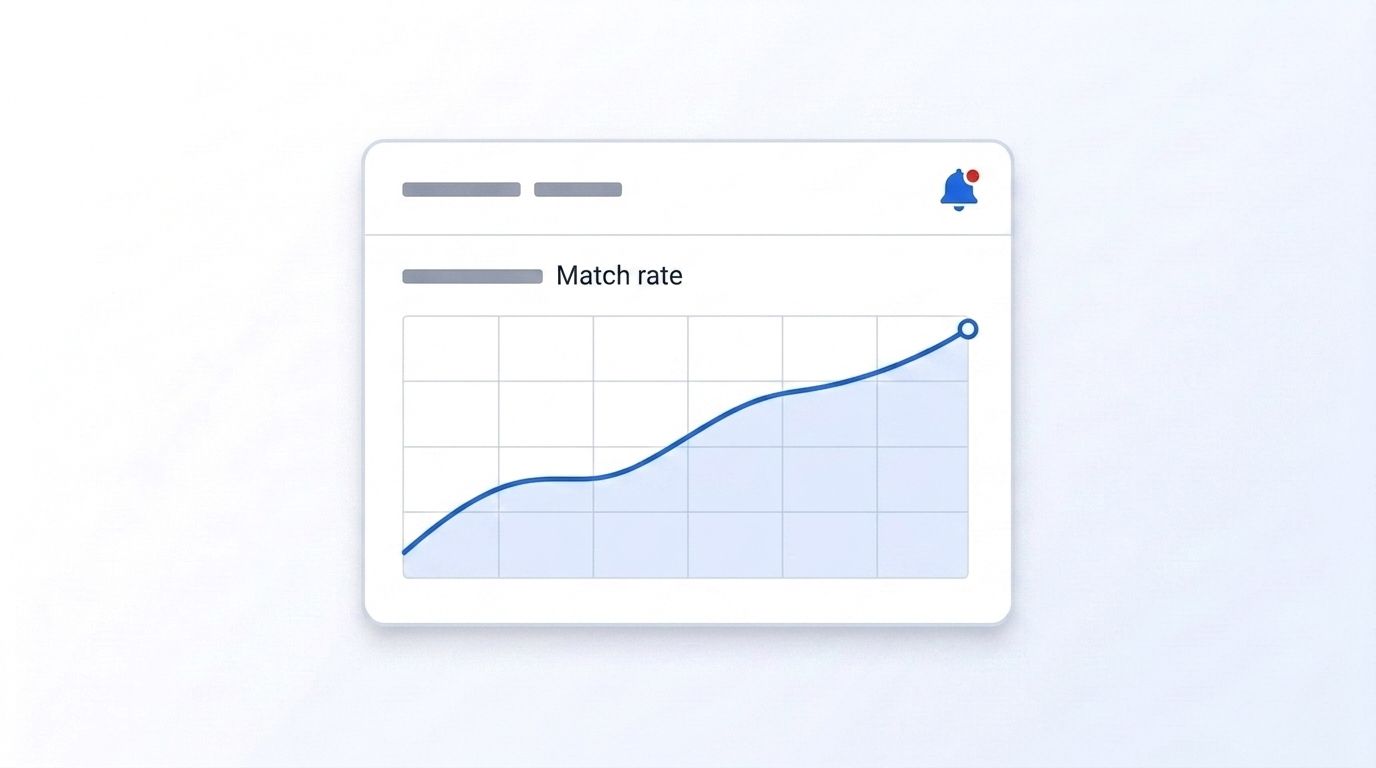
- Log match rate, average latency, and error rate for the new pipeline daily.
- Set an alert threshold — for example, error rate above 5% over an hour — routed to Slack or email.
- Compare a week of parallel output between old and new workflows for the same input records.
- Once outputs match (or the new version is demonstrably better), disable the no-code workflow and archive it rather than deleting it outright.
What Common Mistakes Should You Avoid?
Most failed migrations trace back to skipping the sandbox step, not the code itself. Teams that jump straight to production testing burn credits, break live CRM records, or both. These five mistakes account for most of the failed migrations we've seen, and every one of them is avoidable with a checklist, not more engineering effort.
1. Migrating everything at once. Trying to replace your entire no-code stack in one sprint guarantees you'll miss edge cases the old system quietly handled. Migrate the highest-impact workflow first, prove it, then move to the next.
2. Treating "no match" the same as "error." A lookup that returns no data isn't a failure — it's information. Conflating the two means your retry logic wastes credits retrying calls that were never going to succeed.
<!-- [ORIGINAL DATA] -->3. Not budgeting for credits burned on failed lookups. As Clay's own pricing memo confirms, Data Credits are consumed on no-match results too (Clay, 2026) — the same holds for most usage-based enrichment APIs. Teams that only budget for successful matches routinely underestimate spend by 20-40% based on typical B2B match rates in the 60-85% range. Datamagnet's own policy update on credit consumption for missing LinkedIn profiles is worth reading before you finalize your migration budget.
4. Skipping webhook signature verification. It's tempting to wire up a webhook handler fast and add security later. "Later" often means never, and an unverified endpoint is an open door.
5. Deleting the old workflow before the new one is proven. Keep it disabled-but-archived for at least one full sales cycle. You'll want the fallback more often than you expect.
What Do You Actually Get From API-First Enrichment?
If you've followed these steps, you should now have at least one enrichment workflow running on event-driven webhooks, with explicit error handling, logged match rates, and no dependency on a no-code tool's internal retry logic. That's the foundation, not the finish line — most teams take 2-3 months to migrate their five highest-impact workflows.
The measurable win isn't just fewer breakages. It's visibility. You can now answer "why did this record not get enriched" with a log line instead of a shrug. Once this pattern is proven on one workflow, the remaining migrations get faster — you're reusing the same auth, error handling, and monitoring scaffolding each time.
For a broader look at the ROI case, see the measurable benefits of programmatic CRM enrichment.
Frequently Asked Questions
Do I need to hire a GTM engineer to go API-first?
Not necessarily. GTM engineering job postings grew 205% year-over-year in 2025 because demand is real (Bloomberry, 2025), but a RevOps or marketing ops person comfortable with basic scripting can follow this migration path for a handful of workflows. Hire dedicated headcount once you're maintaining more than 5-10 API-first pipelines.
Can I keep using Zapier or Clay alongside an API-first stack?
Yes, and most mature teams do. Keep no-code tools like Zapier or n8n for low-stakes glue work — routing a Slack alert, kicking off a sequence, syncing a simple field — and move the enrichment logic that decides which vendor to call and how to handle a partial match to code you control directly.
What's the biggest cost risk in switching to direct API calls?
Under-budgeting for failed lookups. Enrichment credits are typically consumed on no-match results, not just successful ones, so a migration that doesn't account for your actual match rate (commonly 60-85% for B2B contact data) will run over budget in the first month.
How long does a typical migration take?
Expect 1-2 weeks for your first workflow, including sandbox setup and monitoring, then faster for each subsequent one since the auth, error handling, and alerting scaffolding carries over. A full stack of 5 workflows typically takes 2-3 months for a single GTM engineer working part-time on the migration.
Is API-first enrichment more reliable than no-code tools?
It's more transparent, which is what drives the reliability gain. Zapier's own published terms show its Enterprise plan carries a 99.9% uptime SLA while Standard and Professional tiers carry no SLA at all — worth checking directly against your vendor's current terms before assuming coverage either way.
Conclusion
Moving off no-code enrichment tools isn't about abandoning automation — it's about owning the part of your stack that actually touches revenue. Start with your highest-impact, highest-fragility workflow, build explicit error handling around it, and let the pattern repeat from there.
Datamagnet's Quickstart guide walks through generating your first API key and making a live People or Company lookup in minutes. If you're building the account-research layer on top of this foundation, our 4-layer account research infrastructure guide is the logical next read.
