
Disclosure: Datamagnet publishes this article. Product capabilities described below are based on public documentation, retrieved August 5, 2026.
How to Build an Alumni Network Sourcing Pipeline With People Data APIs
In 2025, 35% of new U.S. hires were "boomerang" employees returning to a company they'd already worked for (ADP Research Institute, 2025). Alumni are one of the highest-signal candidate pools you have, and most recruiting teams still find them by clicking through LinkedIn's Alumni tool one search at a time.
This guide walks through building that same workflow as an automated pipeline: pull a target company's roster with a people data API, watch it for departures, and route qualified alumni straight into your ATS the moment they're back on the market.
TL;DR
- 35% of new U.S. hires in 2025 were boomerang employees, up from 26% in 2022 — in IT specifically, that share hits roughly 68% (ADP Research Institute, 2025).
- Only 1 in 10 referrals converts to a hire, but that beats job boards outright, which need 50-60 applicants per hire (SHRM, 2025).
- Most people-data APIs, including Datamagnet's, filter company by current employer only — so an alumni pipeline works by watching a live roster for departures, not by searching employment history.
- Pair a company roster pull with a job-change signal, and every departure becomes a real-time, scored lead instead of a stale LinkedIn Alumni page.
- Average U.S. cost-per-hire is $5,475 for non-executive roles (SHRM, 2025) — an automated pipeline cuts the manual-search hours that drive that number up.
Why Do Alumni Networks Outperform Cold Sourcing?
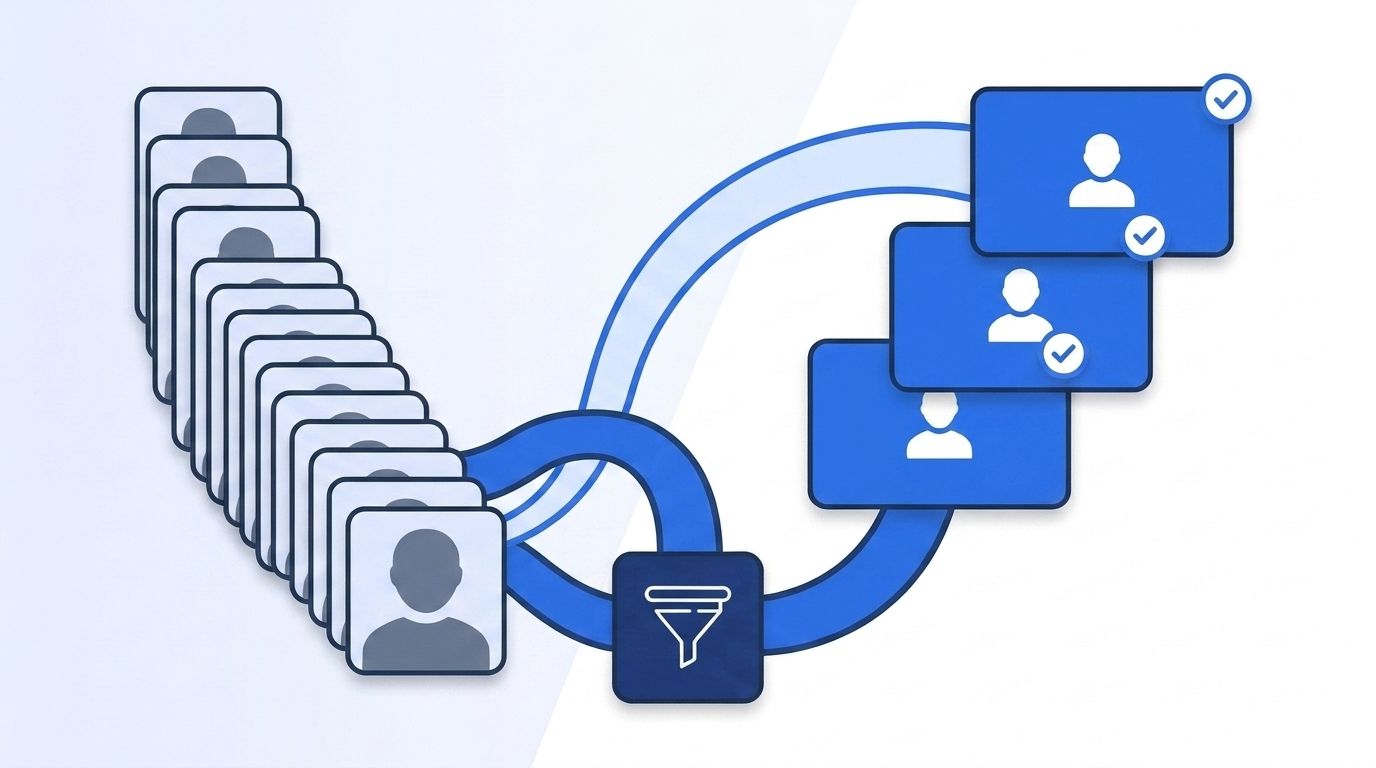
Alumni networks outperform cold sourcing because the people in them are a known quantity twice over — your company (or a close peer) already vetted them once, and they already understand the work. In 2025, boomerang hires made up 35% of new U.S. hires, up from 26% in 2022 (ADP Research Institute, 2025). In the IT sector specifically, that figure jumps to roughly 68% — nearly seven in ten tech hires are people the company already knew.
Referrals tell a similar story from a different angle. Only 1 in 10 employee referrals results in a hire, but that's still dramatically more efficient than job boards, which require 50 to 60 applicants to produce a single hire (SHRM, citing ERIN referral platform data, 2025). Alumni sit in the same "warm network" category — they're not cold outreach, they're a reconnection.
<!-- [UNIQUE INSIGHT] -->Put those two numbers side by side and a pattern shows up: the fastest-growing hiring channel (boomerang) and the most efficient conversion channel (referral) share the same underlying trait — prior, verifiable context on the candidate. An alumni pipeline is really a referral pipeline where the "referrer" is the candidate's own work history instead of a current employee. That's why it deserves the same infrastructure investment as a formal referral program, not a once-a-quarter LinkedIn search.
Citation capsule: Boomerang hires rose from 26% of new U.S. hires in 2022 to 35% in 2025, with IT roles running nearly double the overall rate at roughly 68% (ADP Research Institute, 2025). That trajectory makes alumni sourcing one of the fastest-growing channels in technical recruiting, not a fringe tactic.
For a broader look at how recruiting intelligence programs are shifting toward automated candidate discovery, this pipeline is one piece of that shift.
The Building Blocks: What You Need Before You Start
Before you write a line of code, you need three things: a target company list, a defined ICP for the roles you're sourcing, and a place to send qualified leads. Skip any one of these and the pipeline either sources the wrong people or generates leads nobody acts on.
Your target company list doesn't have to be huge. Start with 10-20 companies whose alumni consistently perform well at your company — direct competitors, companies with similar tech stacks, or firms that recently had a layoff or acquisition. Your ICP should specify job title, seniority, and function at minimum, since you'll use it twice: once to filter the initial roster, and again to score anyone who leaves.
<!-- [PERSONAL EXPERIENCE] -->Watching a recruiter work LinkedIn's native Alumni tool is a good argument for automating this. They pick a company, scroll a filtered list, open ten profiles, and note who looks interesting in a spreadsheet — then repeat that same process next month to see who's new. It works. It just doesn't scale past a handful of target companies, and nothing tells you the moment someone on that list actually leaves.
That's the gap this pipeline closes. Isn't it strange that recruiters will build elaborate scoring models for inbound applicants but track alumni with a spreadsheet nobody remembers to update? The infrastructure exists — it just needs to be pointed at the right problem.
Step 1: How Do You Pull a Target Company's Current Roster?
You pull a target company's roster by querying a people data API with a company filter, which returns everyone currently listed as working there. This matters because most people-data APIs — Datamagnet included — match the company filter against a person's current employer, not their full work history, so this first pull is a snapshot of who's there today, not who's ever worked there.
Two endpoints handle this. ICP People Search filters by company name, LinkedIn company URL, or company ID, layered with job title, seniority, function, and location — useful when you want, say, "senior engineers at Company X in the Bay Area" rather than the whole roster. People Search DB searches Datamagnet's own database of previously enriched profiles by company and keyword, which is faster when you're re-checking a company you've already pulled before.
Run this query against every company on your target list, filtered to your ICP's job titles and seniority band. What you get back isn't your alumni pool yet — it's the pool that's about to become your alumni pool, one departure at a time.
Step 2: How Do You Score a Roster Against Your ICP?
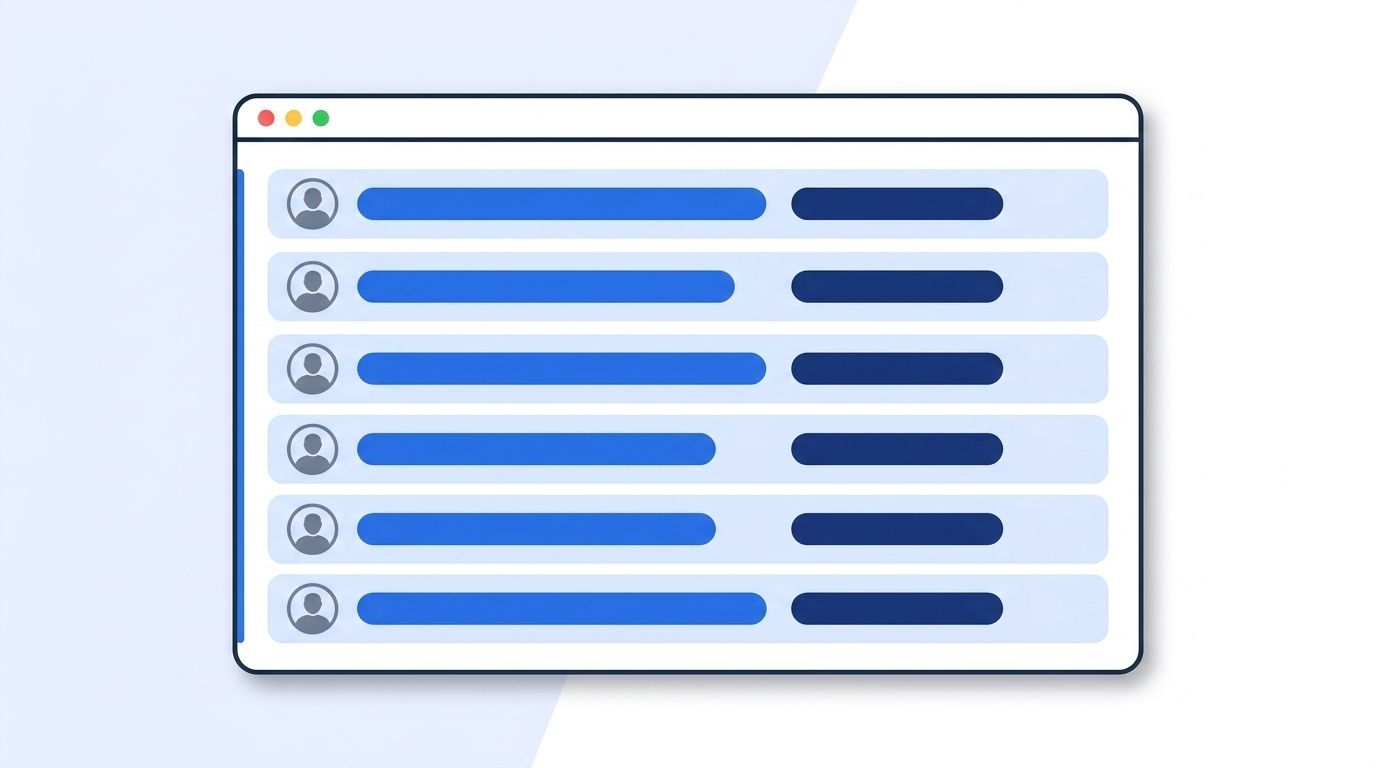
You score a roster by ranking each person on the same fields you'd use to shortlist any candidate — job title match, seniority, function, and tenure — before you spend any signal-monitoring budget on them. Not everyone on a 500-person roster is worth watching. A two-month intern and a six-year staff engineer both show up in the same company pull, but only one of them clears most technical bars.
Build a simple weighted score: title match (does the role map to something you actually hire for?), seniority band, function, and — where available — tenure at the company, since longer tenure at a strong target company usually signals deeper expertise and stronger internal reputation. The ICP Search filter reference documents every field available for this kind of matching, from headcount and industry down to years in position.
Citation capsule: Average U.S. cost-per-hire runs $5,475 for non-executive roles and $39,879 for executive roles (SHRM 2025 Benchmarking, 2025). Scoring a roster before you monitor it keeps that cost down — you're paying attention to fifty strong-fit candidates instead of five hundred loosely-relevant ones.
Step 3: How Do You Turn a Roster Into a Live Alumni Watchlist?
You turn a roster into a live watchlist by registering a job-change signal on every profile in your scored list, so you're notified the moment any of them leaves the company. This is the step that actually makes the pipeline "alumni" sourcing instead of "current employee" sourcing — you're not searching for people who already left, you're waiting for people who are about to.
Datamagnet's Create Signal endpoint supports a job_change signal type that accepts an array of LinkedIn profile URLs and fires a webhook the moment the system detects a job or company change on any of them. It's the same mechanism behind champion tracking for customer success teams watching power users — here, you're pointing it at a competitor's or peer company's roster instead of your own customer base.
This is the core reframe worth sitting with: a "current employee list" and an "alumni list" are the same data, just observed at different times. A static Alumni-tool search only shows you people who already left, often months after the fact. A signal on today's roster shows you people the moment they leave — which is also the moment they're most reachable, before a new employer locks in a non-compete conversation or a fresh onboarding schedule eats their attention.
For companies going through visible turnover, this same job-change signal mechanism is what powers real-time intent signal tracking on the sales side — the underlying trigger is identical, just pointed at a different outcome.
Step 4: How Do You Score and Verify Alumni the Moment They Leave?
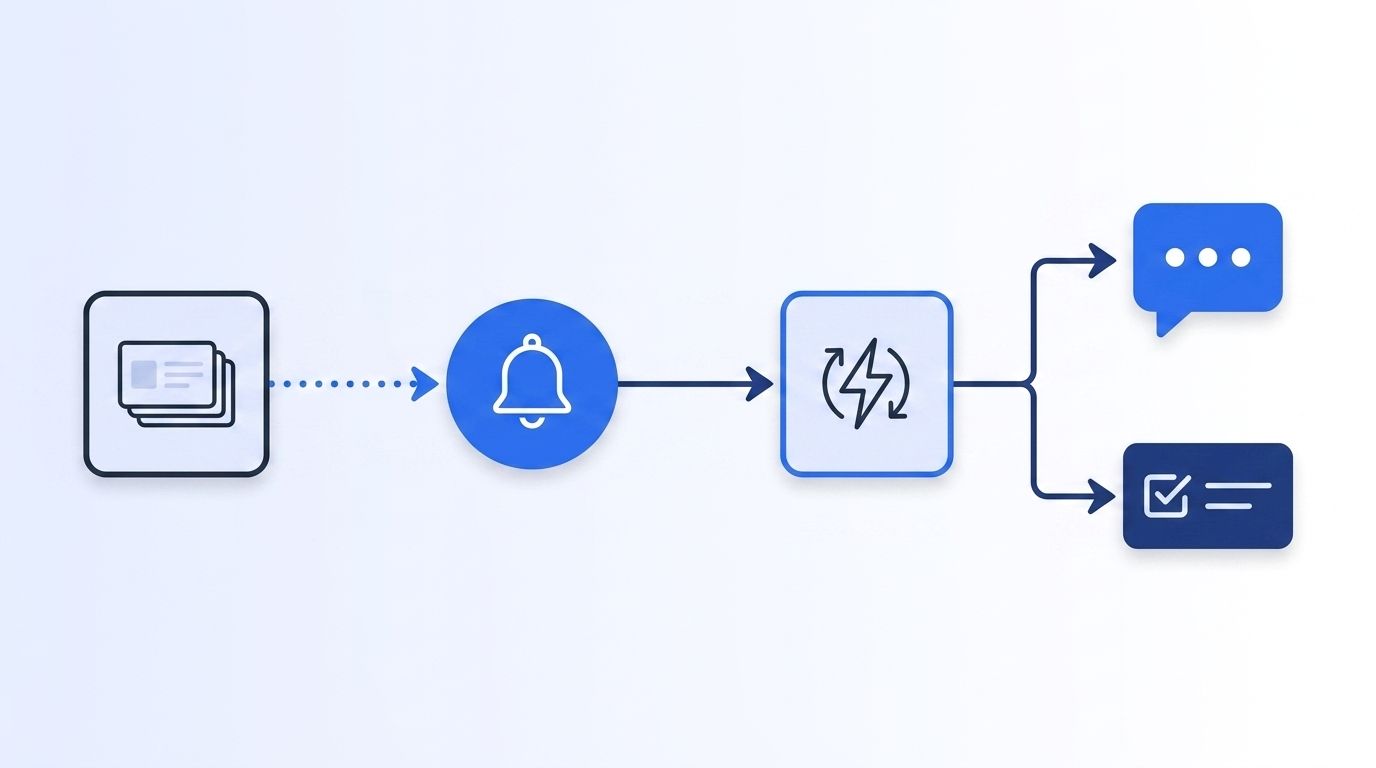
You score and verify alumni the moment they leave by enriching the webhook payload against the People Profile endpoint, which returns the person's updated role, current company, headline, and full experience history in one call. The signal tells you that someone moved. The People Profile call tells you where they moved and whether the new role still matches your ICP — someone who left for a promotion at a direct competitor scores very differently than someone who left the industry entirely.
Re-run your scoring logic from Step 2 against this fresh data, since a person's fit can change with the move itself. Someone who just took a VP title somewhere else might now be overqualified for the role you had in mind — or exactly right for a more senior one you hadn't opened yet.
Recruiters using generative AI tools report saving roughly 20% of their work week — close to a full day — largely by cutting the manual Boolean-search and shortlist-building steps this kind of automated re-scoring replaces (LinkedIn Talent Solutions, The Future of Recruiting 2025, 2025). That's the practical payoff of automating steps 3 and 4 instead of running them by hand every time a name pops up.
Step 5: How Do You Route Alumni Leads Into Your ATS or Outreach Sequence?
You route alumni leads by having your webhook handler push the enriched, scored candidate directly into your ATS or a Slack channel, so a recruiter sees a ready-to-act lead instead of a raw notification. Datamagnet webhooks deliver signal events as signed HTTP POST requests, with an HMAC signature you verify before trusting the payload — worth building in from day one if this pipeline is going to run unattended.
Set a routing rule based on your score threshold: anything above your bar goes straight into an active outreach sequence, anything in the middle lands in a "review" queue for a recruiter to eyeball, and anything below gets logged but not surfaced. This keeps the pipeline from turning into another noisy alert channel nobody checks.
Citation capsule: Organizations using AI to support recruiting jumped from 26% in 2024 to 43% in 2025, with 51% of organizations now using AI specifically inside recruiting workflows (SHRM, 2025 Talent Trends, 2025). Automated routing like this is a small, concrete instance of that broader shift — less "AI replaces recruiters," more "AI removes the parts of sourcing nobody wanted to do by hand."
What Does the Full Reference Architecture Look Like?
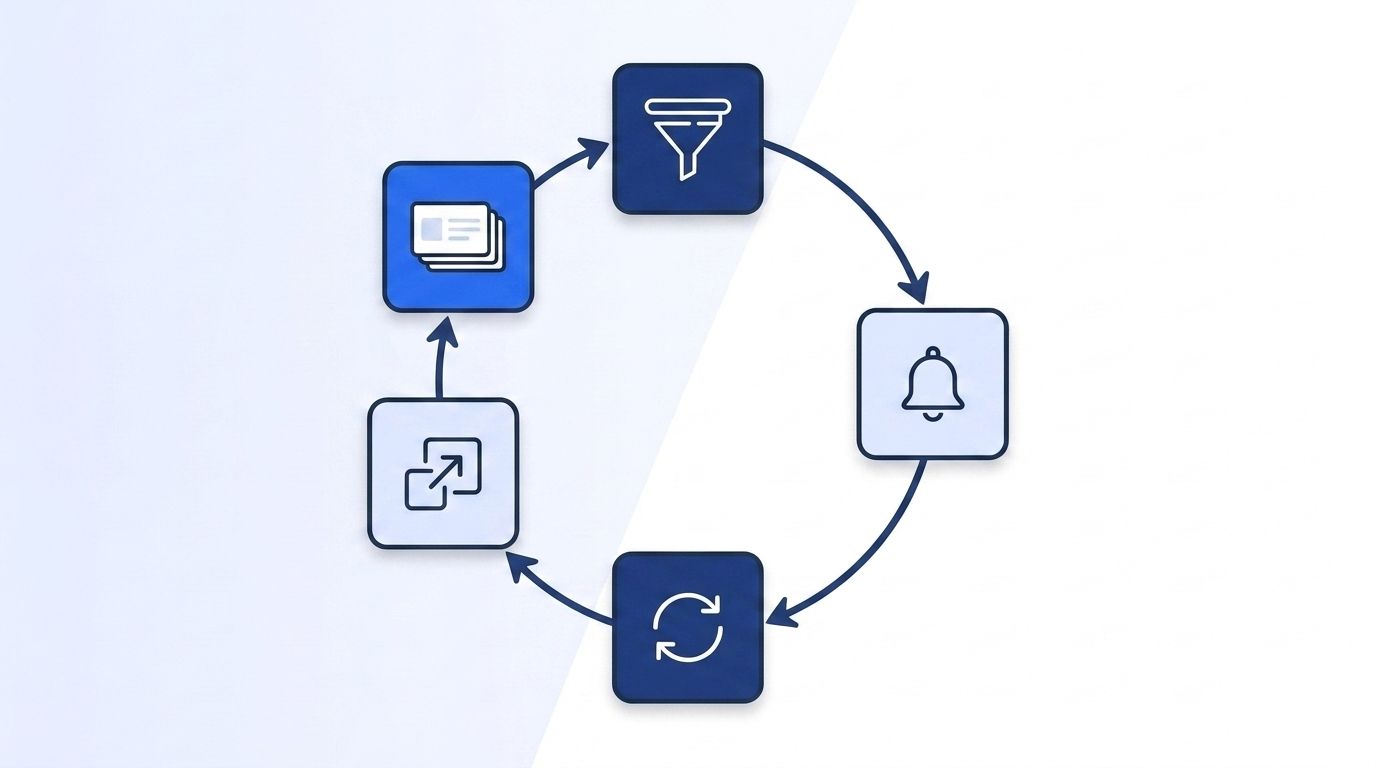
The full architecture is a five-stage loop: pull a company roster, score it against your ICP, register a job-change signal on the scored list, enrich and re-score every departure the signal catches, and route the result into your ATS or outreach tool. Nothing in that loop requires a person to remember to check anything — the signal is what replaces the "remember to look" step of a manual alumni search.
Median U.S. time-to-fill sat at 44 days in 2025, easing slightly to 39 days in 2026 (SHRM Recruiting Executives Benchmarking, 2025-2026), and separate benchmarking from Employ found overall time-to-fill dropping from 48 to 41 days as referral and internal-hire channels gained share alongside job boards (Employ, Recruiter Nation Report 2024, 2024). An alumni pipeline that flags a candidate the same week they leave — instead of the same quarter someone gets around to searching — is a direct lever on that number, especially for the technical roles where a long-run talent shortage keeps stretching timelines. A widely cited Korn Ferry analysis projects a global shortfall of more than 85 million skilled workers by 2030, with the U.S. tech sector alone facing roughly $162 billion in unrealized annual revenue from unfilled roles (Korn Ferry, Future of Work: The Global Talent Crunch, last updated 2026).
As HR teams lean further into automation generally — 82% of HR leaders say they plan to deploy some form of agentic AI within their function within the next 12 months (Gartner, CHRO Priorities 2026, 2025) — a signal-driven alumni pipeline is a narrow, well-scoped place to start. It doesn't touch candidate screening or offer decisions. It just makes sure the right recruiter finds out about the right departure on the same day it happens.
Build Your Alumni Pipeline This Week
Alumni sourcing isn't a nice-to-have side channel anymore — boomerang hires already make up over a third of new U.S. hires, and that share keeps climbing. Stop treating it like a quarterly LinkedIn search project. Pull your target rosters, score them against your ICP, put a job-change signal on the list, and let a webhook do the watching. See how real-time people data can power your sourcing pipeline — start with one target company this week and watch what the signal catches.
Frequently Asked Questions
What is an alumni network sourcing pipeline?
It's an automated workflow that identifies, monitors, and scores former employees of target companies as recruiting leads. Instead of manually browsing LinkedIn's Alumni tool, it pulls a company's current roster via API, watches it for departures with a job-change signal, and routes qualified leads into an ATS the same week someone leaves.
Can people data APIs search by past employer directly?
Most can't, including Datamagnet's core search endpoints — company filters on ICP People Search and People Search DB match a person's current employer only. That's why this pipeline monitors a live roster for departures instead of trying to filter directly on employment history.
How fast should I follow up after a job-change signal fires?
As close to same-week as possible. Median U.S. time-to-fill was 44 days in 2025 (SHRM, 2025), and a freshly departed alum is at their most reachable before a new employer's onboarding and non-compete conversations settle in. Route high-scoring matches straight into an active sequence rather than a review queue.
Does this replace a formal employee referral program?
No — it complements it. Referrals still convert far more efficiently than cold channels, with only 1 in 10 referrals producing a hire versus 50-60 applicants needed per job-board hire (SHRM, 2025). Alumni sourcing extends that same "known quantity" advantage to people your company hasn't employed recently, not just people currently on staff.
What's the difference between alumni sourcing and boomerang rehiring?
Alumni sourcing is the broader discovery process — finding and monitoring former employees of any target company, including your own. Boomerang rehiring is the specific outcome of hiring someone back who previously worked at your company. The same signal-and-scoring pipeline supports both; you just point the initial roster pull at your own former-employee list instead of a competitor's current one.
Sources
- ADP Research Institute, Boomerang Hiring Makes a Comeback, retrieved 2026-08-05, https://www.adpresearch.com/boomerang-hiring-makes-a-comeback/
- SHRM, Majority of Employee Referrals Made During Work Hours, retrieved 2026-08-05, https://www.shrm.org/topics-tools/news/talent-acquisition/majority-of-employee-referrals-made-during-work-hours
- SHRM, 2025 Recruiting Benchmarking, retrieved 2026-08-05, https://www.shrm.org/about/press-room/shrm-releases-2025-benchmarking-reports--how-does-your-organizat
- SHRM, Recruiting Executives Benchmarking (2025-2026), retrieved 2026-08-05, https://www.shrm.org/topics-tools/research/recruiting-benchmarking
- Employ, Recruiter Nation Report 2024, retrieved 2026-08-05, https://www.globenewswire.com/news-release/2024/10/22/2967029/0/en/employ-recruiter-nation-report-2024-uncovers-data-and-insights-that-can-help-recruiters-prioritize-a-people-first-approach-to-hiring.html
- LinkedIn Talent Solutions, The Future of Recruiting 2025, retrieved 2026-08-05, https://business.linkedin.com/talent-solutions/resources/future-of-recruiting
- SHRM, 2025 Talent Trends: The Role of AI in HR Continues to Expand, retrieved 2026-08-05, https://www.shrm.org/topics-tools/research/2025-talent-trends/ai-in-hr
- Korn Ferry, Future of Work: The Global Talent Crunch, retrieved 2026-08-05, https://www.kornferry.com/insights/this-week-in-leadership/talent-crunch-future-of-work
- Gartner, Gartner Says CHROs' Top Priorities for 2026 Center Around Realizing AI Value and Driving Performance Amid Uncertainty, retrieved 2026-08-05, https://www.gartner.com/en/newsroom/press-releases/2025-10-02-gartner-says-chros-top-priorities-for-2026-center-around-realizing-ai-value-and-driving-performance-amid-uncertainty
- Datamagnet, ICP People Search endpoint, retrieved 2026-08-05, https://docs.datamagnet.co/api-reference/endpoints/icp-people-search
- Datamagnet, People Search DB endpoint, retrieved 2026-08-05, https://docs.datamagnet.co/api-reference/endpoints/people-search-db
- Datamagnet, Create Signal endpoint, retrieved 2026-08-05, https://docs.datamagnet.co/api-reference/endpoints/signal-create
- Datamagnet, People Profile endpoint, retrieved 2026-08-05, https://docs.datamagnet.co/api-reference/endpoints/people
- Datamagnet, Webhooks, retrieved 2026-08-05, https://docs.datamagnet.co/api-reference/webhooks
